As an Amazon Associate, we earn from qualifying purchases. Some links on this site are affiliate links at no extra cost to you. Our recommendations are based on thorough research and editorial judgment.

How to Connect Wired Headphones to Ipad 10TH Generation

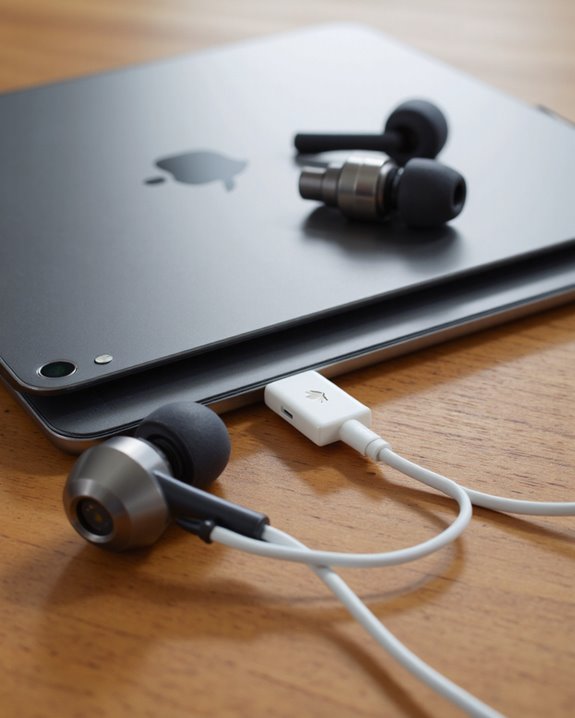
To connect wired headphones to the iPad 10th Generation, users need a USB-C to 3.5mm adapter, as this model lacks a traditional headphone jack and relies solely on its USB-C port for audio output. High-quality adapters—preferably those supporting both audio and microphone (TRRS)—ensure superior fidelity and compatibility. Alternatively, USB-C headphones with built-in DACs offer a direct solution. Selecting robust, certified accessories minimizes distortion and connectivity issues. Additional insights on adapters, setup, and troubleshooting can enhance overall user experience.
Key Takeaways
- The iPad 10th Generation does not have a headphone jack and uses only a USB-C port for wired connections.
- Use a USB-C to 3.5mm adapter or USB-C headphones to connect wired headphones to the iPad.
- Ensure your adapter supports both audio output and microphone input (TRRS) for full functionality.
- Plug the adapter into the iPad’s USB-C port, then connect your headphones to the adapter.
- Adjust audio output settings in “Sounds & Haptics” and disable Bluetooth to prioritize wired headphone use.
Understanding the Ipad 10TH Generation’S Audio Ports
You may be interested
Although the iPad 10th Generation continues Apple’s trend of streamlining hardware, its approach to audio connectivity marks a notable shift from earlier models. This device eliminates the traditional 3.5mm headphone jack, relying solely on a USB-C port for all wired connections—a significant change in audio port types. For headphone compatibility, users must utilize either USB-C headphones or a USB-C to 3.5mm adapter to connect legacy wired models. The USB-C port also supports digital audio output, accommodating external digital-to-analog converters (DACs) for enhanced sound quality. Built-in stereo speakers provide balanced audio, while Bluetooth 5.2 enables seamless wireless headphone connections. Dual microphones are integrated for improved audio recording and calls. Overall, the iPad’s audio system prioritizes versatility, but necessitates thoughtful accessory choices.
Choosing the Right USB-C Adapter
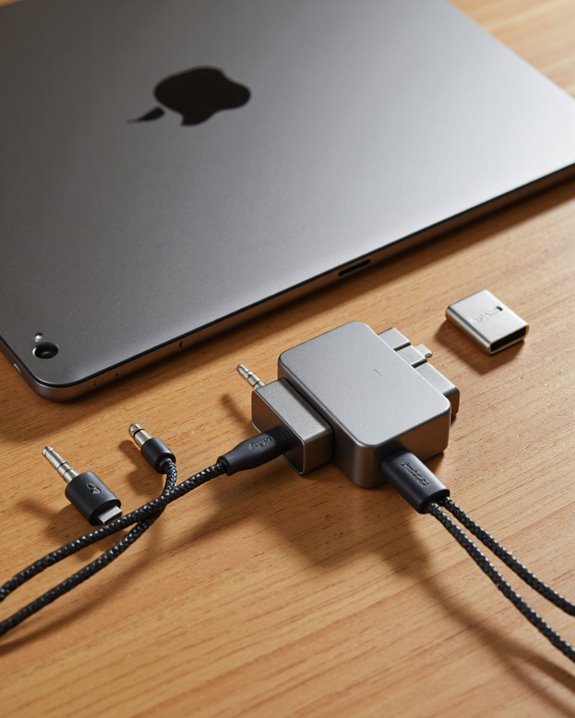
Selecting an appropriate USB-C adapter is essential for ensuring seamless audio connectivity with the iPad 10th Generation. Evaluating adapter features—such as audio output support, power delivery, and multipurpose functionality—helps users identify suitable products. Material quality should be prioritized for durability, while compact, space-saving designs enhance portability. Brand comparisons are useful: Apple adapters guarantee ideal compatibility and integration, though they are typically higher in cost. Alternatives from Anker and Belkin offer reliable performance, competitive pricing, and robust construction. Aukey presents budget-friendly options, whereas Google’s adapters, though less common, are also viable. Consumers should consult user reviews, confirm compatibility with specific headphones, and consider warranty coverage. Additional features like multiple ports and flexible return policies further inform purchasing decisions.
Steps to Connect Wired Headphones Using an Adapter
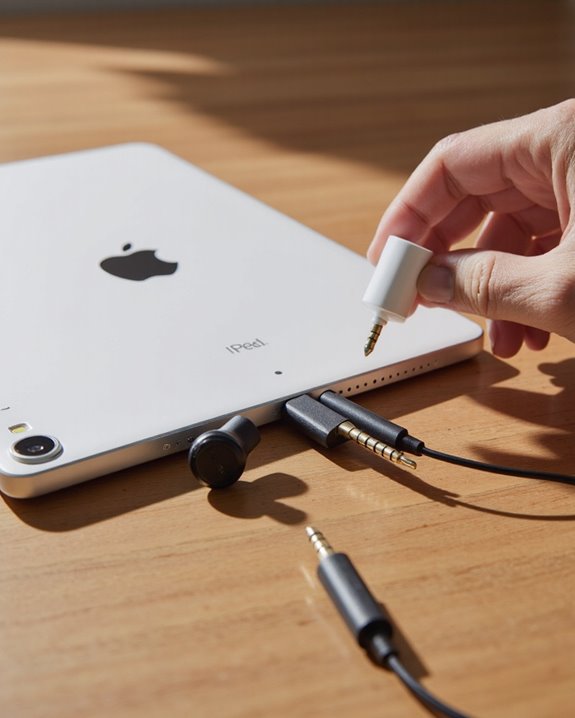
Begin the connection process by assembling the required components: a wired headphone set and a compatible USB-C to 3.5mm adapter, such as Apple’s official accessory or a certified third-party equivalent. Identify the adapter type, verifying it supports both audio output and, if necessary, microphone input (TRRS). Insert the adapter firmly into the iPad 10th generation’s USB-C port—this port supports a variety of adapter types, but models with integrated DACs often provide superior audio quality. Next, connect the wired headphones to the adapter’s 3.5mm jack, taking care to verify a secure fit for best signal transfer. For best results, use high-quality adapters, as these help preserve audio fidelity and minimize distortion. Regularly inspect connections and avoid excessive cable bending to maintain performance.
Setting up Audio Output on Your Ipad
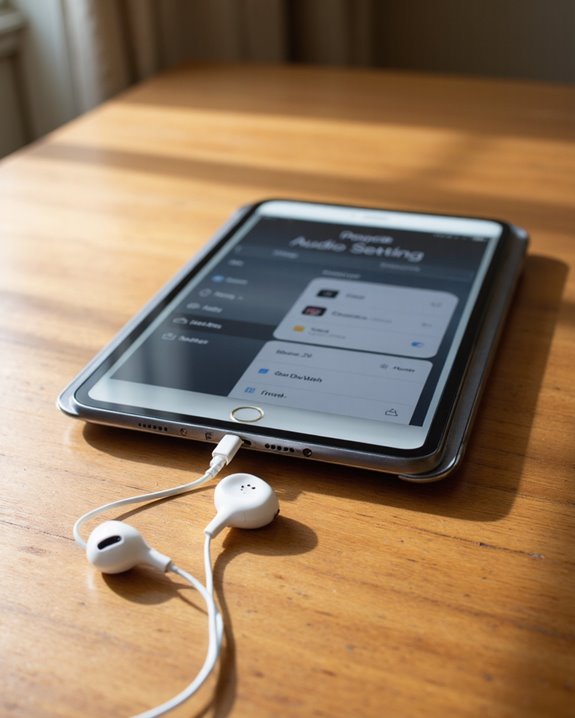
Configuring audio output on the iPad 10th generation requires a clear understanding of the device’s system settings and available hardware interfaces. Users should begin by accessing the Settings app, directing themselves to “Sound” or “Sounds & Haptics” to adjust core audio settings, such as volume and notification alerts. For real-time management, the Control Center—accessed by swiping down from the top-right corner—displays all connected output devices via the audio output (AirPlay) icon. Selecting a preferred output device, including internal speakers or wired headphones, is immediate and marked by a white checkmark. To avoid conflicts, users must guarantee Bluetooth is disabled if prioritizing wired headphones, as iPad defaults to Bluetooth output when available. Customization options, including safe listening features and sound balance, are also present.
Compatible Headphone Types for Ipad 10TH Generation
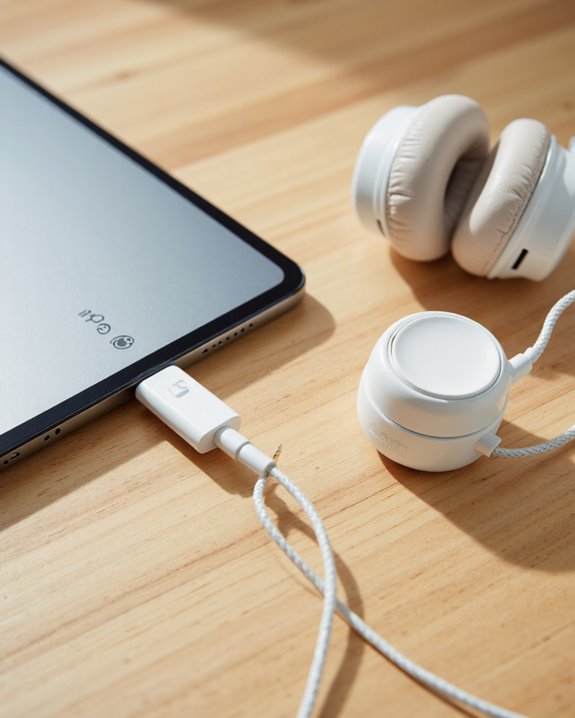
Understanding which headphone types are compatible with the iPad 10th generation is fundamental to achieving ideal audio performance, especially given the device’s exclusive reliance on a USB-C port for wired connections. Most users will find direct headphone compatibility with USB-C headphones, which offer straightforward plug-and-play functionality. Traditional 3.5mm headphones require a USB-C to 3.5mm adapter—Apple’s official version or third-party alternatives—addressing the absence of a native headphone jack. For audiophiles seeking superior audio quality, external digital-to-analog converters (DACs) connected via USB-C can drive high-impedance, analogue headphones, greatly enhancing sound fidelity. Wireless options, including Apple’s AirPods range and third-party Bluetooth headphones, provide broad compatibility, though audio quality may vary with codec support. Some USB-C hubs also integrate audio outputs, expanding connectivity. Additionally, many advanced wireless headsets now feature Bluetooth 5.3 technology for improved connection stability and multi-device pairing.
Troubleshooting Common Connection Issues
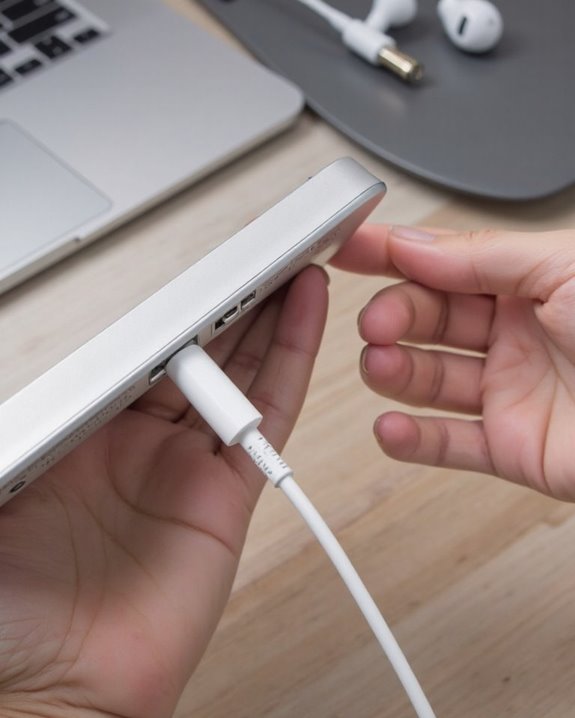
Encountering connection issues when using wired headphones with the iPad 10th generation is a common scenario, particularly as the device relies solely on its USB-C port for all wired audio interfaces. Adapter compatibility is vital; an incompatible or damaged adapter often results in the headphones not being detected. Users should inspect the adapter for wear, confirm it works with other devices, and verify iOS is updated to support connection stability. If headphones are recognized but no sound is produced, audio output settings and mute states should be reviewed, and Headphone Accommodations adjusted in Settings. Physical inspection for frayed or broken cables is recommended. Systematic troubleshooting includes using alternative adapters, testing on other iPads, and consulting Apple Support resources for persistent issues.
Tips for Maintaining Adapters and Headphones
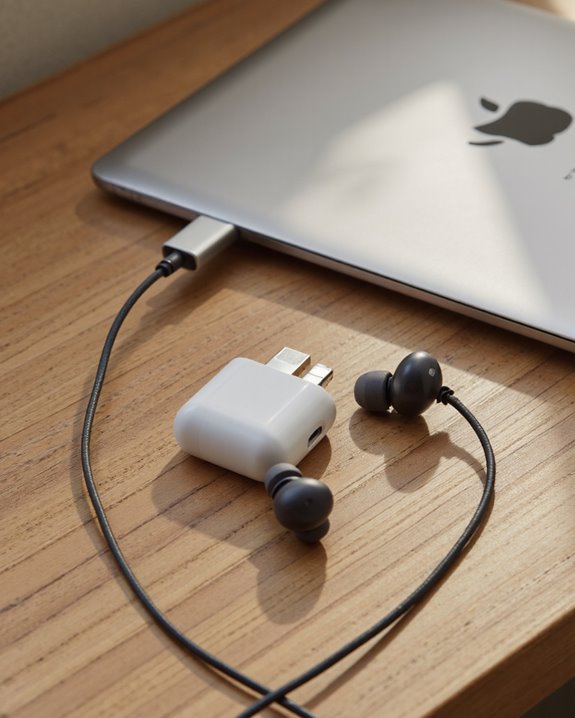
Proper maintenance of adapters and headphones not only prolongs their operational lifespan but also guarantees consistent audio performance when connected to the iPad 10th generation. Regular headphone cleaning is essential; use dry cotton swabs or pads for earpads, and avoid solvents like alcohol, benzene, or thinner, which can degrade materials. For velour pads, a mini-vacuum or dry cloth efficiently removes dust. Adapter ports benefit from periodic cleaning with compressed air to prevent dust accumulation. Effective cable management—storing cables untangled and in protective cases—minimizes internal wire damage and connector strain. Always unplug cables gently, inspect them routinely for wear, and follow manufacturer usage guidelines. Avoid extreme temperatures, direct sunlight, and physical impacts. Store all components away from pets, children, and sources of heat for maximum durability.
Exploring Alternative Audio Accessories
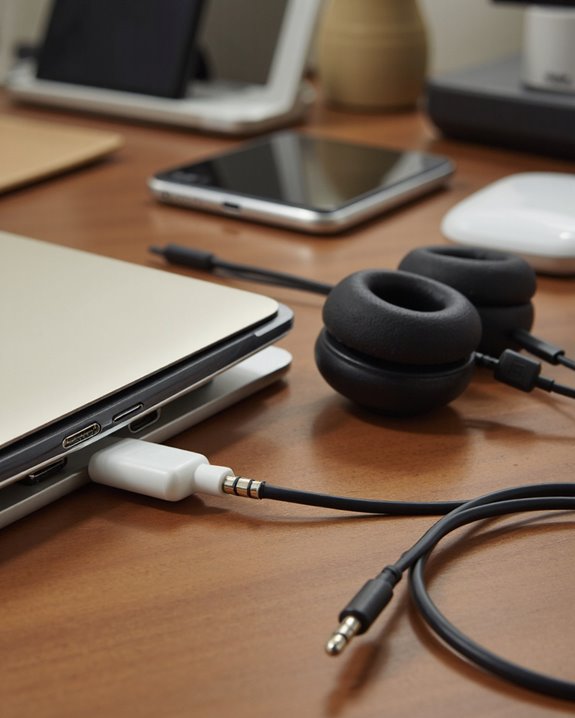
Which audio accessories best complement the iPad 10th generation’s capabilities? For users seeking Bluetooth alternatives, numerous compatible headphones are available, ranging from Apple’s AirPods Pro 2 and AirPods Max, engineered for seamless integration, to budget-friendly third-party earbuds from brands such as JLab. Earbud comparisons reveal notable differences in sound quality, with features like active noise cancellation and ergonomic designs that prioritize comfort for extended listening sessions. Sound fidelity varies, so users should consider preferences for bass, treble, and overall clarity. Additionally, the iPad supports multiple audio formats, including AAC, MP3, and Dolby Atmos, ensuring broad compatibility with modern headphones and earbuds. For home use, wireless speakers such as the HomePod mini provide robust alternatives for immersive audio experiences. For users who still prefer wired options, models like the LUDOS FEROX offer durable construction and 3.5mm jack compatibility for seamless use with adapters.
Enhancing Your Listening Experience With Quality Cables and Devices
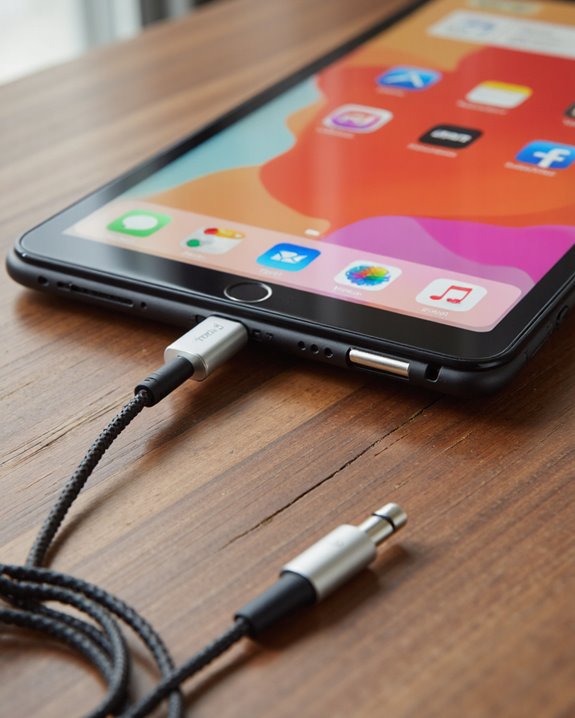
Although the iPad 10th generation lacks a traditional 3.5mm headphone jack, users can still achieve high-fidelity audio by carefully selecting quality cables and compatible devices. Opting for a premium USB-C to 3.5mm adapter—such as the official Apple adapter—minimizes signal loss and supports cable longevity. Shielded cables, constructed from high-quality materials and featuring appropriate gauge, help reduce electromagnetic interference while preserving audio clarity. Ideal cable length further limits signal degradation, enhancing audio enhancements for discerning listeners. Matching headphones’ impedance to the adapter’s specifications maximizes sound quality, while models with wide frequency response and larger drivers improve immersion. Additionally, leveraging noise reduction features and calibrating equalization settings on the iPad can provide further audio enhancements, culminating in a superior listening experience. Using USB-C headphones with built-in DAC chips can also significantly improve audio quality by providing superior digital-to-analog conversion.
Frequently Asked Questions
Can I Use Wired Headphones During Facetime Calls on My Ipad 10TH Generation?
The current question addresses Facetime quality and wired headphone compatibility. Wired headphones, when connected with a compatible USB-C adapter, function during Facetime calls on the iPad 10th generation, supporting clear audio without noted limitations or special configuration requirements.
Will Using an Adapter Drain My Ipad’S Battery Faster?
Using an adapter may affect battery efficiency, as some adapters require additional power for operation. Adapter compatibility also plays a role, with poorly optimized adapters potentially causing faster battery drain during prolonged video playback or audio usage.
Does Connecting Headphones Disable the Ipad’S Built-In Speakers?
Some may wonder if sound output can play through both sources, but connecting headphones typically disables the device’s built-in speakers. Audio settings generally prioritize headphones, automatically switching sound output and preventing simultaneous use of speakers and headphones.
Can I Use Headphone Controls (Mic, Volume) With a USB-C Adapter?
Headphone controls, such as microphone and volume, may not be fully supported when using a USB-C adapter; headphone compatibility and audio quality depend on the adapter’s specifications, so users should verify features before purchasing for ideal functionality.
Is It Possible to Connect Two Wired Headphones Simultaneously to the Ipad?
Connecting two wired headphones simultaneously typically requires audio splitter options or a USB-C hub, but users may encounter headphone compatibility issues. Such setups are not natively supported and may affect audio quality or device performance.