As an Amazon Associate, we earn from qualifying purchases. Some links on this site are affiliate links at no extra cost to you. Our recommendations are based on thorough research and editorial judgment.

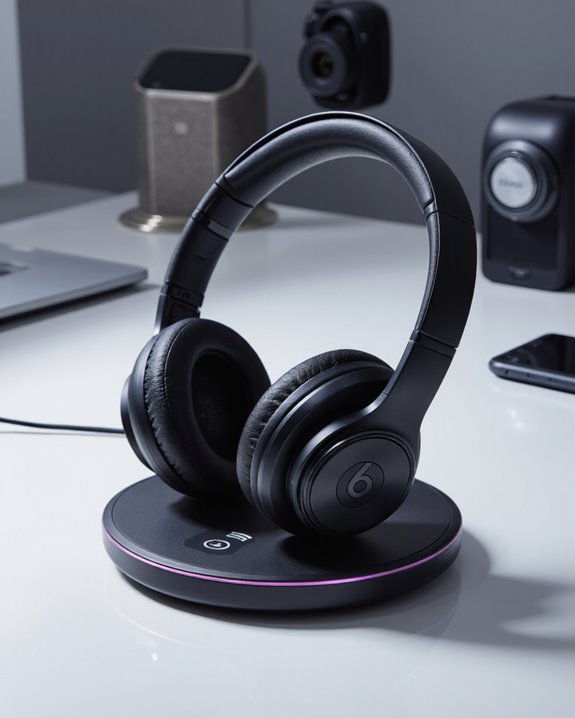
Do Beats Headphones Have Wireless Charging?

Beats headphones offer wireless charging exclusively on select models—most prominently, the Powerbeats Pro 2 and Beats Fit Pro, which support Qi-certified charging pads for cable-free convenience. Other models, like Beats Studio Buds and Beats Flex, rely strictly on wired USB-C charging. We get straightforward indicators: red means low battery, yellow signals medium, green shows a full charge. If you’re weighing charging options or model differences, the following sections break down all key details.
Key Takeaways
- Only select Beats models, such as Powerbeats Pro 2 and Beats Fit Pro, support wireless charging with Qi-certified pads.
- Beats Studio Buds and Beats Flex do not offer wireless charging and rely solely on wired USB-C charging.
- Wireless charging involves placing the compatible Beats case directly on a Qi charging pad for cable-free convenience.
- Charging status is indicated by LED lights on the case, confirming successful wireless charging connection.
- Always verify your Beats model’s compatibility and use Qi-certified pads for safe and effective wireless charging.
Understanding Wireless Charging Technology in Headphones
You may be interested

When we talk about wireless charging technology in headphones, we’re referring to a system that enables us to recharge devices without physically plugging in a cable—most commonly through Qi-certified wireless charging pads. Wireless charging works by transferring energy from the charging pad to the headphone case using electromagnetic induction. This method is popular for its convenience, reducing cable clutter and wear on charging ports. For example, some headphone cases, like those for certain Beats models, include a built-in battery capable of providing multiple full charges to the earbuds inside. These cases typically feature LED indicators to display charging progress: red indicates low charge, yellow signals mid-range, and green shows a full charge. Not all headphones offer wireless charging, making this feature a differentiator in today’s market.
Which Beats Models Offer Wireless Charging?
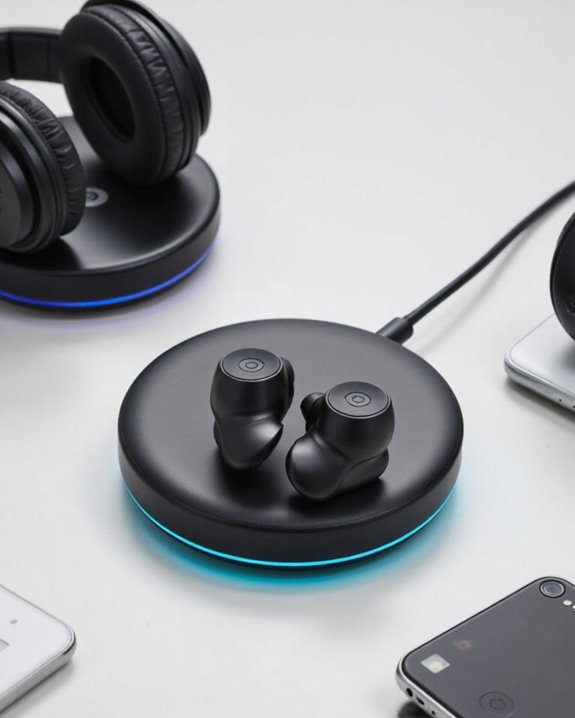
Although many consumers expect wireless charging as a standard feature in modern headphones, only select Beats models actually include this capability. Let’s clarify which options are available. The Powerbeats Pro 2 stands out by offering a wireless charging case, allowing us to simply place the case on any compatible charging pad—no cables required. Similarly, the Beats Fit Pro supports wireless charging, providing flexibility for users who value convenience and modern charging standards. However, not all Beats earbuds include this feature. For example, the Beats Studio Buds and Beats Solo Buds rely solely on wired USB-C charging, lacking any wireless charging functionality. As a result, if wireless charging is a priority, we should focus on the Powerbeats Pro 2 or Beats Fit Pro models.
Charging Methods for Popular Beats Earbuds
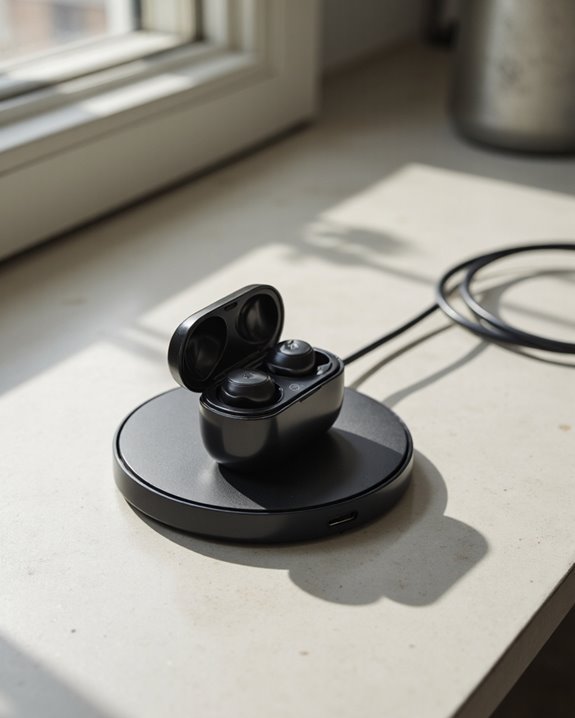
Several charging methods are available across today’s popular Beats earbuds, each tailored to different user preferences and device capabilities. If we look at the Powerbeats Pro 2, its redesigned, more compact case offers both wired and wireless charging. Using a Qi-certified pad, we can conveniently charge without cables, while the USB-C port remains for traditional charging. The Beats Fit Pro also embraces wireless charging, making it an appealing choice for those who value cable-free convenience. On the other hand, Beats Studio Buds rely exclusively on USB-C charging, lacking wireless charging features entirely. Meanwhile, models like Beats Flex also forgo wireless charging, supporting only wired USB-C connections. Clearly, charging methods vary, so it’s essential to choose earbuds that match our preferred charging style.
How to Charge Beats Headphones and Earphones
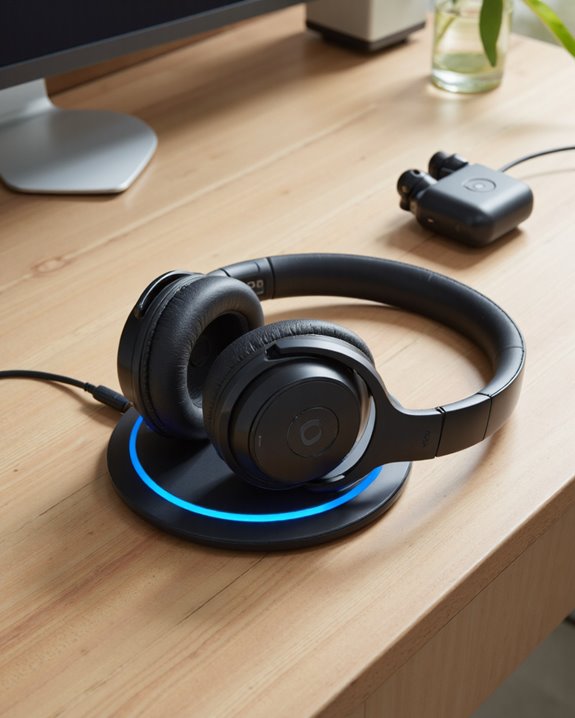
Charging Beats headphones and earphones involves a few distinct methods, each tailored to the specific model’s design and features. For models like Beats Fit Pro and Powerbeats Pro 2, wireless charging is supported. To utilize this feature, we simply place the charging case—status light facing up—on a Qi-certified wireless charging pad. This offers convenient, cable-free power replenishment. Alternatively, Powerbeats Pro 2 and some other models also allow for USB-C charging, providing flexibility when wireless charging isn’t an option. Beats Flex, on the other hand, is charged exclusively via a USB-C cable, offering up to 12 hours of playback on a full charge. Regardless of the model, it’s crucial we confirm compatibility and monitor connection status indicators to guarantee efficient and safe charging.
Wireless Charging for Powerbeats Pro 2: What to Expect
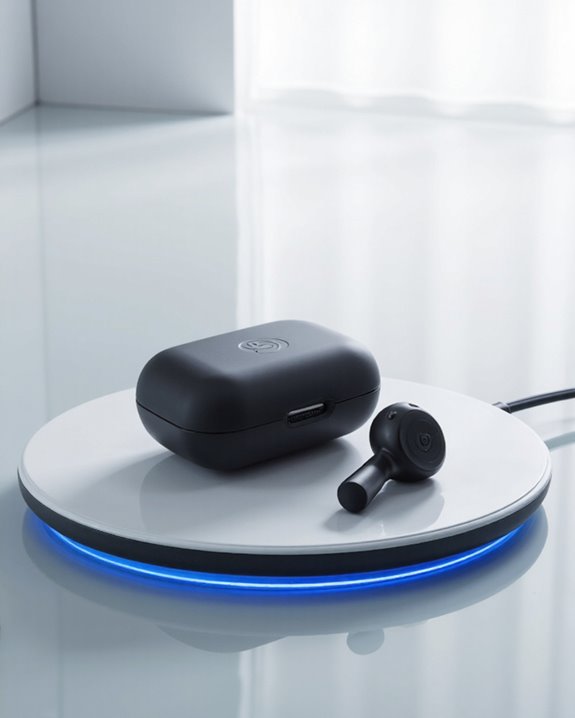
With the introduction of the Powerbeats Pro 2, we’re seeing a significant enhancement in charging convenience, thanks to the inclusion of a wireless charging case. This new case allows us to power up our earbuds simply by placing it on any Qi-certified wireless charging pad—no cables required. The case’s built-in battery provides multiple full charges for the earbuds, ensuring extended use between plug-ins. For ideal results, we should position the case with the status light facing up on the wireless charging pad. While wireless charging adds flexibility, the Powerbeats Pro 2 case also retains a USB-C port for wired charging, giving us multiple options. This dual charging capability streamlines our experience, making it easy to keep our earbuds ready for use.
Beats Studio Buds and Fit Pro: Wired vs. Wireless Charging
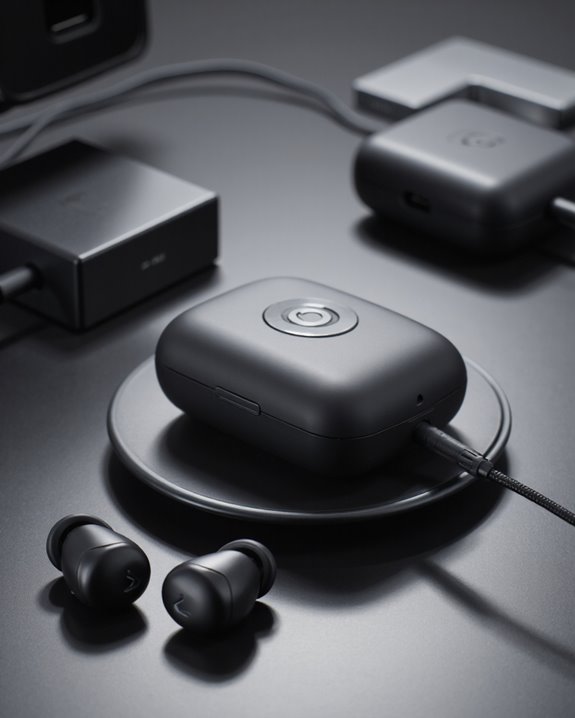
While both the Beats Studio Buds and Beats Fit Pro cater to users seeking compact, true wireless earbuds, their charging solutions diverge in notable ways. The Beats Studio Buds rely exclusively on a wired USB-C connection for power, offering no wireless charging support. This limitation means we must always have a cable on hand when it’s time to recharge. In contrast, the Beats Fit Pro stands out with a charging case that supports both wired and wireless charging methods. The wireless charging case for Fit Pro can fully recharge the earbuds multiple times, adding substantial convenience for everyday use. For users prioritizing wireless charging, the Fit Pro delivers a distinct advantage over the Studio Buds, which lack this feature entirely.
Comparing Beats Wireless Charging Capabilities to Competitors
Although wireless charging has quickly become a standard feature among premium wireless earbuds, Beats has been selective in incorporating this technology across its product range. When we compare Beats with competitors like Apple’s AirPods Pro or offerings from Sony and Bose, it’s clear those brands typically include wireless charging as a baseline feature. For example, the Beats Fit Pro and Powerbeats Pro 2 are notable exceptions in the Beats lineup, providing wireless charging cases that support both wireless and wired charging for greater flexibility. In contrast, models such as the Beats Studio Buds lack wireless charging entirely—a key disadvantage when compared to competitors. This selective adoption means that, while some Beats users enjoy wireless charging convenience, others might find the brand’s offerings lagging behind current market standards.
Troubleshooting Common Beats Charging Issues
Given Beats’ selective integration of wireless charging, it’s crucial to understand how to address common charging issues that can arise across different models.
First, let’s confirm whether your specific Beats device—such as the Studio Buds or Powerbeats Pro 2—supports wireless charging. For wireless-compatible models, verify you’re using a Qi-certified pad and that the charging case is correctly aligned; misalignment can interrupt power transfer. If using a USB-C cable, double-check both ends are properly connected to the charging case and power source, as user confusion around dual-ended cables is frequent. Always verify the compatibility of your charging accessories. Monitor the LED indicator lights on your charging case: colors correspond to battery levels and charging status. If the LED doesn’t illuminate, inspect for debris or damage on the charging contacts.
Tips for Maintaining Battery Health in Beats Devices
Proper battery maintenance plays a significant role in preserving both the longevity and performance of our Beats devices. To start, we should always store our Beats earbuds in their designated charging case when not in use; this approach prevents unnecessary battery drain and keeps them ready for the next session. It’s essential to avoid charging or storing our headphones in extreme temperatures—heat, in particular, can degrade battery cells and shorten overall lifespan. We should also guarantee that charging is done using the original case or charger designed for our specific Beats model, as incompatible chargers may cause improper charging cycles. Charging when the battery level drops to about 20%, rather than allowing full discharge, helps maintain peak battery health. Regular firmware updates further enhance efficiency and longevity. Additionally, using devices with quick charging features can help extend effective battery lifespan by reducing charging time and wear.
Frequently Asked Questions
Can I Wirelessly Charge My Beats?
We can wirelessly charge certain Beats models, like Beats Fit Pro and Powerbeats Pro 2, using a Qi-certified charger. If you’ve got other models, charging alternatives like USB-C cables are necessary since they lack wireless support.
How to Charge Beats Headphones Without a Charger?
If we don’t have the original charger, we can use charging alternatives like a compatible USB-C cable and a power bank or laptop. Let’s always check our Beats model’s requirements to verify the alternative charging method works safely.
Do Beats Pro 2 Have Wireless Charging?
Like setting our earbuds upon a modern altar, we embrace true Charging Compatibility. The Powerbeats Pro 2’s wireless charging case lets us recharge effortlessly—just place it on a Qi-certified charger and watch the LED illuminate our convenience.
Do Beats Solo 3 Have Wireless Charging?
When we look at the charging options for Beats Solo 3, we’ll find they don’t support wireless charging. Instead, we’ll need to use a USB cable with a Lightning connector to recharge the built-in battery.