As an Amazon Associate, we earn from qualifying purchases. Some links on this site are affiliate links at no extra cost to you. Our recommendations are based on thorough research and editorial judgment.

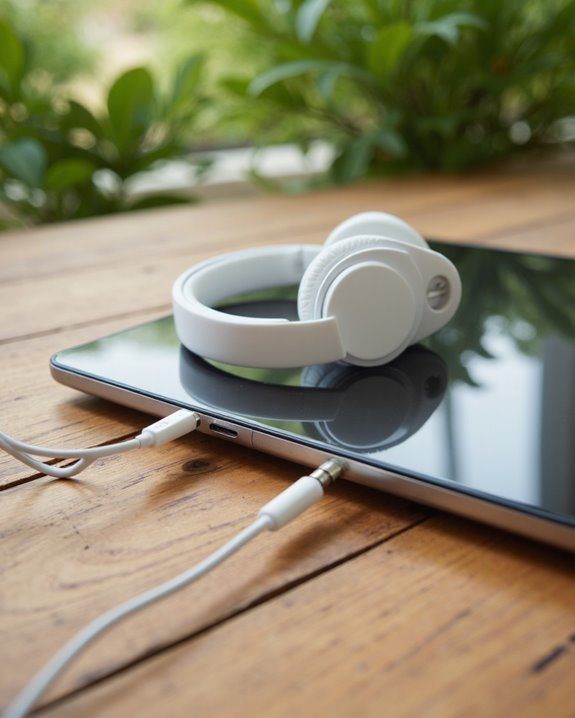
Can You Plug Headphones Into an Ipad?

Yes, we can plug headphones into an iPad, but the method depends on the specific model and headphone type. Older iPads include a 3.5mm headphone jack for direct wired connections, while newer iPads—such as the iPad Pro M4 and Air M2—lack this port, requiring either USB-C or Lightning connectors, or suitable adapters. All modern iPads support Bluetooth for wireless headphones. Understanding your iPad’s port guarantees compatibility and best audio quality—further details can clarify your options.
Key Takeaways
- Many older iPad models include a 3.5mm headphone jack for direct wired headphone connection.
- Most new iPads lack a headphone jack and require adapters for wired headphones via USB-C or Lightning ports.
- You can use USB-C headphones directly with iPads that have a USB-C port.
- All iPads support wireless headphones and earbuds through Bluetooth pairing.
- Official Apple adapters are recommended for reliable wired headphone connections on newer iPad models.
You may be interested
[content-egg module=Amazon template=grid]
The Evolution of Audio Connectivity on Ipad
As we’ve watched the iPad evolve since its introduction in 2010, audio connectivity has undergone significant transformation, reflecting broader trends in consumer technology. Early iPads came equipped with a standard 3.5mm headphone jack, enabling straightforward wired headphone use. However, as the adoption of wireless audio accelerated, Apple gradually phased out the headphone jack—beginning with select iPad Pro and iPad Air models—and shifted toward digital audio solutions. The Lightning port became a pivotal standard, supporting digital audio output while enabling slimmer device designs. Today, the USB-C port dominates current iPad models, facilitating versatile connectivity but requiring adapters for traditional wired headphones. This progression underscores Apple’s response to evolving user preferences, prioritizing wireless convenience while still allowing for legacy compatibility through adapters.
Headphone Jack Availability in Different Ipad Models
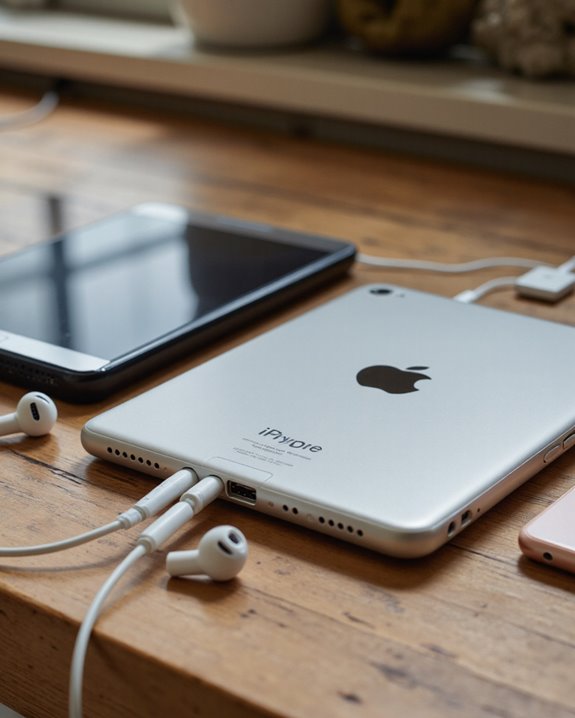
Across the iPad lineup, headphone jack availability varies greatly depending on the model and release year, directly impacting how we connect audio accessories. If we look at older iPad models, such as the iPad (8th generation) and earlier, these devices include a standard 3.5mm headphone jack, allowing us to use wired headphones without any adapters. However, as Apple introduced newer models—including the iPad Pro M4 (2026) and iPad Air M2 (2026)—the traditional headphone jack was removed altogether. This change aligns with Apple’s move toward wireless audio and streamlined device design. For those using recent iPads, direct wired headphone connections aren’t possible without additional hardware, reflecting a broader industry shift away from analog ports in favor of digital and wireless solutions.
Using Wired Headphones: Lightning, USB-C, and 3.5mm Options
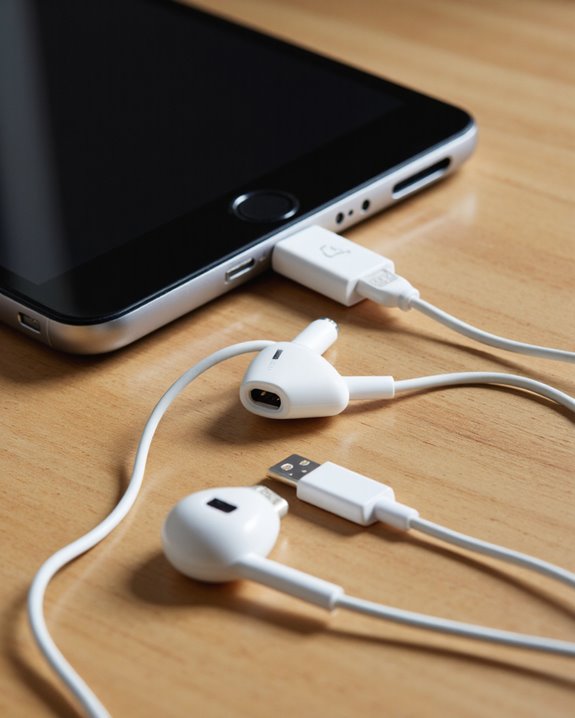
Whether we’re using classic wired headphones or seeking to adapt newer models, understanding the iPad’s available ports is essential for a seamless audio experience. iPads currently support three primary connection types for wired headphones: the legacy 3.5mm headphone jack, Lightning, and USB-C.
For those with older iPads featuring a 3.5mm port, standard headphones plug in directly—no adapters necessary. Newer iPads, such as the iPad Air M2 (2026), rely on USB-C ports. USB-C headphones, like Apple’s USB-C EarPods, connect directly. If we want to use Lightning headphones, a Lightning to USB-C adapter is required, ideally an official Apple adapter, as third-party options may have compatibility issues. Understanding these distinctions helps us choose the right headphones and adapters for our specific iPad model.
Connecting Wireless Headphones and Earbuds
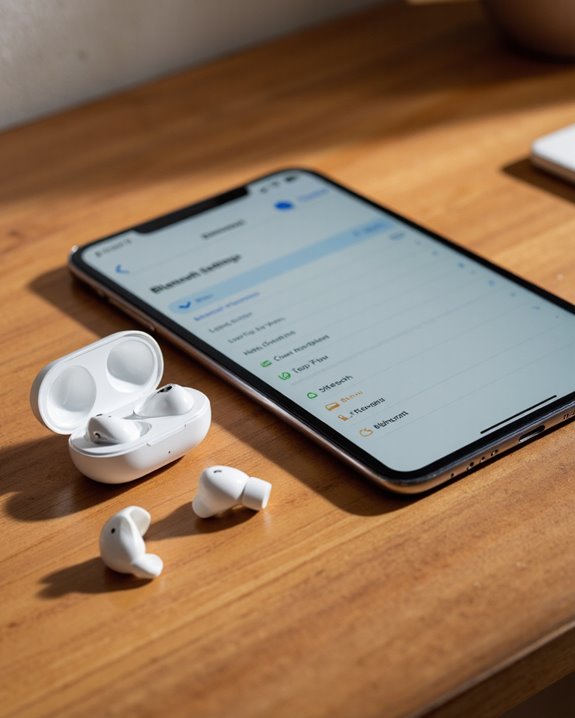
For users seeking greater mobility and a clutter-free setup, wireless headphones and earbuds present a compelling alternative to their wired counterparts. iPads support Bluetooth connectivity, allowing us to pair a wide range of wireless audio devices for seamless audio streaming.
Pairing Process:
Connecting Bluetooth headphones is straightforward. We start by directing ourselves to the iPad’s Settings, selecting Bluetooth, and ensuring it’s enabled. Placing our wireless headphones or earbuds in pairing mode allows the iPad to detect them; once listed under available devices, a simple tap establishes the connection.
Performance Considerations:
Battery life is a vital factor—most wireless headphones require recharging after several hours, varying by model. Audio quality differs greatly among brands, with some Bluetooth headphones offering advanced features like active noise cancellation and high-fidelity sound, enhancing the listening experience. Many advanced wireless earbuds now support Bluetooth 5.2 connectivity, which provides improved wireless performance and a stable connection up to 10 meters.
Adapters and Accessories for Headphone Compatibility
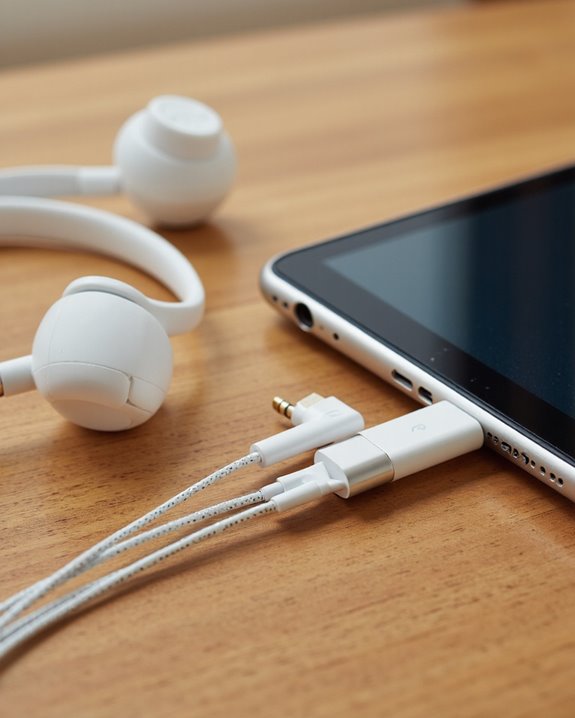
Although the shift to USB-C and the removal of the classic 3.5mm headphone jack have expanded the iPad’s versatility, they’ve also introduced new challenges for those wanting to use wired headphones. When we try to connect EarPods with Lightning Connector to newer iPads, a straightforward connection isn’t possible—these models need a Lightning to USB-C adapter. However, not all adapters provide full compatibility; some may not support audio or microphone functions, so it’s essential to test specific brands. Alternatively, USB-C hubs often provide a built-in 3.5mm headphone jack, letting us use traditional wired headphones without extra adapters. For the most reliable experience, Apple’s EarPods with USB-C connector guarantee seamless integration. Of course, Bluetooth headphones remain a convenient, adapter-free solution.
Troubleshooting Common Headphone Connection Issues
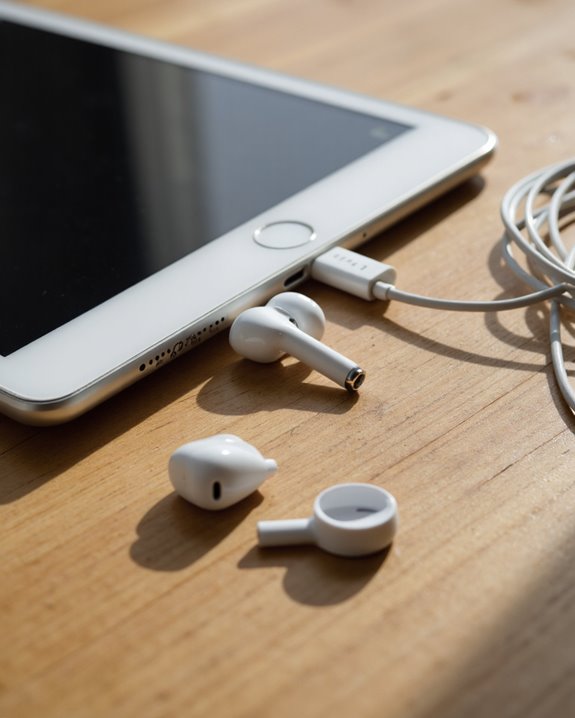
Even with the variety of headphone options available for iPad models, it’s not uncommon to encounter connection issues that interrupt audio playback or microphone functionality. When using wired headphones with an iPad Air featuring a USB-C port, we’ll need a compatible USB-C adapter—standard Lightning headphones won’t connect directly. Compatibility issues can arise, especially with third-party Lightning to USB-C adapters, so it’s wise to test multiple brands if a particular set of headphones isn’t recognized. Keeping our iPad’s firmware up to date is also essential, as updates often resolve connection problems. For Bluetooth headphones, pairing typically goes smoothly, but battery depletion or audio quality differences between models may cause interruptions. Community forums offer additional troubleshooting tips based on collective user experiences, which can prove invaluable. Additionally, USB headphones with plug-and-play USB-A connectivity can offer seamless audio and microphone compatibility with many devices when using the correct adapters.
Tips for Maintaining and Cleaning Your Headphones
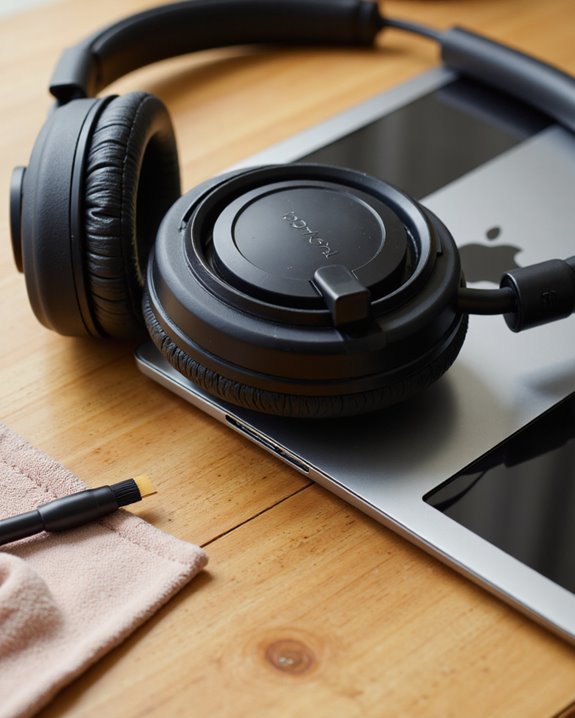
While headphones are built to withstand regular use, proper maintenance and cleaning routines are essential to preserve both audio fidelity and device longevity. To start, we should use a soft, dry, lint-free cloth when cleaning the exterior of our headphones, including EarPods, to remove oils and debris without risking water damage. For ideal maintenance, pay close attention to the microphone and speaker meshes—gently clear away dirt using a dry cotton swab to prevent clogged audio pathways. It’s vital to avoid any contact with liquids, as moisture can compromise internal circuitry and degrade performance. After workouts or exposure to sweat, promptly dry and clean your headphones to prevent skin irritation and material deterioration. Always store headphones in a cool, dry place to safeguard against heat and humidity-related damage.
[content-egg module=Amazon template=grid limit=8 cols=4]
Frequently Asked Questions
How Do I Connect Headphones to My Ipad?
When we want to connect headphones to our iPad, we can use Bluetooth headphones for wireless convenience, or a Lightning adapter for wired options. Let’s also check audio quality and try different adapters to verify compatibility.
Can You Use Plug-In Headphones With an Ipad?
Let’s cut to the chase: we can absolutely use plug-in headphones with an iPad, but we’ll need headphone adapters for newer models. Bluetooth headphones offer another option, but adapters can give us better sound quality with wired ones.
Do Ipads Have a Headphone Jack?
When we look at iPad audio options, we’ll notice most newer models don’t have a headphone jack. Instead, we enjoy wireless headphone compatibility and Bluetooth connectivity features, making wireless listening more convenient than ever for us.
How Do I Get My Wired Headphones to Work on My Ipad?
Let’s look at wired headphone compatibility for your iPad. We’ll need the right headphone adapter—either USB-C or Lightning, depending on your model. Keep in mind, audio quality differences can occur between adapters, so testing options is helpful.