As an Amazon Associate, we earn from qualifying purchases. Some links on this site are affiliate links at no extra cost to you. Our recommendations are based on thorough research and editorial judgment.

Can You Use Sony Headphones While Charging?

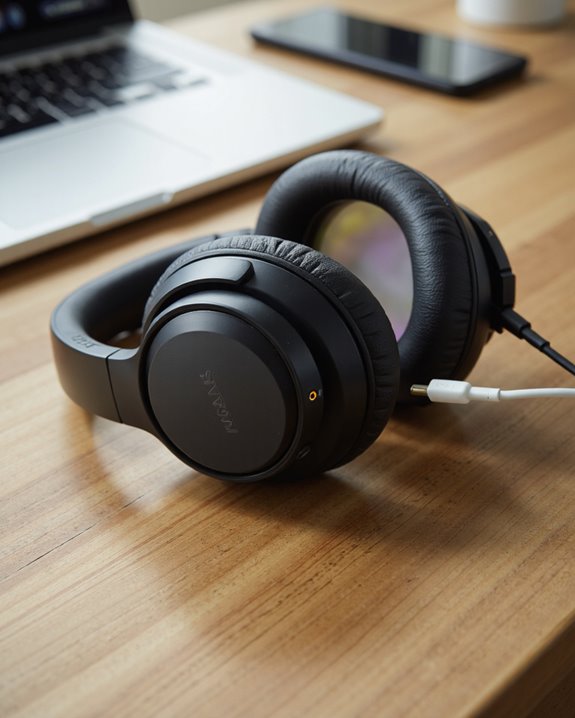
Short answer: no. If you’re asking can you use Sony headphones while charging, the honest answer is that Sony’s wireless models shut off Bluetooth and active noise cancelling the moment they sense a charging cable, because the circuitry is built to protect the battery, not to let you multitask. You’ll see a red charging light come on, and that’s your cue that every powered feature just went dark. Plug into USB and you get power, not audio – that port simply isn’t wired for sound. The one workaround: grab a 3.5mm cable and you can still listen in passive mode while the battery tops off, just without any of the processing that makes these headphones sound like Sony headphones. Let’s get into why Sony designed it this way and what it means for your daily routine.
Key Takeaways
- The moment a Sony headset detects charging, it powers itself down – Bluetooth and active features go with it.
- Wireless listening and noise cancelling simply aren’t on the table while the battery is filling up.
- Your only audio option during a charge cycle is passive listening through a 3.5mm cable.
- Pushing the headphones to work while plugged in isn’t a great idea anyway – it can stress the battery and invite overheating.
- Stick with the included micro-USB cable and charge somewhere temperature-controlled if you care about long-term battery health.
How Charging Actually Works on Sony Headphones
You may be interested
Getting the charging routine right matters more than most people assume – do it wrong and you’ll shave years off your battery’s life. Connect the supplied micro-USB cable to a powered computer (not one that’s asleep or hibernating), and you’re set. A red light confirms the process has started. Give it around four hours for a full charge, and the light shuts off on its own once the battery’s topped up. Here’s the part that trips people up: you can’t actually use the headset mid-charge. Power it on and it’ll just power itself back off. Noise cancelling is off the table too. And that hibernation warning isn’t just fine print – a computer that dozes off mid-charge will interrupt the whole process. Keep the temperature in a sane range and the battery will thank you for years.
What Actually Happens the Moment You Plug In
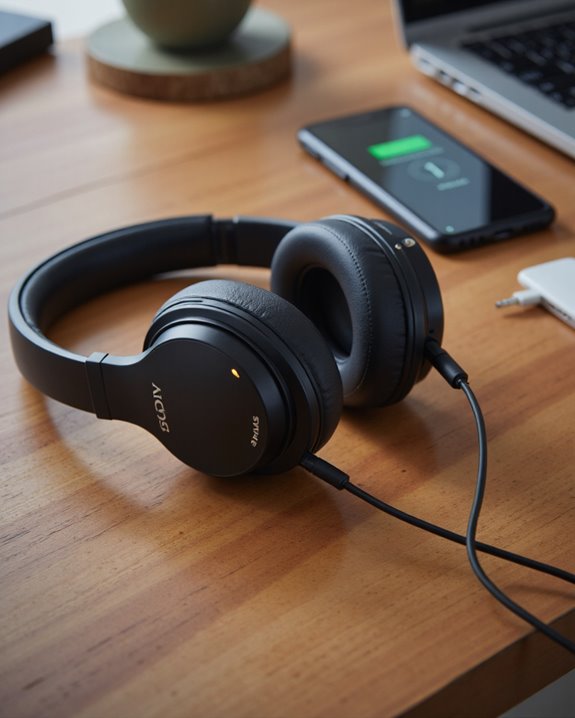
Connect a Sony headset to power and a chain reaction kicks off immediately. Doesn’t matter if they were on and playing music seconds ago – the moment charging begins, they shut down. That kills noise cancellation and every other active feature until the battery’s full. There’s a workaround, though: plug in a 3.5mm cable and you drop into passive mode, letting you keep listening without pulling from the battery at all. During the charge itself, watch for the red indicator – it’ll go dark once the job’s done, usually around the four-hour mark. Stick with the cable Sony includes; third-party cables and random adapters are a good way to run into charging problems or worse. The included charger exists for a reason, so use it.
Can You Still Listen Over a Wired Connection While Charging?
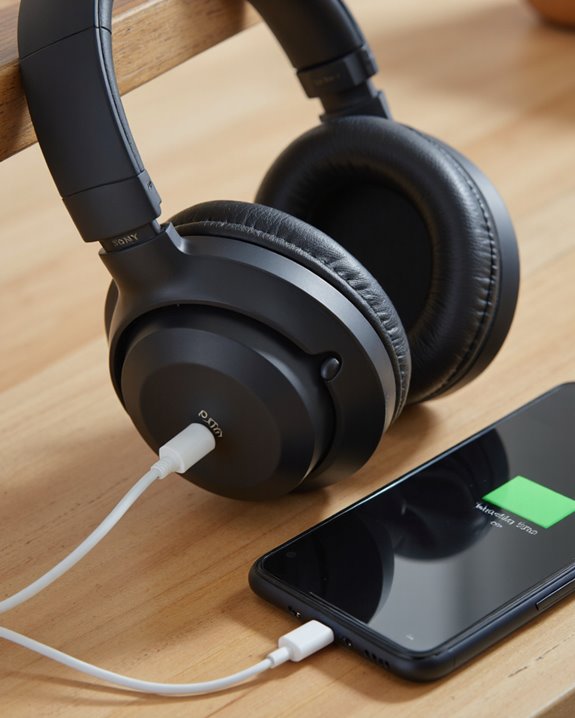
Most people assume charging kills the whole headset, but Sony carved out one exception worth knowing: hook up a 3.5mm cable and you can keep the music going even mid-charge. Dead battery? No problem – just run the included audio cable into the headphones and you’re in passive mode. The USB port has one job here (charging), so don’t expect Bluetooth audio to sneak through it. Active noise cancellation still goes dark and the unit still powers itself off automatically the second charging starts, but that wired path stays open regardless. It’s a small detail, but it’s genuinely useful if you’re stuck on a long flight or a dead battery hits you mid-commute.
Why Sony Locks Out Noise Cancelling and Active Features Mid-Charge
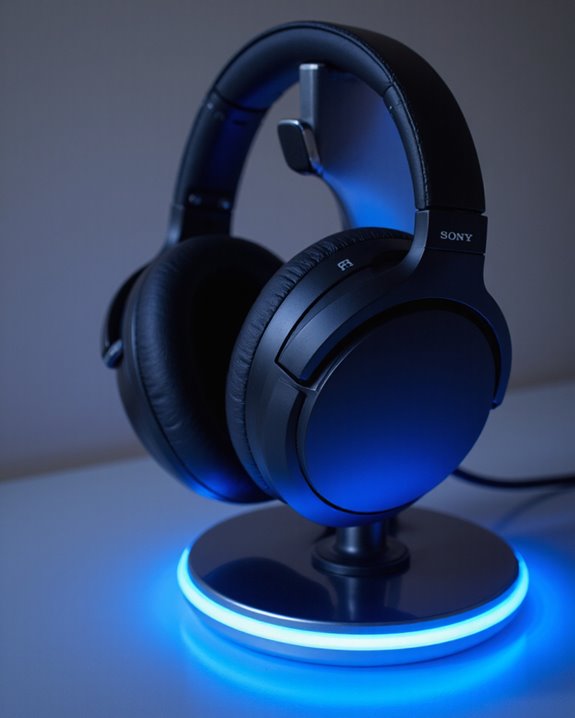
This isn’t an oversight – it’s deliberate engineering. Sony builds these headphones to protect both the hardware and whoever’s wearing them, so noise cancelling and other active features get switched off the instant charging begins. Plug in and the headset powers down automatically, keeping sensitive internals away from heat buildup or power surges. Think of it as insurance for the battery and the electronics both; running active circuitry while current is flowing in is exactly the kind of stress that shortens a battery’s lifespan. That red light isn’t just decorative – it’s telling you nothing powered is running right now, no Bluetooth, no ANC, nothing. You can still get sound through a 3.5mm cable, but that’s passive listening only. Annoying in the moment, maybe, but it’s the tradeoff for headphones that hold up for years.
The USB Port Only Does One Job
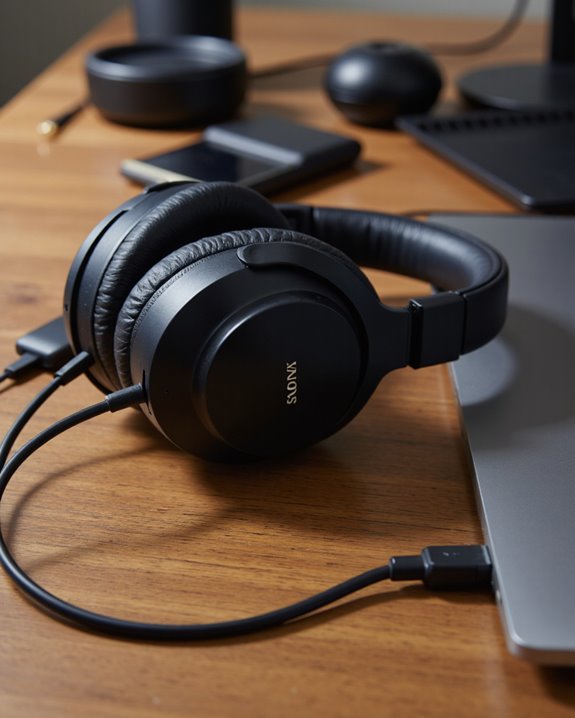
It’s a reasonable assumption – plug a USB cable into a computer and surely you get both power and audio, right? Not here. The micro-USB port on Sony’s headphones exists purely to feed the battery; it was never built to carry a signal. Want sound while you wait for a charge? Bluetooth’s your only wireless option, and even that won’t work if you power the unit on mid-charge – it’ll just shut itself back off. Add to that: noise cancellation and other active features stay disabled, especially if you’re running audio through a 3.5mm cable during the charge cycle. One more thing worth checking – make sure the computer you’re plugged into isn’t sitting in hibernation mode, because that alone can stall the whole charging process.
Keeping the Battery Healthy for the Long Haul
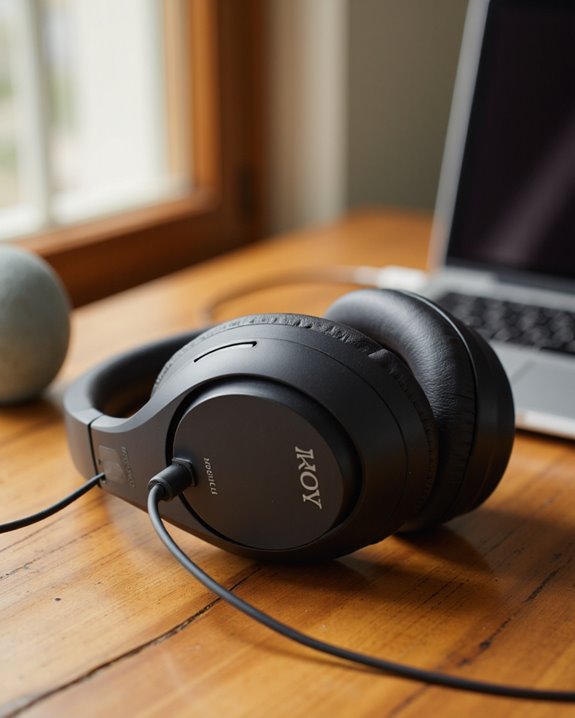
USB quirks aside, the bigger question is how you keep this battery performing well for years rather than months. Temperature is the biggest lever you have – charge somewhere between 5°C and 35°C (41°F to 95°F) and the lithium-ion cell inside stays in its comfort zone. Stick to the included micro-USB cable, skip USB hubs, and you’ll get more consistent playback out of every charge over the life of the product. If the headset’s been sitting untouched for a while, don’t be surprised if it takes longer to charge or the light is slow to appear – that’s normal, not a fault. What isn’t normal is a battery that keeps draining faster than it used to; that’s usually your sign it’s nearing the end of its useful life.
Fixing Common Charging Problems
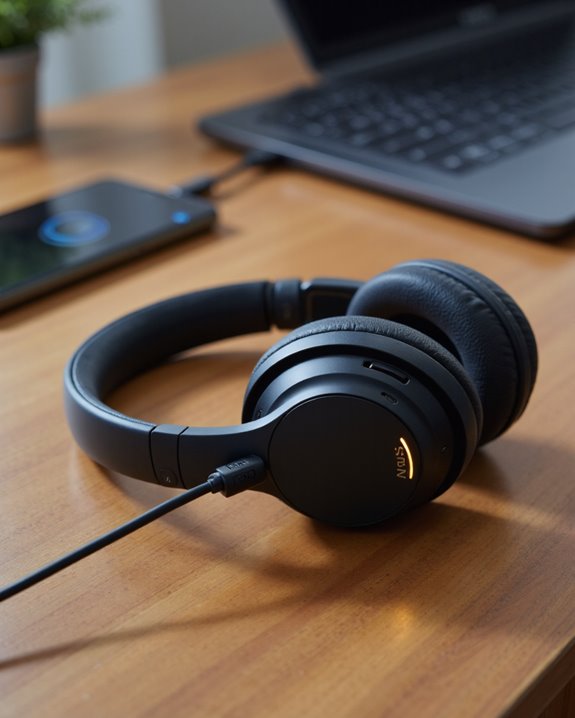
When a Sony headset refuses to charge, don’t panic – work through it methodically. If the red light stays dark after you plug in the micro-USB cable, give it a few minutes; a battery that’s been fully drained sometimes needs a moment before it responds. Temperature matters here too – stay within 5°C to 35°C (41°F to 95°F), since charging glitches show up disproportionately outside that window. Always go with the cable Sony included, and skip USB hubs or any indirect connection – they’re a common culprit. If the light flickers, cuts out mid-charge, or the headset keeps powering down on its own, that’s your signal to stop troubleshooting solo and reach out to a Sony dealer.
Charging Habits That Actually Protect Your Headphones
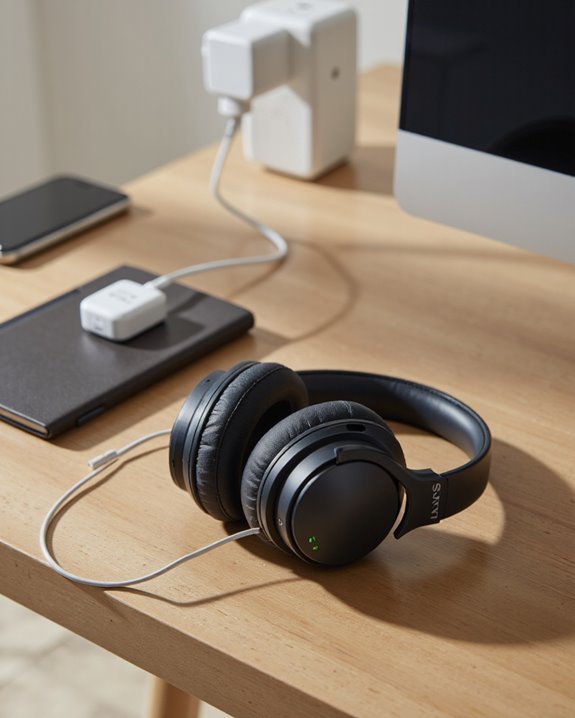
Charging looks simple enough, but a few habits make a real difference over time. Always use the cable that came in the box, and plug into a computer that’s actually powered on – not asleep. Keep the temperature between 5°C and 35°C (41°F – 95°F); stray outside that window regularly and you’re chipping away at the battery’s long-term health. Moisture, physical shocks, and temperature extremes are all worth avoiding while the cable’s connected. The red light confirms things are charging and switches off on its own after roughly four hours. And remember – the second you plug in, the headphones power down, so plan your listening around that rather than fighting it.
Signs It’s Time to Think About a New Battery
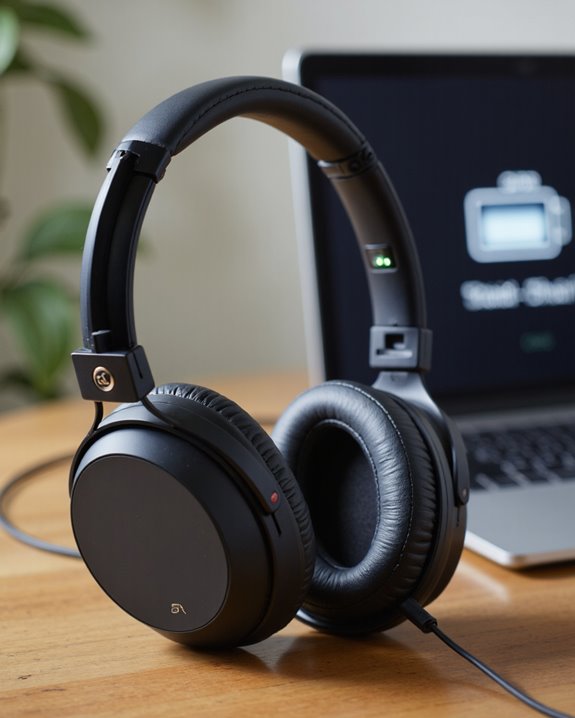
Notice your playback time shrinking, or find yourself reaching for the charger far more than you used to? That’s usually the battery telling you it’s on its way out. A full swap isn’t always realistic, so if you’re weighing your options, our guide to the best noise cancelling headphones is a solid place to start browsing replacements.
How to Tell It’s Time for a New Battery
A healthy rechargeable battery should behave predictably every time you plug it in. If the red light won’t come on, or charging problems keep cropping up even after you’ve checked cable and temperature, it’s worth considering a swap. Long stretches of storage or simply not using the headset can also wear down battery health, leaving you with weaker charge retention. A good habit: top the battery off fully every six months if the headphones are sitting unused. Still having trouble after that? A Sony dealer can give you a proper diagnosis and handle the replacement if needed.
Frequently Asked Questions
Can You Use Sony Headphones While Charging Them?
Not really – Sony clearly built these to prioritize charging safety over letting you multitask. Battery longevity, sound quality, and heat buildup are all reasons worth weighing before you go looking at product specs or user reviews to compare wired versus wireless comfort and charging speed.
Can I Use My Headphones While Charging?
While the battery’s filling up, wireless convenience is off the table, and that limits both audio quality and how long you can realistically listen. Prioritizing charging safety and product longevity over comfort makes sense here, since performance and charge speed both come into play. If you’re browsing options, our roundup of the best wireless headphones overall is a solid place to compare models on battery life and comfort.
Can I Charge My Headset and Use It at the Same Time?
Not with most models – think of it like a lantern that needs to rest before it can shine again. Charging safety, battery performance, and heat risk all factor in. A handful of headphones will let you listen passively over a wire, but don’t expect the same sound isolation or overall experience.
Can You Use PlayStation Headphones While Charging?
Same story with PlayStation audio gear – wireless connectivity and full gaming performance take a backseat while it’s plugged in. The battery actually charges quicker unplugged, but running a 3.5mm cable keeps sound quality, comfort, and compatibility intact in the meantime.