As an Amazon Associate, we earn from qualifying purchases. Some links on this site are affiliate links at no extra cost to you. Our recommendations are based on thorough research and editorial judgment.

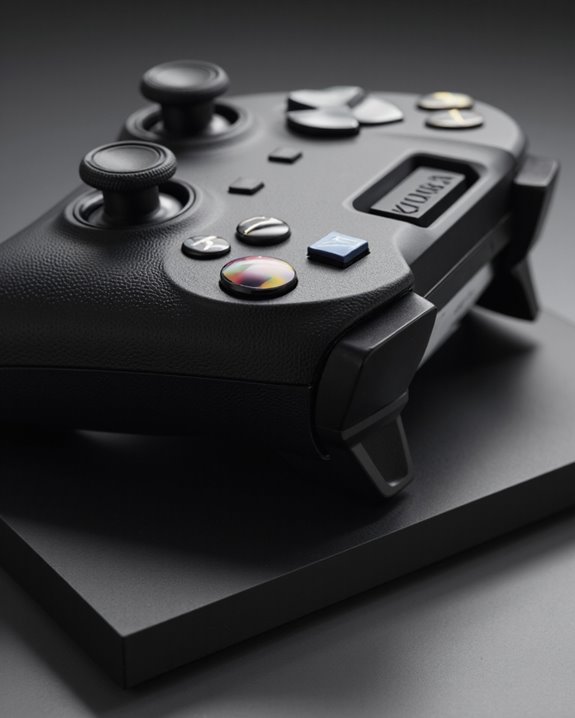
Does Xbox One Have a Headphone Jack?

Most Xbox One controllers, except the original Model 1537, feature a built-in 3.5mm headphone jack located at the base. This allows users to connect standard wired headsets directly for game audio and voice chat without requiring adapters. The jack supports stereo sound and microphone input, enhancing multiplayer communication. Wireless headsets need Xbox Wireless compatibility, not Bluetooth. For those considering audio options, differences across controller models, headset types, and feature sets offer further technical and practical distinctions to explore.
Key Takeaways
- Most Xbox One controllers (except the original Model 1537) include a built-in 3.5mm headphone jack for audio and chat.
- The headphone jack is located on the bottom edge of compatible Xbox One controllers.
- The original Xbox One controller requires an Xbox One Stereo Headset Adapter for wired headset use.
- Headsets connect through the 3.5mm jack for stereo audio and voice communication.
- Audio settings can be adjusted directly via the controller interface or headset controls.
Xbox One Controller Models and Headphone Jack Differences
You may be interested
Although the Xbox One controller line shares a unified design language, notable differences exist among its various models, particularly regarding headphone jack integration. The original Xbox One controller (Model 1537) lacks a 3.5mm headphone jack, requiring users to employ the Xbox One Stereo Headset Adapter for audio connectivity. As controller evolution progressed, later models—beginning with Model 1697—introduced a built-in 3.5mm audio jack, eliminating the need for adapters and streamlining the setup process. The Xbox One S, Xbox Series X, and Series S controllers standardized this feature, placing the headphone jack at the bottom edge for accessibility. These audio enhancements not only improved user convenience but also aligned Xbox controllers with contemporaries like the PS4 DualShock 4, enhancing compatibility and functionality.
How the 3.5mm Headphone Jack Works on Xbox One Controllers
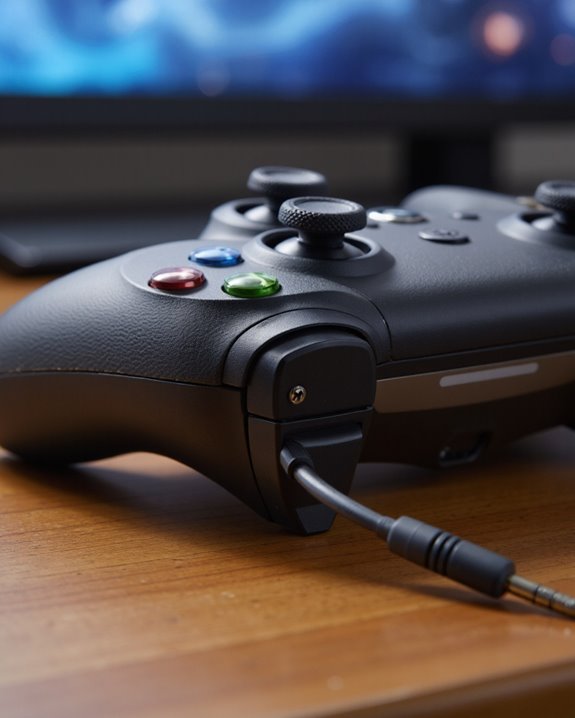
Building on the distinctions among Xbox One controller models, understanding the operation of the 3.5mm headphone jack reveals how this feature enhances both audio output and communication for users. Located on the bottom edge of compatible controllers, the 3.5mm jack supports a wide range of headset types, including stereo and chat headsets, offering versatility in audio setups. When a headset is connected, users receive stereo audio output, which provides immersive sound quality for gaming. The jack also enables clear voice communication, crucial for multiplayer experiences. Audio settings—such as volume, mute, and chat/game audio balance—can be adjusted either through the controller interface or compatible headset controls. Compatibility checks guarantee peak performance, while the wired connection via the jack delivers lower latency compared to wireless alternatives.
Wired Headset Options for Xbox One
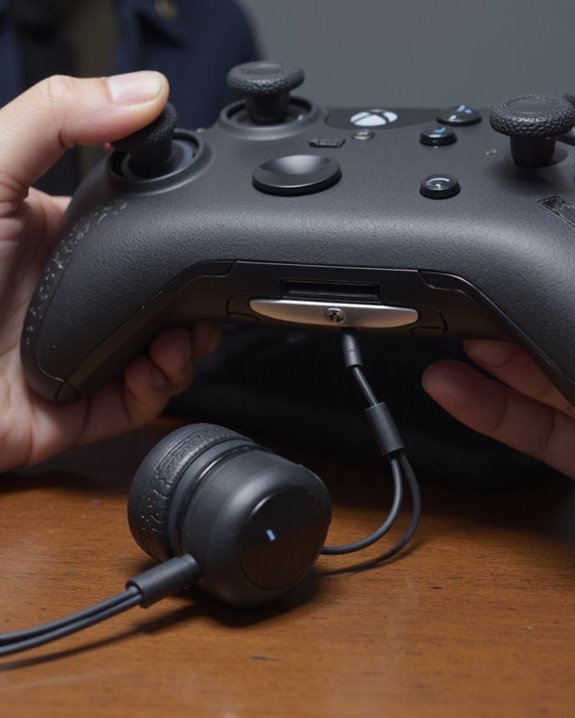
A broad array of wired headset options is available for Xbox One, each leveraging the controller’s integrated 3.5mm audio port to deliver reliable, low-latency sound and clear voice communication. Wired headset benefits include consistent audio quality, minimal latency critical for competitive gaming, and cross-platform compatibility via the standard 3.5mm connection. Leading choices such as the SteelSeries Arctis Nova Pro, HyperX Cloud II, Turtle Beach models, Corsair HS35, and the Audeze Maxwell provide varied sound profiles, comfort, and durability. Many headsets feature in-line controls for volume or mute, and robust microphones enhance voice chat clarity. However, wired headset drawbacks involve cable management challenges, potential for tangling, and limited movement range. Overall, wired options remain popular for their performance and straightforward compatibility. Most wired gaming headsets utilize 50mm dynamic drivers to deliver deeper bass, crisper highs, and precise directional audio for an immersive experience.
Wireless Headset Connectivity and Requirements
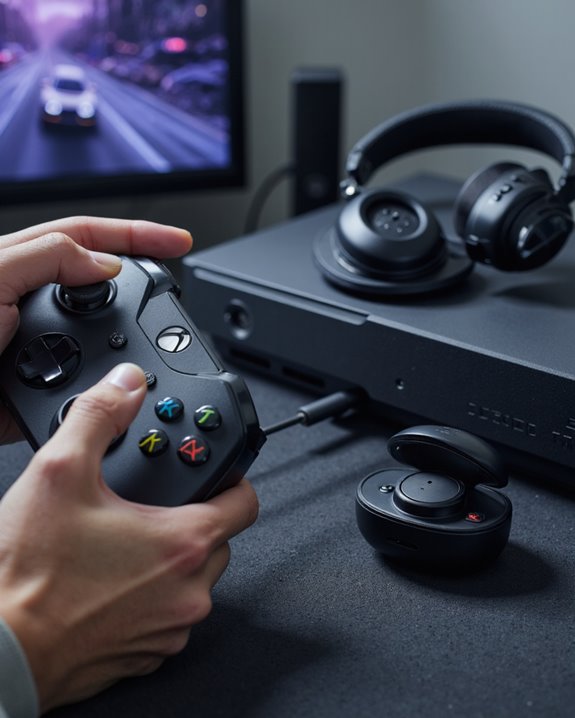
Several important considerations define wireless headset connectivity and requirements on the Xbox One platform. Unlike many modern devices, the Xbox One does not support Bluetooth connectivity, which introduces significant wireless headset limitations. Instead, compatible wireless headsets must utilize Microsoft’s proprietary Xbox Wireless protocol or require a dedicated USB dongle or adapter. The pairing process typically involves activating pairing mode on the headset and pressing the console’s pairing button. Third-party headsets often necessitate additional adapters—users should consult manufacturer specifications to confirm Xbox One compatibility before purchase. Essential features, such as Dolby Atmos or DTS Headphone:X, may require separate downloads or purchases. Battery life for wireless headsets, such as the Xbox Wireless Headset, can reach up to 20 hours, though actual performance varies with usage and accessory connections.
Comparing Audio and Microphone Quality Across Xbox Headsets
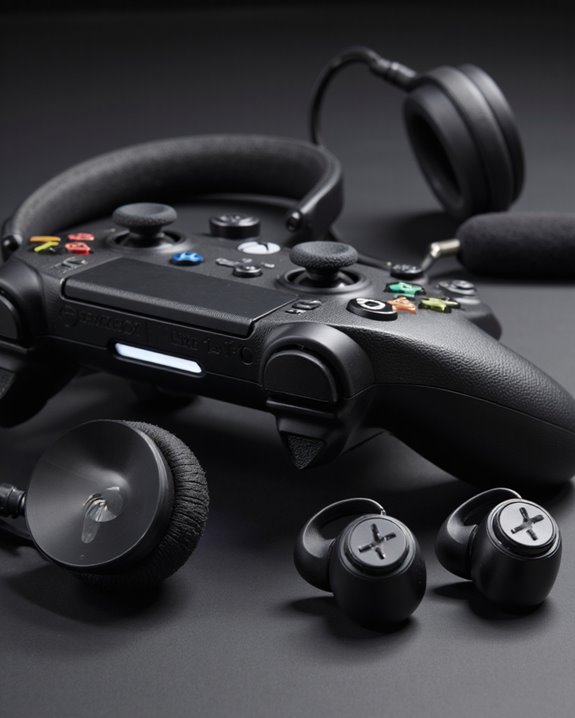
Among the diverse range of Xbox-compatible headsets, audio and microphone quality can vary greatly depending on connection method, driver technology, and overall build. An audio comparison reveals that models like the Audeze Maxwell Wireless deliver exceptional depth with planar magnetic drivers and Dolby Atmos support, creating a wide soundstage. The SteelSeries Arctis 9X and Turtle Beach Stealth 600 Gen 3 offer balanced profiles, with custom-tuned drivers ensuring clarity and rich texture. USB-connected headsets typically minimize latency and improve fidelity over 3.5mm jack connections.
Regarding microphone performance, high-end headsets often feature detachable boom mics or fully retractable systems, enabling clear voice capture and noise reduction. Adjustable sidetone and customization options further enhance communication, making these features vital for competitive multiplayer scenarios.
Compatibility of Third-Party Headsets With Xbox One
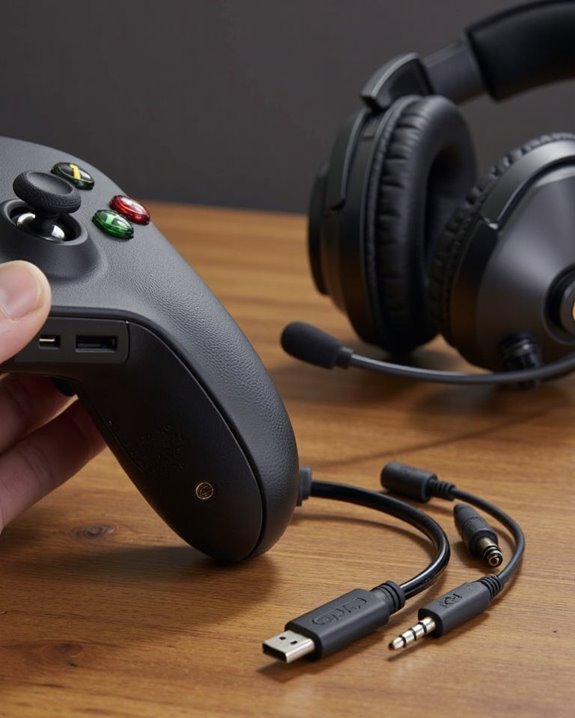
Evaluating third-party headset compatibility with Xbox One requires understanding both the hardware specifications of the console and the connectivity options offered by headset manufacturers. Most headset brands support the Xbox One through the 3.5mm audio jack found on newer controllers, starting with the Xbox One S. This jack enables stereo audio performance and microphone use for in-game chat. Leading brands—such as Turtle Beach, SteelSeries, HyperX, Astro Gaming, and Razer—design models specifically for Xbox, ensuring ideal compatibility and reliable audio performance. Wired connectivity via the 3.5mm jack is standard, while some wireless options require a proprietary Xbox Wireless Adapter due to limited Bluetooth support on the console. Many headsets are cross-platform, supporting PC and PlayStation, providing flexibility for multi-device users. Some advanced headsets also offer multiple connection modes including USB and Bluetooth, enhancing versatility across devices.
Setting Up and Troubleshooting Xbox One Headsets
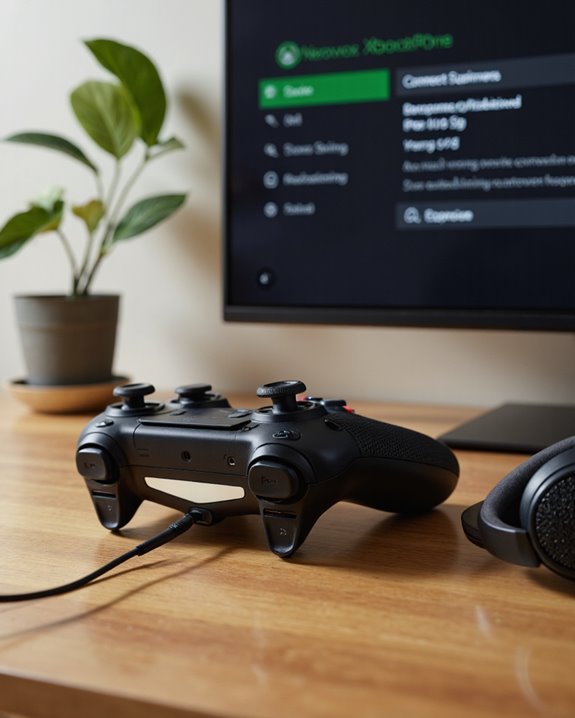
Properly setting up and troubleshooting Xbox One headsets involves a nuanced understanding of the console’s hardware interfaces and audio management options. Wired headsets connect easily via a 3.5mm headphone jack on most Xbox One controllers, while older controllers require a stereo headset adapter. The console detects connected headsets automatically, enabling users to adjust audio settings such as chat mixer and headset volume through the Xbox interface. For wireless headsets, pairing relies on the Xbox Wireless protocol, not Bluetooth, and may involve using the controller’s pairing button. Headset troubleshooting starts with ensuring firm connections, restarting devices, and confirming firmware updates. Audio issues can often be resolved by modifying mixer, volume, or microphone monitoring options, and checking for hardware faults or physical damage to cables.
Accessory Support and Advanced Features for Xbox One Audio

Expanding beyond basic setup and troubleshooting, Xbox One’s audio ecosystem offers a robust array of accessory options and advanced features designed to accommodate various user preferences and technical requirements.
Accessory Support
Xbox One supports a wide range of headsets—wired and wireless—leveraging the 3.5mm headset jack on most controllers, except for original FAT models. While Bluetooth is not natively available for Xbox One, select headsets can still connect to Windows or mobile devices via Bluetooth 4.2 and SBC codecs. For ideal compatibility, users may require adapters or USB-C charging cables.
Advanced Features
Audio enhancements include 20Hz–20kHz frequency response, 40mm drivers, and dual-microphone technologies. Headset ergonomics are addressed through lightweight designs, durable steel frames, and polyurethane leather, ensuring comfort during extended use. Intuitive controls allow real-time adjustment of volume and chat/game balance. Cross-compatibility with Xbox Series X|S and Windows broadens utility.
Frequently Asked Questions
Can I Use Airpods or Other True Wireless Earbuds With Xbox One?
Using AirPods or other true wireless earbuds with Xbox One presents compatibility issues, as the console lacks native Bluetooth support. Workarounds exist, but these often result in audio delays, reduced sound quality, and a more complicated setup process.
Does the Headphone Jack Support Microphone Input for Voice Chat?
Echoing the demands of modern multiplayer, microphone compatibility is supported through the controller’s 3.5mm jack, enabling users to engage in clear voice chat. Voice chat quality depends on headset specifications and proper controller-headset pairing.
Will Plugging in Headphones Mute My TV or Speakers Automatically?
Plugging headphones into the Xbox controller does not automatically mute the TV or speakers. Users must manually adjust audio settings or sound output options on the Xbox or TV to redirect or mute external sound sources as desired.
Are There Parental Controls for Headset Audio on Xbox One?
Parental controls on Xbox One do not directly restrict headset audio output. Instead, they manage communication and content access. Audio settings and headset compatibility remain unaffected, although privacy settings may impact online voice chat capabilities through headsets.
Can Two People Use Wired Headsets on One Xbox One Console Simultaneously?
Dual headset compatibility on Xbox One faces wired headset limitations, as standard controllers support only a single 3.5mm connection. Simultaneous use of two wired headsets typically requires third-party adapters or splitters, which are not officially supported.