As an Amazon Associate, we earn from qualifying purchases. Some links on this site are affiliate links at no extra cost to you. Our recommendations are based on thorough research and editorial judgment.

Does the PS Portal Have a Headphone Jack?

Does the PS Portal Have a Headphone Jack? Short answer: yes.
You may be interested
Sony didn’t skimp on this one. The PlayStation Portal has a real 3.5mm headphone jack built in, so you can plug in a wired headset and get straight, low-latency audio without messing with Bluetooth pairing or dongles. It handles most consumer and gaming headphones rated up to 32 ohms impedance, which covers the vast majority of what people already own. No adapters, no app, no pairing screen — just plug it in and you’re gaming. PlayStation Link headsets work too if you want to go wireless, but standard Bluetooth cans are a no-go here. Here’s everything else worth knowing about how audio works on this thing.
Key Takeaways
- Yes — the PS Portal has a standard 3.5mm jack for wired headphones and headsets.
- Anything up to 32 ohms works fine plugged straight in, no extra gear required.
- It’s genuinely plug-and-play; most mainstream headset brands just work.
- That single 3.5mm port is the only physical audio output on the device — there’s no optical out or anything else hiding on it.
- Bluetooth headphones won’t connect natively, so the jack (or a PS Link headset) is really your only path to private listening.
What Audio Ports Does the PS Portal Actually Have?
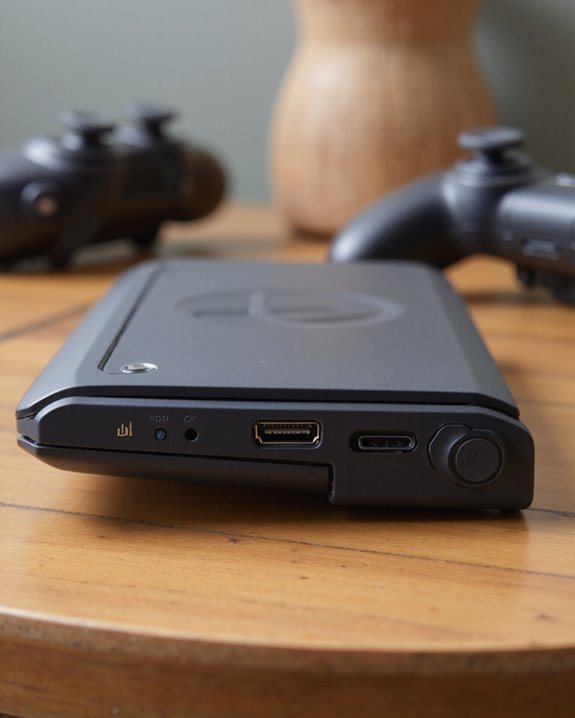
Pop the Portal over and look along the bottom edge — that’s where both of its physical ports live. Sony kept things minimal here, and honestly, that’s not a bad thing. There’s a USB-C port that’s for charging only; it won’t move data or accept accessories, so don’t bother trying to plug in a controller or flash drive through it. Then there’s the one we actually care about: the 3.5mm headphone jack, which handles standard wired audio in and out and works with basically any consumer headphone or gaming headset up to 32 ohms. That’s it — no optical output, no second aux port, nothing else. The device also has a built-in microphone, but that’s for voice chat, not an audio input you can route external sound through. If you’re chasing a wireless setup instead, headphones with Bluetooth 5.3 technology paired via a dongle are worth a look, though as we’ll get into, native Bluetooth isn’t part of the Portal’s design.
Plugging In Wired Headphones via the 3.5mm Jack
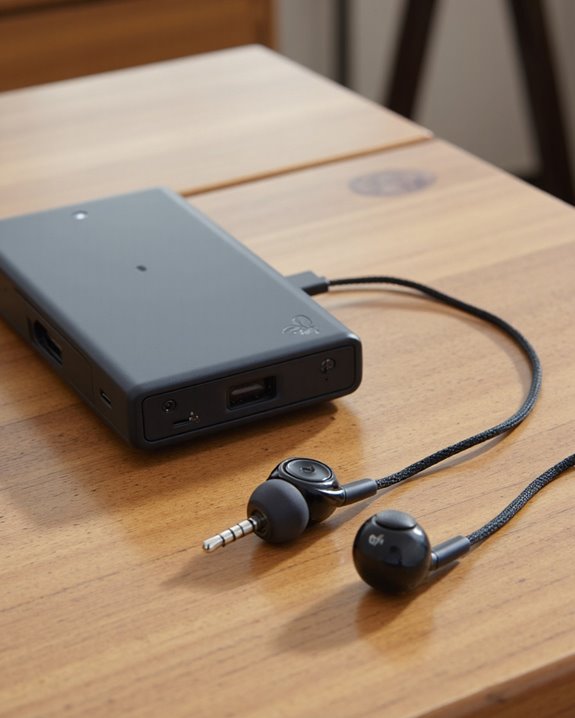
This part couldn’t be simpler. Find the 3.5mm port on the bottom of the Portal, push your headphone plug in, and you’re done — no pairing menu, no firmware check, no settings to dig through. Audio routes to your headphones automatically the moment it detects a connection.
What you get in return is a genuinely stable, latency-free signal that doesn’t care about battery levels or wireless interference. That reliability is exactly why a lot of competitive players still reach for a cable over anything wireless. The one catch: if your headphones use an oddball plug shape or need a proprietary adapter, you might run into fit issues. Otherwise, this is about as close to zero-friction as gaming audio gets, and it means consistent performance game after game since there’s no signal to drop.
Which Wired Headsets Actually Work With It?
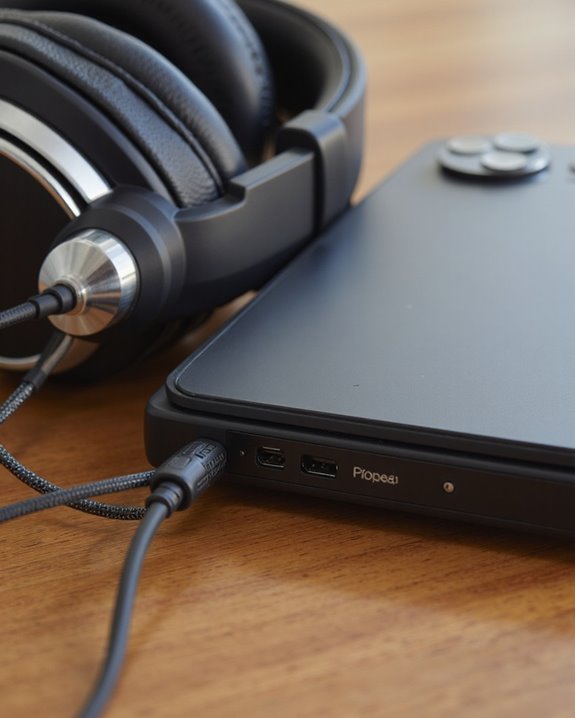
Because it sticks to the standard 3.5mm format, the Portal plays nice with pretty much every major wired headset on the market. I’ve seen Sony’s own Inzone H3 work without a hitch, and the same goes for SteelSeries, Turtle Beach, HyperX, and Razer models people already have sitting around. The Portal’s built-in amplifier is rated to drive headphones up to 32 ohms, which is plenty for the overwhelming majority of consumer and gaming headsets, and it keeps volume and clarity consistent rather than sounding thin or underpowered. You still get access to virtual surround sound and adjustable audio profiles over a wired connection, which matters whether you’re tracking footsteps in a shooter or just want richer sound for a story-driven game. And because there’s no wireless handshake involved, you sidestep the latency hiccups and battery anxiety that come with anything Bluetooth. Bottom line: if you already own a decent wired headset, odds are good it’ll just work. For those curious about going wireless instead, some higher-end gaming headsets pack in 7.1 surround sound technology that can pair nicely with the Portal through the right adapter.
What Wireless Audio Options Exist for the PS Portal?
Wireless isn’t off the table, it’s just narrower than you’d expect. Pair the Portal with a PlayStation Link-compatible headset — think the PULSE Explore or PULSE Elite — and you get sub-20ms latency, tight enough that competitive players won’t notice a difference from a cable. These headsets also let you hop between the Portal, your PS5, and supported PCs without re-pairing every time, which is a nice touch if you switch devices often. Standard Bluetooth headphones, though, still aren’t natively supported. You can get around that with a Bluetooth dongle plugged into the headphone jack, but expect noticeably more lag, which isn’t ideal if timing matters in your games — it’s really more of a budget workaround than a real solution. PlayStation Link generally sounds better and reacts faster, but it locks you into Sony’s own headset lineup. Which route makes sense really comes down to how much you value low latency versus keeping your options open.
How PS Link Technology Actually Works
Everyone talks about Bluetooth like it’s the default for wireless audio, but Sony went its own way here. PS Link is a proprietary wireless standard built specifically for the PlayStation ecosystem, and right now it only talks to two devices: the Pulse Elite headset and the Pulse Explore earbuds. What sets it apart from Bluetooth is consistency — strong signal, essentially no perceptible lag, which is exactly what you want when split-second timing matters. It also connects to both the Portal and PS5 without extra dongles or transmitters cluttering your setup, and because so few devices are compatible, there’s less chance of interference or accidental pairing with the wrong gadget. The tradeoff is obvious: it’s a closed system. You’re locked into Sony’s own hardware if you want this level of performance, which fits the company’s broader push toward a tightly integrated PlayStation ecosystem rather than open compatibility.
Why Bluetooth Headphones Don’t Work Here
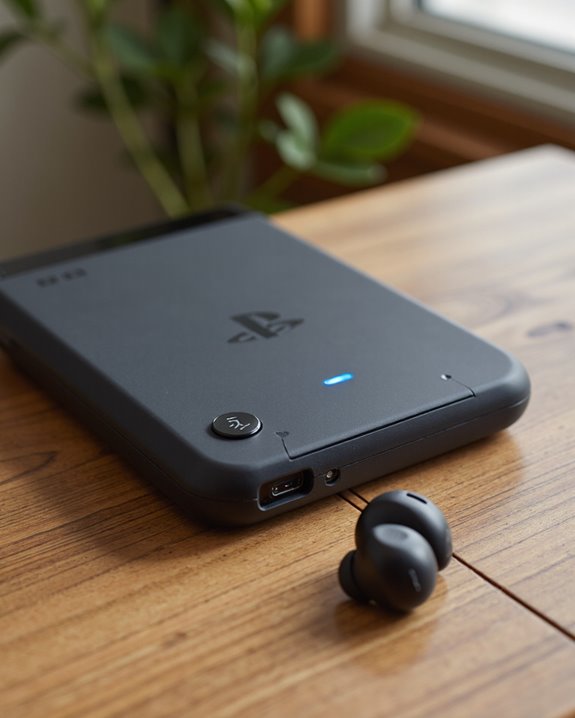
This is probably the most common complaint I hear about the Portal, and it’s a fair one. Even though wireless audio is standard on just about every other gadget people own, Sony left native Bluetooth headphone support off the table entirely. That means your options boil down to two: wired headphones through the 3.5mm jack, or a PS Link headset from the Pulse lineup. Compare that to other handhelds that support broad Bluetooth compatibility, and the Portal starts to feel restrictive if you already own a favorite pair of Bluetooth earbuds you were hoping to use. The device does have Wi-Fi 5 for network connectivity, but that’s for streaming your game, not for pairing audio devices — the two aren’t related. So if wireless freedom matters to you, you’re stuck choosing between buying into PS Link or just living with a cable.
Workarounds: Adapters and Other Options
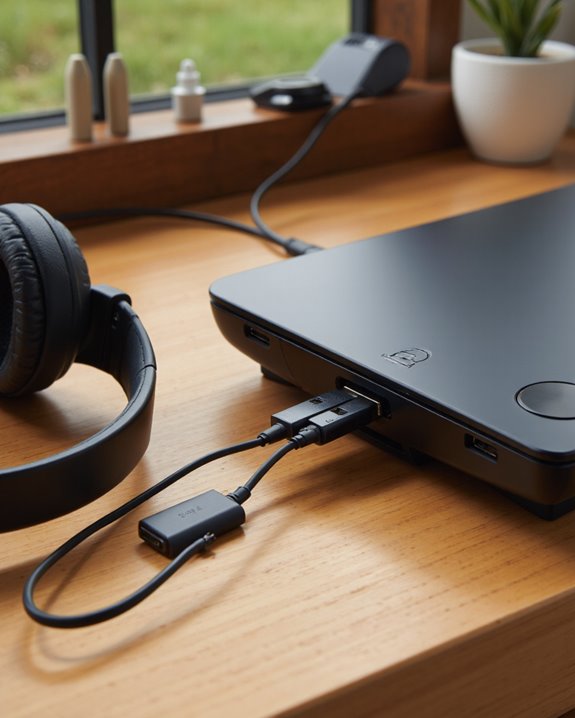
If neither wired headphones nor PS Link fits what you’re after, there are a couple of workarounds worth trying. The cleanest option is still just running wired headphones or a gaming headset into the 3.5mm jack — the built-in amplifier handles up to 32 ohms, and you skip any adapter hassle or latency questions entirely. If you’d rather go wireless with headphones you already own, a Bluetooth transmitter like the AirFly Pro plugs into that same headphone jack and lets non-PS Link Bluetooth headphones connect. It works, but it adds an extra piece of hardware, a bit of setup, and sometimes a touch more lag than you’d get from a direct connection. Another route is connecting a wireless headset straight to the PS5 through its 2.4GHz dongle instead of the Portal — just know you’ll need to stay reasonably close to the console for the signal to stay solid.
How Good Is the Audio Quality and Virtual Surround Sound?
Audio through the 3.5mm jack is legitimately solid. The built-in amplifier is tuned for headphones up to 32 ohms, and the result is clean, lag-free sound that holds up well even in dense, chaotic game audio. Wired connections still beat wireless on both clarity and latency here, which is part of why serious players tend to default to a cable. There’s also virtual surround sound baked in via software, simulating a multi-speaker setup to help you place footsteps or gunfire more accurately — though how well that works depends heavily on the headphones themselves; better drivers render the effect with noticeably more precision. The Portal’s built-in speakers are fine in a pinch, but they don’t come close to the depth or spatial detail you get from even a mid-range wired headset. Worth experimenting with different audio profiles depending on the genre you’re playing — what sounds great in a shooter isn’t always ideal for a quieter narrative game.
Managing Audio Routing and Microphone Settings
So how do you actually switch between speakers and headphones, or manage your mic? The Portal keeps this straightforward — you can toggle between the built-in speakers and wired headphones plugged into the 3.5mm jack right from the device. Go wireless with a PS Link headset instead, and you get that same ultra-low latency and clean audio, plus solid mic performance for voice chat, though again, regular Bluetooth headphones simply won’t connect. Volume and basic output tweaks live in the Portal’s settings menu, even if Sony hasn’t published a deep breakdown of every control available. For voice chat, there’s a built-in microphone tucked beneath the screen, or you can run an external mic through the headphone jack if you’d rather. Where you’re sitting relative to the mic matters more than people expect — background noise can bleed in more than you’d think if you’re not careful about placement.
Tips for Getting the Best Audio Experience on the PS Portal
Getting the most out of the Portal’s audio takes a little more thought than just jamming in a pair of headphones and hoping for the best. Start with the 3.5mm jack — a good pair of wired headphones is still the most dependable way to get clean, low-latency sound. Want wireless instead? PlayStation Link, especially with the PULSE Explore earbuds, delivers impressively low latency and strong fidelity, though you’ll pay a premium for that convenience. Flip on virtual surround sound for anything fast-paced or cinematic — action and adventure titles especially benefit from the added sense of space. And don’t just set audio profiles once and forget them; revisiting your settings as you switch between genres tends to make a real difference in how immersive things feel.
Frequently Asked Questions
Can the PS Portal Play Audio Through Both Speakers and Headphones at the Same Time?
No, it’s one or the other. Plug in headphones and the speakers cut out automatically — there’s no split-audio mode where both play simultaneously. That’s by design, and it keeps the sound clean rather than muddying things across two outputs at once.
Does the PS Portal Support Voice Chat Through the Headphone Jack?
Yes, as long as you’re using a wired headset with a mic plugged into that 3.5mm port. Since Bluetooth isn’t an option here, wired is really the most reliable route if you want clear voice chat without fiddling with adapters.
Will a Future Firmware Update Add Bluetooth Headphone Support?
Nobody knows for sure, and Sony hasn’t said a word about it publicly. It’s the kind of feature request that keeps coming up in forums, and enough consumer demand could eventually push Sony’s hand — but as of now, there’s no roadmap or announcement to point to.
Do Inline Controls on Headsets Work With the PS Portal’s Headphone Jack?
It depends on the headset, honestly. Sony hasn’t published official guidance on inline remote and mic controls, so results vary by brand and wiring layout. Your safest bet is to test the headset you own directly, or budget for an adapter if something doesn’t register.
Can Parents Set Headphone Volume Limits on the PS Portal?
Not really, no. The Portal has decent parental controls for content and screen time, but a dedicated volume cap for headphones isn’t part of that toolkit right now. Parents wanting that level of control will need to look at external limiter accessories or wait for a future software update to add it.