As an Amazon Associate, we earn from qualifying purchases. Some links on this site are affiliate links at no extra cost to you. Our recommendations are based on thorough research and editorial judgment.

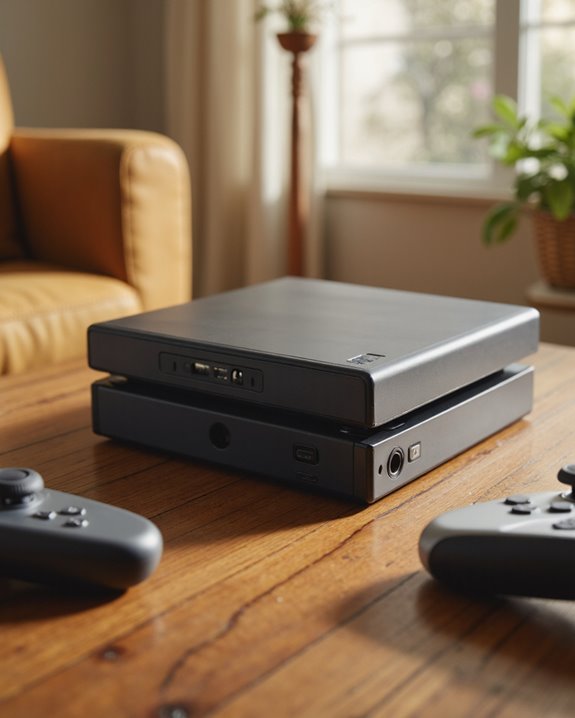
Does the Nintendo Switch Have a Headphone Jack?

Short answer: yes, the Nintendo Switch has a headphone jack. Every version Nintendo has released — the original, the Lite, and the OLED model — carries a standard 3.5mm port on the top edge, right where you’d expect to find it in handheld mode. I’ve plugged dozens of headsets into mine over the years, and it’s never let me down. The jack follows the CTIA 4-pole standard, which is a fancy way of saying it handles stereo sound and, with the right headset, a microphone too. It’s a simple piece of hardware, but it’s built well and it just works, whether you’re grinding through a late-night session or jumping into voice chat with friends.
Key Takeaways
- Every Switch model — base, Lite, and OLED — has a 3.5mm headphone jack built into the top edge.
- It’s a CTIA 4-pole jack, so it handles stereo audio and mic input from a single cable.
- Nearly any wired headphone or gaming headset will plug in and work without fuss.
- Mic support over the jack is hit-or-miss with some headsets — a few need a separate dongle to unlock chat.
- Bluetooth audio works natively now, but voice chat over Bluetooth still isn’t part of the deal.
Where the Headphone Jack Sits and How It’s Built
You may be interested
Nintendo kept this one consistent across the whole Switch lineup, and honestly, that’s refreshing in an era where phone makers keep ditching the port. The jack sits at the top edge of every model, which puts it in easy reach whether you’re holding the console in two hands or propping it up on a table. Under the hood, it’s a 3.5mm 4-pole stereo mini plug built to the CTIA spec — one cable, one port, handling both audio out and mic in. Nintendo recessed it slightly into the housing, which does a nice job of keeping your cable seated even when you’re fumbling around for the right Joy-Con grip mid-match. It’s tucked into a sturdy plastic housing too, so it can take the wear and tear of being plugged and unplugged a thousand times without getting loose. And it sits clear of the USB-C port and the game card slot, so nothing crowds anything else. Nothing revolutionary here — just solid, sensible engineering that keeps a compact device functional.
Will Your Headphones Actually Work With It?
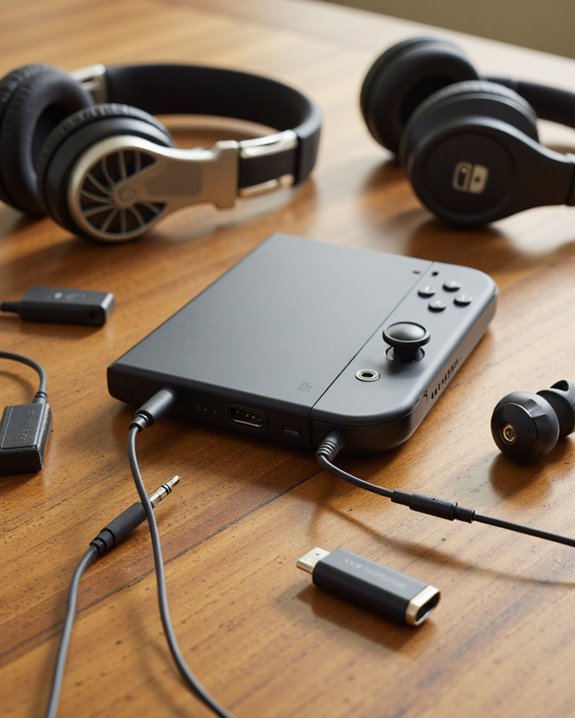
In my experience testing headsets on the Switch, almost anything with a standard 3.5mm plug works right out of the box, thanks to that CTIA 4-pole standard. Doesn’t matter if you’re using a purpose-built gaming headset from Nyko or JLab, a pair from Sony, or some no-name earbuds you grabbed at the airport — plug it in and you get stereo sound with zero setup. The Nyko Headset NS-2600 and the standard PS5 Headset both work fine over the jack, for instance. Where things get messier is Bluetooth: pair a wireless headset and the microphone usually just stops working. JLab’s Bluetooth models often need an extra dongle to restore mic function, and that’s typical of wireless gear across the board. My honest take? Stick with wired if voice chat matters to you. It’s cheaper, it’s plug-and-play, and you skip the adapter shuffle entirely — the only downside being the occasional oddball headset that doesn’t quite play nice.
What the Jack Can (and Can’t) Do for Audio and Mic Use
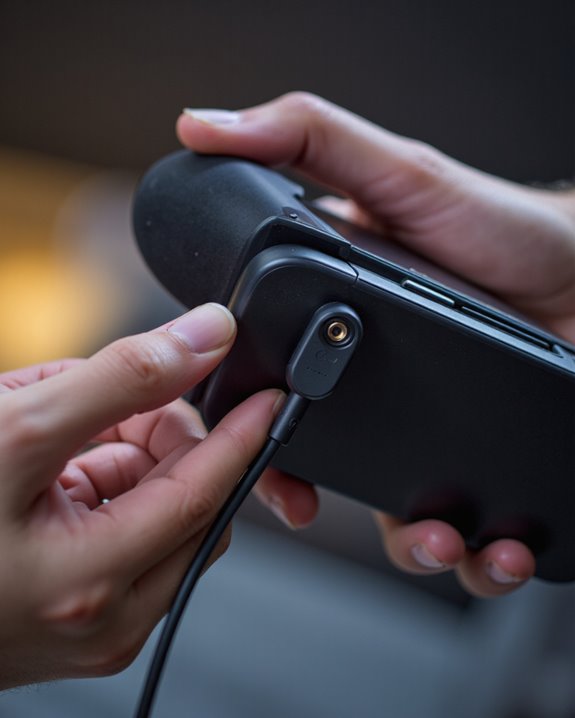
Compatibility is one thing; what the port can actually do is another. The Switch’s 3.5mm jack is a 4-pole stereo mini plug on the CTIA standard, meaning it carries good-quality audio and mic input over that same single connector — no separate mic port needed. In TV mode, the console can push out up to 5.1 channel linear PCM through HDMI, while handheld and tabletop modes rely on stereo through the built-in speakers or whatever you’ve plugged into the jack. There’s also a built-in mono microphone on the console itself, which covers basic voice input in a pinch, but if you want real voice chat quality, you’ll need a wired headset (sometimes paired with a dongle). One quirk worth flagging again: go Bluetooth and you lose the mic entirely — you get sound, nothing else. Bottom line, across every Switch model, the audio holds up well and the voice chat option is there if you’re willing to stay wired.
Bluetooth Audio Arrived — Here’s the Catch
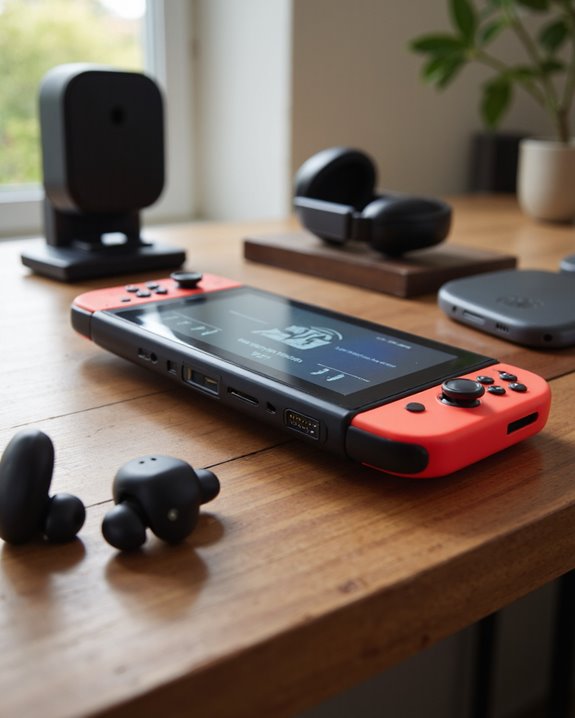
Firmware 13.0 changed the game a bit, adding native Bluetooth support so you could finally pair wireless headphones and earbuds without buying a separate transmitter. That was a long time coming, and it’s genuinely convenient. Pairing is about as easy as it gets: update your Switch, drop your headphones into pairing mode, and follow the prompts on screen. That said, Nintendo’s Bluetooth implementation still has real limits. Microphone input gets switched off entirely once you go wireless, so voice chat still means going back to a wired connection or a dongle. And here’s one that catches people off guard — connecting Bluetooth audio caps you at two Joy-Cons, which can throw a wrench into local multiplayer plans. On the plus side, compatibility is broad; JLab’s true wireless earbuds and several PS5 headsets pair without issue. If you’re shopping for something new, look at options with Bluetooth 5.2 connectivity — the extra range and connection stability make a real difference during gameplay.
Getting the Most Out of Your Switch Headphone Setup
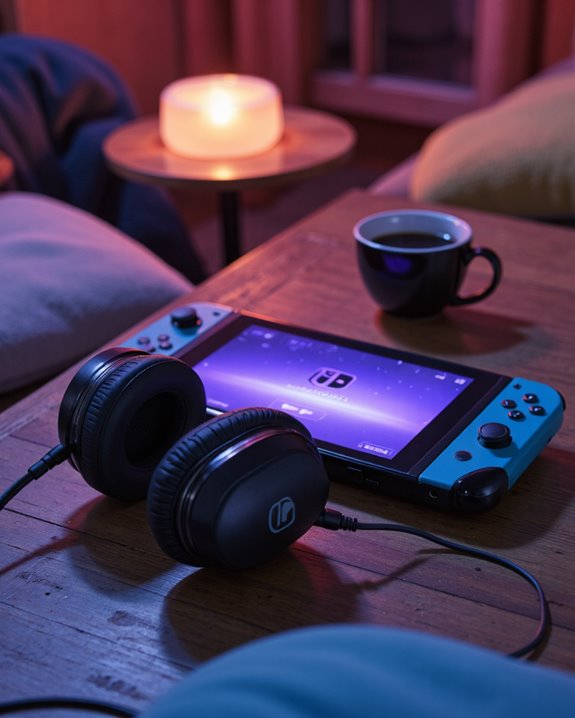
Even with Bluetooth now in the mix, that 3.5mm jack is still the most dependable route to solid audio and clean voice chat on the Switch. It opens the door to serious gaming headsets — think PS5-oriented models or brands like HyperX — that deliver noticeably better immersion than the console’s own speakers ever could. Because the jack supports a full 4-contact stereo mini-plug under the CTIA standard, you get audio and mic in one connection, which matters whether you’re gaming solo with headphones on or coordinating a raid with your squad. When you’re picking a headset, don’t just chase specs — try to find one with a comfortable fit, decent build quality, and real noise cancellation if you play in noisy environments. Mic clarity matters more than people give it credit for too, especially in team-based games. At the end of the day, that little port is doing a lot of heavy lifting, covering everything from quiet solo sessions to loud multiplayer nights. Many of the better gaming headsets on the market use 40-50mm drivers, which is a big part of why they sound noticeably fuller than stock earbuds.
Frequently Asked Questions
Do Headphones Drain the Switch’s Battery Faster?
Barely, if at all. Wired headphones pull essentially no extra power from the console. Bluetooth headphones sip a little more due to the wireless radio staying active, but the difference is small enough that you’re unlikely to notice it during normal play.
Is the Headphone Jack Water-Resistant?
No — don’t count on it. The Switch’s headphone jack has no water-resistant or waterproof rating, so keep it away from spilled drinks, sweat, and humidity if you want to avoid corrosion or connection problems down the line.
Can Parents Limit Headphone Volume on the Switch?
Not directly, no. Nintendo’s parental controls cover plenty of ground — screen time, content restrictions, spending limits — but there’s no dedicated setting for capping headphone volume specifically. It’s a gap in an otherwise fairly thorough system.
Can You Use Noise-Cancelling Headphones With the Switch?
Sure can, wired or Bluetooth. Wired is the better bet if you care about mic support and want zero lag. Bluetooth noise-cancelling headphones will work for audio, but expect a bit of latency and remember you’ll lose microphone functionality entirely over that connection.
Will Using Headphones Void the Switch’s Warranty?
Generally, no. Plugging in a normal pair of headphones or a standard gaming headset won’t touch your warranty. The only real risk is if a non-standard or faulty device physically damages the port — that’s on the accessory, not just the act of using headphones.