As an Amazon Associate, we earn from qualifying purchases. Some links on this site are affiliate links at no extra cost to you. Our recommendations are based on thorough research and editorial judgment.

Do Nintendo Switches Have a Headphone Jack?

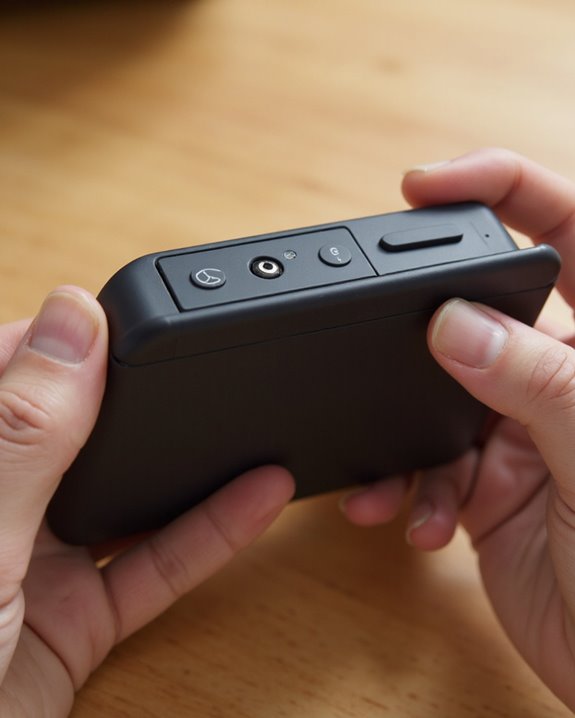
Short answer: yes. Do Nintendo Switches have a headphone jack? Every model Nintendo has released — the original Switch, the Switch Lite, the Switch OLED, and the new Switch 2 — has a standard 3.5mm CTIA-compliant headphone jack sitting right on the top edge. Plug in a pair of wired headphones or a gaming headset and you’re listening (and talking, if there’s a mic) within seconds. Nintendo also added Bluetooth audio a few years back, so wireless is on the table too, but the jack has never gone anywhere. Below I’ll walk through how it actually performs, where Bluetooth falls short, and what to buy if you’re setting up a Switch for serious gaming or voice chat.
Key Takeaways
- Every Switch model — original, Lite, OLED, and Switch 2 — has the same 3.5mm jack on the top of the console.
- It’s a CTIA 4-pole jack, so a single plug handles both audio output and microphone input.
- Wired headsets deliver full audio and voice chat with none of the quirks that come with Bluetooth.
- Bluetooth audio is supported too, but it’s an added option, not a replacement for the jack.
- Since it’s a standard jack, most headphones and gaming headsets built for other platforms work fine here too.
Which Switch Models Actually Have a Headphone Jack
You may be interested
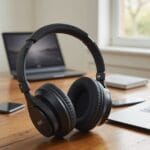
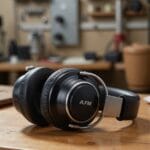
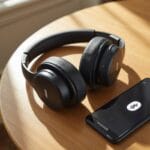
With so many Switch variants floating around, it’s fair to wonder if Nintendo cut the jack from one of them somewhere along the way. It didn’t. The original Switch, the Switch OLED, and the Switch Lite each carry a 3.5mm headphone jack on the top of the console — same spot, same spec, every time. The Switch 2 keeps the tradition going, which tells you Nintendo isn’t treating wired audio as an afterthought. All of these models use a CTIA-standard 4-pole stereo jack, meaning one plug carries both the audio signal and a microphone line, so a single gaming headset covers sound and chat. It’s a small detail, but it’s the reason wired headsets have stayed relevant on Switch even as wireless options multiply — you get private, immersive audio the moment you plug in, no pairing screens required.
Wired Headphones: Still the Most Reliable Option
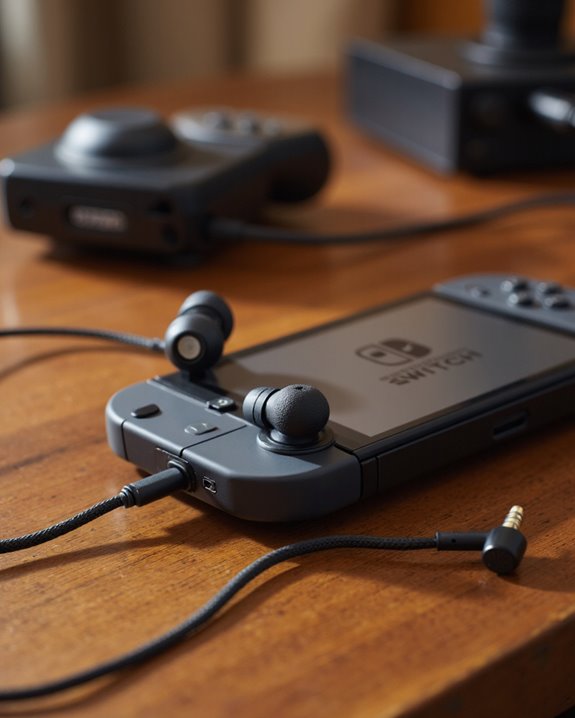
Wireless gaming audio keeps getting better, sure, but the Switch family still leans hard on that 3.5mm jack, and honestly, that’s not a bad thing.
Wired Audio Connectivity Options
The Switch, Switch Lite, and Switch 2 all share the same 3.5mm CTIA-compliant port, and it plays nicely with just about any headphone or headset you throw at it. Tucked along the top edge, it delivers clean audio output with essentially no latency — something both weekend gamers and audio nerds will notice right away. Headsets like the Nyko Headset NS-2600, along with many PS5-compatible models, generally work in full on Switch, including voice chat through an external microphone dongle. Because the jack follows an industry standard rather than a proprietary Nintendo spec, headsets built for PC or phone use tend to work here without a hitch — a real win if audio fidelity and a stable connection matter more to you than cutting the cord. Shopping for a wired option? Our guide to the best gaming headsets covers models that pair especially well with the Switch’s jack.
Bluetooth and Wireless Audio: Convenient, With Caveats
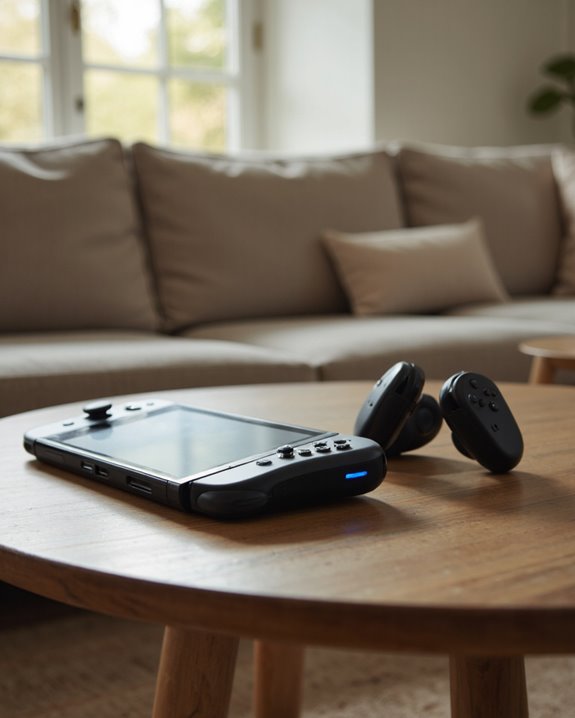
Nintendo eventually caught up to wireless, letting you pair Bluetooth headphones, earbuds, or speakers straight to the console. This landed with system version 13.0.0, and it lets you save up to 10 devices, though only one can be active at a time. It’s convenient, no argument there, but I’d flag one real limitation before you commit to going wireless: the Switch doesn’t support low-latency codecs like aptX or LDAC, so audio can lag noticeably behind on-screen action, especially in fast-paced games. Bluetooth audio also switches off automatically during local wireless multiplayer, and you’re capped at two wireless controllers when Bluetooth audio is running. Managing all of this happens in the console’s System Settings menu. Want a wireless pair for casual play off the dock? Check our roundup of the best wireless headphones for options with dependable Bluetooth performance.
Microphone Compatibility and Voice Chat
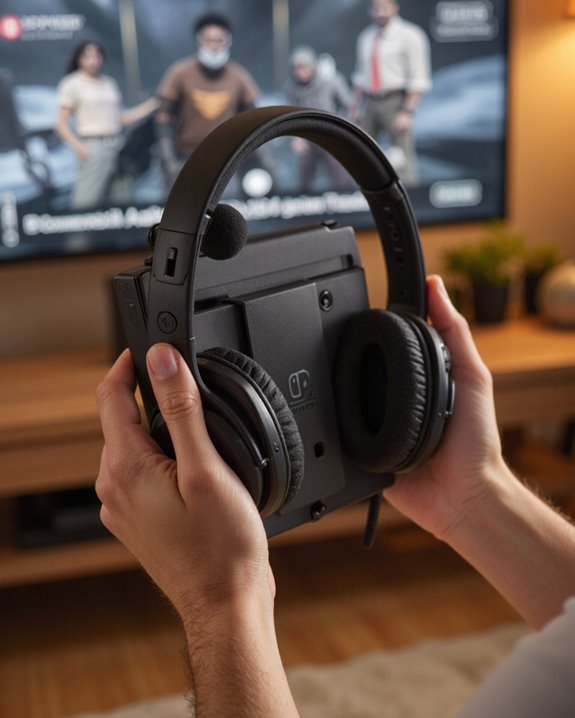
Given Bluetooth’s limits, a wired connection is really the only dependable way to get a microphone working on Switch. The 3.5mm jack follows the CTIA standard, so it supports the mic types you’d need for voice chat in multiplayer games. Any headset with a built-in microphone, plugged into that jack, gives you clear in-game communication — Bluetooth headsets, notably, don’t transmit mic audio on Switch at all. And no, voice chat doesn’t route through the console’s built-in mono microphone either; you need a wired headset with its own mic. The Nintendo Switch Online app handles most of the voice chat settings, but it still expects a microphone-enabled headset plugged in directly. The upshot is that a huge range of headsets work here, which keeps multiplayer communication simple regardless of what headset you already own.
Audio Accessories and Peripheral Support
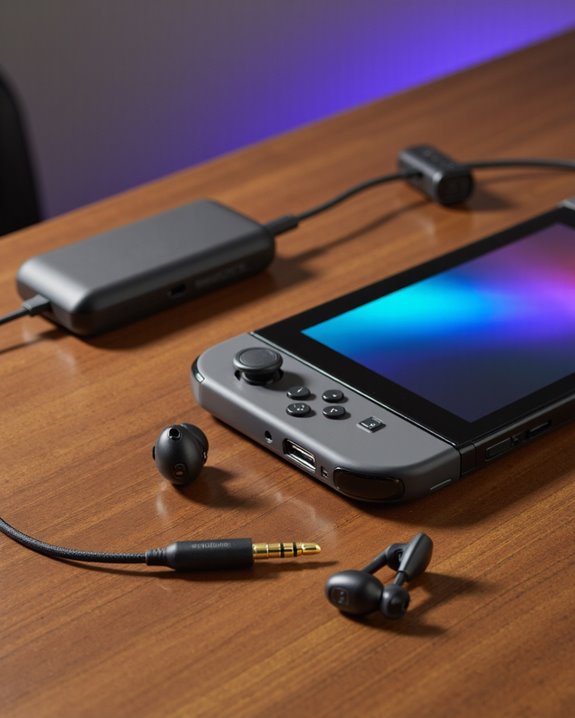
Beyond the jack itself, the Switch gives you a handful of ways to handle audio depending on how you like to play. There’s the standard 3.5mm headphone jack, compatible with CTIA headsets, for reliable wired sound. For wireless, full Bluetooth headphone support arrived via a system update; before that, you needed a USB Bluetooth adapter, particularly while docked. Speaking of the dock, it has extra USB ports, which opens the door to other audio peripherals. In TV mode, you can also route sound through HDMI, which supports more elaborate surround sound setups than the console can manage on its own. Put together, it’s a flexible system — you can go as simple or as involved as you want, wired or wireless.
Key Technical Specs Behind Switch Audio Output
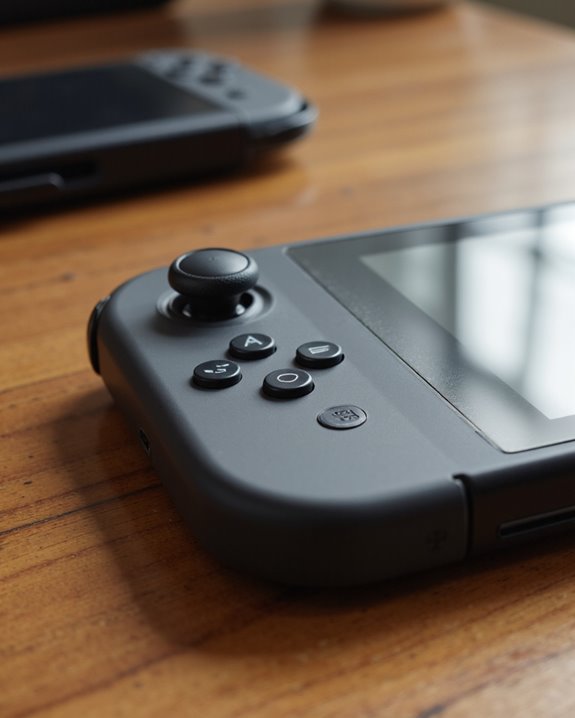
Under the hood, it comes down to a 3.5mm 4-contact stereo mini-plug built to the CTIA standard, carrying both stereo sound and microphone signal to compatible headsets. That port runs on linear PCM output, which is why the audio sounds crisp rather than compressed or muddy. The console’s built-in stereo speakers handle sound when you’re not plugged in, while the jack takes over for private listening with whatever headphones you’ve got on hand. Worth noting: in TV mode over HDMI, the Switch can push out up to 5.1 channel surround sound via linear PCM, which is a nice bonus if you’ve got a home theater setup ready for it. Bluetooth audio, though, doesn’t carry microphone input — another reason wired stays relevant. Volume adjustments are handled with the physical buttons on the console, so there’s no digging through menus mid-game.
Frequently Asked Questions
Can I Use Noise-Cancelling Headphones With the Nintendo Switch Headphone Jack?
Yes, you can plug noise-cancelling headphones straight into the Switch’s jack. How well the cancellation actually works depends on the headphones themselves, and you may run into issues if the model needs external battery power to function.
Does Plugging in Headphones Mute the Switch’s Built-In Speakers Automatically?
It does, automatically, with no setting to override it. The moment you plug in, the built-in speakers cut out and audio routes entirely to your headphones — true across every Switch model.
Are There Volume Controls on the Switch for Headphone Audio Output?
Yes — you can adjust headphone volume with the hardware buttons on the console or through the audio settings in the system menu, whichever you find more convenient in the moment.
Do All Game Sounds Play Through Headphones, Including System Notifications?
They do, all of it, no exceptions. Game audio and system notification sounds funnel through the same output, so once you’re plugged in, everything routes to your headphones together.
Can I Use Headphone Splitters to Connect Multiple Headphones to One Switch?
You can use a splitter to share audio between two sets of wired headphones on one Switch, which is handy for co-op sessions on the couch. Just expect a volume drop when you split the signal, and don’t count on both microphones working — the Switch generally only recognizes one connected mic at a time.