As an Amazon Associate, we earn from qualifying purchases. Some links on this site are affiliate links at no extra cost to you. Our recommendations are based on thorough research and editorial judgment.

Does the Pixel 7a Have a Headphone Jack?

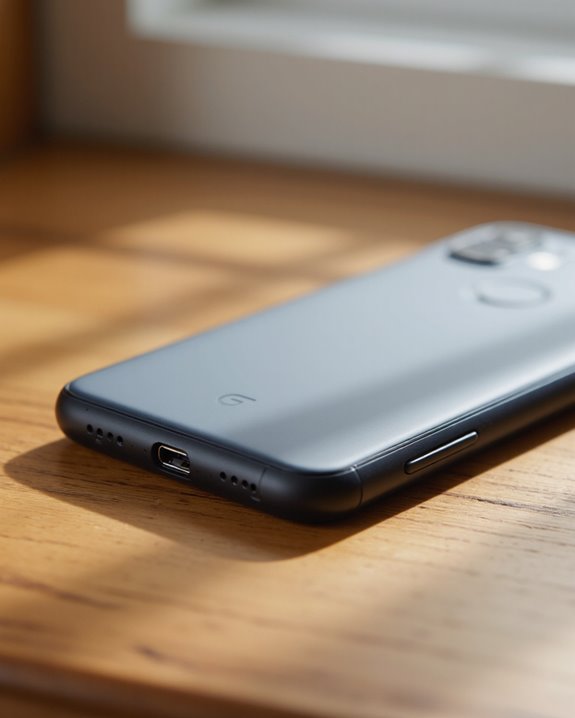
Short answer: no, the Pixel 7a does not have a headphone jack. Google ditched the 3.5mm port years ago, and the 7a sticks with that call rather than reversing course for its budget-flagship lineup. Instead, audio runs through the USB-C port or over Bluetooth 5.3, so you’re covered whether you’ve got USB-C wired headphones or a pair of true wireless earbuds. That puts the 7a in the same camp as recent iPhones and Galaxy flagships. If you still own a favorite pair of 3.5mm headphones, you’ll need a USB-C adapter to keep using them. Below, I get into why Google made this choice, what your options actually sound like in practice, and how the 7a stacks up against phones that kept the jack.
Key Takeaways
- No, the Pixel 7a skipped the 3.5mm jack entirely – there’s nothing hidden or unusual about the port layout.
- A cheap USB-C to 3.5mm adapter gets your old wired headphones working again in seconds.
- Bluetooth 5.3 handles wireless audio, and it’s a genuine step up in range and battery efficiency over older versions.
- Ditching the jack isn’t a Pixel-specific quirk – it’s been the default move across the industry for a few years now.
- Ironically, the Pixel 3a and 4a kept their headphone jacks, so this is actually a change from Google’s own recent mid-range playbook.
Why Doesn’t the Pixel 7a Have a Headphone Jack?
You may be interested


It’s a fair question, especially since earlier budget Pixels didn’t cut the cord this way. But Google went all-in on a cleaner, jack-free design for the 7a, and the reasoning isn’t much of a mystery once you look at where the phone lands in the market. Audio now travels out through the USB-C port or over Bluetooth 5.3, which supports A2DP for streaming and LE profiles for lower-power wireless connections. Anyone coming from a wired setup will feel the change immediately – there’s an adjustment period, no way around it. But it’s not a downgrade across the board. Grab a pair of USB-C headphones with a built-in DAC chip, and you’ll actually get cleaner separation between bass, mids, and highs than a lot of analog setups manage.
How to Keep Using Wired Headphones Anyway
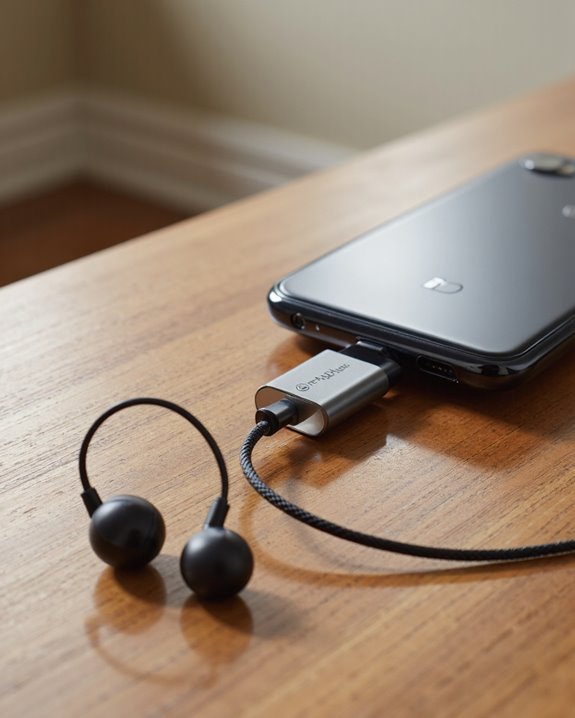
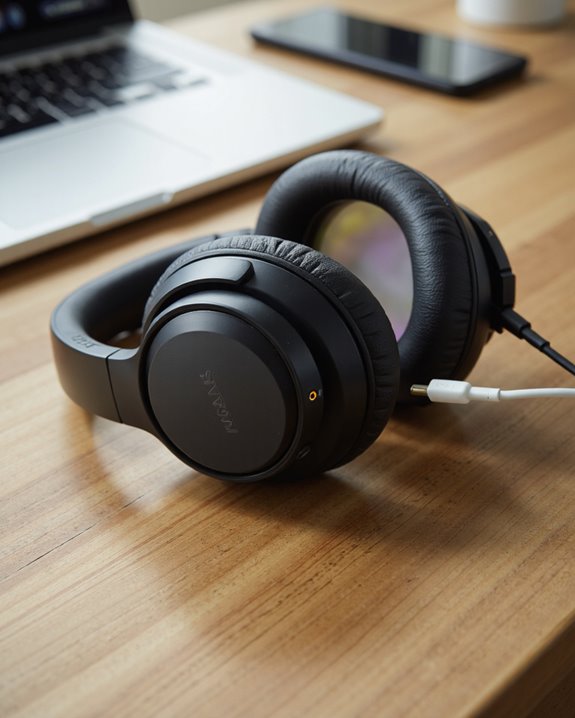
Don’t toss your old headphones just yet. Since the Pixel 7a skipped the 3.5mm headphone jack, you’ve got a few workable paths back to wired audio, and none of them require replacing gear you already like. The most obvious fix is a USB-C to 3.5mm adapter – cheap, pocket-friendly, and it plugs your existing headphones right in. What separates a good one from a bad one comes down to build quality, whether it supports high-resolution audio formats, and how well it’s shielded against interference. Google, Anker, and Belkin all make solid versions at different price points, so there’s room to shop around based on how much you care about durability versus cost. If you’d rather skip the dongle altogether, USB-C headphones plug in directly and send a cleaner digital signal – the tradeoff is a smaller selection of models to choose from. Dongles and Bluetooth adapters round out the list, though I’ve found both can add a layer of complexity or a slight dip in fidelity depending on the hardware. None of these options are a hassle exactly, but each comes with its own small compromise. One more thing worth checking before you buy an adapter or a new pair of headphones: battery life matters more than people expect, since it directly shapes how long you can actually listen.
What Wireless Audio Actually Looks Like on the Pixel 7a
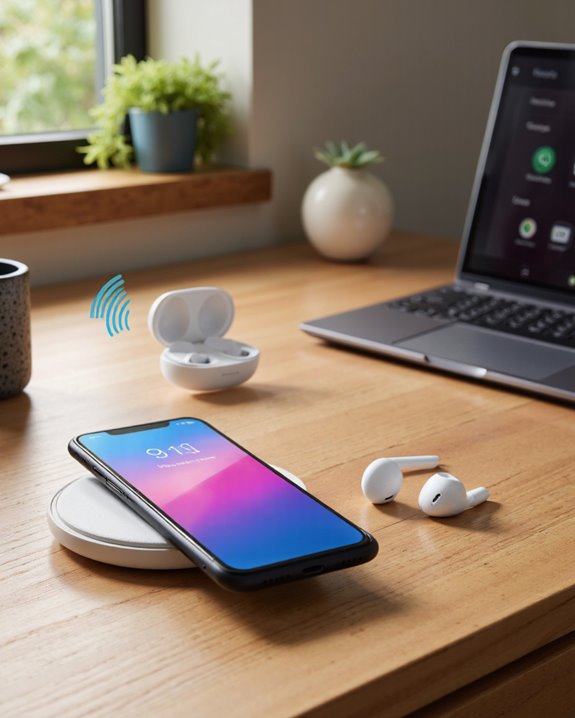
No jack, sure – but the wireless side of things is where the Pixel 7a actually pulls its weight. It runs on Bluetooth 5.3, which translates into a faster handshake, longer range, and noticeably better battery efficiency than what you’d have gotten a couple generations back. In practice, that means smoother pairing with a huge range of headphones, plus support for A2DP streaming and low-energy LE profiles that keep your earbuds from draining your phone’s battery. Pair it with Google’s own Pixel Buds or nearly any third-party set, and you’re getting aptX and AAC codec support for audio that doesn’t feel like a compromise. Low-latency transmission also helps close the gap for gaming and video, where lag between picture and sound is the first thing you’ll notice if something’s off. Switching between two paired devices is painless too, and the microphone passthrough works fine for calls and voice commands. Worth noting: a lot of Bluetooth 5.3 earbuds on the market now also bake in ENC noise cancelling, which makes calls sound noticeably cleaner in noisy environments.
A Quick History of the Headphone Jack in Pixel Phones
Google’s relationship with the headphone jack has actually flip-flopped a bit over the years. The original Pixel shipped with a standard 3.5mm headphone jack – no surprises there. Then came the Pixel 2, and Google pulled the plug on analog audio entirely, following the same wireless-first script Apple had already written. The Pixel 3, 4, and 5 all stuck with that decision, leaning fully into USB-C audio. Here’s the twist, though: budget models like the Pixel 3a and 4a quietly kept the jack around, presumably because Google figured value-focused buyers still wanted it. Reactions were mixed at the time – some people shrugged and went wireless without a second thought, while plenty of others hunted down adapters just to keep their existing headphones working. As wireless headphones and USB-C accessories got cheaper and more common, that resistance faded, and the market caught up to where Google was heading all along.
Why Manufacturers Keep Cutting the Jack
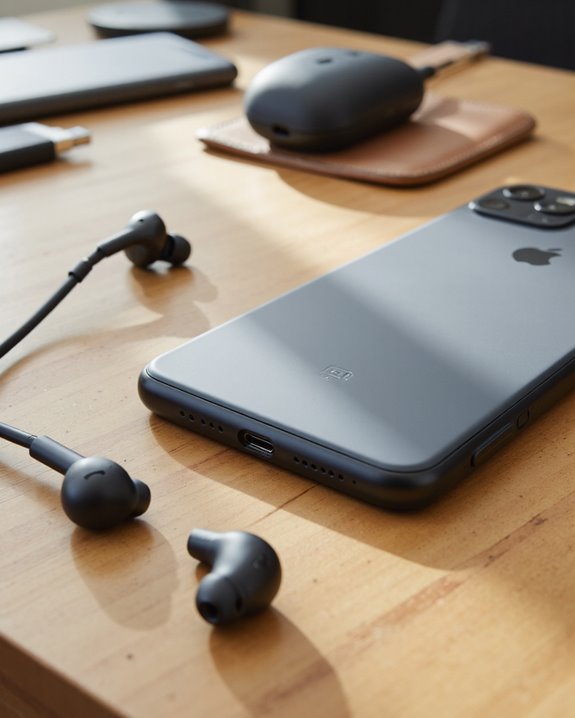
This isn’t just a Google thing – dropping the 3.5mm jack has become standard operating procedure across the phone industry, and there are real engineering reasons behind it, not just trend-chasing. Killing the port frees up internal real estate for slimmer designs and better water resistance, since fewer holes in the chassis means fewer places for moisture to sneak in. That reclaimed space also goes toward bigger batteries and more advanced components – a straightforward tradeoff most manufacturers seem happy to make. Meanwhile, the USB-C port picks up the slack, handling both data and audio duties at once, which fits how people actually want their phones to work these days. At this point, skipping the jack barely counts as a bold move; it’s become the expected default, right alongside a booming market for wireless accessories. There’s also a durability angle – fewer physical ports means fewer failure points and simpler repairs down the line. Add in the sustainability push toward fewer components, and you’ve got the full picture of why this design decision stuck.
What This Means If You Prefer Wired Audio
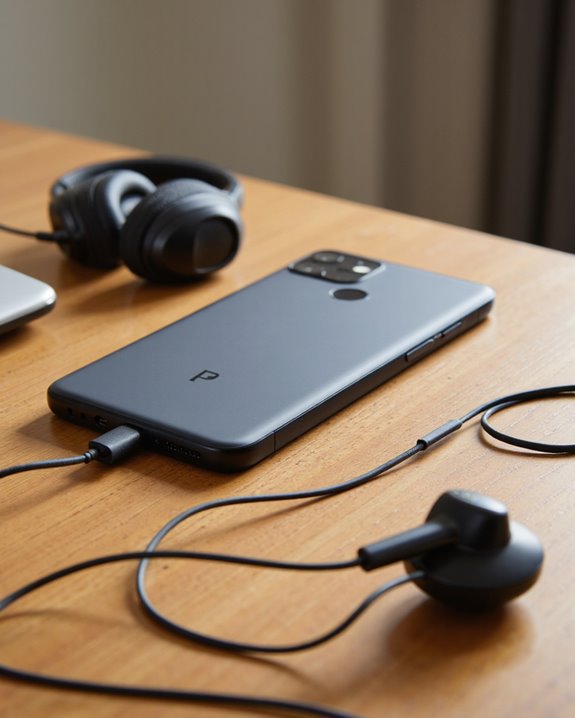
So what does losing the 3.5mm headphone jack actually cost you if wired audio is your preference? Mostly, it’s an extra step: you’ll need a USB-C to 3.5mm adapter to plug in standard headphones, which is a minor annoyance rather than a dealbreaker, but it’s real if you value grabbing your headphones and going without fumbling for a dongle. Bluetooth is a fine alternative for most people, but plenty of audio purists still argue – correctly, in a lot of cases – that wired connections deliver better sound fidelity and lower latency, which matters a lot if you’re gaming competitively or doing serious audio work. There’s also the compatibility wrinkle: older wired gear might need yet another adapter to play nice. Bottom line, if direct, high-quality wired audio is non-negotiable for you, the 7a asks you to carry one more small accessory than it used to.
How the Pixel 7a Compares to Other Phones
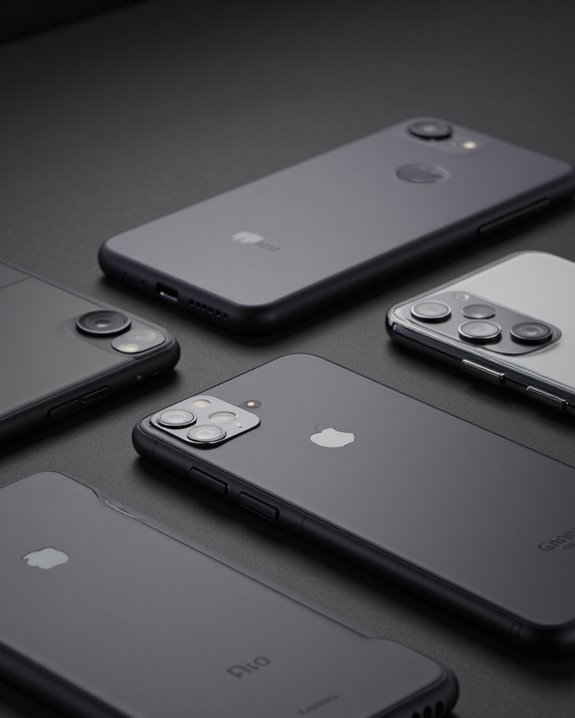
Zoom out, and the Pixel 7a’s missing 3.5mm headphone jack looks a lot less like an outlier and more like table stakes. Every major flagship – the iPhone series, Samsung’s Galaxy S line, newer OnePlus phones – has already made the same cut in favor of wireless audio and thinner designs. Meanwhile, a fair number of mid-range and budget phones, think Samsung Galaxy A, Xiaomi Redmi, Motorola Moto G, plus some Asus Zenfone and Realme models, still hang onto the jack for buyers who want it. That split isn’t random: premium phones bet on design and wireless-first thinking, while cheaper models keep the jack because plenty of budget-conscious buyers still ask for it.
The Pixel 7a’s Audio Specs, in Plain Terms
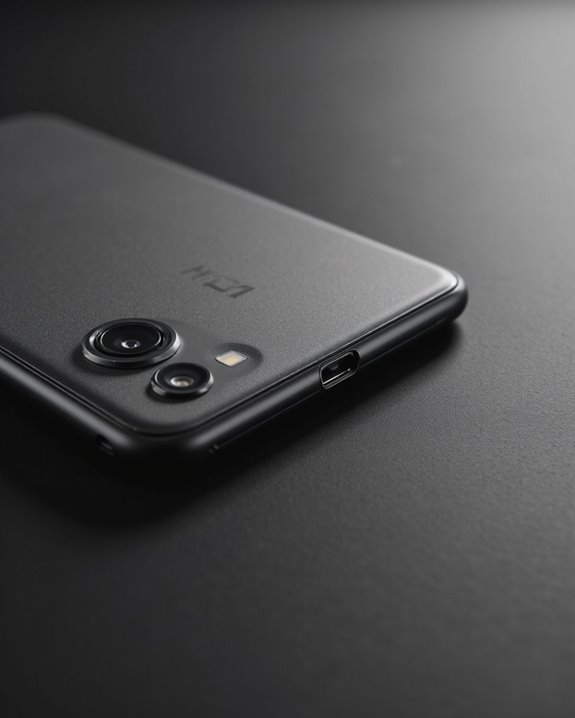
Under the hood, the Pixel 7a’s audio setup is built entirely around modern connectivity, with the 3.5mm jack nowhere in the plan. Audio exits through the USB-C port – fine for wired headphones via an adapter – or wirelessly through Bluetooth 5.3. Google didn’t skimp on the software side either: there’s solid audio processing baked in for both calls and media playback. Codec support is broad, and A2DP handles wireless streaming without the compression artifacts you might expect. The stereo speakers hold their own for balanced sound, and there are software tweaks under the hood that adjust playback depending on what you’re doing. You also get customizable audio settings and the usual volume controls, plus broad compatibility with Bluetooth accessories and USB-C dongles, including support for low-latency use cases like gaming.
What the Pixel 7a Tells Us About Where Phones Are Headed
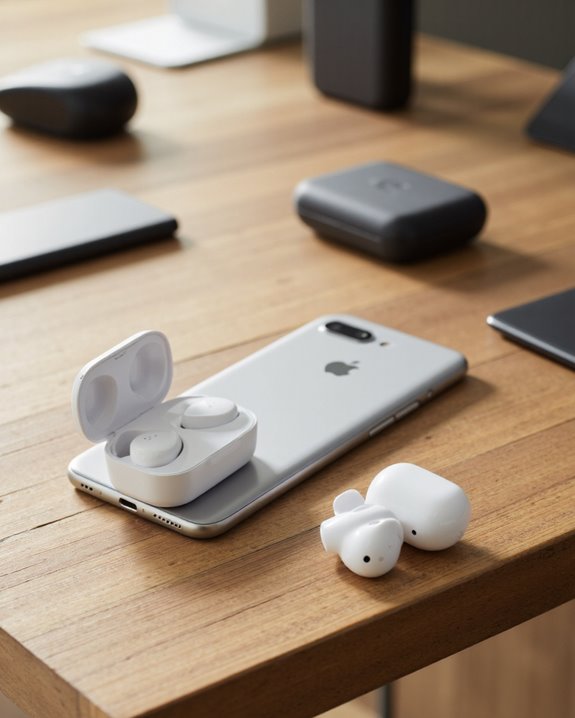
Pull back far enough, and dropping the 3.5mm headphone jack puts the Pixel 7a squarely alongside a growing crowd of mid-range and flagship phones betting on wireless-first audio. Bluetooth 5.3 does the heavy lifting here, giving you dependable connections to earbuds and headphones without much fuss. Meanwhile, the reliance on USB-C for wired audio confirms where the industry’s headed: fewer dedicated ports, more all-purpose connections doing double duty. The upside – slimmer builds, better water resistance – mirrors what you’d see on true flagship devices, and the accessory market has caught up enough that finding compatible gear isn’t a chore anymore. In short, the Pixel 7a is a pretty accurate snapshot of where wireless audio and multifunctional hardware are taking modern smartphones.
Frequently Asked Questions
Can I use a headset with an in-line microphone on the Pixel 7a?
Yes, but it depends on the adapter. A cheap or generic USB-C dongle might pass audio through fine while leaving the microphone dead silent, so check that the adapter you’re buying explicitly supports mic passthrough before you count on it for calls.
Does removing the headphone jack improve the Pixel 7a’s water resistance?
It can. Fewer ports mean fewer entry points for moisture, and manufacturers frequently point to that as one of the practical upsides of dropping the jack in the first place.
Will using a USB-C adapter affect call quality on the Pixel 7a?
Usually not, as long as you’re using a decent adapter. Cheap, poorly-shielded ones are where you’ll run into trouble – expect muddier audio or dropped compatibility if you skimp here.
Are there latency issues when gaming with Bluetooth headphones on the Pixel 7a?
Some, though it’s usually minor. Bluetooth will always trail a wired connection slightly, and casual gamers likely won’t notice. Competitive players, on the other hand, might pick up on a small delay depending on their headphones and how much interference is around.
What USB-C audio accessories are officially recommended for the Pixel 7a?
None, technically – Google doesn’t publish an official list. Your best bet is sticking with reputable third-party brands built specifically for Android devices, and double-checking USB-C compatibility before you buy.