As an Amazon Associate, we earn from qualifying purchases. Some links on this site are affiliate links at no extra cost to you. Our recommendations are based on thorough research and editorial judgment.


Does the Iphone 10 Have a Headphone Jack?

No — the iPhone 10 doesn’t have a 3.5 mm headphone jack, and no amount of wishing will bring it back. Apple killed it off with this generation, leaving you with two options for audio: the Lightning port or Bluetooth 5.0. Plug in a pair of wired headphones through the included Lightning-to-3.5mm adapter and you’re fine, but you give up the ability to charge at the same time. It’s a trade-off, plain and simple. Apple calls this a design statement; I’d call it an inconvenience with a nice case. Either way, here’s what you actually need to know about wired compatibility, adapters, and getting the best sound out of this phone.
Key Takeaways
- No, the iPhone X (aka iPhone 10) skips the classic 3.5 mm headphone jack entirely.
- You’ll be routing audio either through the Lightning port or over Bluetooth to wireless headphones.
- Apple throws in a Lightning to 3.5 mm adapter in the box, so wired headphones aren’t a lost cause.
- Bluetooth 5.0 covers AirPods and just about any other wireless headphone on the market.
- Charging and wired listening can’t happen at once — the Lightning port only does one job at a time unless you buy a splitter.
iPhone 10 Design and Where the Headphone Jack Used to Be
You may be interested

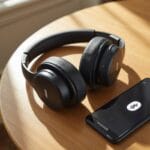
The iPhone X — most people just call it the iPhone 10 — was Apple’s big swing toward an all-screen, no-button future. An edge-to-edge OLED display, no home button, and a stainless steel frame that comes in at 5.65 inches tall, 2.79 inches wide, and a featherweight 6.14 ounces. It shipped in Space Gray and Silver, and everything about it screams minimalism. That minimalism extends straight to the audio setup: no 3.5 mm jack anywhere on the chassis. Instead, wired audio runs through the Lightning port, and wireless audio runs over Bluetooth 5.0. Apple tosses in a Lightning to 3.5 mm adapter in the box so you’re not stuck. If you’re shopping for cans to pair with it, our guide to Bluetooth 5.0 wireless headphones is worth a look — the connection is snappier and more stable than older Bluetooth versions.
How to Use Wired Headphones With the iPhone 10
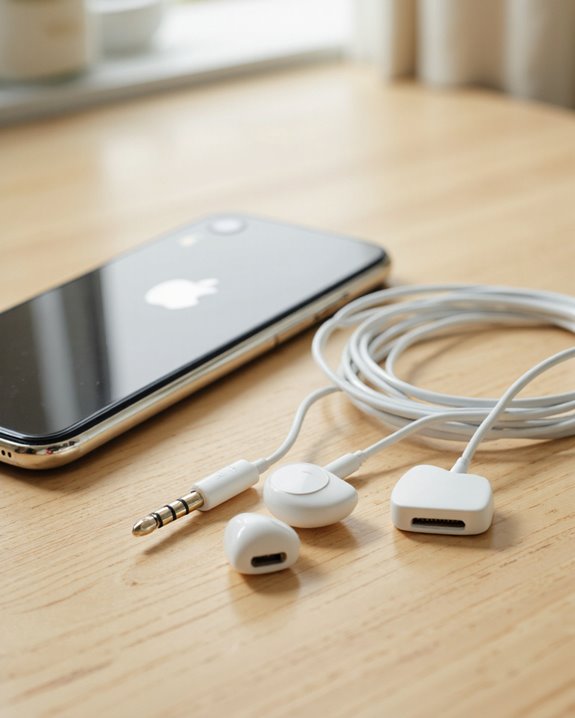
Pulling the jack didn’t kill wired headphones on this phone — it just added a step. If you still prefer the reliability of a cable (no battery to charge, no dropouts, solid noise isolation), you’ve got a couple of routes. The obvious one is a Lightning to 3.5mm adapter, which lets you keep using whatever wired headphones you already own. The other option is headphones built with a Lightning connector right on the cable — Apple’s own EarPods work this way, no adapter required. Most third-party wired headphones will work fine through an adapter, though I’ve noticed inline controls and mic support can be hit or miss depending on how well the adapter is made. Stick with Apple’s or a well-reviewed third-party brand and you’ll avoid headaches.
The Lightning to 3.5mm Adapter, Explained
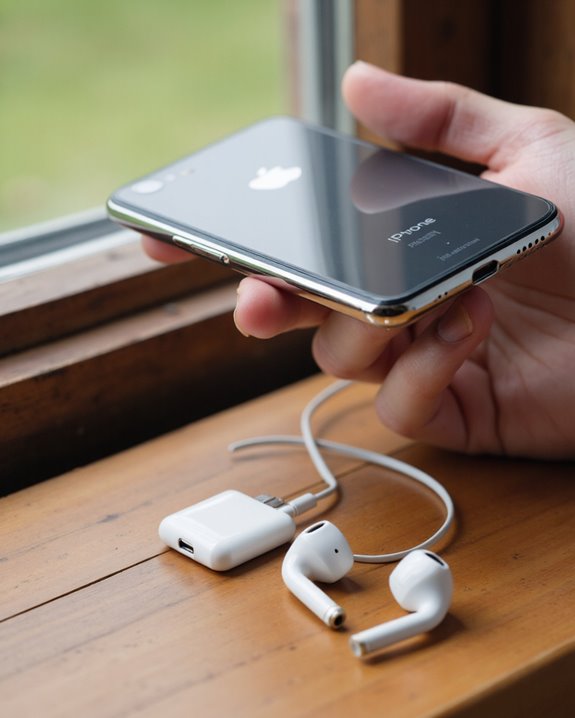
This little dongle does more work than it gets credit for. Apple’s Lightning to 3.5mm adapter plugs straight into the Lightning port and gives you a female 3.5mm jack on the other end — small, unobtrusive, and compatible with any iOS device running iOS 10 or later. Inside, it’s converting digital audio to analog, and honestly, the sound quality holds up well against the old built-in jack. It handles AAC, MP3, and Apple Lossless without a fuss, and you still get playback control, volume adjustment, and call handling with headphones that support it. The catch: you can’t charge your phone while it’s plugged in, and depending on your headphones, some of the remote functions might not carry over perfectly.
Wireless Audio Options for iPhone 10 Owners
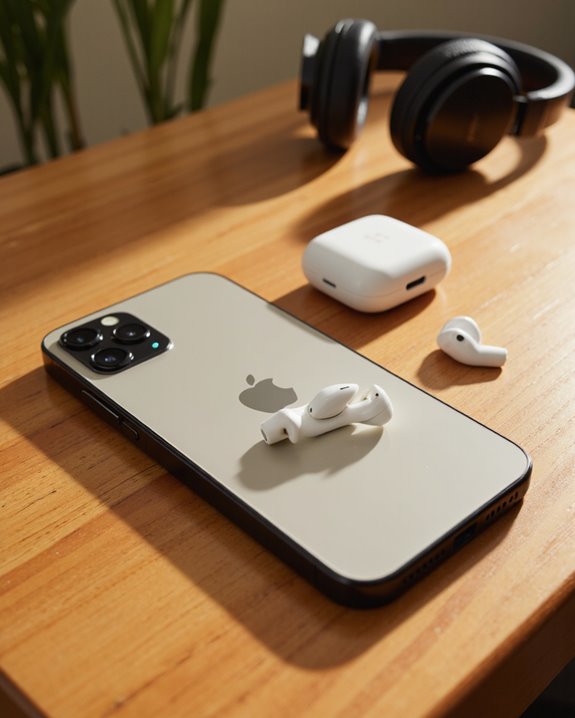
Honestly, most iPhone X owners just skip the adapter dance altogether and go wireless. Bluetooth pairing is quick — head to Settings > Bluetooth, tap your headphones, done. Apple’s own AirPods Pro and AirPods Max are the obvious picks, both packing Active Noise Cancellation and Transparency mode, but the phone plays nice with practically any Bluetooth headphone or speaker on the market. There’s also a nice layer of customization hiding in Settings — Headphone Accommodations and Custom Audio Setup let you tune the sound profile to your own hearing rather than a generic preset. A lot of the newer earbuds on shelves now run on Bluetooth 5.2, which pairs fine with the iPhone X and tends to deliver a steadier connection with less range drop-off.
What Audio Formats Actually Play on the iPhone 10
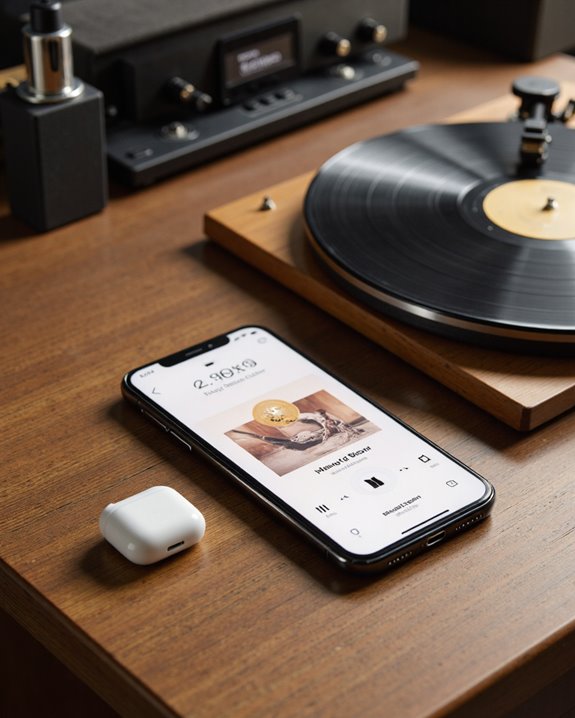
Format support on this phone is actually pretty generous. It handles AAC (plus HE-AAC and Protected AAC), MP3, Apple Lossless (ALAC), FLAC, WAV, AIFF, and even Dolby’s AC-3 and E-AC-3 formats — that covers audiobooks and Dolby Atmos content too. Where things get limited is the hardware: the internal DAC tops out at 24-bit/48 kHz, so anything higher-res gets downsampled unless you’re running an external DAC. Apple Music’s hi-res streams can go up to 24-bit/192 kHz, but you’ll need the right setup to actually hear the difference. You can dial in volume limits in Settings, and lossless or hi-res playback works best over a wired connection — Bluetooth adds its own bottlenecks to the mix.
Do EarPods Work With the iPhone 10?
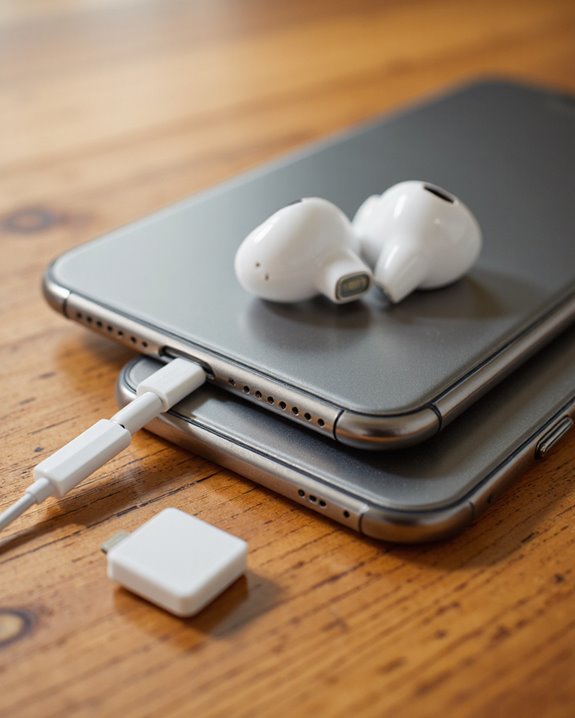
Whether your EarPods work out of the box comes down to one thing: the connector. Only the Lightning-connector version plugs straight into the iPhone 10 — if yours still has the old 3.5 mm plug, you’ll need that adapter again. Design-wise, EarPods use a shaped, ergonomic fit that a lot of people find more comfortable over long listening sessions than generic round earbuds, and they hold up fine during workouts thanks to sweat- and water-resistant materials and a snug fit. The in-line remote is genuinely handy: volume, playback, calls, and Siri, all without touching the phone.
Getting the Best Sound Out of Your iPhone 10
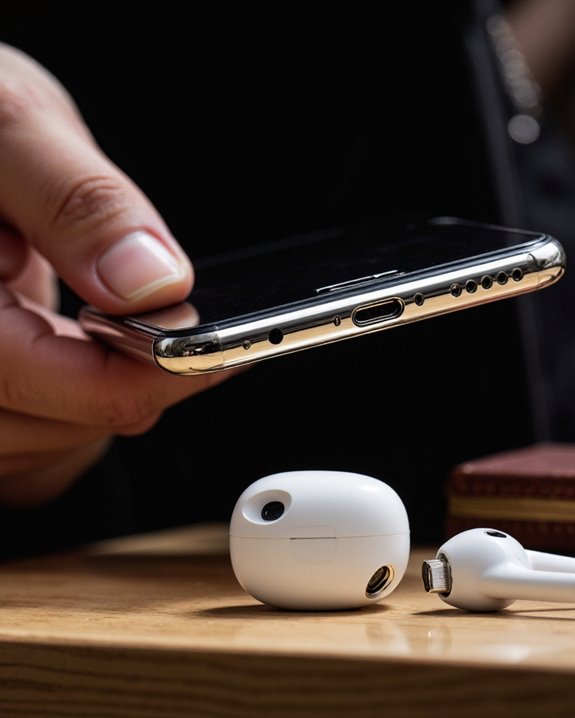
Getting good sound out of an iPhone X without a headphone jack takes a little more intention than it used to, but it’s not hard once you know the levers to pull.
A Few Things That Actually Move the Needle
Start with the headphones themselves — a solid pair on Bluetooth 5.0, or a certified adapter paired with quality wired gear, sets the ceiling for everything else. From there, a third-party equalizer app lets you shape bass, mids, and treble to taste instead of settling for the default mix. Stick to lossless formats like Apple Lossless or FLAC whenever you can — the difference is real, especially on better headphones. If you really want to push it, an external amp or a small hi-fi setup adds noticeable clarity and headroom. Keep the software updated too; Apple quietly rolls audio tweaks and fixes into iOS updates. And don’t skip the max volume limit in Settings — it protects your hearing without gutting the sound quality. Want a genuine upgrade in noise cancelling and wireless stability? Headphones running on Bluetooth 5.3 are worth the look.
Frequently Asked Questions
Can I Use USB-C Headphones With the iPhone 10?
Not directly — the iPhone 10 doesn’t have USB-C compatibility built in. You’d need an adapter, and even then, performance usually takes a hit and Apple doesn’t officially support the setup.
Does the iPhone 10 Support High-Resolution Audio Playback?
Yes, to a point. It natively plays FLAC and ALAC files, so hi-res audio is on the table, but how good it actually sounds depends heavily on your headphones, any adapter in the chain, and whether you’re using an external DAC.
Is the iPhone 10’s Lightning Port Water Resistant?
Sort of. The phone carries an IP67 rating, which gives it decent water resistance overall, but the Lightning port itself isn’t sealed. Get it wet repeatedly or leave moisture sitting in there and you’re risking damage over time.
Can I Charge My iPhone 10 While Using Wired Headphones?
Not without extra hardware. The single Lightning port can’t do both jobs simultaneously, so you’d need a third-party Lightning splitter to charge and listen at the same time — or just switch to Bluetooth headphones and sidestep the problem entirely.
Are There Third-Party Adapters Compatible With the iPhone 10?
Plenty, yes. The market’s flooded with third-party Lightning-to-3.5mm adapters claiming full compatibility, and results vary — some are excellent, some cut corners. If you’d rather not gamble on adapter quality, going wireless sidesteps the whole issue.