As an Amazon Associate, we earn from qualifying purchases. Some links on this site are affiliate links at no extra cost to you. Our recommendations are based on thorough research and editorial judgment.

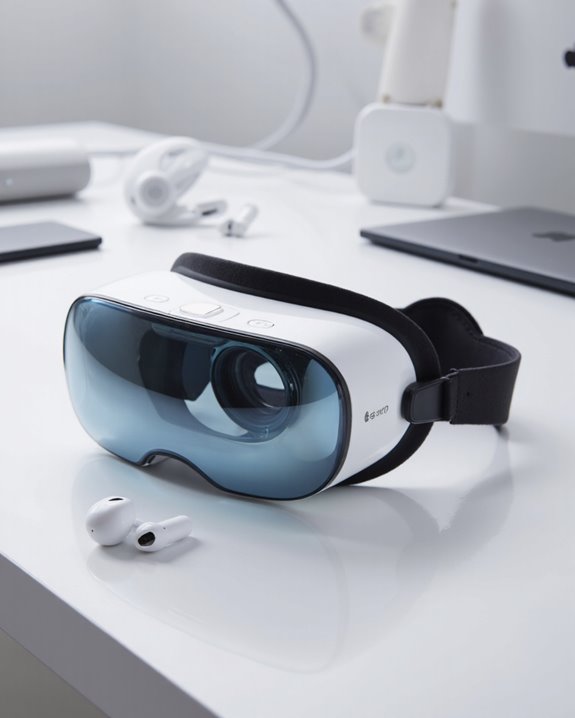
Does Apple Vision Pro Come With Headphones?

Short answer: no, the Apple Vision Pro does not have headphones in the box. What it does have is a pair of built-in audio pods tucked right beside each ear, tuned for spatial audio with head tracking and Dolby Atmos support. Want to pair your own headphones instead? You can, over Bluetooth — AirPods (Pro 2 and later), most Beats, and plenty of third-party Bluetooth cans all work, though fit and latency vary. Below I’ll walk through exactly what’s in the box, how the built-in pods sound, and which headphones actually pair well with Vision Pro.
Key Takeaways
- No headphones ship with Apple Vision Pro — audio comes from built-in pods near each ear.
- Those pods handle spatial audio, dynamic head tracking, and Dolby Atmos playback without you lifting a finger.
- Bluetooth is the only way in: AirPods Pro 2+ and many Beats models pair almost instantly.
- There’s no headphone jack of any kind, so wired listening is off the table entirely.
- Third-party Bluetooth headphones will connect, but Apple’s own hardware still integrates more smoothly.
What’s Actually in the Apple Vision Pro Box?
You may be interested
Crack open the box and you’ll find Apple didn’t skimp on getting the fit right, even if headphones aren’t part of the deal. You get two head strap options: the Solo Knit Band, which comes pre-attached and works fine for shorter sessions, and the Dual Loop Band, which I’d recommend if you’re planning to wear the headset for a while since it distributes weight more evenly. Both straps adjust to fit different head shapes. There are also two light seals — a standard cushion and a thicker one for anyone wearing glasses — designed to block outside light and keep you locked into the visuals. Round out the box with a proprietary battery pack, USB-C cables, a couple of protective covers, a polishing cloth, and the usual stack of paperwork.
How Good Are the Vision Pro’s Built-In Audio Pods?
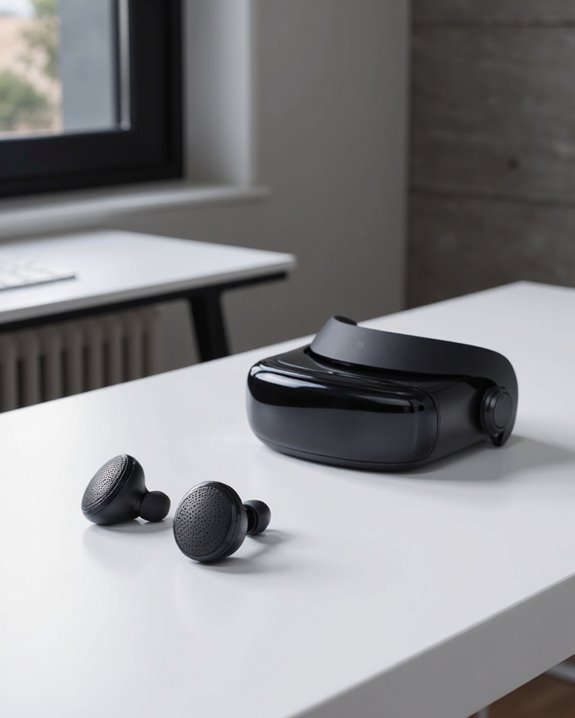
This is where Apple clearly put its engineering budget. The audio pods sit just off each ear and pack dual-driver hardware capable of playing back AAC, MP3, Apple Lossless, FLAC, and Dolby Atmos without breaking a sweat. Pair that with spatial audio, dynamic head tracking, and audio ray tracing, and sound genuinely seems to move with the virtual environment around you — turn your head and a sound source stays anchored in space instead of following your ears. What I find smartest about the design is that it doesn’t fully seal you off: ambient sound still gets through, so you’re not cut off from the room while you’re wearing it. A six-mic array with beamforming, personal audio profiles, and lossless playback round things out. It’s not a replacement for a good pair of over-ears, but for built-in, hands-free audio it’s impressively capable.
Can You Connect Headphones to Apple Vision Pro?
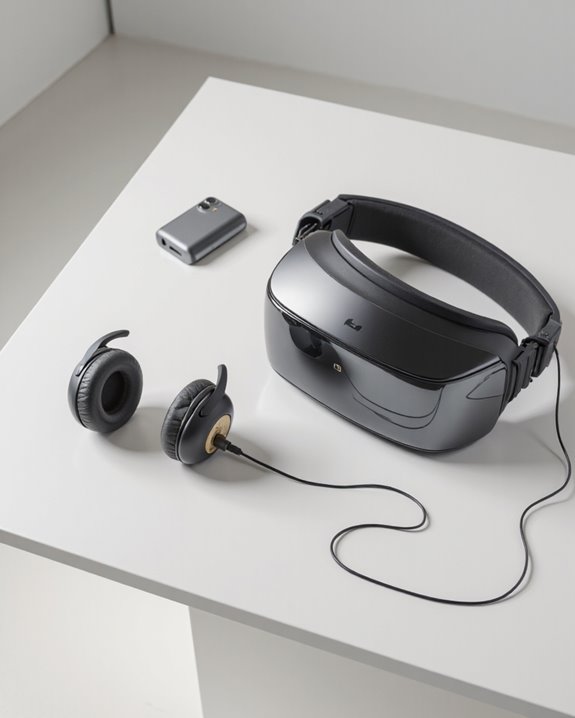
Yes — but only wirelessly. Plenty of people still want to bring their own headphones for privacy, better isolation, or just a sound signature they like more than the built-in pods. Vision Pro connects to Bluetooth headphones from just about any brand, Sony, Sennheiser, Bowers & Wilkins, you name it. There’s no headphone port anywhere on the device, so wired is simply not an option, full stop. One thing worth knowing upfront: third-party headphones can introduce noticeable audio latency, which becomes distracting fast when sound falls even slightly out of sync with what you’re seeing. Pairing non-Apple headphones sometimes isn’t as simple as tapping Bluetooth settings either — you may need to dig into the Accessibility menu to get them recognized. Comfort is another variable; the headset’s strap system doesn’t always play nicely with bulkier over-ear designs. If you want long battery life and clear call quality without the fuss, the TOZO A1 Wireless Bluetooth Earbuds pair well with Vision Pro.
Compatibility With AirPods, Beats, and Other Headphones
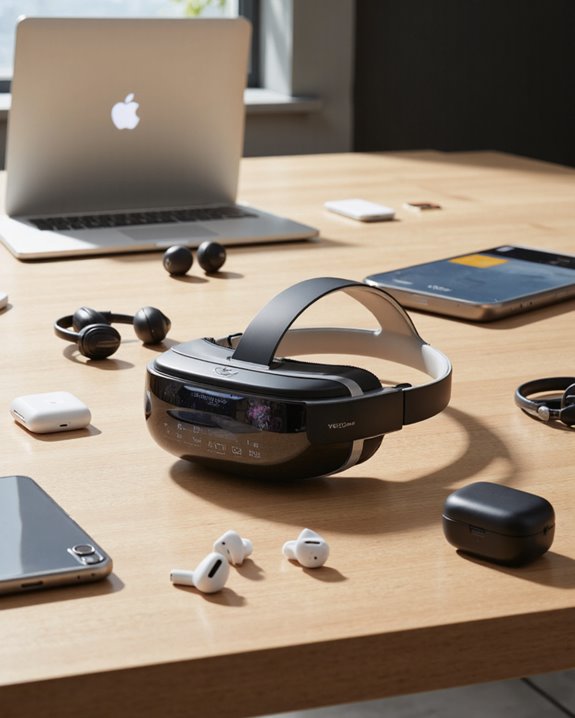
Apple built Vision Pro to play nicely across its own headphone lineup, and it shows. AirPods work across the board, but AirPods Pro 2 and later — anything running the H2 chip or newer — unlock lossless audio and ultra-low latency, which noticeably tightens up spatial audio playback. Beats headphones are a mixed bag: many connect automatically if they’re already linked to your Apple account, while others need a manual Bluetooth pairing. A few models, Studio Pro included, sometimes require an extra trip through Accessibility settings before they’ll cooperate. Third-party Bluetooth headphones will pair too, though don’t expect the same latency performance or audio polish, and over-ear shapes can crowd the headset’s fit.
Why Bother With External Headphones on Vision Pro?
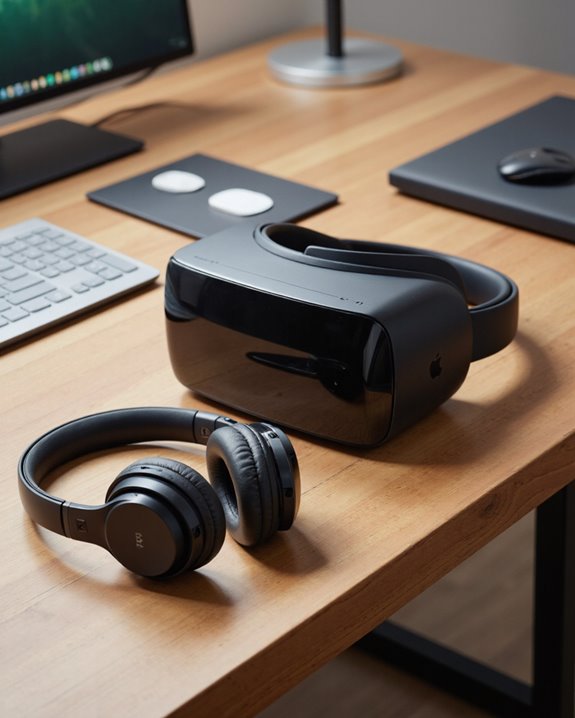
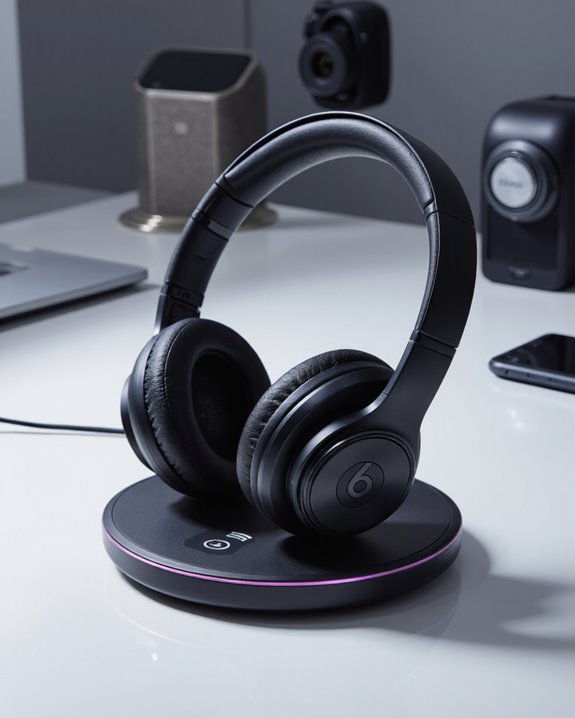
Compatibility is one thing; the actual payoff is another. Swapping in your own headphones opens up a level of sound customization the built-in pods can’t match — pick a warmer, bass-forward pair or a flatter, more neutral one depending on what you’re listening to. A lot of third-party models also support high-resolution or lossless streaming, which audiophiles will appreciate. Active noise cancellation is a genuine upgrade too, sealing out distractions and keeping your audio from leaking into a shared room. Some headphones lean on Bluetooth LE Audio or proprietary low-latency modes, which matters a great deal if you’re doing anything with precise video sync or creative work. There’s a practical battery upside as well: independently powered headphones take the audio load off Vision Pro’s own battery, stretching your session time. And, of course, comfort improves once you’ve found a pair built for your head shape rather than settling for whatever’s built in. Take the Beats Studio Pro, for instance — its 40-hour battery life and solid noise cancellation make it a strong match.
The Headaches of Pairing Over-Ear Headphones With Vision Pro
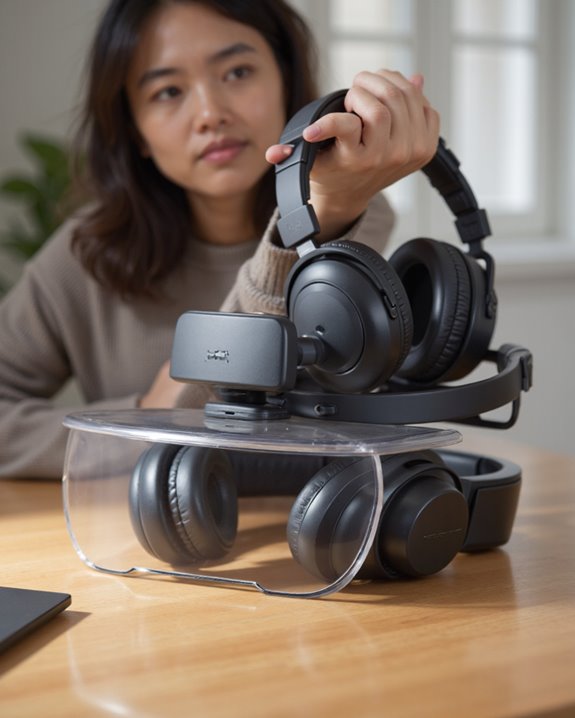
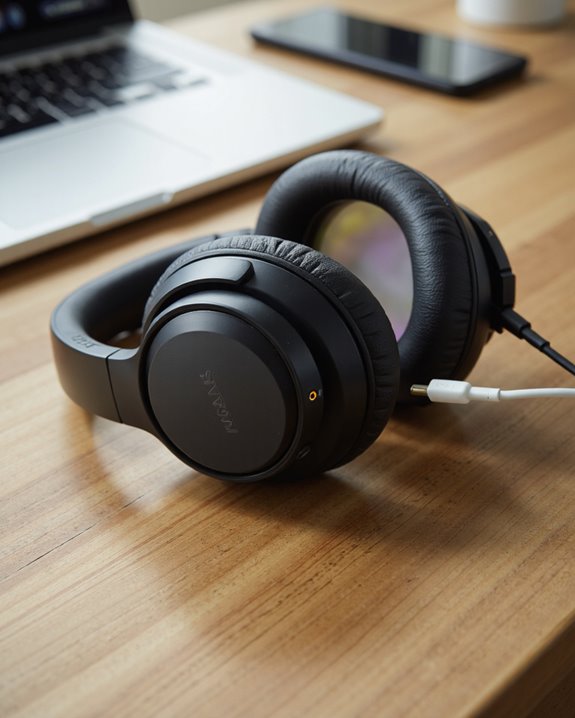
Why do over-ear headphones give Vision Pro owners more grief than earbuds do? Part of it comes down to how Apple buried the pairing process — you’ll need to go through Settings > Accessibility > Hearing Devices rather than the normal Bluetooth menu, which trips up a lot of people the first time. That quirky pairing route causes real compatibility headaches with popular models like the Bose QC35II and Sony WH-1000XM3, both of which have a reputation for dropping their connection mid-session. Crowded Bluetooth environments make things worse, with dropouts and glitches showing up more often when several wireless accessories are fighting for the same airspace. And because there’s no wired fallback, you’re stuck troubleshooting rather than just plugging in a cable. Add in the physical bulk of stacking bulky over-ear cups on top of the headset, and you’re also looking at balance and comfort issues — sometimes even a dip in spatial audio performance.
Best Headphones for Apple Vision Pro Right Now
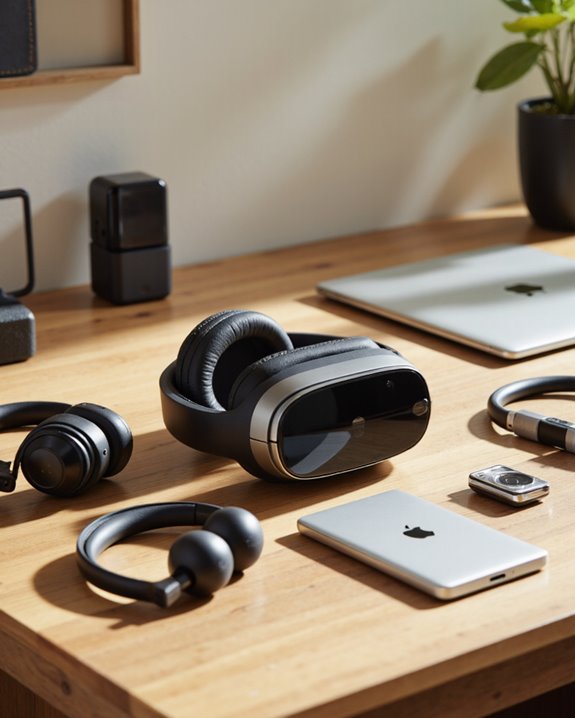
Given everything above, picking headphones for Vision Pro comes down to weighing compatibility, sound quality, and fit against each other. If lossless audio and near-zero latency matter to you, AirPods Pro 2 or later are the obvious pick — the H2 chip does a lot of heavy lifting there. Beats Studio Pro is a close second if you want that same ecosystem integration with a different form factor. Prefer something outside Apple’s lineup? Bluetooth earbuds from Bose, Sony, or Sennheiser hold their own on spatial audio and active noise cancellation, and comfort is generally solid too. If you rely on hearing aids, Vision Pro supports several models, which widens accessibility considerably. Wired headphones can technically work through an adapter, but you’ll likely lose spatial audio features in the process, so I wouldn’t bother. Also worth noting: several newer wireless earbuds now ship with Bluetooth 5.2 connectivity, which holds a stable connection out to roughly 10 meters.
Tips to Get the Best Audio Out of Your Vision Pro

A few tweaks go a long way toward better sound. Start in the Settings app: adjust the EQ, flip on Lossless Audio, and turn on Sound Check so playback volume doesn’t jump around between apps. When you want the full immersive effect, make sure spatial audio is active and you’re watching content that actually supports it — then fine-tune the settings per activity if needed. Custom Audio Setup lets you build a sound profile around your own hearing, and features like Adaptive Audio and Conversation Boost are worth experimenting with too. If you have specific hearing needs, look into Headphone Accommodations and the amplification sliders tucked under Accessibility. Beyond that, it’s the boring stuff that actually keeps things running well: keep software updated, recalibrate occasionally, and feed the system high-quality audio sources whenever you can.
Frequently Asked Questions
Can You Use Wired Headphones With Apple Vision Pro?
No. There’s no headphone port on the device at all, so wired headphones simply aren’t an option. You’re limited to Bluetooth, which can introduce a bit more latency and less consistency than a wired connection would.
Is There a Headphone Jack on Apple Vision Pro?
Nope, no jack here. Apple went all-in on wireless audio plus the built-in pods, skipping a physical port entirely in favor of Bluetooth headphones and the onboard spatial sound system.
Does Apple Vision Pro Support Multiple Headphone Connections at Once?
Apple hasn’t officially confirmed simultaneous multi-headphone support. In practice, connecting several Bluetooth devices at the same time tends to invite interference rather than smooth dual playback, so I wouldn’t count on it.
Are There Volume Controls for External Headphones on Vision Pro?
Some volume adjustment is available through the headset’s own audio settings, but for the most part you’ll be reaching for the controls on your headphones themselves rather than the Vision Pro.
Can Hearing Aids Connect to Apple Vision Pro for Audio Output?
Yes, Vision Pro supports a number of hearing aid models for direct audio output. Compatibility does vary by model, so it’s worth checking your specific hearing aid against Apple’s supported list before relying on it.