As an Amazon Associate, we earn from qualifying purchases. Some links on this site are affiliate links at no extra cost to you. Our recommendations are based on thorough research and editorial judgment.


Can I Use Headphones With a Pacemaker Safely?

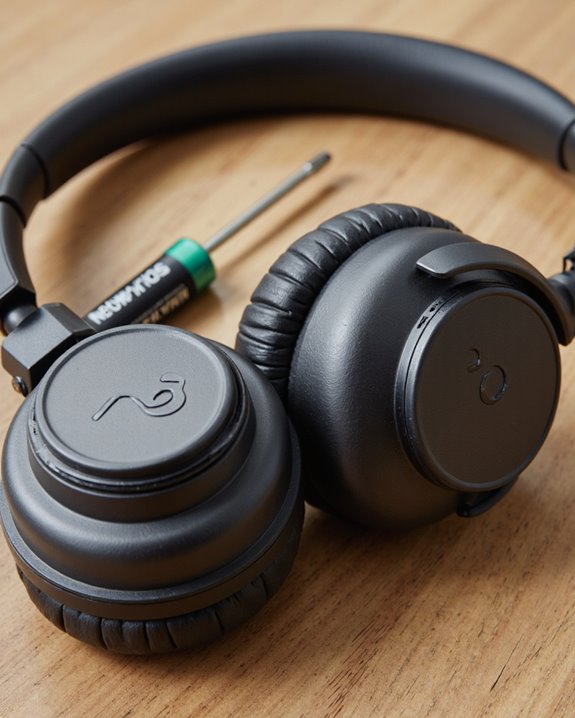
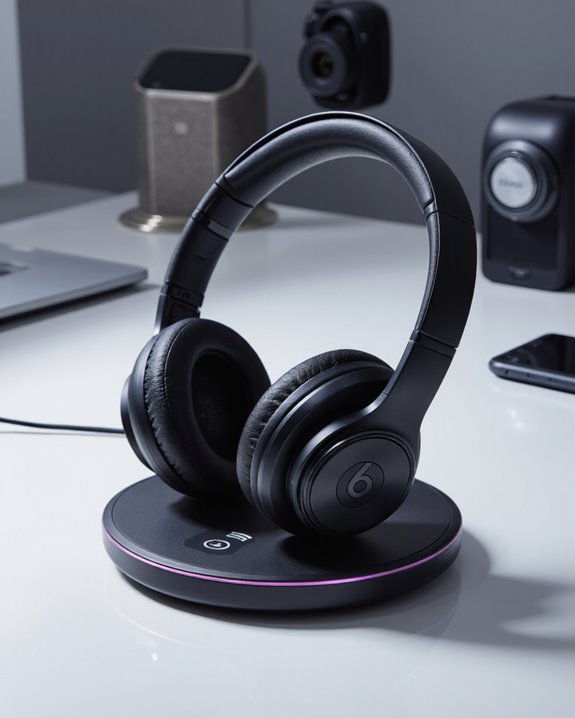
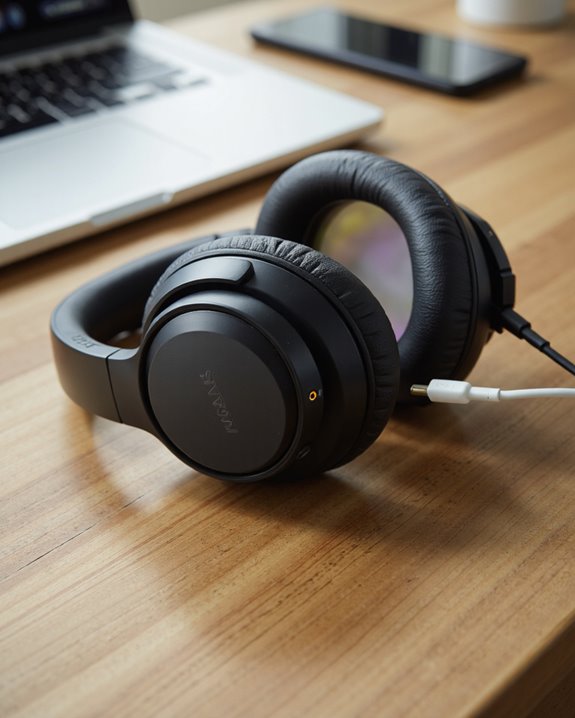
Yes, people with pacemakers can use headphones safely by following specific precautions. Standard headphones should be kept at least 1.2 inches (3 cm) and Bluetooth headphones at least 6 inches (15 cm) from the device, as both can produce magnetic and radiofrequency interference. Storing or resting headphones near the chest or implant site is not recommended. Opting for headphones with low magnetic output and being vigilant for abnormal symptoms further enhances safety—additional guidelines offer detailed recommendations for ideal use.
Key Takeaways
- Keep headphones at least 6 inches (15 cm) away from your pacemaker to reduce electromagnetic interference risk.
- Avoid draping headphones around your neck or storing them in shirt or breast pockets near the device.
- Use headphones only in or over the ears, preferably on the side opposite the pacemaker implant.
- Both wired and wireless headphones can cause interference, especially those with strong magnets or Bluetooth features.
- Consult your doctor immediately if you notice abnormal heartbeats, device beeps, or symptoms like dizziness while using headphones.
Understanding How Headphones Can Interact With Pacemakers
You may be interested


Headphones can interact with pacemakers primarily due to their internal headphone materials, which often include magnetic components. These materials generate electromagnetic fields during operation. Both wired and wireless headphones may produce such fields, although the specific intensity depends on device design and material composition. When headphones are placed in close proximity to a pacemaker, the generated electromagnetic fields can induce interference, potentially triggering pacemaker magnet responses or causing implantable cardioverter defibrillator (ICD) alarms. Clinical studies simulate real-world exposure by positioning headphones near pacemakers and monitoring for functional disruptions using electrocardiograms and telemetry. Factors influencing interference risk include the strength of the magnetic field, the distance between the headphone and the pacemaker, and the particular type of pacemaker implanted in the patient.
Key Safety Guidelines for Headphone Use

Recognizing the potential for electromagnetic interference between personal audio devices and cardiac implants, manufacturers and clinical experts have developed specific safety guidelines for individuals with pacemakers. Among headphone types, it is essential to maintain a minimum distance—at least 1.2 inches (3 cm) for standard headphones and 6 inches (15 cm) for Bluetooth models—from the pacemaker site. Safety measures include never storing headphones in shirt pockets or draping them around the neck, as proximity to the implant increases risk. Users are advised to wear headphones only in or over the ears and to regularly check for strong magnetic components. Adhering to manufacturer recommendations and maintaining proper storage practices are critical safety measures, ensuring compatibility and minimizing potential interference.
Types of Interference and Their Effects
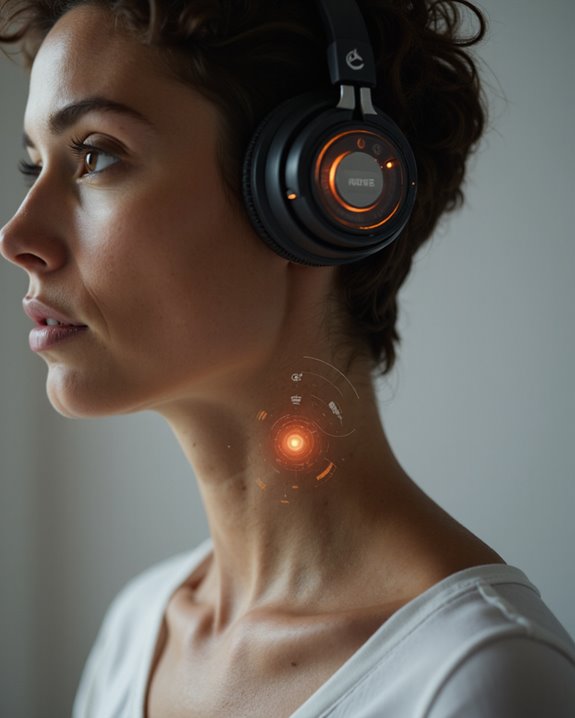
Although modern personal audio devices are designed with safety in mind, various forms of electromagnetic interference (EMI) remain a significant concern for individuals with pacemakers. Magnetic interference can arise from the small magnets embedded in earbuds and clip-on headphones, potentially disrupting device operation. These magnetic fields may induce asynchronous pacing or cause temporary malfunctions in pacemakers and implantable cardioverter-defibrillators (ICDs). Prolonged exposure, while rare, increases the risk of permanent device damage. Wireless devices—such as Bluetooth headphones—also emit radiofrequency interference (RFI) that may impair pacemaker function, particularly if kept too close. Typical recommendations advise maintaining a minimum distance of six inches from the implant site. While many pacemakers switch to a fixed-rate pacing mode during EMI, this response is not suitable for every patient and may necessitate reprogramming.
Best Practices for Storing and Wearing Headphones

Maintaining safe distances and proper handling practices is essential for individuals with pacemakers when using or storing personal audio devices. Headphone materials, particularly magnets in both earbuds and over-ear models, can generate electromagnetic fields—keeping all headphone types at least 6 inches (15 cm) from the pacemaker site is vital. User experiences suggest avoiding storing headphones in breast pockets or draping them around the neck, as these actions increase proximity risk. Instead, headphones should be stored in a dedicated case or bag, and used on the ear opposite the implant to maximize distance. Regular inspections for cable wear or damage are recommended, as compromised headphone materials may elevate interference potential. Opting for models with minimal magnetic components further enhances safety during daily use and storage. If you’re shopping for a lower-risk option, our guide to the best bone conduction headphones covers models that sit away from the ear entirely and use minimal magnetic hardware.
When to Seek Medical Advice Regarding Headphone Use
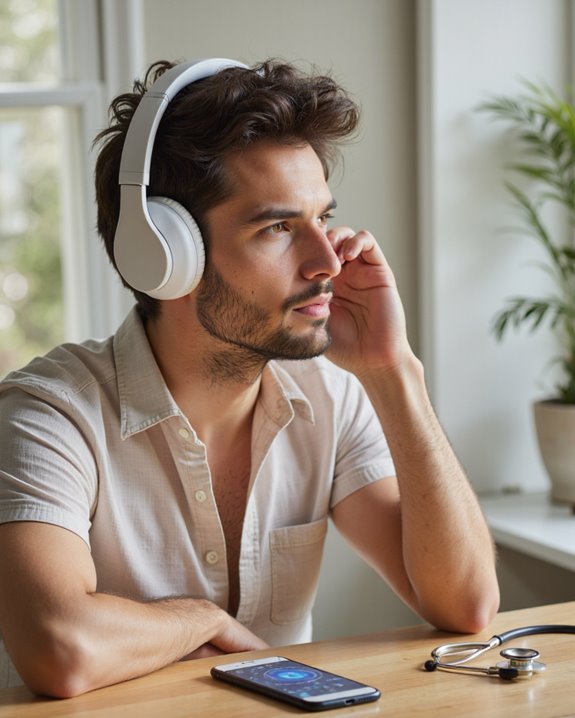
When should individuals with pacemakers seek medical advice regarding headphone use? Medical consultation is recommended if interference symptoms—such as abnormal heartbeats, dizziness, severe pain near the device, or breathing difficulty—occur while using headphones. Users should be especially vigilant when introducing new headphone materials, particularly those containing strong magnets or unfamiliar electronic components. If the pacemaker exhibits irregular beeps, pacing issues, or any sign of malfunction during or after headphone use, immediate professional evaluation is warranted. Additionally, consultation is advised before adopting new wireless or Bluetooth-enabled headphones, even though current evidence suggests minimal risk. Routine pacemaker checks and adherence to manufacturer guidelines—keeping headphones at least 6 inches away—remain essential. Always update medical records with new device use and follow pacemaker clinic recommendations.
Frequently Asked Questions
Are Wireless Earbuds Safer Than Wired Headphones for Pacemaker Users?
The safety comparison between wireless earbuds and wired headphones for pacemaker users centers on Bluetooth technology and electromagnetic interference. Wired headphones typically present a lower risk, as Bluetooth wireless earbuds may emit electromagnetic signals that could potentially interfere with pacemaker function.
Can Noise-Cancelling Headphones Affect Pacemaker Function Differently?
As noise-cancelling headphones hum quietly, their enhanced magnets may generate stronger electromagnetic interference. This interference could disrupt pacemaker function more than standard headphones, underscoring the importance of maintaining distance and adhering strictly to safety precautions. If you’re weighing your options, check out our guide to the best noise cancelling headphones for models that balance strong ANC performance with sensible design.
Is It Safe to Use Over-Ear Versus In-Ear Headphones With a Pacemaker?
When comparing over-ear and in-ear headphones, individuals may choose based on sound quality and comfort level, as both options are generally safe for pacemaker users if kept at least six inches away from the device.
Do Certain Headphone Brands Pose More Risk to Pacemaker Users?
Current research indicates headphone brands themselves are not primarily linked to risk; rather, magnetic field strength and headphone materials determine interference potential. Brand compatibility matters less than ensuring the chosen headphones maintain a safe distance from pacemakers.
Can Smartwatches or Fitness Trackers Also Interfere With Pacemakers?
Smartwatch interference and fitness tracker safety are important considerations, as these devices can emit electromagnetic fields and contain magnets that may disrupt pacemaker function. Users are advised to keep such devices at least 6 inches from implanted devices.