As an Amazon Associate, we earn from qualifying purchases. Some links on this site are affiliate links at no extra cost to you. Our recommendations are based on thorough research and editorial judgment.

Do Apple Headphones Work on PS4?

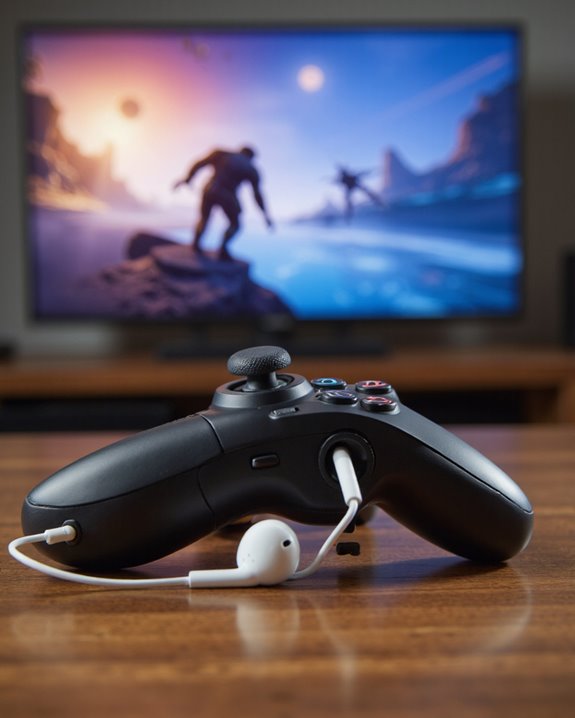
Short answer: yes, Apple headphones work on PS4, but not without a few catches. Plug in a pair of wired EarPods and you’ll get solid game audio through the DualShock 4’s 3.5mm jack almost instantly – the mic is another story. Go wireless with AirPods and the PS4’s total lack of native Bluetooth audio support means you’re stuck unless you bring in a USB Bluetooth adapter, and even then, expect a little latency and spotty mic performance. There are workarounds through a Smart TV’s Bluetooth or PS4 Remote Play, too. I’ll walk through all of it below so you know exactly which route fits your setup.
Key Takeaways
- Plug wired Apple headphones straight into the PS4 controller’s 3.5mm jack for audio – just don’t count on the mic working without an adapter.
- The PS4 has no built-in Bluetooth audio, so AirPods need a dedicated Bluetooth adapter before they’ll pair at all.
- Wired EarPods handle game sound fine, but voice chat is hit or miss unless you add a CTIA-to-OMTP adapter into the mix.
- Pairing AirPods through a Bluetooth-equipped smart TV gets you wireless sound, though latency and quirky compatibility can creep in.
- Fire up PS4 Remote Play on an iOS device and Apple headphones or AirPods work almost effortlessly, assuming your internet connection holds steady.
Do Apple Headphones Work on PS4? The Compatibility Breakdown
You may be interested
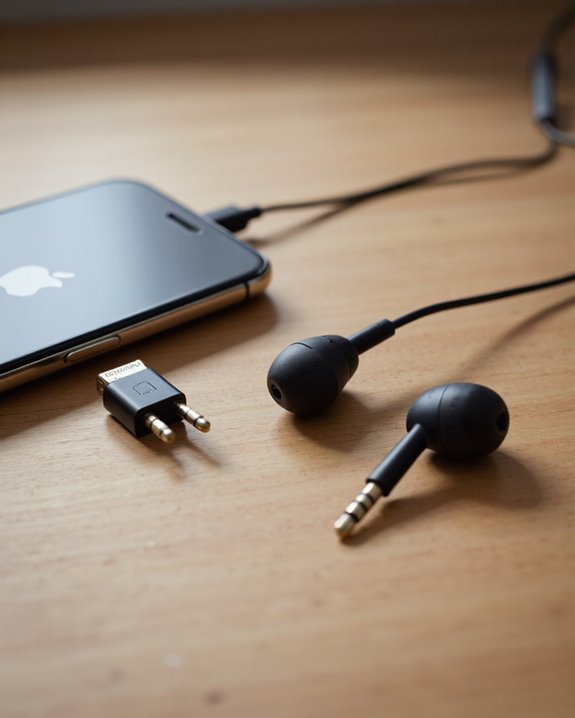
Apple headphones have a well-earned reputation for sounding great, but plugging them into a PS4 isn’t quite the plug-and-play experience you’d hope for. Here’s the root of it: Apple builds its headphones to the CTIA wiring standard, while Sony tuned the DualShock 4’s headphone jack for OMTP headsets. Two different wiring conventions, one 3.5mm jack – and that mismatch is exactly why the mic acts up or refuses to work at all. Audio playback itself is rarely a problem; I’ve tested this repeatedly and game sound comes through clean every time. Voice chat is where things fall apart. The fix is a cheap CTIA-to-OMTP adapter, which essentially translates the signal so your mic gets recognized properly. Skip that adapter and you’re rolling the dice on whether teammates can hear you at all.
Getting AirPods to Work on PS4 With a Bluetooth Adapter
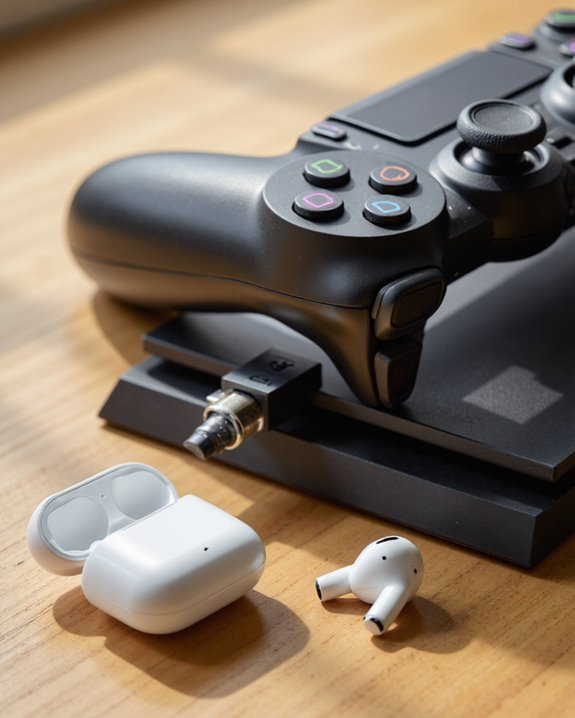
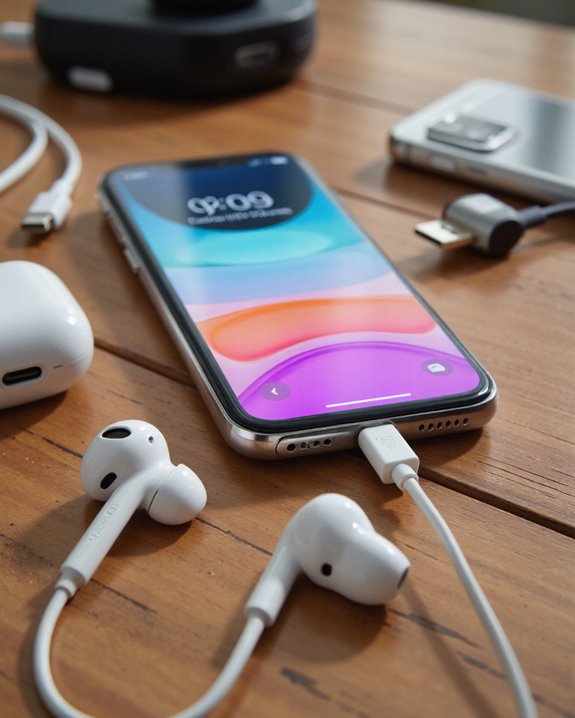
AirPods are everywhere these days, but Sony never built Bluetooth audio into the PS4 – so wireless listening means bringing your own hardware. That’s where third-party USB dongles come in, and there are a few solid ones worth knowing: the Avantree Leaf and the Ghouly Kit both prioritize low latency and dead-simple pairing. A handful of these adapters even let two people connect headphones simultaneously for shared audio, while others route through the controller’s 3.5mm jack instead of USB. Setup isn’t complicated – plug the adapter into a PS4 USB port, put both the adapter and your AirPods into pairing mode, then head into the PS4 audio settings and select the adapter as your output device. One caveat worth flagging: depending on which adapter you’re using and which AirPods generation you own, you might notice slight audio lag or a mic that doesn’t fully cooperate.
Pairing Apple Headphones to PS4 Through a Smart TV
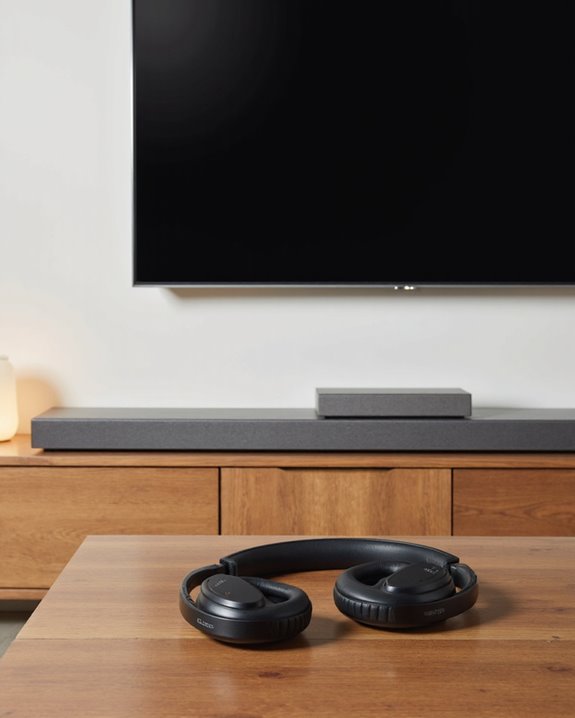
If you already own a Smart TV, you’ve got a workaround sitting right there in your living room. Since the PS4 itself won’t talk to AirPods over Bluetooth, routing audio through a TV that does support Bluetooth sidesteps the problem entirely. Connect the PS4 to your Smart TV over HDMI as usual, then switch the TV’s audio output over to Bluetooth. From there, put your AirPods in pairing mode, dig into the TV’s Bluetooth menu, and select them as the output device. Double-check that the PS4 is actually sending audio to the TV rather than its own speakers or an external soundbar. It works, and it’s genuinely wireless – just know that Bluetooth hops between devices can introduce a bit of lag or the occasional dropout depending on your TV’s hardware.
Using Apple Headphones on PS4 Through Remote Play
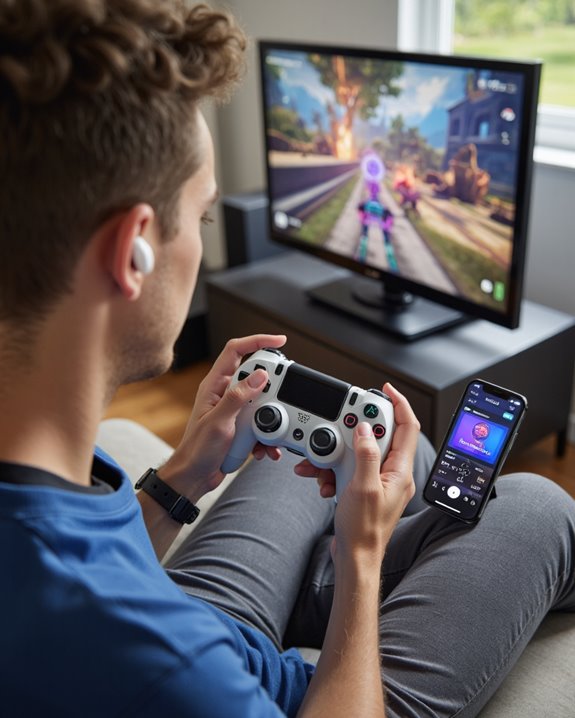
Here’s the option I’d point most iPhone or iPad owners toward first: PS4 Remote Play. Install the PS Remote Play app on an iOS device running iOS 14.0 or later, and you can stream your PS4 games straight to your phone or tablet with audio going directly through whatever Apple headphones you’ve got plugged in or paired. Because the audio is handled by iOS rather than the PS4’s own hardware, Bluetooth just works – no adapters, no wiring standard headaches. The app picks up your headphones automatically, delivers crisp in-game audio, and even supports the mic for voice chat without a fuss. The one thing you can’t work around is your internet connection – a shaky or slow connection introduces lag that no headphone setup can fix, so make sure you’re on solid Wi-Fi before jumping into Remote Play sessions.
Features, Limitations, and Accessories Worth Knowing About
Zoom out and the picture looks like this: whether you’re running AirPods, AirPods Pro, or the wired EarPods, the PS4’s lack of native Bluetooth audio is the recurring obstacle. Wired connections through the controller’s 3.5mm jack remain the most reliable route, and if that’s not an option, adapters like GuliKit or the Twelve South AirFly fill the gap. Sound quality can genuinely impress – AirPods Pro’s noise isolation, in particular, holds up well during gaming sessions – but wireless adapters introduce latency that can throw off timing in fast-paced games. Wired setups sidestep that lag entirely, though newer Apple headphones without a traditional 3.5mm plug will need a Lightning-to-3.5mm adapter to make the connection. Not every adapter handles two-way audio, either; some only pass sound through and leave your mic dead in the water, which matters a lot if you’re chatting with a squad. If voice communication is a priority for you, it’s worth looking at headsets built with noise-cancelling microphone capabilities instead of trying to force Apple’s earbuds into a role they weren’t designed for.
Frequently Asked Questions
Can I Use Apple Headphones’ Microphone for In-Game Chat on PS4?
Technically yes, but don’t expect it to just work. The audio side holds up fine, while the microphone frequently refuses to cooperate because of that CTIA/OMTP mismatch. Most players end up needing an adapter or switching to a purpose-built headset for reliable chat.
Will Using Apple Headphones on PS4 Affect Battery Life of the Headphones?
Wired EarPods have no battery to drain, so there’s nothing to worry about there. Wireless AirPods are a different story – powering a Bluetooth connection during long gaming sessions will chip away at their charge just like it would with any other device.
Are There Any PS4 Games That Do Not Support Wireless Headphones?
Not really. I haven’t come across games that specifically block wireless headphone use – audio handling on PS4 tends to be a system-level setting rather than something individual games control. The occasional wired-only quirk exists, but it’s rare.
Can I Adjust Game and Chat Audio Balance With Apple Headphones on PS4?
You can, right from the system audio settings, regardless of which headphones you’re using. That said, how finely you can tune the balance sometimes comes down to what your specific headphone hardware supports.
Is There a Way to Update PS4 Firmware to Natively Support Bluetooth Audio?
Not at this point. Sony has never pushed a firmware update that adds universal Bluetooth audio support to the PS4, and there’s no indication that’s changing. Third-party adapters remain the only real fix.