As an Amazon Associate, we earn from qualifying purchases. Some links on this site are affiliate links at no extra cost to you. Our recommendations are based on thorough research and editorial judgment.

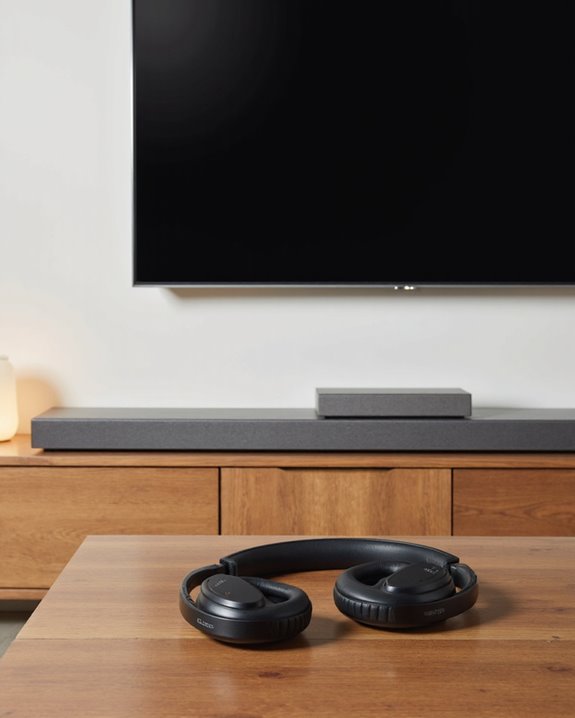
Can You Connect Bluetooth Headphones to a Soundbar?

Short answer: no, not directly, and not the way you’d hope. Can you connect Bluetooth headphones to a soundbar? In almost every case, the soundbar you own is built to receive Bluetooth audio, not send it. Samsung, LG, Vizio, you name it – these things listen for a signal from your phone or TV, they don’t broadcast one out to a pair of headphones. It’s a design choice, not a flaw, but it trips up a lot of people who assume Bluetooth works both ways. There are a small handful of soundbars out there with genuine Bluetooth transmit capability, but they’re the exception. My usual recommendation after testing this setup more times than I can count: skip hunting for a unicorn soundbar and just add a dedicated Bluetooth transmitter to your TV’s audio output instead. It’s cheaper, more reliable, and the latency is far more predictable. Below, I’ll walk through why this limitation exists, where it trips people up, and the workarounds that actually hold up in real use.
Key Takeaways
- Almost all soundbars are one-way Bluetooth receivers – they can’t push audio out to a set of Bluetooth headphones.
- Plugging or pairing headphones straight into a soundbar just isn’t something most hardware supports.
- A separate Bluetooth transmitter hooked into your TV’s audio output does the job a soundbar can’t.
- A few oddball or high-end models do offer Bluetooth output for headphones – dig into the manual before assuming yours won’t.
- Workarounds aren’t perfect; expect some risk of lag or lip-sync drift between picture and sound.
Why Soundbars Don’t Transmit Bluetooth to Headphones
You may be interested


Here’s the assumption that gets everyone: if a soundbar has Bluetooth, it should be able to talk to anything else with Bluetooth, right? Not really. Almost every Bluetooth-equipped soundbar on the market is built to be a Bluetooth receiver, full stop. Think of it as a Bluetooth speaker in disguise – it’s happy to pull audio in from your phone, tablet, or TV, but it has no mechanism for pushing that same audio back out to headphones. Manufacturers spell this out in the fine print of their manuals, usually in a line most people skip past: receive-only. The soundbars that actually support Bluetooth transmission to headphones exist, but they’re niche, and companies tend to charge a premium for that extra chip. If connecting Bluetooth headphones to a soundbar is the goal, the only real path is digging into the spec sheet of a specific model to confirm it’s one of the rare transmit-capable ones – compatibility swings wildly from brand to brand.
Why Pairing Attempts Usually Fail
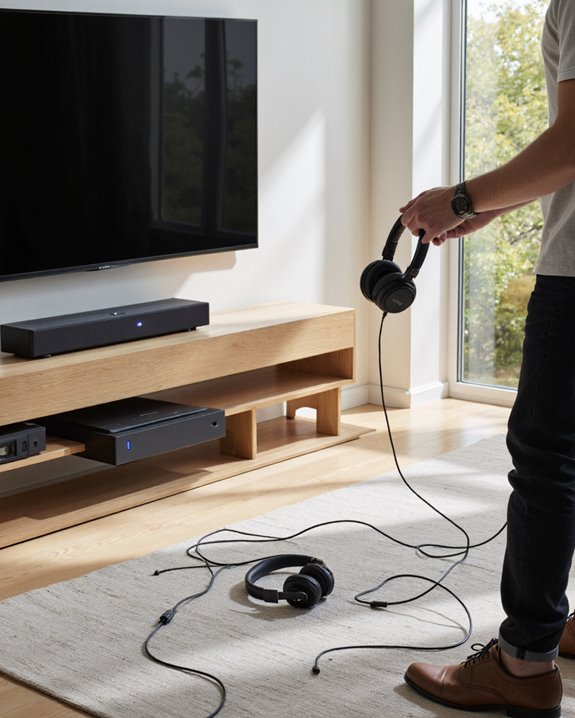
Just because Bluetooth is standard on nearly every modern soundbar doesn’t mean pairing headphones to one is simple – in fact, it usually just doesn’t work. The chip inside is wired for receiving, not transmitting, so it can happily grab a signal from your phone but has no way of sending sound out to a pair of headphones. Flip open the manual and you’ll typically see this spelled out as a receive-only limitation, which quietly rules out headphone pairing altogether. Models built to break that mold are few and far between, so if you’re shopping specifically for one, be ready for a short list and a longer search. Even the workaround route – running a Bluetooth transmitter off a device’s headphone jack – isn’t foolproof; I’ve run into noticeable lip-sync drift more than once doing it this way. Bottom line: the hardware itself is the bottleneck here, and no amount of fiddling with settings changes that.
Better Ways to Get Wireless Audio From Your TV
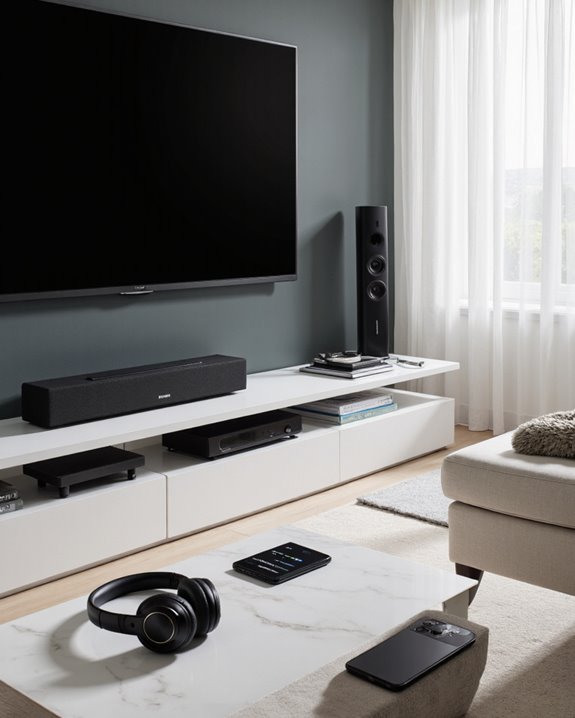
So direct pairing is mostly off the table – what actually works? A Bluetooth transmitter is the fix I reach for every time. Plug one into your TV’s optical or analog audio output, and it’ll beam sound straight to your Bluetooth headset, completely sidestepping the soundbar’s one-way limitation. Look for a transmitter that supports low-latency codecs – that’s the difference between dialogue matching lips and a distracting half-second delay. A few standout soundbars, like some from Bluesound, do ship with genuine native Bluetooth output, but don’t expect to find that feature at random; it’s still uncommon. For most households, a Bluetooth adapter clipped onto the TV’s audio output is the simplest, most universal fix – private late-night listening without swapping out your whole setup. Worth noting too: a lot of newer Bluetooth headsets now support dual connectivity through Bluetooth 5.3 plus a USB dongle, which widens your range and gives you a fallback if one connection method flakes out.
Picking Gear That Actually Works Together
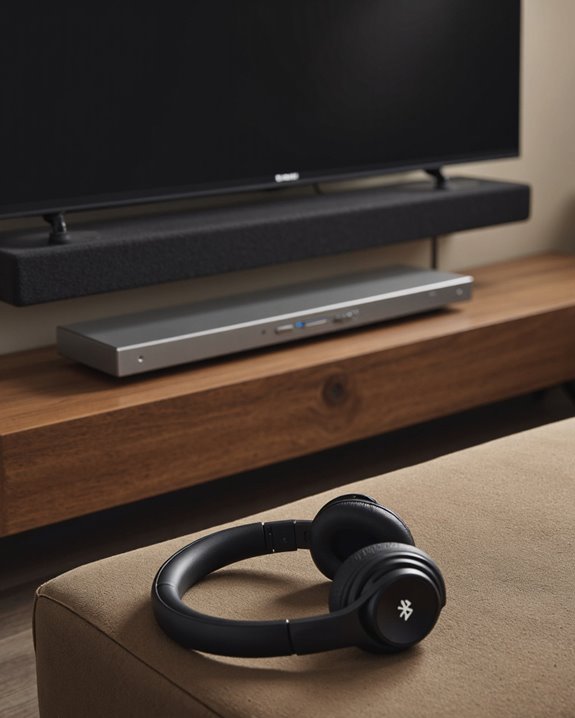
Building a setup where Bluetooth headphones and a soundbar actually cooperate comes down to knowing exactly what each piece of gear can and can’t do. Since the vast majority of sound bars are wired as Bluetooth receivers – built to pull audio in from a TV or phone – headphone pairing simply isn’t part of the deal for most of them. If compatibility matters to you, look specifically for sound bar listings that call out Bluetooth output functionality in black and white. The Hitachi AXS460BTU is one example worth checking, along with select Samsung and LG units, though you’ll want to confirm the feature in the actual manual rather than trust the marketing copy. Want the best of both worlds? Add a Bluetooth transmitter off the sound bar’s output and you can stream to headphones and the room’s speakers at the same time. Before you buy anything, skim a few owner reviews – they tend to reveal connectivity quirks that spec sheets conveniently leave out.
Fixing Common Connection Headaches
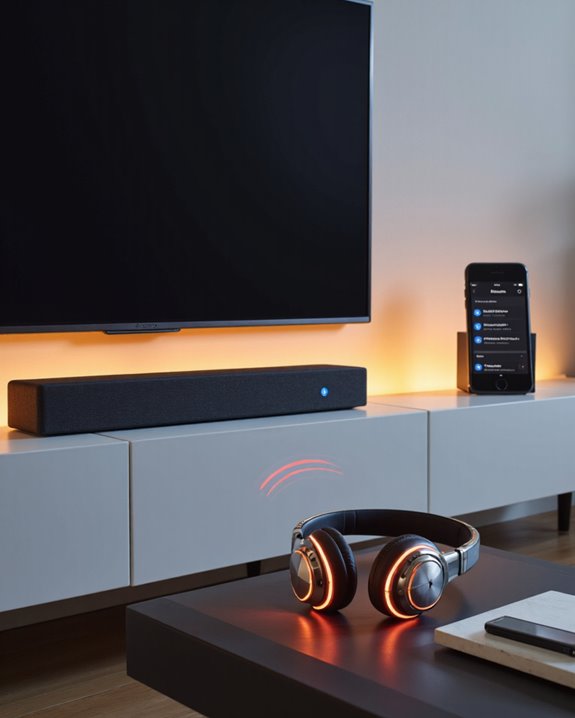
Struggling to get Bluetooth headphones talking to a soundbar? You’re running into the same wall most people do: the soundbar only listens, it doesn’t send. If you want sound coming out of both the soundbar and your headphones at once, try an optical output splitter alongside a Bluetooth transmitter – it lets both paths run simultaneously without gutting the audio quality. Lip-sync problems tend to show up when a transmitter is plugged into the TV’s headphone jack; nudging the audio delay setting, or switching over to the optical output instead, usually clears it up. It’s also worth turning off CEC (Consumer Electronics Control) on the TV, since that feature has a habit of switching audio sources on its own mid-show, which kills your connection without warning. And don’t skip firmware updates – a stale TV or soundbar firmware version is a surprisingly common culprit behind flaky Bluetooth behavior.
Frequently Asked Questions
How Do I Pair My Bluetooth Headphones to My Soundbar?
Start by checking your soundbar’s manual or on-screen settings menu – that’s your compatibility check. Since most soundbars only receive Bluetooth rather than send it, straight pairing usually won’t be an option. If it’s not supported, an adapter or transmitter is your next move.
Can You Plug Headphones Into a Sound Bar?
Generally, no – most sound bars aren’t built for direct headphone connections, wired or Bluetooth. Ports and features vary by brand and model, so it’s worth a quick look at your specific unit’s manual before ruling it out.
Can I Connect My Bluetooth Headphones to My Samsung Soundbar?
Not directly, in most cases – Samsung soundbars are built the same receive-only way as the rest of the market. An external Bluetooth transmitter solves this cleanly and still delivers solid audio quality for private listening.
Can You Connect a Soundbar With Bluetooth?
Yes, but check the direction first – most soundbars pair fine with a TV or phone sending audio to them. Always verify the specs before assuming it’ll work the way you need it to for a seamless wireless setup.