As an Amazon Associate, we earn from qualifying purchases. Some links on this site are affiliate links at no extra cost to you. Our recommendations are based on thorough research and editorial judgment.

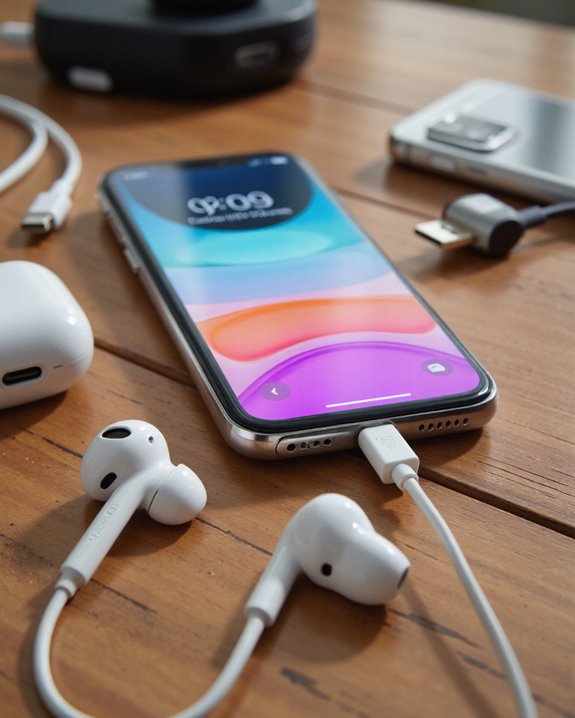
Do Apple USB-C Headphones Work on Android Devices?

Apple USB-C headphones can physically connect to most Android devices with USB-C ports, but their audio performance and feature support often vary. Most older Android models with built-in DACs recognize audio and sometimes in-line controls, yet newer devices may not detect them at all—especially if lacking proper USB-C audio output compatibility. Microphone and control functionality can be inconsistent as well. Using adapters may help, but results differ by device. To decide effectively, let’s examine technical nuances and community experiences in depth.
Key Takeaways
- Apple USB-C EarPods physically fit Android devices but are only fully compatible with models that support USB-C digital audio output.
- Many older Android phones work with Apple USB-C EarPods, while newer models often fail to detect or use them properly.
- Audio quality and in-line controls may be inconsistent or unsupported on Android, depending on the device’s built-in DAC and software.
- Using a USB-C to 3.5mm adapter may improve compatibility, but results vary and may require an adapter with its own DAC.
- It’s essential to check your specific Android device’s compatibility and review user experiences before purchasing Apple USB-C headphones.
Overview of Apple USB-C Headphones
You may be interested
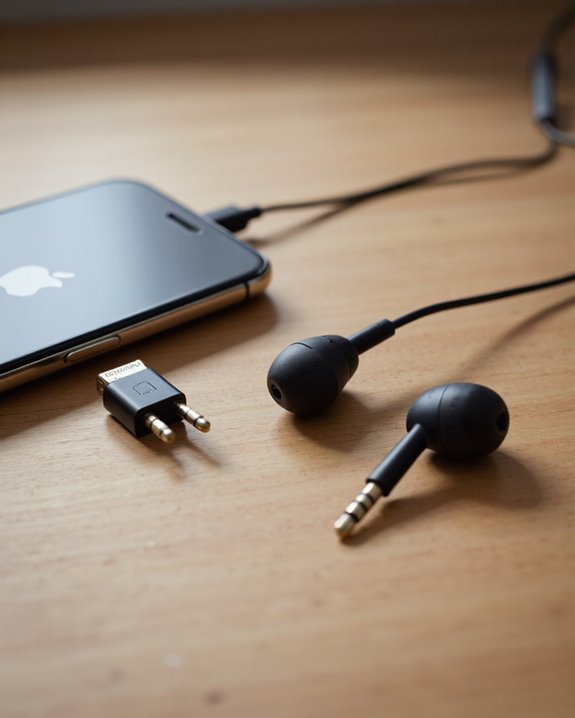
Apple’s USB-C EarPods represent a notable shift in wired headphone design, tailored for devices equipped with USB-C ports—a standard that’s increasingly common across smartphones, tablets, and laptops. As we examine these Apple EarPods, it’s clear they’re engineered to deliver Apple’s signature audio quality in a universally recognized form factor. The USB-C interface enables digital audio transmission, but unlike traditional analog 3.5mm headphones, these require the host device to support digital audio output through USB-C. For Android devices, this means compatibility hinges on whether the device integrates a USB-C port with a built-in DAC (digital-to-analog converter). While some Android products function seamlessly with these EarPods, others lack the necessary hardware, resulting in inconsistent performance. Checking device specifications is essential before purchasing.
Compatibility With Android Devices
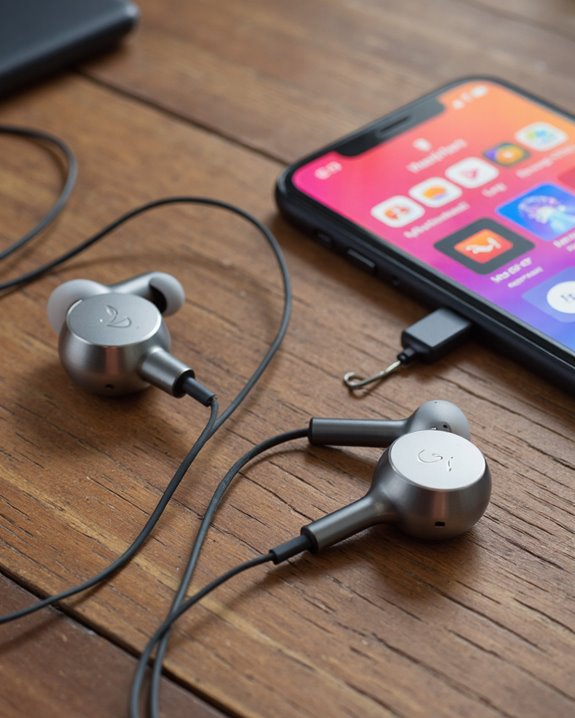
While the move to USB-C connectivity promises a more universal standard across devices, actual compatibility between Apple USB-C EarPods and Android smartphones is far from guaranteed. Although Apple’s USB-C EarPods physically fit any device with a USB-C port, their functionality depends heavily on the specific Android model. Many Android phones—especially older devices like the Xiaomi Note 8 and Note 9—handle these EarPods without issue. However, newer models such as the Xiaomi 11T Pro may not even detect them, due to differences in how USB-C audio is implemented. Some Android devices require headphones with a built-in DAC, which the Apple EarPods lack. While adapters can occasionally bridge this gap, success isn’t assured. It’s wise to verify device compatibility and review community feedback before purchasing.
Audio Performance on Android Phones
Although Apple USB-C EarPods physically connect to most Android smartphones, actual audio performance varies considerably across different models. On older Android devices like the Xiaomi Note 8 and Note 9, the USB-C EarPods are typically recognized and functional, but the resulting sound quality is modest at best. Users often report thin audio, lacking bass depth and with subdued vocals—characteristics mirroring performance seen when using these EarPods with iPhones. Newer Android models, such as the Xiaomi 12T Pro, may struggle with compatibility, leading to either poor sound or total nonfunctionality, largely due to the absence of integrated Digital-to-Analog Converters (DACs). Some users attempt to overcome these limitations by employing USB-C to 3.5mm adapters, sometimes achieving marginal improvements in overall audio performance.
In-Line Controls and Microphone Functionality
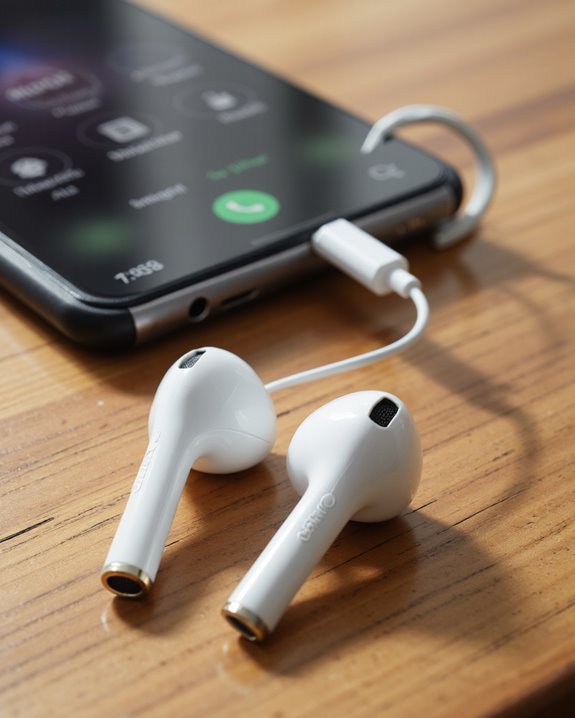
Given the widespread adoption of USB-C ports on Android smartphones, many users are curious about the real-world utility of the in-line controls and microphone found on Apple USB-C EarPods. The in-line remote, equipped with a volume rocker and multifunction button, is engineered for seamless audio playback control on compatible devices. However, when we connect these EarPods to Android devices, responses can vary. Some Android phones recognize the volume and playback commands, while others offer only partial or no support due to differences in USB-C audio protocols and software integration. Microphone functionality also presents inconsistencies—while voice calls and voice commands are possible, performance may be unreliable. Before purchasing, we recommend consulting specific device compatibility and user reviews regarding in-line controls and microphone functionality.
Common Issues and Limitations
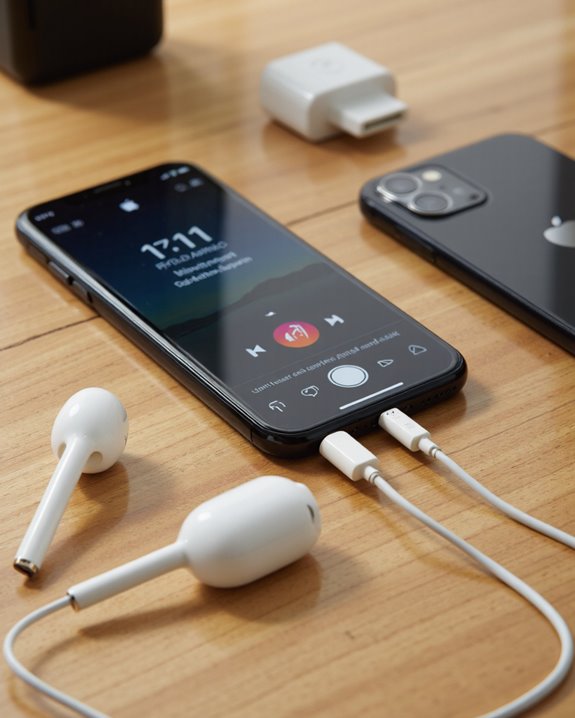
Despite the promise of universal connectivity with USB-C, Apple USB-C EarPods encounter several notable compatibility issues when paired with Android devices.
Many Android users find that these wired earbuds aren’t always recognized, especially on newer models like the Xiaomi 12T Pro and 11T Pro, which often require a built-in Digital-to-Analog Converter (DAC) for proper audio output. Older devices, such as the Xiaomi Note 8 and Note 9, may still support these earbuds, but inconsistent performance persists across brands. Incompatibility can result in the device failing to detect the headphones entirely, rendering them unusable without additional hardware. Some users turn to adapters—like USB-C to 3.5mm solutions—to bypass these limitations, but this introduces extra steps and potential signal degradation, highlighting the need to check device specifications before purchase. Additionally, many USB-C headphones incorporate built-in DAC chips to ensure superior audio conversion, which is a critical factor in compatibility and sound quality across different devices.
User Experiences and Community Feedback
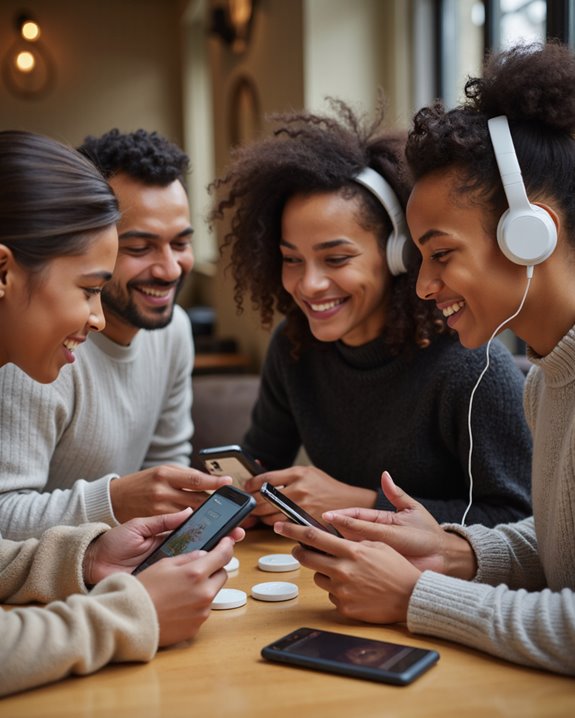
Real-world accounts from Android users shed light on the practical challenges of pairing Apple USB-C EarPods with non-Apple devices. User experiences, as reflected in community feedback, point to inconsistent compatibility—while some report seamless operation with devices like the Xiaomi Pad 6 or older Xiaomi Note 8 and Note 9 models, others encounter issues with newer models such as the Xiaomi 12T Pro, where EarPods aren’t detected. Device-specific hardware, particularly support for USB-C audio with built-in DACs, often determines successful pairing. In some cases, users have circumvented incompatibility by employing adapters such as the Baseus USB-C to 3.5mm. Community discussions consistently emphasize the importance of checking device specifications, as newer Android phones may require headphones with integrated DACs to function properly.
Troubleshooting Apple USB-C Headphones on Android
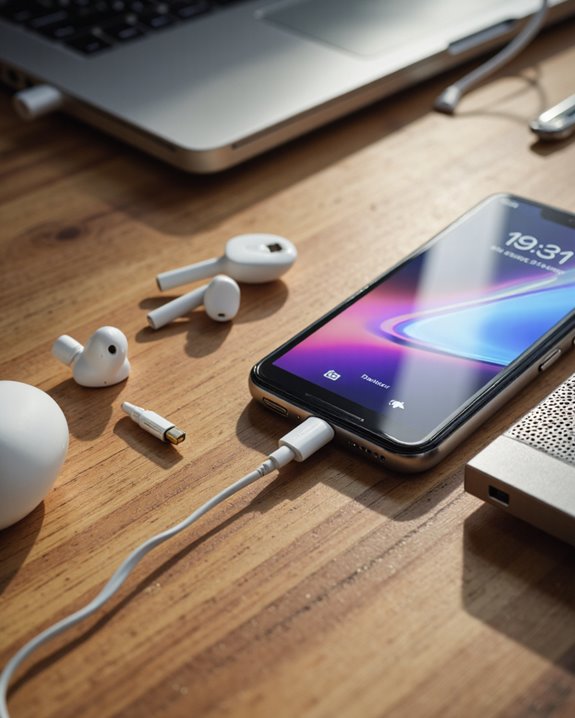
When we try to use Apple USB-C headphones with Android devices, we often encounter a range of compatibility issues that stem from differences in hardware design and audio protocols. First, let’s check if our Android device supports USB-C headphones with or without a built-in DAC. Devices like the Xiaomi Note 8 or Note 9 may work, but newer models such as the Xiaomi 11T Pro require headphones with integrated DACs for audio output. If our device doesn’t recognize the Apple USB-C EarPods, using a third-party adapter—like a Baseus USB-C to 3.5mm—can sometimes restore functionality. It’s important to review device specifications and community feedback, as some combinations lead to sound quality or detection problems, highlighting the variability in compatibility issues.
Recommended Alternatives for Android Users
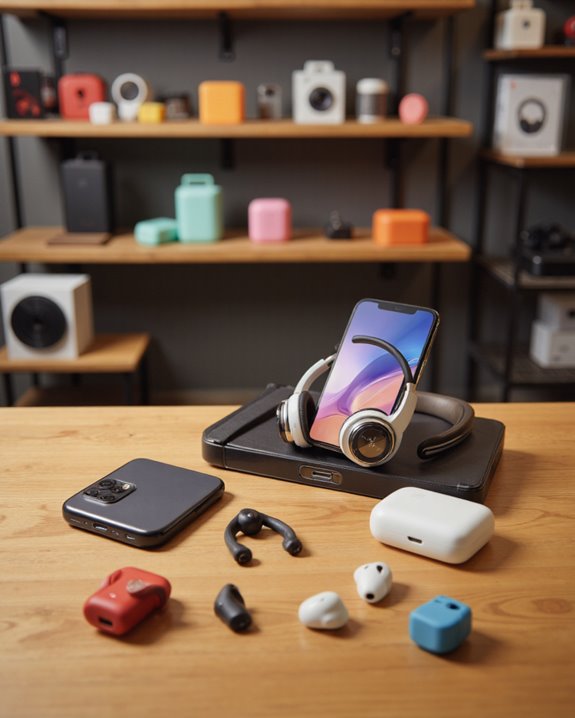
Although Apple’s USB-C EarPods might seem like a convenient choice, Android users often encounter limitations due to differences in audio protocols and hardware integration. As a result, exploring alternatives designed for Android compatibility is a smart move. Reliable options like the Moondrop Chu II and JLab wireless earbuds offer better out-of-the-box compatibility and often superior sound quality, all while staying under the $40 price point. Additionally, for those preferring wired solutions, pairing an Apple USB-C to 3.5mm dongle with existing headphones provides greater flexibility and more consistent performance. Community feedback consistently highlights that Android users experience fewer issues and higher satisfaction rates with these alternatives compared to Apple’s option. Always review device specifications and user reviews to guarantee seamless USB-C headphone integration. For enhanced audio experiences, consider wireless earbuds that support the Bluetooth 5.0-5.3 connectivity standard, which ensures stable connections and broad device compatibility.
Key Considerations Before Purchasing
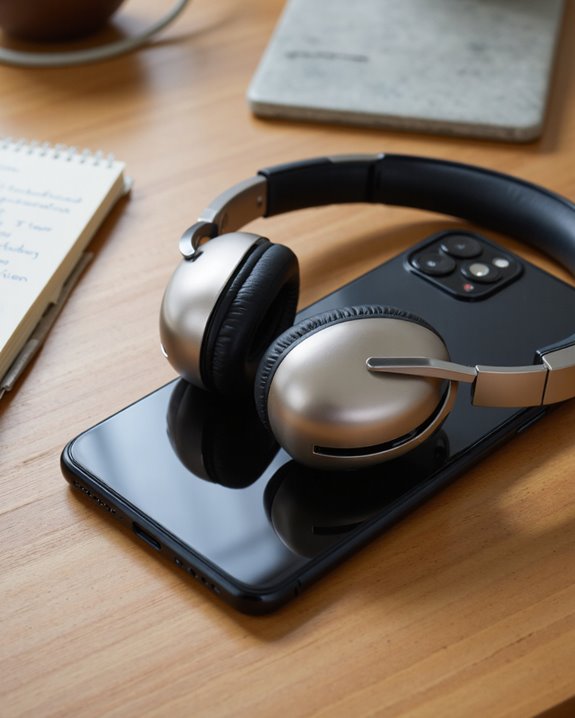
Even though Apple’s USB-C EarPods might look like a straightforward option for Android users, we need to address several critical technical factors before making a purchase. First, compatibility issues are common—Apple’s USB-C EarPods don’t work universally across Android devices. Their functionality depends on whether your device supports USB-C audio output and includes a built-in DAC (digital-to-analog converter). For example, models like the Xiaomi 11T Pro have reported detection problems, while older devices such as the Xiaomi Note 8 and Note 9 are generally compatible. It’s essential to review your device’s specifications and consider using adapters, like the Baseus USB-C to 3.5mm, if needed. Finally, always consult community feedback and user forums to gauge real-world experiences with specific Android models and compatibility challenges.
Frequently Asked Questions
Can I Use Apple Headphones With Android?
Think of Apple headphone compatibility with Android like fitting a puzzle piece that almost clicks—sometimes it works, sometimes it doesn’t. We’ve found Android audio performance varies, so let’s check your device specs before buying.
Can I Use Apple USB-C for Android?
When we use Apple USB-C headphones with Android, we often face compatibility issues—some devices work, others don’t. Audio quality can suffer or features may not work, so we’d recommend checking your device’s compatibility first.
Does Apple USB-C Headphones Work on Samsung?
When we explore Apple compatibility with Samsung devices, we find that Apple USB-C headphones may work on some older Samsung models, but not all. Let’s always check our specific Samsung device’s compatibility before making a purchase.
How Do I Get My USB-C Headphones to Work on My Android?
Let’s start by checking your device’s USB C compatibility issues, since not all Androids handle USB-C headphones the same. We should test different devices, update firmware, and use adapters if needed to improve headphone sound quality.