As an Amazon Associate, we earn from qualifying purchases. Some links on this site are affiliate links at no extra cost to you. Our recommendations are based on thorough research and editorial judgment.

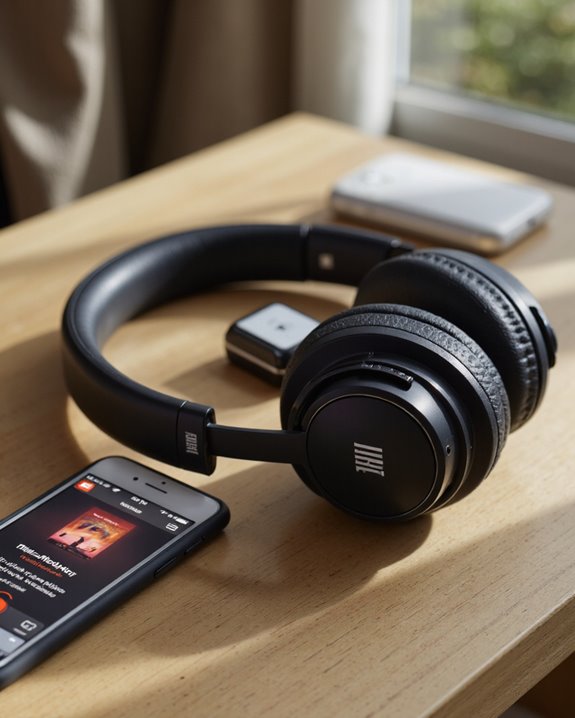
Are JBL Headphones Compatible With Iphone?

Short answer: yes, JBL headphones are compatible with iPhone, and it’s not even close. Every current JBL WAVE, VIBE, TUNE, LIVE, CLUB, and TOUR model pairs over Bluetooth connectivity, and in my experience that connection stays rock-solid out to roughly a 10-meter range before things start to break up. Pairing takes about ten seconds: drop the headphones into pairing mode, flip on Bluetooth in your iPhone’s settings, tap the device name, and you’re listening. Since modern iPhones ditched the headphone jack years ago, Bluetooth is really your only path in on those models, though a few older JBL headphones still keep an auxiliary input around if you’d rather go wired. Where it gets interesting is the extra layer JBL builds on top of basic pairing – multipoint connections, EQ customization, and app-based tweaks that make the JBL-to-iPhone relationship feel like more than an afterthought. More on all of that below.
Key Takeaways
- Nearly every JBL headphone sold today pairs with an iPhone over Bluetooth without a hitch.
- Pairing is quick: put the JBL headphones into pairing mode, then select them from your iPhone’s Bluetooth list.
- Newer iPhones dropped the headphone jack entirely, so Bluetooth is your only route to JBL audio on those models.
- The JBL Headphones app earns its keep here, with EQ presets and firmware updates that smooth out connection quirks.
- Most pairing headaches trace back to outdated firmware – keep both devices current and you’ll avoid the majority of them.
JBL Headphones and iPhone Compatibility: The Full Picture
You may be interested
Apple pulled the headphone jack from its flagship phones a while back, and plenty of listeners worried that would complicate things for other brands. It hasn’t, at least not for JBL. Models across the WAVE, VIBE, TUNE, LIVE, CLUB, and TOUR lines all lean on Bluetooth technology for a connection that, frankly, just works. Flip the headphones into pairing mode, hop into the iPhone’s Bluetooth settings, and you’re connected in under a minute. Software updates on both ends keep that connection dependable over time – I’ve noticed skipped firmware updates are usually the culprit when a previously reliable pair starts acting up. As Apple keeps iterating on iPhone hardware, it’s worth double-checking Bluetooth support on your specific JBL model so you’re not caught off guard by a connectivity issue down the road. Many of JBL’s current headphones run on Bluetooth 5.0 connectivity, which is what gives you that stable 10-meter range and quick device switching.
How JBL Headphones Actually Connect to an iPhone
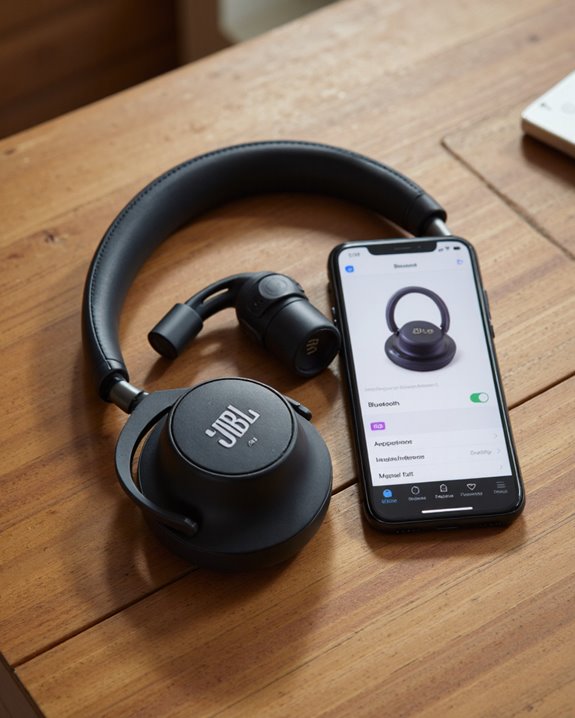
There are really two ways to link up JBL headphones with an iPhone: wireless Bluetooth pairing, which covers nearly every current model, and a wired connection on the handful of headphones that still support it. Bluetooth is the default path for most people, and for good reason – it’s fast to set up and doesn’t tie you to a cable. You’ll trigger pairing mode on the headphones, then choose them from the iPhone’s Bluetooth settings menu, and that’s the whole process. This matters even more on newer iPhones, since they simply don’t have a headphone jack anymore. That said, a few JBL models still ship with a 3.5mm auxiliary cable option, which comes in handy if you’re using an older iPhone that still has the port. Before you buy, it’s worth confirming which connection method your specific headphone model actually supports – not all of them offer both.
Pairing JBL Headphones With an iPhone, Step by Step
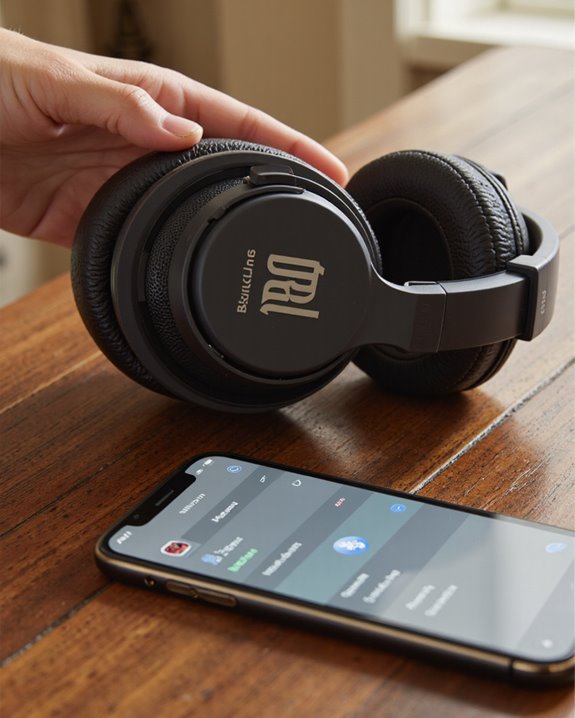
Getting wireless audio flowing from your iPhone to a set of JBL headphones is genuinely simple once you know the sequence. Power the headphones on and put them into pairing mode first – you’ll usually see a rapidly flashing LED that signals they’re ready to be found. Next, open Settings on the iPhone, tap into the Bluetooth menu, and make sure the toggle is on. Your JBL headphones should show up in the list of available devices within a few seconds. Tap the name and the connection process kicks off automatically. You’ll know it worked when that flashing LED settles into a steady, solid light. If nothing happens after a reasonable wait, don’t panic – just reset the headphones or toggle Bluetooth off and back on, then try the pairing sequence again.
Common Connectivity Issues (and How to Fix Them)
Once you’ve gotten past the initial pairing, reliable connectivity between JBL headphones and an iPhone tends to hold up well – but a few recurring issues can still throw a wrench in things. Bluetooth connectivity problems show up most often with older JBL models or older iPhones that haven’t been updated in a while. When pairing outright fails, the fix that works more often than not is toggling Bluetooth off and on, or choosing “forget device” and starting the pairing process fresh. Physical obstacles – thick walls, other electronics, a crowded room full of competing signals – can weaken the connection too, so keeping a reasonably clear line of sight between headphones and phone helps more than people expect. If the iPhone simply won’t recognize the headphones at all, restarting both devices usually clears it up. It’s also worth making a habit of updating the firmware on both ends regularly; skipped updates are a quiet but common source of dropped connections.
Getting More Out of JBL Headphones on iPhone
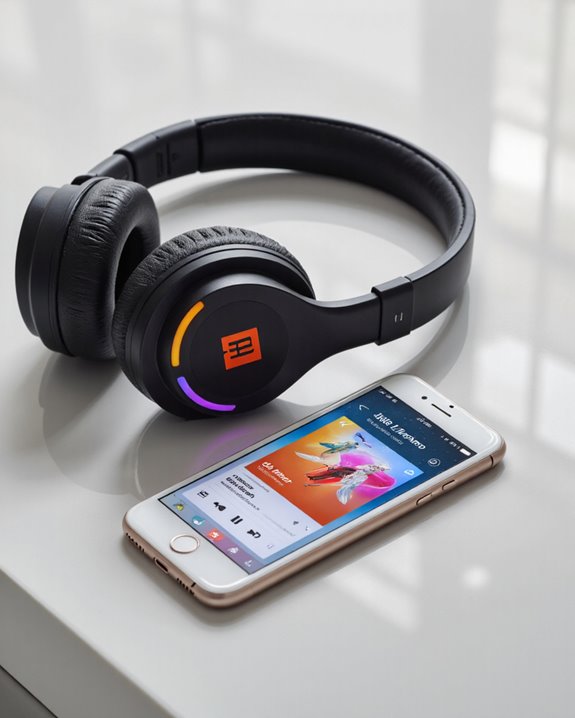
Basic compatibility is one thing, but JBL gives iPhone owners a handful of extras worth actually using. The JBL Headphones app is the star here – it lets you customize EQ settings and dial in noise-canceling features to match your ears and your environment, rather than settling for whatever the factory tuning gives you. Bluetooth handles the heavy lifting on audio streaming, and in practice that means calls, music, and video stay free of the lag or dropouts that plague cheaper wireless gear. Plenty of JBL models offer both Bluetooth and a wired backup, which covers you whether or not your particular iPhone still has a headphone jack. JBL’s own advanced audio technology pairs nicely with the iPhone’s multimedia strengths, and together they deliver a genuinely immersive listening experience rather than just an adequate one. Little details like these add up to real day-to-day value.
What to Check Before Buying JBL Headphones for Your iPhone
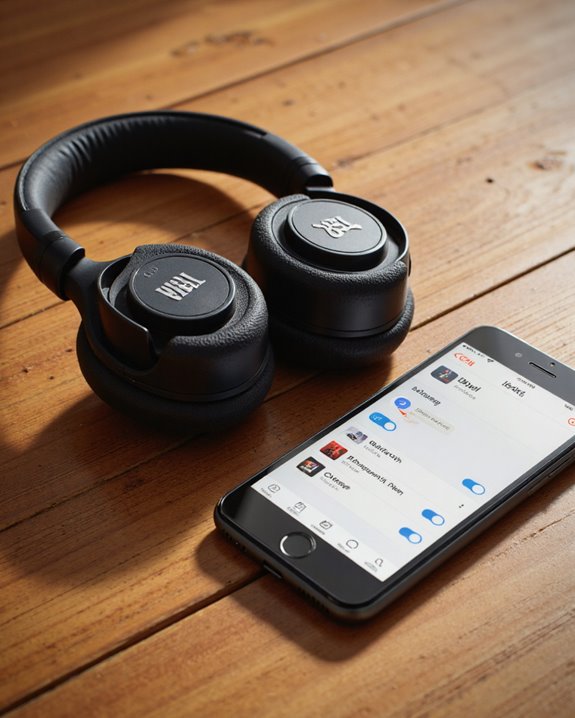
If you’re shopping for JBL headphones specifically to use with an iPhone, a few technical details deserve more attention than the marketing copy usually gives them. Since newer iPhones dropped the headphone jack entirely, Bluetooth compatibility isn’t optional anymore – it’s the whole ballgame for audio and calls. Confirm the JBL model you’re eyeing supports Bluetooth, which nearly all current ones do; a handful of older models still need a 3.5mm aux cable and possibly an adapter. Battery life and total playback time matter more than people give them credit for – nobody wants their music cutting out mid-commute. Also worth checking: firmware compatibility, since staying current on updates heads off most connection problems before they start. Get these details right and picking the best JBL headphones for your iPhone becomes a lot less of a guessing game, both for convenience and for audio quality. Some JBL headphones also support multipoint pairing, letting you stay connected to two devices at once – handy if you bounce between an iPhone and a laptop all day.
Frequently Asked Questions
Why Won’t My JBL Headphones Connect to My iPhone?
Usually it comes down to one of a few things: a stubborn Bluetooth handshake, a pairing list that needs clearing out, or a genuine compatibility mismatch between older hardware and a newer iPhone. Start with the basics – battery level, pending software updates, and any hardware limitations – before assuming something’s actually broken.
Do JBL Headphones Work on iPhone?
Yes, and reliably so. JBL headphones across the lineup pair cleanly with iPhones, delivering solid wireless range, strong audio quality, and battery life that holds up through a full day of use. The pairing process itself is quick, and most connection hiccups have a simple, well-documented fix.
Can I Use JBL With an iPhone?
Absolutely – JBL and iPhone pairing is about as painless as wireless audio gets. Expect dependable wireless performance, good sound, long battery life, and the kind of app integration that makes fine-tuning EQ and noise cancellation simple rather than a chore.
Will Any Bluetooth Headphones Work With an iPhone?
Most Bluetooth headphones will connect to an iPhone without issue, since Bluetooth itself is a standard, not a brand-specific feature. What separates a good match from a mediocre one comes down to audio quality, wireless range, battery life, sound customization, noise cancellation, comfort over long listening sessions, and – not to be overlooked – price versus what you actually get.