As an Amazon Associate, we earn from qualifying purchases. Some links on this site are affiliate links at no extra cost to you. Our recommendations are based on thorough research and editorial judgment.

Does the Samsung Galaxy S22 Have a Headphone Jack?

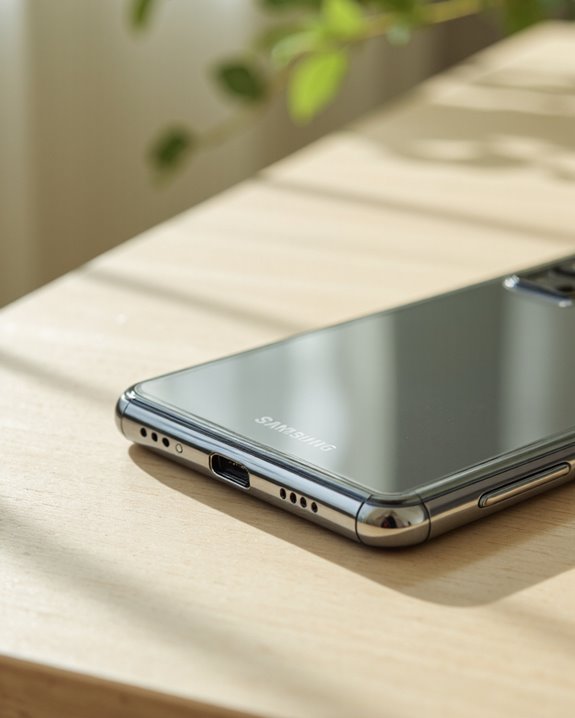
Short answer: no, the Samsung Galaxy S22 does not have a headphone jack. Samsung ditched the 3.5mm port with the S20 back in 2020 and never brought it back, so the S22 carries on that tradition whether you like it or not. All audio in and out runs through the single USB-C port on the bottom edge, or wirelessly over Bluetooth. If you’re still rocking a favorite pair of corded headphones, you’ll need a USB-C to 3.5mm adapter with a built-in DAC to make them work. It’s a bit of an annoyance if you’re used to plugging straight in, but there are workarounds, and I’ll walk through all of them below.
Key Takeaways
- No, none of the S22 models have a 3.5mm jack – not the standard S22, not the S22+, not the Ultra.
- Audio has to go out through USB-C or over Bluetooth; there’s no analog option built in.
- A USB-C to 3.5mm adapter with an integrated DAC lets you keep using your old wired headphones.
- Samsung isn’t alone here – dropping the jack has basically become standard practice for flagship phones.
- Stick with a genuine Samsung adapter or dedicated USB-C headphones if you want to avoid compatibility headaches.
Does the S22 Have a Headphone Jack? Here’s the Full Picture
You may be interested

This is one of the first things shoppers check before buying a new phone, and for good reason. The Samsung Galaxy S22 series – the base S22, the S22+, and the S22 Ultra – skips the 3.5mm headphone jack entirely. Samsung has never really explained the decision in detail, but read between the lines and it’s the usual mix: better water resistance, more room inside the chassis for other components, and a general industry push toward wireless audio. If you’re loyal to wired headphones, that’s a genuine downside, and you’ll be reaching for an adapter or a different pair of headphones altogether. Love it or hate it, the S22 is firmly part of the wireless-first wave that’s swept through flagship phones over the last few years.
What Audio Ports and Outputs the S22 Actually Has
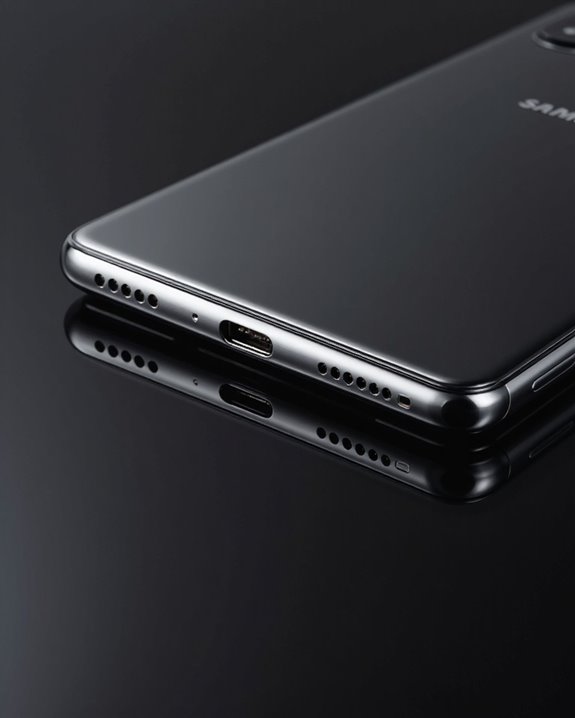
With no 3.5mm jack on board, the S22 leans on a couple of alternatives for getting sound out of the phone. The USB-C port handles wired digital audio, and it’s genuinely solid once you’ve got the right cable or adapter. Bluetooth is the other half of the equation – the S22’s Bluetooth connectivity is stable and handles a wide range of headphones and speakers without much fuss in my testing. And don’t sleep on the built-in speakers: the S22 packs dual stereo speakers (one up top, one firing from the bottom edge) tuned for Dolby Atmos and Dolby Digital Plus. Midrange clarity is a strong point, volume gets plenty loud, and distortion stays in check even when you push it. Between USB-C, Bluetooth, and the onboard speakers, Samsung’s given you enough ways to hear your music that the missing jack stings a little less than it might on paper.
Using Wired Headphones on the S22 via USB-C Adapters
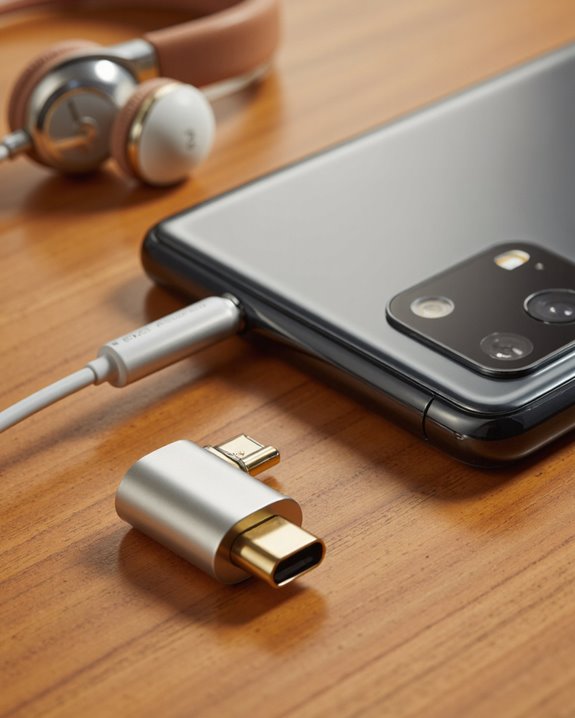
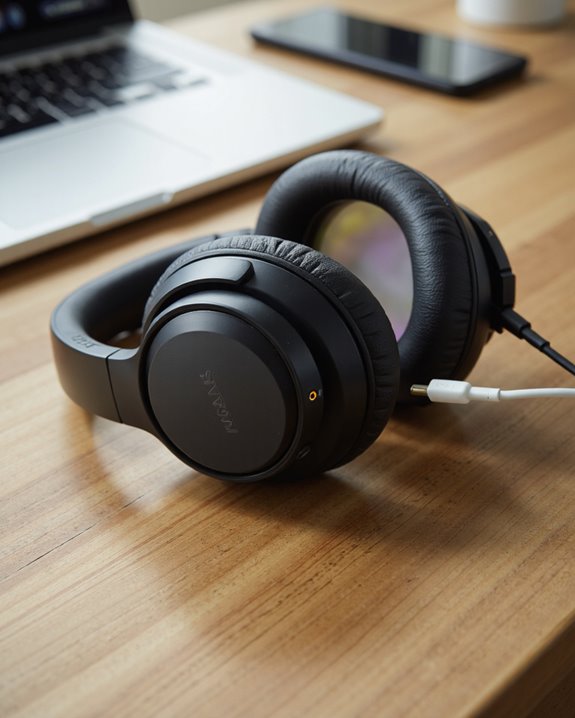
Still want to plug in your wired headphones? You can, but it takes a middleman. You’ll need a USB-C to 3.5mm adapter that has a built-in DAC (that’s the digital-to-analog converter doing the actual work of turning USB-C’s digital signal into something your headphones can play). My advice: spend the extra few dollars on a genuine Samsung adapter rather than gambling on an unbranded one, because cheap third-party dongles are notorious for weird audio routing quirks. If sound refuses to come through, don’t panic – try a different adapter or pair of headphones first, then dig into Developer Options and check the USB audio routing setting; toggling that off has fixed the problem for plenty of users. Or skip the adapter dance altogether and just buy headphones with a native USB-C plug – one less link in the chain means one less thing that can go wrong.
Why Samsung Dropped the 3.5mm Jack in the First Place
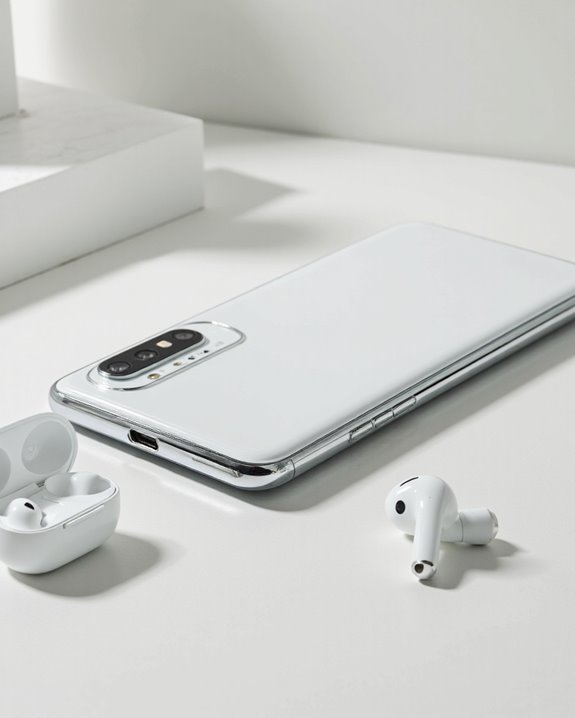
Samsung’s hardly alone in axing the headphone jack from its flagships, and the reasoning behind it is part design philosophy, part engineering necessity. Pull that port out and you free up real estate inside an already cramped chassis – room that can go toward a larger battery or other components engineers would rather squeeze in. Fewer holes in the housing also means a cleaner, more modern look on the outside, plus better resistance to water and dust, which helps bump up the phone’s IP rating. Sure, plenty of people find it inconvenient, but Samsung’s betting that the convenience of wireless audio outweighs the griping. It also lines up neatly with the company’s broader push into wireless technology and keeps it competitive with rivals making the same bet.
Best Wireless Audio Options for Galaxy S22 Owners
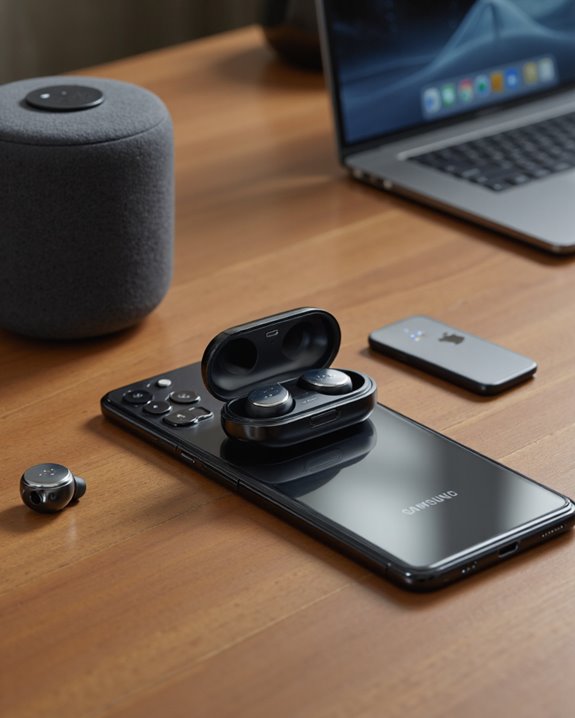
So how do S22 owners actually cope without a jack? Mostly, they just go wireless. The phone plays nicely with a huge range of Bluetooth headphones – in-ear, on-ear, over-ear, doesn’t matter. Dig into the settings and you’ll find audio customization tools that let you tweak the equalizer and dial in volume the way you like it. There’s also a Separate app sound feature, which is genuinely handy if you want music playing on one Bluetooth speaker while a call routes to your earbuds. Battery life on wireless gear is going to swing a lot depending on which headphones you pick, their battery size, and how loud you listen. Newer Bluetooth codecs on the S22 keep audio sounding sharp too, and the phone plugs straight into Samsung’s own Galaxy Buds lineup as well as most third-party wireless gear. If you’re shopping around, something like the TOZO HT2 stands out for its battery life and hybrid active noise cancelling – a solid, budget-friendly companion for an S22.
What Wired Headphone Fans Give Up on the S22
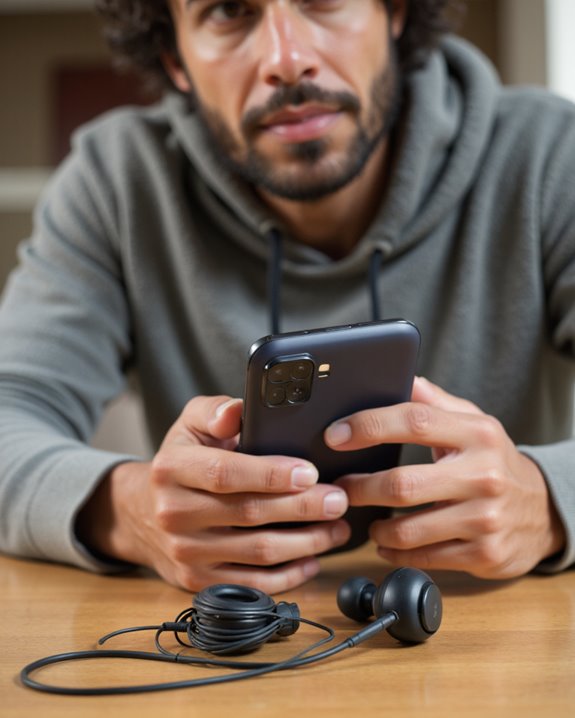
If you’re firmly team wired, the S22 is going to test your patience a bit. The biggest headache is needing a USB-C to 3.5mm adapter just to use gear you already own – that’s an extra cost and one more small thing to lose in a backpack. And losing an adapter is easy; they’re tiny, easy to forget, and annoying to replace on the road. Gone, too, is the simple plug-and-play convenience wired listeners used to take for granted. That said, wired headphones still have real advantages worth remembering – better audio fidelity in a lot of cases, zero latency, and no battery to worry about dying mid-flight. Most people end up either buying USB-C headphones outright or carrying a dedicated adapter, but either route means double-checking compatibility before you buy. Bottom line: going wireless still means real trade-offs, both financially and in day-to-day convenience. For what it’s worth, a lot of modern wireless earbuds have closed that gap with features like reliable Bluetooth connectivity, which is why so many former wired holdouts have made the switch.
How the S22 Compares to Older Galaxy Phones
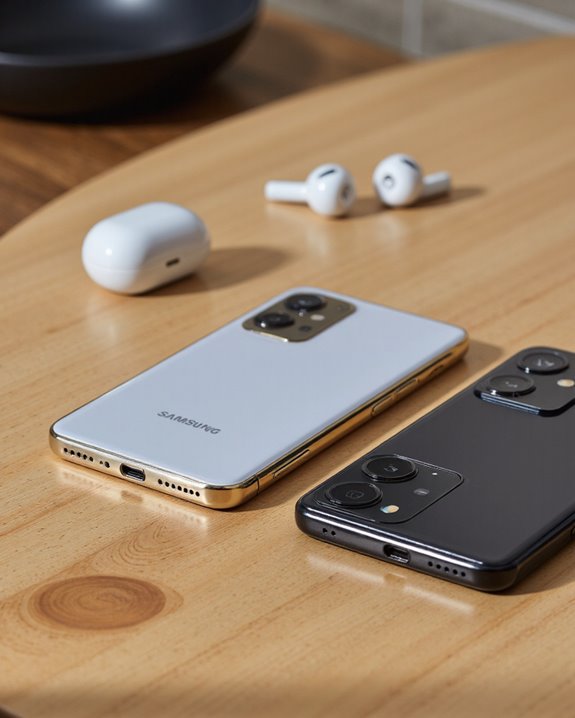
The Galaxy S22 series keeps up Samsung’s reputation for polished hardware, but it parts ways with older S-series phones on one key point: the 3.5mm headphone jack. Anything before the S20 had that port, letting you plug in analog headphones without a second thought. Starting with the S20, then the S21, and now the S22, Samsung has committed to USB-C as the sole audio and data port. That trade-off buys you a bigger battery and a slimmer build, but it also means adapters for wired gear or leaning on wireless options like Galaxy Buds. Compared to its predecessors, the S22 is squarely part of Samsung’s move toward an all-digital, largely wireless audio setup – which tracks with where the rest of the industry has been heading.
The Bigger Trend: Headphone Jacks Are Disappearing From Flagships
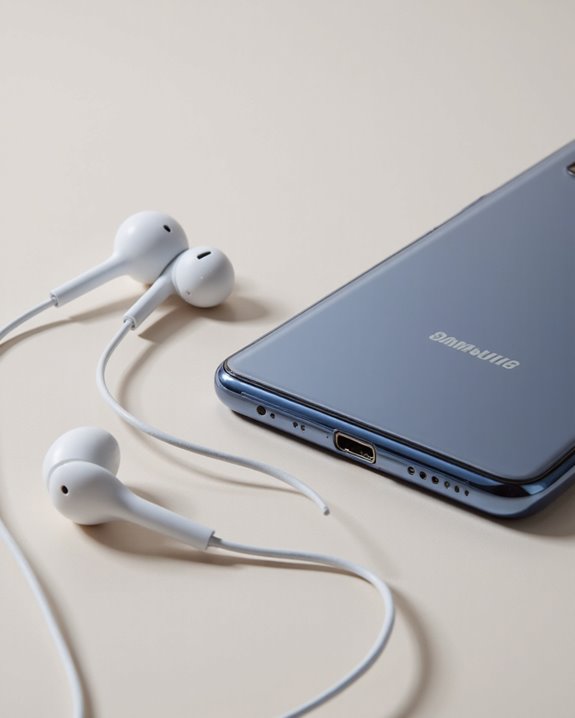
The S22 isn’t breaking new ground here – it’s just following a path Samsung started paving with the S20 and S21. Losing the 3.5mm headphone jack has become the norm for flagship phones generally, not just a Samsung quirk. The thinking seems to be that most buyers now prefer wireless audio, want a cleaner-looking phone, and are already invested in an accessory ecosystem anyway. Worth noting: this isn’t true across Samsung’s entire lineup. Their budget and mid-range models often still keep the jack, since those buyers are more likely to still be using wired headphones. It’s really the top-tier phones pushing hardest toward wireless-only, betting that convenience and ecosystem lock-in matter more to that crowd than a legacy port.
How the Galaxy S22 Actually Sounds
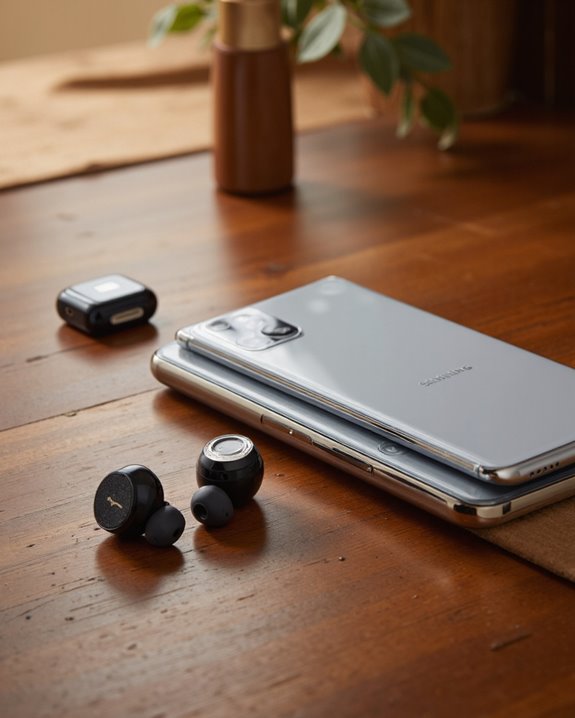
Missing jack aside, the S22 actually sounds pretty good for a phone. The stereo speakers, positioned top and bottom, produce a balanced, punchy sound that holds up well for casual listening. Sound tuning by AKG gives the tonal balance a noticeably more accurate feel than you’d expect, and Dolby Atmos support adds a wider, more immersive soundstage when watching video or gaming. The phone handles high-resolution audio playback across most common formats without issue. I’d call the sound profile midrange-forward – crisp and clear, though it can feel a touch thin at low volumes. On the recording side, multiple microphones and solid audio processing add up to good voice clarity with effective noise reduction. All told, it’s a phone that clearly had some real engineering attention put into how it sounds, not just how it looks.
Accessories and Ecosystem: What Actually Works With the S22
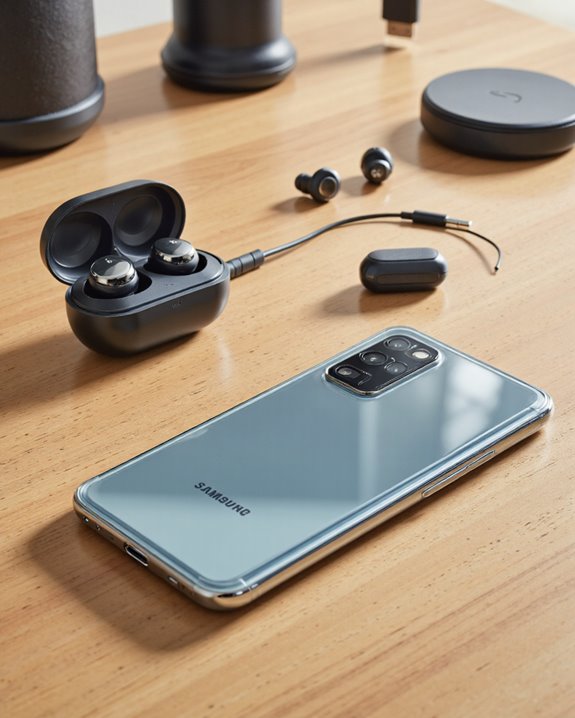
Because the S22 depends entirely on its USB-C port for wired audio, accessory shopping looks different than it did on older phones with a 3.5mm headphone jack. That pushes buyers toward USB-C adapters, Type-C headphones, or straight-up Bluetooth audio. Adapters and dongles do bridge the gap for legacy headphones, but be aware they can be finicky and often block simultaneous charging while in use. Samsung clearly wants people using wireless earbuds – it fits the industry’s broader direction and gives users more freedom to move around while listening. Third-party and budget USB-C headphones are out there and worth considering, though they’re still a niche category compared to Bluetooth gear. The market keeps evolving too, with Bluetooth receivers now available for older wired-only devices, so even legacy gear has a path forward as standards keep shifting.
Frequently Asked Questions
Does Removing the Headphone Jack Improve the S22’s Battery Life?
Not directly, no. What it does is free up internal space that Samsung can put toward a bigger battery or other components. So it’s less “the jack was draining power” and more “the space it used to take up now goes somewhere else,” in line with the broader push toward wireless-first design.
Can I Charge My S22 While Using Wired Headphones at the Same Time?
You can, but you’ll need a USB-C splitter or dongle that supports both audio and power passthrough. Just know that charging speed can take a hit depending on the accessory’s quality – cheaper splitters are more likely to cause interference between the audio and power signals.
Does the S22 Come With a USB-C to 3.5mm Adapter in the Box?
No, Samsung doesn’t include one. You’ll have to buy it separately, and it’s worth being picky about which one – cheaper third-party adapters vary a lot in build quality and don’t always support extras like inline volume controls.
Will Using an Adapter Void My Warranty or Damage the Phone?
Generally, no – a decent adapter won’t touch your warranty or hurt the device. The risk mostly comes from cheap, poorly made adapters, so stick with reputable brands and check your regional warranty terms if you want total peace of mind.
Is There a Noticeable Latency Difference Between USB-C and Bluetooth Audio on the S22?
Yes, USB-C audio is noticeably tighter – lower latency and more consistent overall. Bluetooth can introduce a small delay, though newer codecs have narrowed that gap quite a bit compared to a few years ago.