As an Amazon Associate, we earn from qualifying purchases. Some links on this site are affiliate links at no extra cost to you. Our recommendations are based on thorough research and editorial judgment.

Does Shokz Have an App for Headphone Control?

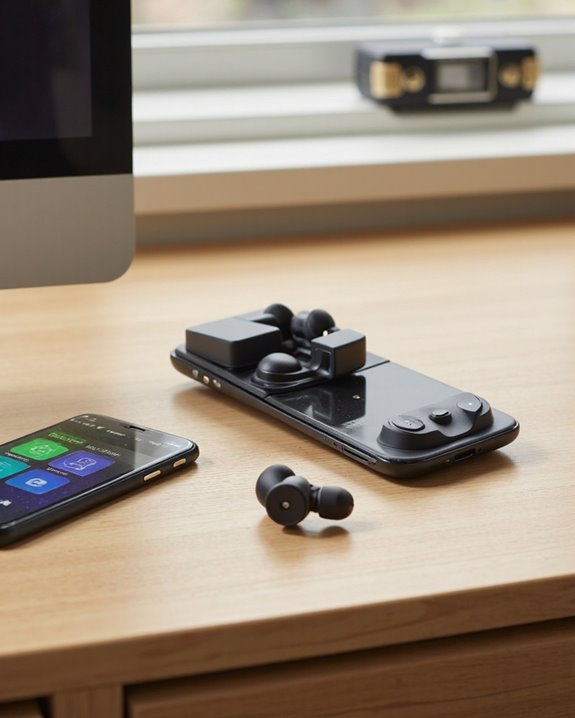
Short answer: yes, Shokz does have an app, and it’s genuinely worth installing. The Shokz app (available free on both Android and iOS) turns your bone-conduction or OpenFit headphones into a fully customizable device instead of a set-it-and-forget-it accessory. Once paired, you can dial in your own EQ, remap the touch or button controls to suit how you actually use the headphones, keep an eye on battery life in real time, and push firmware updates without ever plugging in a cable. It also handles multipoint Bluetooth, so switching between two paired devices – say a laptop and a phone – doesn’t require re-pairing every time. I’ve run it with an OpenRun Pro and an OpenFit, and the interface stays consistent across models, which is more than you can say for a lot of headphone companion apps. Keep reading and I’ll walk through exactly what it does, which models it supports, and where it falls short.
Key Takeaways
- Shokz does have an app, and it’s a free companion for controlling and fine-tuning supported headphone models.
- Inside, you can build your own sound profile, tweak the equalizer, and reassign what each touch point or button does.
- Battery level shows up in real time, and firmware updates arrive as simple in-app prompts rather than a hunt through a settings menu.
- Multipoint Bluetooth and device switching are both handled right from the app, no manual re-pairing required.
- It runs on Android and iOS and covers popular models including the OpenRun Pro and OpenFit.
What the Shokz App Actually Does
You may be interested



Most open-ear headphone buyers just want reliable sound and a secure fit, but Shokz clearly decided the app should do more than sit idle in your phone’s app drawer. Once you open it, the feature set is deeper than expected: programmable touch controls, a handful of built-in tuning presets you can flip between on the fly, and a full customizable equalizer for shaping the sound to your taste. Multipoint Bluetooth pairing works smoothly in practice, letting you hop between sources without digging through phone settings, and standard playback controls – volume, play/pause, track skip – all live in one clean screen. Add in real-time battery monitoring, firmware update prompts, and a built-in manual/support section, and you end up with an app that actually earns its place on your home screen instead of just existing as a pairing formality.
Which Shokz Headphones Actually Work With the App
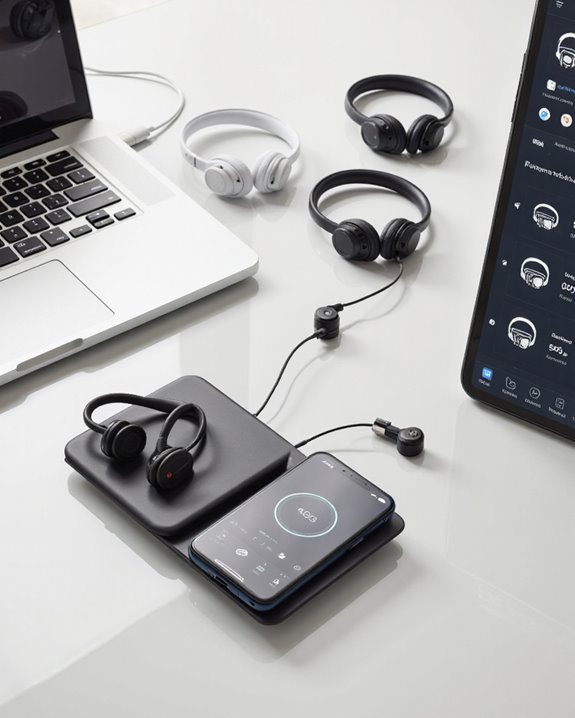
Compatibility is really where this app earns its keep, since it works across almost the entire current Shokz lineup rather than being locked to one flagship model. That list includes the OpenRun Pro, OpenFit, OpenFit Air, OpenSwim Pro, OpenRun Pro 2, OpenFit 2, OpenMeet, and OpenDots ONE. Not sure which of those is right for you? Our guide to the best Shokz headphones breaks down how the top picks in this lineup compare. Whichever model you own, the experience inside the app stays remarkably consistent – device switching, multipoint pairing, and battery indicators all work the same way regardless of which pair you’re using. Under the hood, the app connects over Bluetooth V5.1 and supports the A2DP, AVRCP, and HFP profiles, which is what keeps audio streaming, playback controls, and calls all working reliably. Firmware updates, digital manuals, and multi-device management round out what is honestly a more thorough compatibility story than most headphone brands bother building.
Tuning Your Sound and Remapping Controls
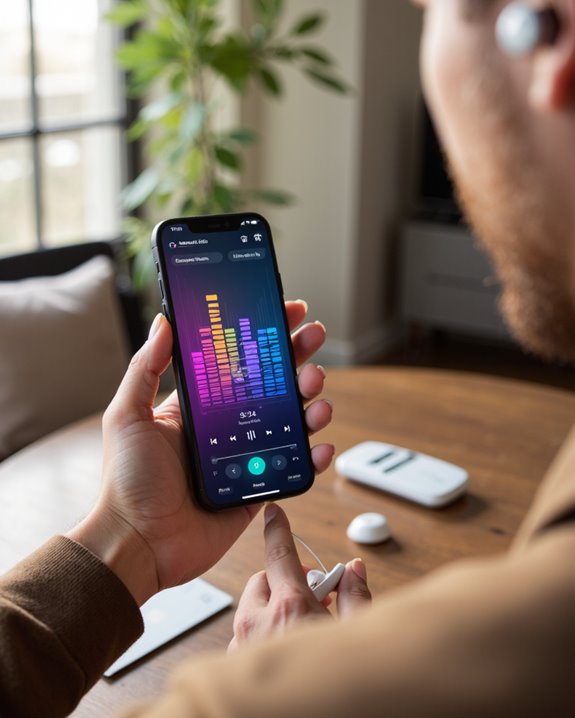
This is where the Shokz app moves from convenient to genuinely useful. Between the built-in tuning presets and the customizable equalizer, you can shape the sound signature to fit whatever you’re listening to rather than settling for one flat, generic profile. Flipping between different EQ modes lets you match the tuning to the moment – podcasts on a run, bass-forward tracks at the gym, whatever the situation calls for – and the sound stays full and clear rather than thin, which is a common complaint with bone-conduction designs. On the control side, you can assign specific actions to the touch or physical buttons, adjust how playback controls like volume, play/pause, and skip respond, and even redefine the touch zones themselves. None of this is essential to using the headphones, but once you’ve set it up the way you like, going back to a stock, non-programmable pair feels clunky by comparison.
Multipoint Pairing and Managing Multiple Devices
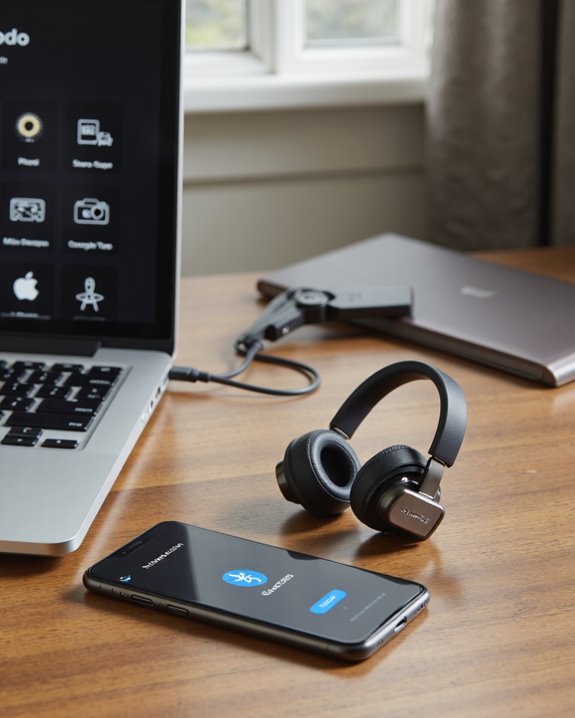
If you split your day between a phone and a laptop, multipoint is the feature that will actually change how you use these headphones day to day. It lets your Shokz stay connected to two Bluetooth devices at once, so you can jump from a work call on your laptop to a phone notification without pulling up a pairing menu or waiting through a re-connect. The app’s interface makes this easier still, showing exactly which devices are currently linked and letting you swap sources with a tap. You can also manage several Shokz headphones from one account, checking each one’s connection status and battery without switching apps. Setup is simple enough that someone who’s never dealt with Bluetooth pairing headaches before can get it right on the first try – which, frankly, is not something I can say about every wireless headphone app I’ve tested.
Firmware Updates: Why They’re Worth Doing
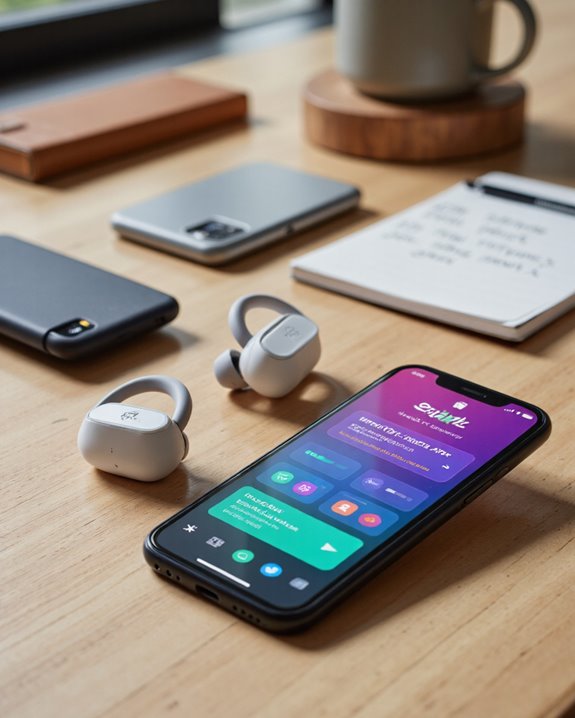
Wireless headphone tech moves fast, and skipping firmware updates is a good way to end up with a pair that underperforms compared to what it’s actually capable of. The Shokz app makes this painless – it flags available firmware upgrades with a clear in-app prompt, and the install itself takes just a couple of minutes. These updates typically bring optimized sound quality, better operational stability, and fixes for whatever bugs slipped through, and they roll out across the current lineup including the OpenRun Pro and OpenFit. Sometimes a firmware push adds a genuinely new feature or improves connectivity rather than just patching something minor. Combined with easy access to the customizable equalizer, programmable buttons, and sound modes, staying current on both app and firmware versions is the simplest way to make sure your headphones are performing the way Shokz intended them to.
Day-to-Day Usability and Ongoing Updates
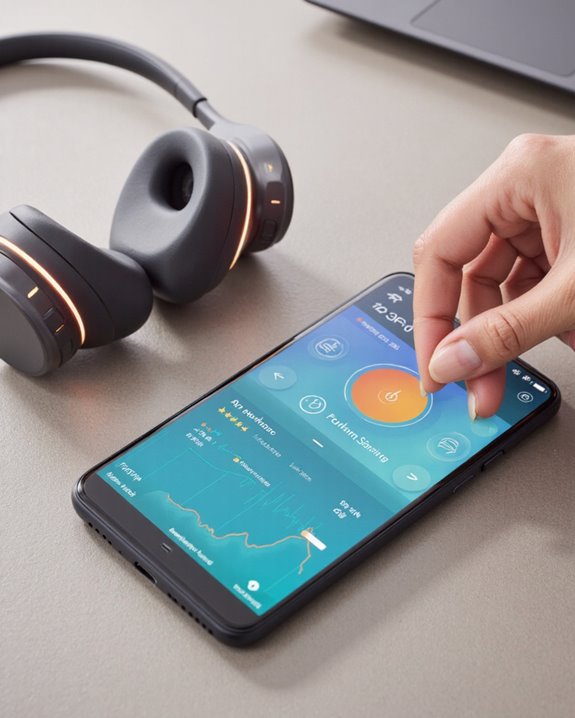
Beyond the core feature list, what stands out about the Shokz app is that it doesn’t feel abandoned after launch. There are four preset EQ modes plus a fully customizable EQ, so dialing in your ideal sound doesn’t take much trial and error. Multipoint pairing, programmable touch buttons, and direct playback controls all work together to make daily use feel less like fiddling with settings and more like just… using headphones. The in-app knowledge base is handy if something doesn’t behave as expected, and battery monitoring plus per-device settings keep things organized if you own more than one pair. Shokz also collects user feedback directly through the app, and it shows in the update cadence – new releases keep expanding compatibility and refining the details users actually asked for. If you’re still comparing Shokz against other brands before committing, our roundup of best wireless headphones overall is a solid next read for weighing app support and features side by side.
Frequently Asked Questions
Is the Shokz App Free to Download and Use?
Yes – there’s no cost to download it and no paywall hiding behind the features. Every customization option, from EQ tuning to firmware updates, is included at no charge, with nothing gated behind a subscription.
Does the App Require an Account or Login to Access Features?
No, you don’t need to create an account or log in just to use the core features. The app manages your headphones through Bluetooth pairing rather than requiring a username and password, which keeps setup quick.
Can the Shokz App Be Used Offline Without Internet Access?
Partially. Basic functions like adjusting saved settings and controlling playback still work without a connection, but anything involving firmware checks or downloading updates needs internet access to complete.
Is Personal Data Collected or Shared by the Shokz App?
Shokz hasn’t published detailed specifics on this publicly, so it’s reasonable to assume the app follows standard mobile app data practices, but there isn’t a clear, itemized breakdown of what’s collected or shared available right now.
Are There Accessibility Features for Users With Disabilities in the App?
Not explicitly – there’s nothing in Shokz’s documentation calling out dedicated accessibility tools. The customizable EQ and reassignable buttons can indirectly help some users, but there’s no built-in screen-reader support or assistive-technology callout that we could find.