As an Amazon Associate, we earn from qualifying purchases. Some links on this site are affiliate links at no extra cost to you. Our recommendations are based on thorough research and editorial judgment.

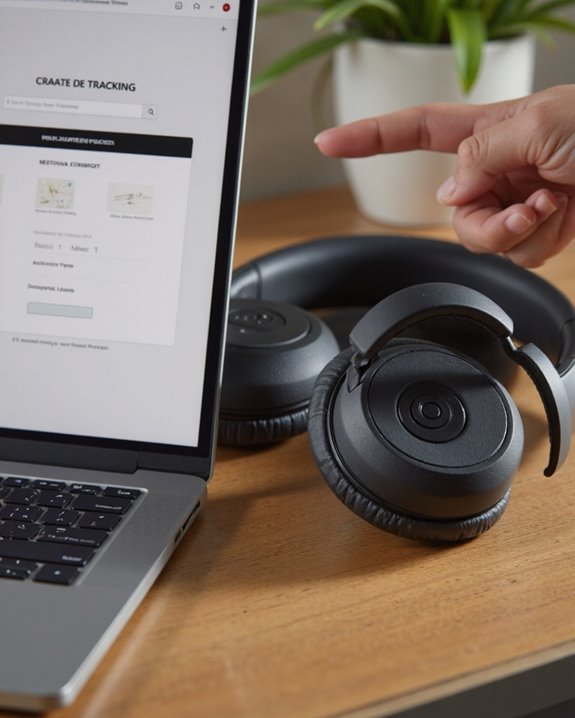
How to Track Beats Headphones With Serial Number

Short answer: you can’t track Beats headphones with just the serial number. That code on the box is an ID tag, not a GPS chip – it’s there to prove the headphones are genuinely yours (and genuinely Beats, not a knockoff), not to ping a satellite when they go missing. I get why people search for this, though; it feels like it should work the same way a car VIN can be traced. It can’t. You’ll find the serial number stamped on the earpiece, molded into the charging case, or printed on the original box, and it becomes useful the moment you call Apple Support about a lost or stolen pair. If you actually want to locate a missing set of Beats in real time, that’s a job for the Find My app and similar Bluetooth-based tools – not the serial number. Below I’ll walk through both sides: what the serial number can do for you, and what you’ll need instead if the goal is genuinely finding your headphones.
Key Takeaways
- A serial number won’t show you where your Beats are right now – it has no GPS or Bluetooth radio of its own.
- It’s still worth having on hand: Apple Support asks for it whenever you report a lost or stolen pair.
- Real tracking happens through the Find My app, not through the code stamped on your earbuds.
- Warranty claims and repair requests almost always start with that same serial number.
- Registering your Beats early helps your case later, though it’s not a guarantee you’ll get them back.
What a Serial Number Actually Does for Beats Headphones
You may be interested


Every pair of Beats ships with its own serial number, and that number does more heavy lifting than most owners realize – just not the lifting people usually want. First and foremost, it’s an authenticity check. If you’ve ever bought Beats secondhand or from a marketplace listing that felt a little too cheap, the serial number is how you (or Apple) confirm you got the real thing instead of a convincing fake. Past that, it’s your key to almost every kind of post-purchase support: warranty claims, insurance paperwork, firmware history, and service records all key off that same string of characters. Lost or stolen? Handing your serial number to police or an insurer backs up your claim of ownership even though it won’t help anyone locate the actual device. Think of it less as a tracker and more as a birth certificate – proof of who owns what, not a beacon.
Where to Find the Serial Number on Your Beats
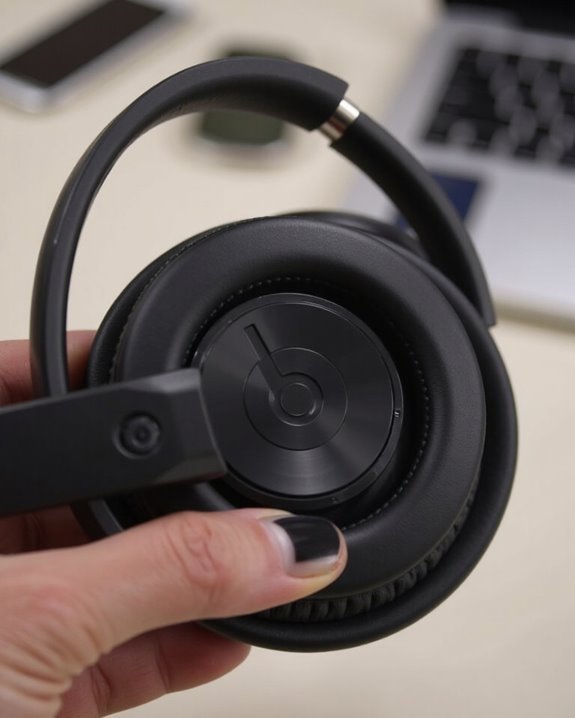
Before you can put the serial number to work, you have to actually locate it, and that’s not always obvious. Your best bet is the original packaging – the number is usually printed right next to the barcode, which is one more reason it’s worth holding onto the box longer than you’d think. On the hardware itself, location varies by model: Beats Studio3 Wireless has it stamped on the earpiece, while Beats Studio Buds hide theirs inside the charging case or, more conveniently, inside the Beats app itself. Lost the box and can’t find it on the device? Check your purchase receipt, any warranty card you were handed, your online Apple account, or just call Apple Support directly – they can usually pull it up from your purchase history. Knowing the format matters too, since a mistyped digit can stall a warranty claim before it even starts.
What to Do the Moment You Realize Your Beats Are Missing
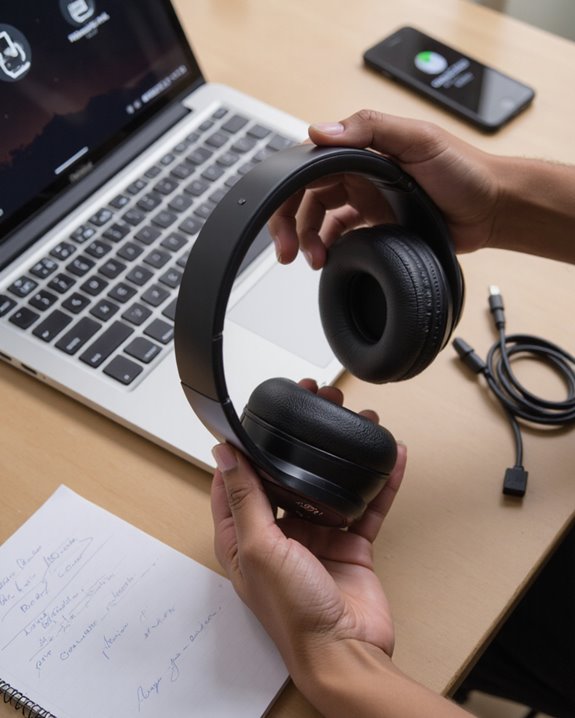
The first few minutes after you notice your Beats are gone matter more than people expect – don’t wait until tomorrow to start looking. Open the Find My app if you’re on iPhone; Android owners should head straight to the Beats app and use its Locate My Beats feature instead. Pull up the last known location and look closely at recent connection history – it often points to exactly where you set them down. Retrace your last hour or two: which café, which gym, which rideshare. Check the usual culprits too – under car seats, wedged in couch cushions, buried in a gym bag. While you’re at it, lock down anything connected to the headphones: change passwords, turn on two-factor authentication, and keep an eye out for odd account activity. Finally, don’t skip the boring step – file a report with local lost-and-found services or nearby venues. It sounds unlikely to help, but it works more often than people assume.
Why Apple Support Will Ask for That Serial Number
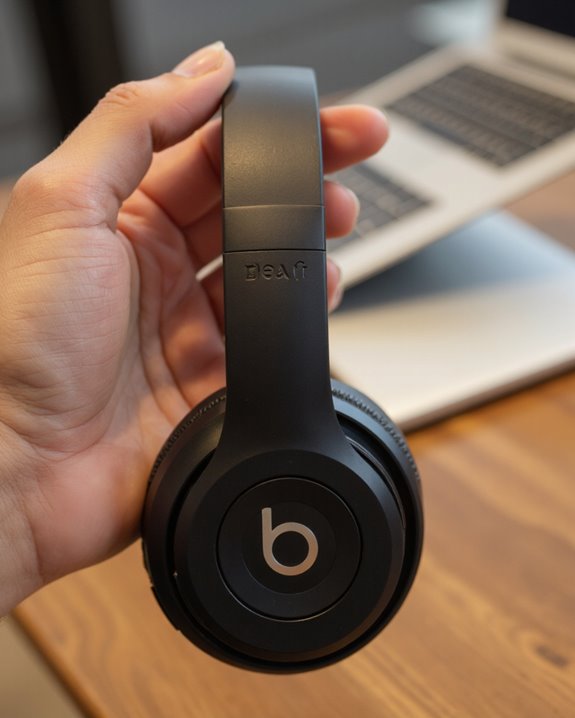
Call Apple about a lost or stolen pair of Beats, and the first thing they’ll ask for is that serial number – it’s practically the opening line of the conversation. Found near the barcode on the original packaging, this string of characters is the definitive way support reps identify exactly which model and version you own, and it confirms you’re actually the owner before anything else moves forward. That matters for warranty checks and for figuring out whether you qualify for repair or replacement. It also lets an agent pull up the device’s service history in seconds instead of digging through account records manually. Whether you’re on the phone, emailing, or standing at a Genius Bar counter, having this number ready saves everyone time.
Where Serial-Number Tracking Falls Short
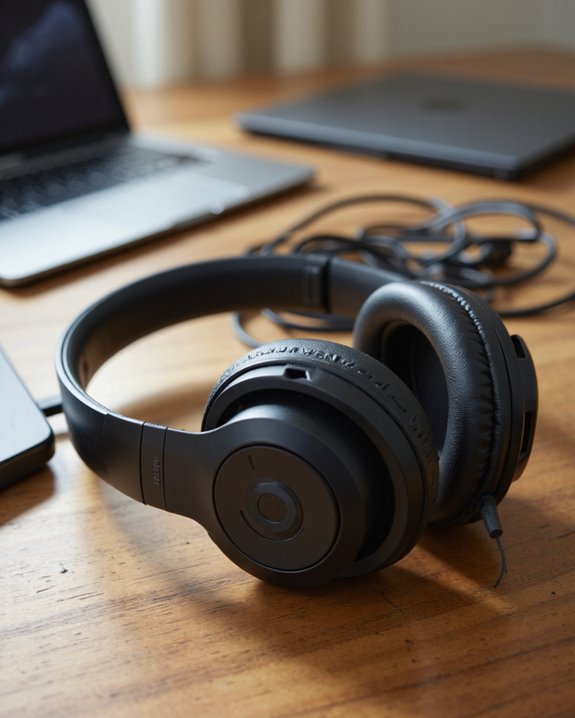
Here’s the honest limitation worth repeating: a serial number is administrative, full stop. It handles registration, warranty checks, and ownership proof just fine, but it has zero connection to GPS or Bluetooth, and it can’t switch on anything resembling Apple’s Find My feature. No signal, no ping, no map dot. Older Beats models make this even trickier since some don’t have the hardware needed for any kind of location tracking to begin with. And even for models that do support it, recovery odds hinge almost entirely on steps you took before losing them – registering the device, enabling Find My in advance, that sort of thing. Skip that setup and you’re mostly out of luck. Bottom line: don’t expect the serial number itself to ever double as a locator.
Better Ways to Actually Find Lost Beats
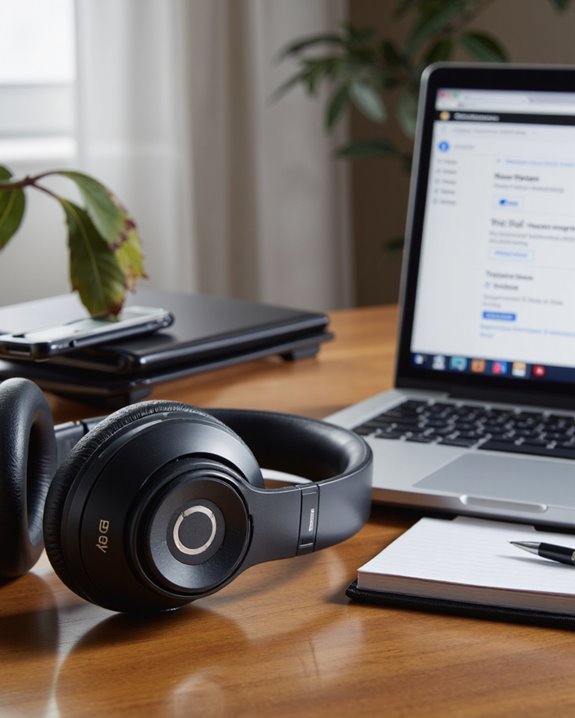
If the serial number is a dead end, what actually works? On iOS or Mac, the Find My app remains the strongest option – it gives turn-by-turn directions and can trigger a sound to help you zero in once you’re close. Not in the Apple ecosystem? Bluetooth scanning apps can pick up a signal too, though your headphones need to be powered on and you need to be within range for that to help at all. Some owners go a step further and attach a small GPS tracking device to the case, which adds location monitoring even outside Bluetooth range – a reasonable move if you tend to misplace things often. Beyond the tech, don’t underestimate old-fashioned detective work: retracing your last few stops, checking with venues, and posting in local community groups or on social media rounds out a solid search strategy.
How to Avoid Losing Your Beats Again
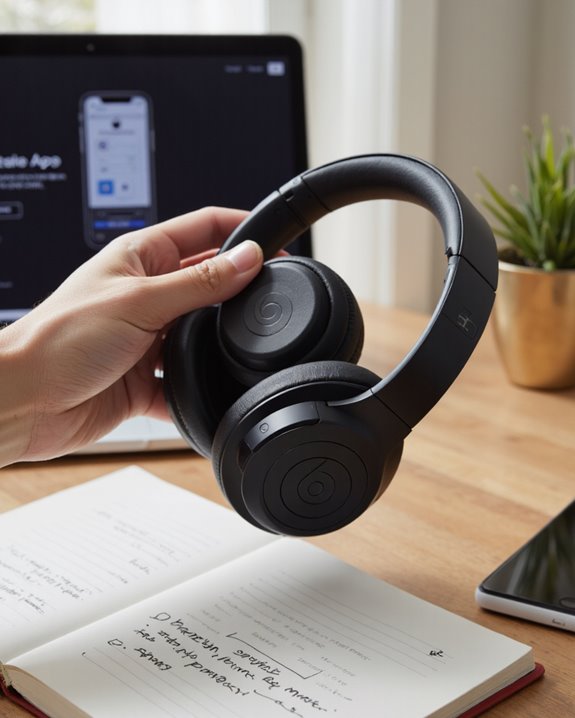
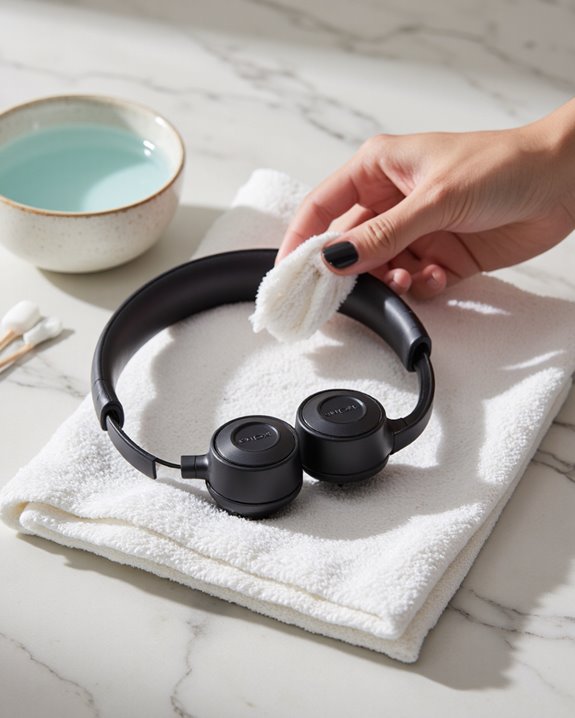
A little discipline up front saves a lot of panic later. Keep your Beats in a protective case, pick one spot at home where they always live, and get in the habit of a quick pocket-and-bag check before you walk out the door – these three habits alone prevent most losses I’ve seen. Wipe them down with a microfiber cloth now and then, use a cover if you’ve got one, and keep them away from extreme heat or moisture; it extends their life and keeps resale value up if you ever upgrade. On the tracking side, turn on Find My if you’re an Apple user, pair with a Bluetooth tracking app, or clip on an AirTag or Tile for a second layer of security. Separation alerts are genuinely useful – they’ll buzz your phone the second your Beats drift out of range, provided the tracker itself is charged. Worth keeping an eye on newer accessories too, since some cases now ship with tracking built in. And if your Beats really are gone for good, our guide to the best headphone brands can help you pick a replacement with sturdier tracking support baked in from the start.
Frequently Asked Questions
Can I Insure My Beats Headphones Against Loss or Theft?
It depends on the policy. Some renters or homeowners insurance plans cover theft, and a handful of specialized electronics policies do too, but don’t count on AppleCare+ – it typically excludes loss and theft from standard coverage.
Someone Found My Lost Beats and Reached Out – Now What?
Slow down before handing anything over. Ask for photo proof, confirm details match your serial number, exchange contact info through a secure channel, and meet in a public, well-lit spot. Scammers do target these situations.
Are There Third-Party Services That Help Recover Lost Headphones?
Not really – not ones built specifically for Beats, anyway. General lost-item recovery apps and services exist, but they’re broad tools, not headphone specialists. If you’d rather shop than keep waiting, our roundup of the best wireless headphones overall is a solid place to start looking.
Will Reporting My Beats as Lost Affect My Warranty Status?
No – warranty coverage is tied to manufacturing defects, not to whether you lost the product. Filing a loss report doesn’t change your warranty standing, though you’ll still need proof of purchase and the serial number if you ever file a claim.
Can Police Track Stolen Beats Headphones With the Serial Number?
No – there’s no tracking system tied to Beats serial numbers that law enforcement can tap into. The number only becomes useful for identification purposes if the headphones happen to turn up later.