As an Amazon Associate, we earn from qualifying purchases. Some links on this site are affiliate links at no extra cost to you. Our recommendations are based on thorough research and editorial judgment.

Can You Repair Bose Headphones?

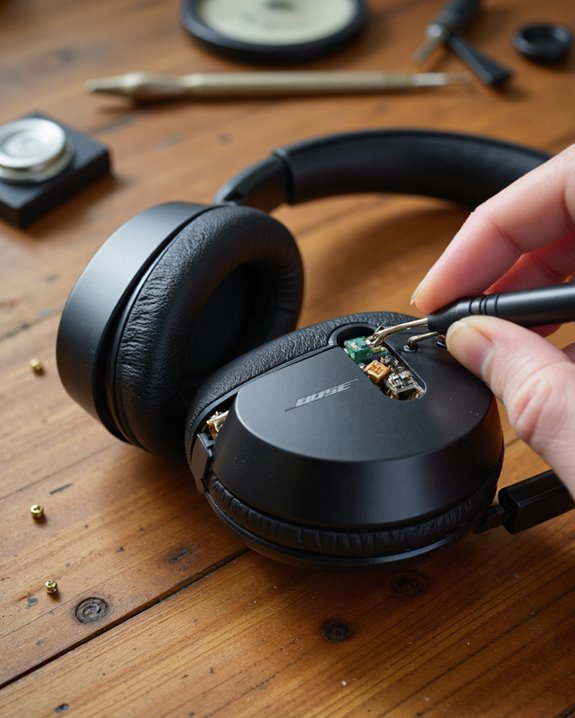
Short answer: yes, you can repair Bose headphones in most cases. I’ve fixed my share of them over the years, and the truth is that most of what goes wrong — worn earpads, a battery that won’t hold a charge, a flaky Bluetooth connection, a cracked headband — is fixable without shipping the headphones off to a shop. The first move is always figuring out exactly which model you own, usually via the serial number or product code tucked inside the headband. Basic fixes like swapping earpads or a battery only need a screwdriver and a little patience; anything involving internal wiring or the circuit board is a different story and leans toward professional territory. And if you hit a wall, Bose support and the Bose Connect app are genuinely useful, not just customer-service theater. Here’s how it all breaks down.
Key Takeaways
- Most Bose headphone problems — worn earpads, a dying battery, dropped Bluetooth connections — can be repaired rather than replaced.
- Pin down your exact model and serial number first; guessing leads to ordering the wrong parts or following the wrong repair guide.
- Bose runs an official repair service through its website, and you’ll need your serial number on hand to request it.
- Earpad and battery swaps are well within DIY territory. Circuit board or driver damage usually calls for a professional.
- The Bose Connect app isn’t just for pairing — it also handles firmware updates and troubleshooting that can resolve a surprising number of issues on its own.
The Problems That Show Up Most Often With Bose Headphones
You may be interested
Bose builds these things to last, but no headphone is bulletproof, and a few complaints come up again and again in our inbox. Earpad wear tops the list — the foam and leatherette break down after enough use, and once they do, comfort and noise isolation both take a hit. Swapping them is usually the single best upgrade you can make to an aging pair. Bluetooth models bring their own headaches: dropped connections and pairing failures that usually trace back to outdated firmware, interference from other wireless gear, or a genuine hardware fault. Beyond that, we regularly see cracked headbands, batteries that degrade with age, and drivers that lose clarity over time — each one calling for its own fix.
Identifying Your Bose Headphone Model
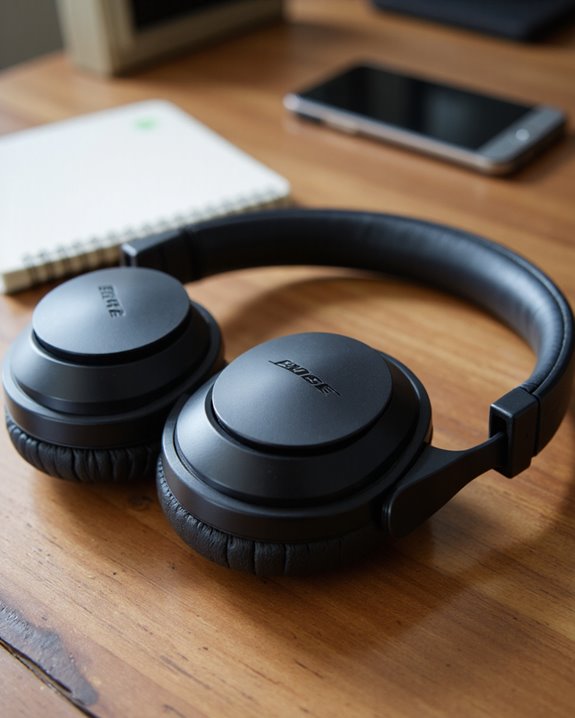
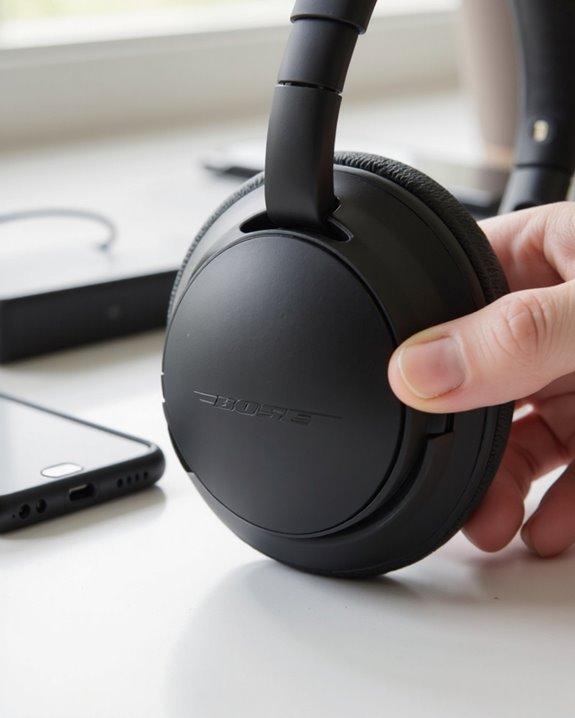
Before you touch a screwdriver, nail down exactly which Bose model you’re holding. Bose’s lineup spans decades of wired and wireless designs, and parts and repair guides are rarely interchangeable between them. Start by looking at the exterior: on popular models like the QuietComfort 35 II, the model name is printed right on the headband, usually above the “L” or “R” ear cup marking. Many pairs also carry a serial number or a four-digit code, often stamped inside the headband or near the speaker housing. Find that, and you’ll know exactly which repair path applies to your headphones instead of guessing from a similar-looking model.
Finding the Serial Number or Product Code
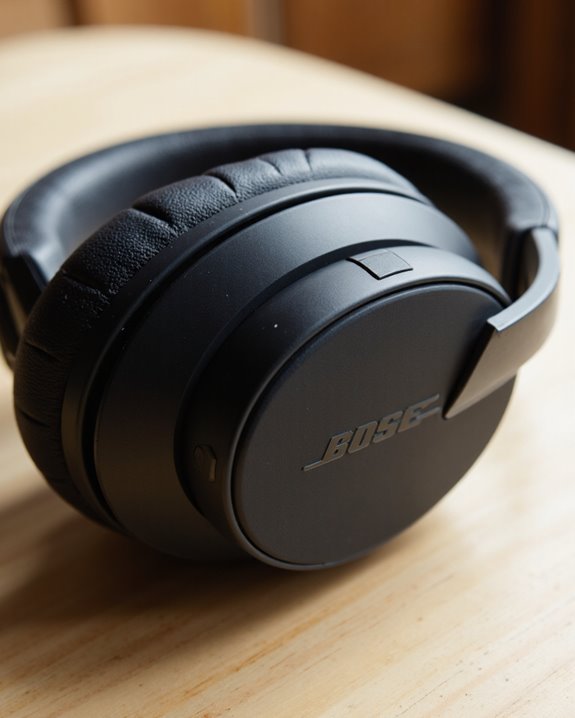
Once you’ve narrowed down the model, the next job is tracking down its serial number or product code — and it’s worth doing properly, because it unlocks everything downstream.
Bose assigns each pair a unique identifier: a 17-digit serial number on most models, or a four-digit code on a few others. The serial number typically sits near a barcode on the back or bottom of the headphones; the four-digit code is usually printed right on the product itself. If digging through the housing isn’t your thing, open one of Bose’s apps — Bose® Connect, Music, Sleep, or Hear — and check Settings > Product Info, where the number is listed for you. When you submit a service request, double-check what you typed. A single mistyped digit is enough to stall the whole process, so get it right the first time and save yourself the back-and-forth.
Repair or Replace? How to Decide
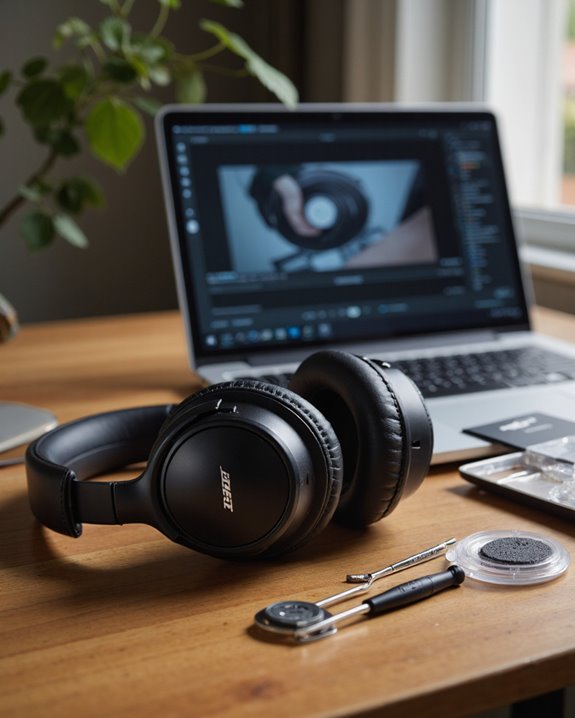
Deciding whether to repair or replace your Bose headphones comes down to a handful of practical questions rather than gut feeling. Start with severity: minor wear on earpads or the headband is an easy, cheap fix since those parts are designed to be swapped out by the owner. Next, check whether you’re still under warranty — paying out of pocket only makes sense if the repair bill stays well under the cost of a replacement. Age and feature set matter too; a newer or feature-rich model is usually worth repairing to squeeze out more years of use. But if the damage is extensive, or the fix demands soldering and specialized tools, replacement often wins on both time and cost. If that’s where you land, our guide to the best noise cancelling headphones can point you toward a solid upgrade.
What Your Repair Options Actually Look Like
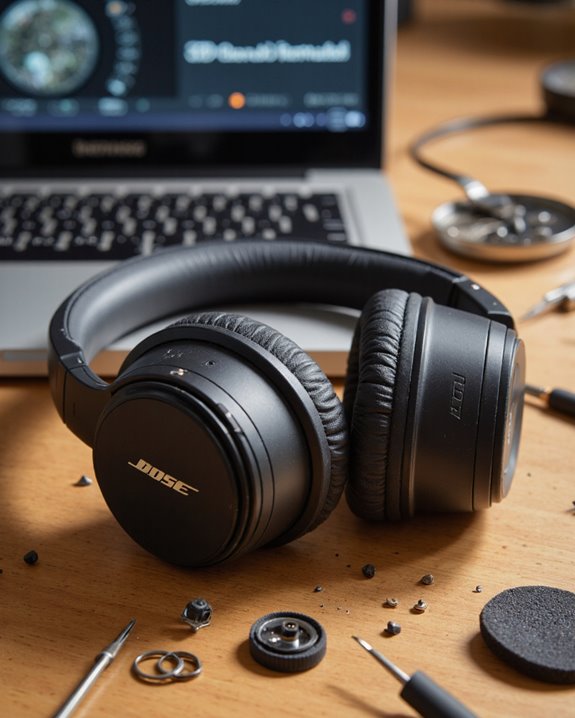
Now that you’ve weighed repair against replacement, let’s get into the actual mechanics of fixing a pair of Bose headphones.
Common jobs — worn earpads, a damaged headband — are things most owners can handle themselves with the right replacement part. Bose designs these assemblies to snap or twist off, so basic tools get you most of the way there. Where it gets harder is anything touching internal wiring, a broken driver, or the circuit board; those repairs call for soldering experience and at least a basic ability to read a schematic. Bose’s own service guides walk through the steps in detail, and replacement parts are available through authorized retailers or specialty online sellers. It’s also worth browsing repair forums before you start — other owners of the same model have usually hit the same snag and documented how they got past it.
How to Start a Service Request With Bose
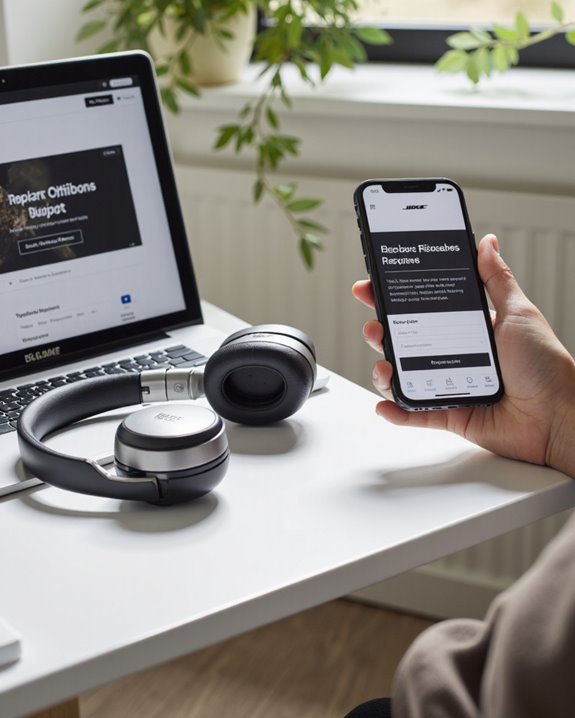
Starting a service request with Bose begins with the same step as everything else here: locate the serial number or 4-digit code, usually found on the back of an earcup, on the headband, or near a barcode somewhere on the unit. That number is what confirms your device and checks it against warranty eligibility. Head to the Bose support website, enter it in the appropriate field, and the process kicks off from there. If the site doesn’t recognize what you entered, re-check every character against the model — typos here are the most common holdup. Still stuck? Bose’s “Please Contact Us” page has phone, email, and live chat options staffed by people who can usually sort it out quickly.
Tools and Skills You’ll Want for DIY Repairs
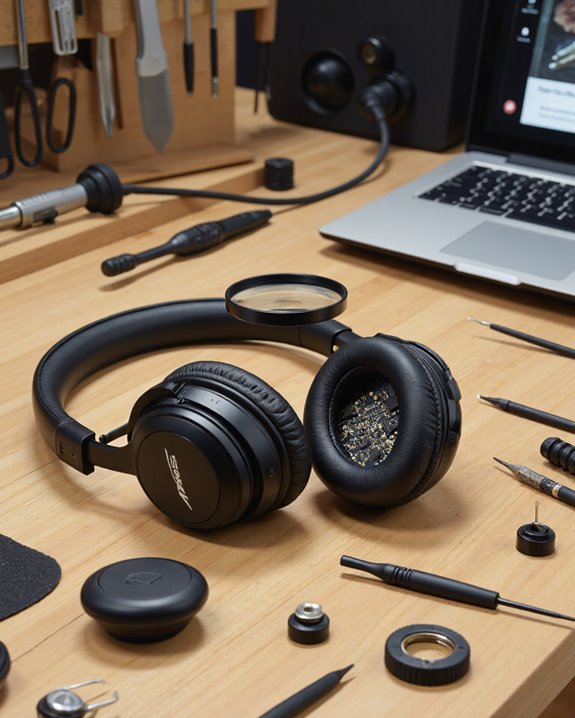
A decent toolkit makes or breaks a DIY headphone repair, especially on something as tightly assembled as a Bose pair. At minimum, keep a precision screwdriver set on hand — Phillips and Torx bits from about T4 to T7 cover most Bose hardware without stripping the screw heads. A soldering iron with adjustable heat and a fine conical tip earns its keep for reattaching loose wires or fixing a cracked solder joint on the circuit board. Pair that with some basic electronics know-how — reading a wiring diagram, spotting a cold solder joint — because guessing your way through internals rarely ends well. Small pliers and anti-static tweezers give you the control needed around delicate components, and knowing how Bose’s drivers, earpads, and headbands are put together makes diagnosing the actual problem a lot faster.
Where to Source Replacement Parts for Bose Headphones
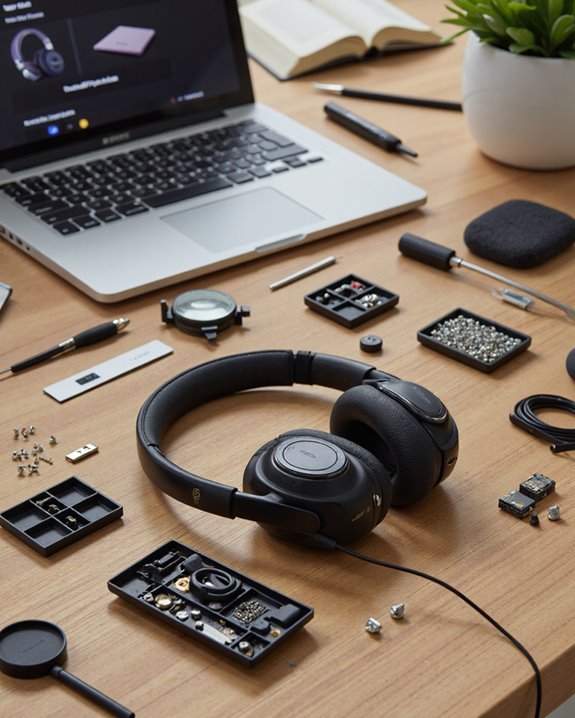
So where do you actually buy the right parts? Bose’s own service channels are the safest bet by a wide margin — they guarantee compatibility and keep performance close to original spec. Before you order anything, confirm the exact model and, ideally, the serial number, since even minor design tweaks between revisions can throw off fit. Official Bose support pages and authorized service centers typically stock the usual suspects: earpads, headbands, and similar consumables.
Third-party sellers and online marketplaces are an option too, but authenticity is worth double-checking before you buy — counterfeit parts do circulate. Repair forums are a decent source of trusted supplier recommendations, especially for parts that are getting hard to find. Whatever route you take, cross-reference the part number against Bose’s service documentation first; it saves you a return shipment later.
Troubleshooting Tips Before You Call It a Repair
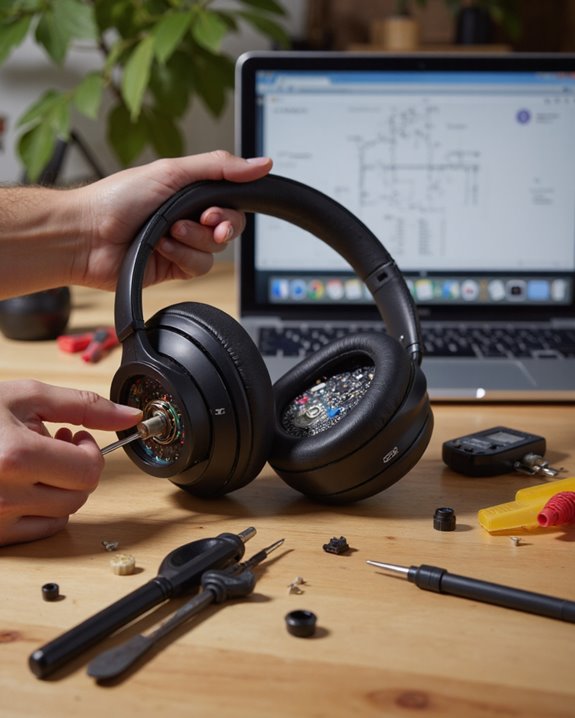
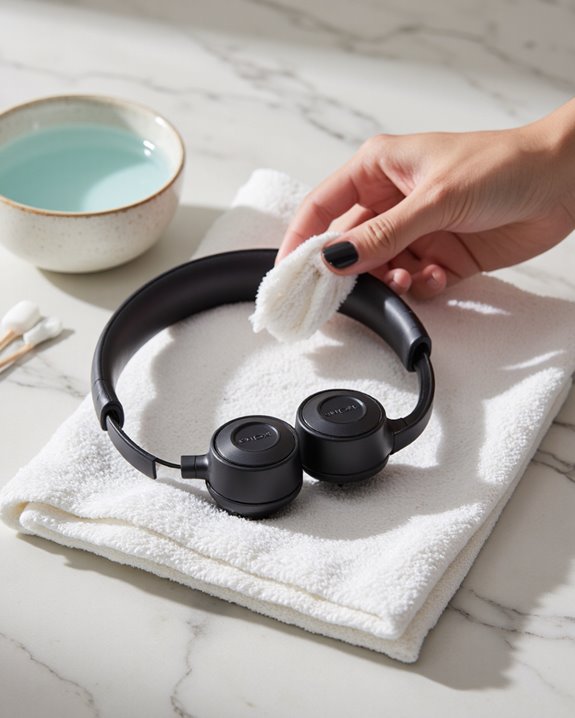
Even after you’ve got the right replacement parts in hand, some problems need a bit of methodical digging first. Start with the basics: check that the headphone jack is fully seated and free of lint or debris, since even a partial connection causes intermittent, crackly sound. Look over the earpads and headband for obvious wear — replacing them often fixes both comfort and audio clarity in one move. For connectivity gremlins, a full reset following Bose’s instructions resolves the majority of Bluetooth pairing headaches. If the battery won’t hold a charge no matter how long you leave it plugged in, that’s your answer — replace it. And don’t skip the Bose Connect app; it handles firmware updates, device management, and links out to official support material that can save you a repair altogether.
When It’s Time to Call Customer Support
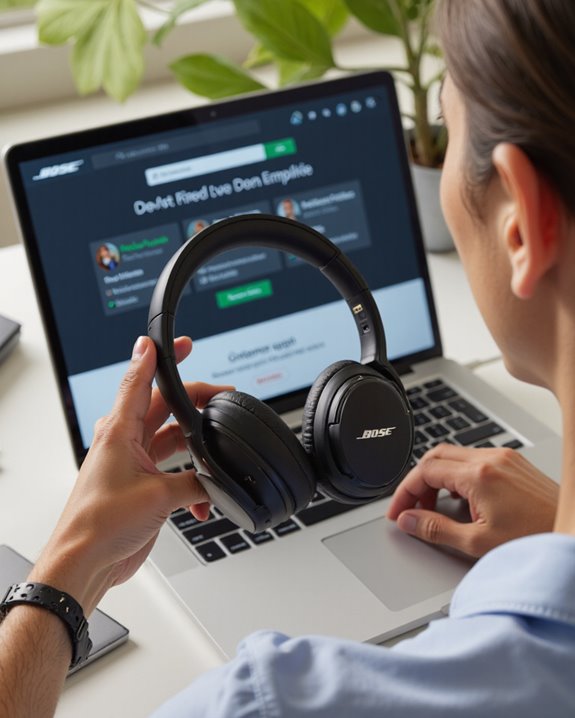
If none of the above gets your headphones working again, it’s time to get Bose involved directly. Locate the serial or ID number on the unit or its original packaging first — support staff need it to verify your product and check what kind of service you’re eligible for. Whether you reach out by phone, email, or live chat, have that number ready and enter it carefully; mistyped serials are the number one reason requests stall. Bose’s site also hosts official service guides worth skimming before you call, since your issue might already have a documented fix. Come prepared with your ID number, and the support team can usually give you specific, useful guidance rather than a generic script.
Frequently Asked Questions
Can I Get My Bose Headphones Repaired?
In most cases, yes. Whether you’re in or out of warranty, start by pulling up your serial number to check coverage, then decide between an official Bose repair guide and sourcing replacement parts yourself.
Can You Trade in Old Bose Headphones for New Ones?
Bose doesn’t run a formal trade-in program, unfortunately. That said, some retailers and third-party platforms will take your old pair for store credit or responsible recycling, so it’s worth checking what’s available locally. Ready to buy new instead? Our roundup of the best wireless headphones overall is a solid starting point.
Are Bose Headphones Guaranteed for Life?
No, they’re not. Bose backs its headphones with a limited warranty against defects, typically one to two years, and extended plans are available for purchase. Accidental damage and normal wear fall outside that coverage.
What Do You Do When Your Bose Headphones Stop Working?
Start simple: check the battery, confirm the connection, and try a full reset. If the problem sticks around after that, look for physical damage and reach out to Bose support for next steps.