As an Amazon Associate, we earn from qualifying purchases. Some links on this site are affiliate links at no extra cost to you. Our recommendations are based on thorough research and editorial judgment.

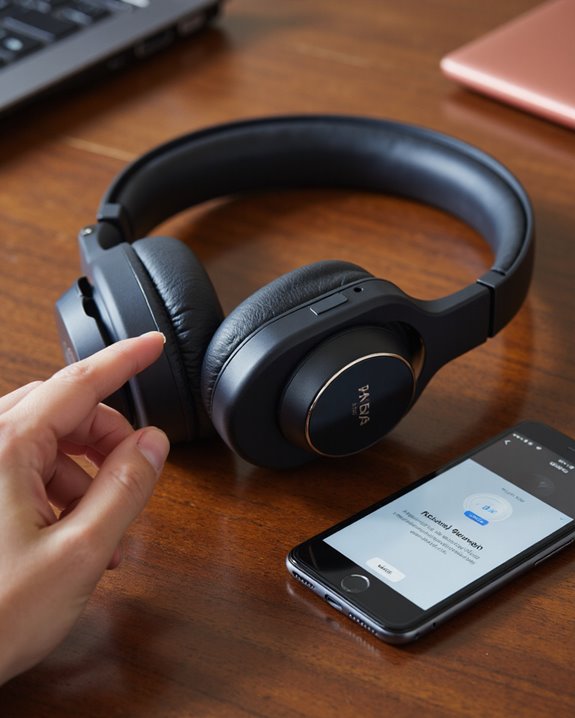
How to Connect TAGRY Bluetooth Headphones to Any Device

To connect TAGRY Bluetooth headphones to any device, we start by ensuring the earbuds are charged—place them in the case and open the lid to enter pairing mode. Next, we enable Bluetooth on our chosen device—Android, iPhone, laptop, or Mac—and select “TAGRY X08” or “X08” from the Bluetooth list within 10 meters (33 feet). If issues arise, we confirm the earbuds aren’t paired elsewhere and reset as needed. More device-specific pairing strategies and performance tips follow.
Key Takeaways
- Ensure TAGRY Bluetooth headphones are fully charged and placed in the charging case with the lid open to power on.
- Enable Bluetooth on your device and keep it within 10 meters (33 feet) of the headphones.
- Search for “TAGRY X08 bluetooth” or “X08” in your device’s Bluetooth settings and select it to pair.
- If connecting fails, reset the earbuds by placing them back in the charging case for at least one minute.
- Disconnect the headphones from previously paired devices to avoid connection interference before attempting to pair with a new device.
Understanding Your TAGRY X08 Bluetooth Headphones
You may be interested



The TAGRY X08 Bluetooth headphones represent a thoughtful balance between compact design and reliable performance. As we explore the X08 True Wireless Earbuds, it’s clear their Bluetooth 5.0 technology offers swift, stable connections within 10 meters (33 feet), ensuring minimal dropouts. Each earbud, weighing just 0.14 ounces, fits comfortably thanks to ergonomic contours and three ear tip sizes. The included 470mAh charging case extends total playback up to 60 hours, with each earbud delivering 4–5 hours per charge. We can pair the TAGRY X effortlessly using one-step pairing after the first setup. The headphones support both stereo and single earbud mode, letting us choose between immersive sound or independent use. For additional guidance, the User Manual provides detailed instructions and troubleshooting advice. While the TAGRY X08 uses Bluetooth 5.0, some newer models feature Bluetooth 5.4 technology for even more stable connections and longer range.
Preparing Your Headphones for Pairing
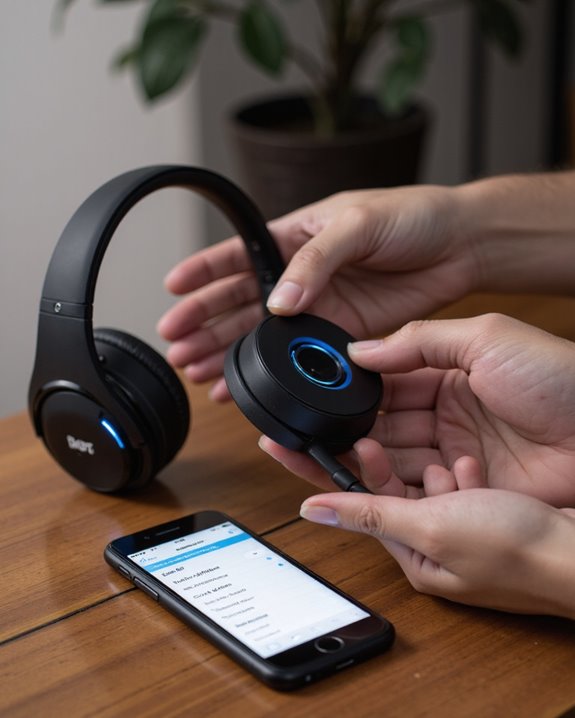
Before initiating the pairing process, it’s essential we properly prepare our TAGRY X08 earbuds to guarantee a seamless connection. First, let’s verify the earbuds are fully charged—this provides peak performance, delivering up to 4–5 hours of use after a complete charge. Place the earbuds in the charging case, then open the lid; they’ll power on automatically and connect to each other. For single earbud use, remove just one and close the case. Next, enable Bluetooth on your phone or the device you wish to pair with, verifying it’s within 10 meters (33 feet) of your TAGRY earbuds to maintain a stable link. With these steps, we’re ready to proceed, setting the stage for a straightforward pairing process with your phone. TAGRY earbuds feature Bluetooth 5.4 connectivity which ensures stable and low-latency connections within this range.
Pairing With an Android Smartphone
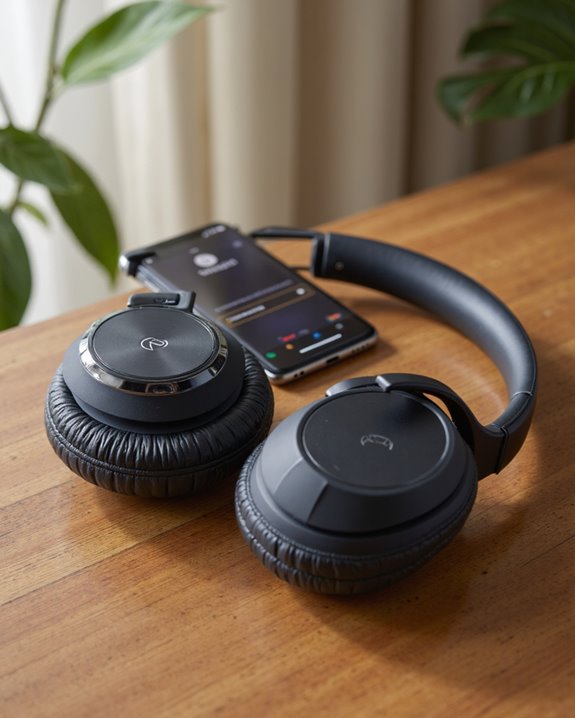
Connecting our TAGRY X08 Bluetooth headphones to an Android smartphone involves several straightforward steps that confirm peak performance and reliability. First, let’s confirm Bluetooth is enabled on our Android device; navigate to Settings and turn on Bluetooth. Next, open the charging case—this action powers on the earbuds and initiates pairing mode automatically. On the phone, tap “Search for X” or refresh the list of available Bluetooth devices. Look for “TAGRY X08 bluetooth” or “X08” in the menu. Select it, and the connection should establish within seconds. If pairing fails, verify the earbuds are fully charged and not already connected to another device; wait one minute, then repeat. The earbuds support both stereo and single earbud modes for added flexibility.
Connecting to an Iphone or Ios Device
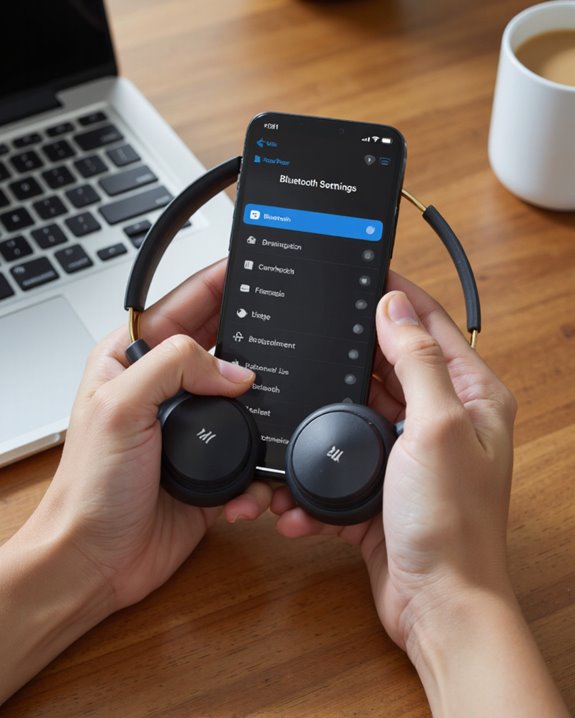
iPhone users looking to pair their TAGRY X08 Bluetooth headphones will find the process straightforward, mirroring many of the steps used for Android devices but with some iOS-specific nuances. To begin, place the TAGRY X08 True Wireless earbuds in the charging case, then open the lid—this automatically powers them on and initiates pairing mode. Access your iPhone and navigate to Settings > Bluetooth, ensuring Bluetooth is enabled. Wait for your device to scan, then select “X08” from the available list. If the earbuds don’t connect, confirm they’re fully charged and not linked to another device, then retry the pairing process. Once connected, you’ll benefit from up to 60 hours of playback, supported by the efficient charging case and robust battery design.
Using the Earbuds With Windows Laptops and PCS
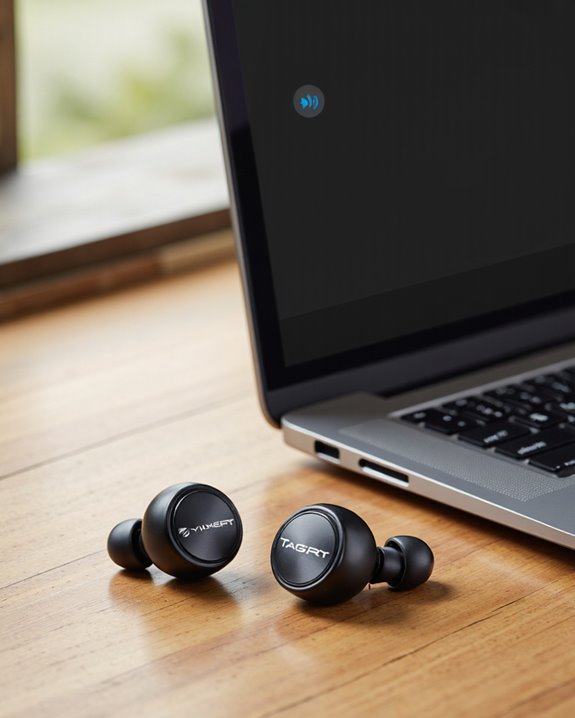
Pairing your TAGRY X08 Bluetooth earbuds with a Windows laptop or PC is a straightforward process that hinges on a few essential steps and technical considerations. First, we’ll want to verify the earbuds are fully charged and powered on—simply open the charging case, which activates pairing mode automatically. On your Windows device, navigate to Bluetooth settings, enable Bluetooth, and search for available devices. Select “X08” to establish the connection. If the connection fails, disconnect the earbuds from any previously paired device, return them to the charging case for one minute, then repeat the pairing process. For ideal Bluetooth performance, keep the earbuds within 10 meters (33 feet) of your PC. This approach guarantees a stable, reliable connection for daily use.
Pairing With Macbooks and Other Apple Computers
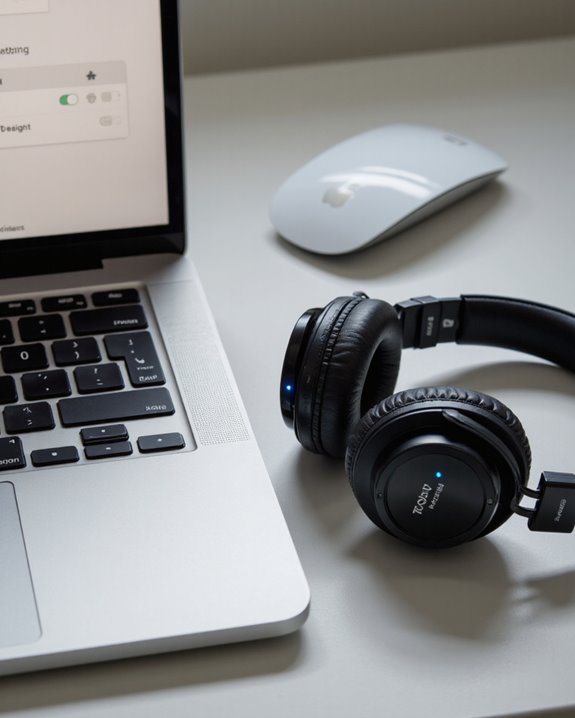
A reliable Bluetooth connection between your TAGRY X08 earbuds and a MacBook—or any other Apple computer—begins with a few preparatory steps that assure seamless pairing. First, let’s confirm our Bluetooth earbuds are ready by opening the charging case; the earbuds will power on automatically and connect to each other. Next, on the MacBook, click the Bluetooth icon in the menu bar and select “Turn Bluetooth On” if it’s not already activated. Once Bluetooth is enabled, we’ll see “X08” listed among available wireless devices. Simply click on “X08” to start the connection process. For best performance, keep the earbuds fully charged and within a 10-meter range. If “X08” doesn’t appear, resetting the pairing by reseating the earbuds in the charging case often resolves the issue.
Troubleshooting Common Bluetooth Connection Issues
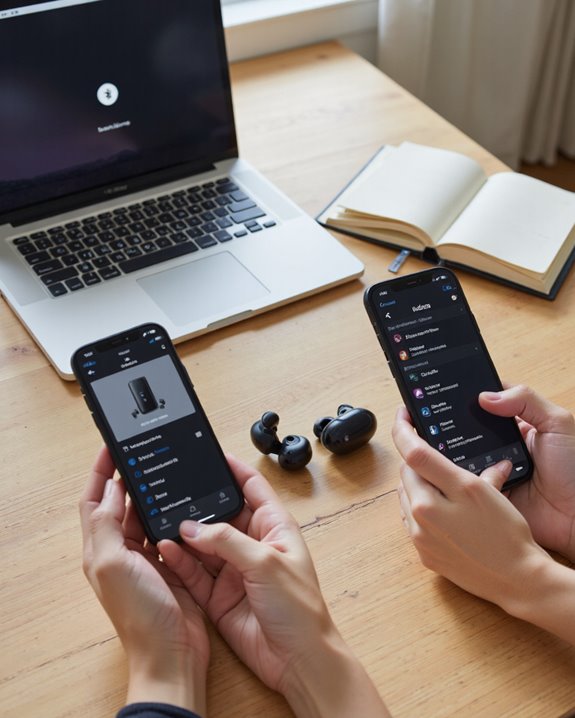
Despite a straightforward pairing process with MacBooks and other Apple computers, Bluetooth connectivity issues can occasionally arise with the TAGRY X08 earbuds. If we encounter problems, please follow these steps for resolution. First, verify our Bluetooth headphones are fully charged—open the charging case and close it to confirm the earbuds are powered on. Next, check that Bluetooth is enabled on our device. If connection persists in failing, disconnect the earbuds from previously paired devices to eliminate possible interference. For a reset, place the earbuds in the charging case and close it for one minute before attempting to pair again. If these steps don’t resolve the issue, consult the user manual’s FAQ section or contact TAGRY customer service for further assistance.
Maximizing Sound Quality and Performance Settings
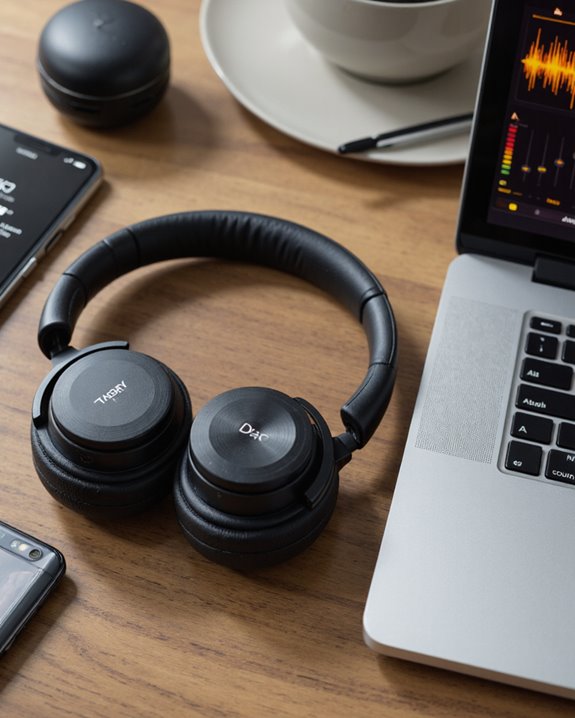
When aiming to achieve the best possible sound quality with our TAGRY X08 earbuds, it’s essential to pay attention to both device settings and proper earbud maintenance. First, let’s verify the earbuds are fully charged, as low battery can diminish audio fidelity—always check charging for the case to maintain peak performance. The X08 features 13mm dynamic drivers, delivering a wide 20Hz–20,000Hz frequency response for rich bass and clear treble. To further elevate sound quality, we should select ear tips that fit securely, maximizing passive noise isolation. For calls, CVC noise reduction technology enhances voice clarity, while the built-in voice assistant adds convenience. Adjust volume via the touch controls—right earbud to increase, left to decrease—to avoid distortion and tailor the listening experience. Additionally, choosing earbuds with Bluetooth 5.2 connectivity ensures stable wireless performance and a reliable connection up to 10 meters.
Frequently Asked Questions
How Do You Pair Tagry Bluetooth Headphones?
Did you know Bluetooth 5.0 boosts range up to 33 feet? To pair, let’s open the case, select “X08,” and enjoy great headphone battery life. For Bluetooth connectivity issues or audio quality tips, try troubleshooting sound problems and multi device pairing.
How Do I Connect My Bluetooth Headphones to Another Device?
When we connect our Bluetooth headphones to another device, let’s guarantee Bluetooth device compatibility and address any audio quality issues. Staying within wireless range, monitoring battery life, and following connection troubleshooting tips helps us enjoy seamless listening experiences together.
How to Reset Tagry Bluetooth Headphones?
When we need to reset TAGRY Bluetooth headphones, we follow the reset process: place them in the case, wait, then hold both buds. This helps with common issues, restores factory settings, and supports good headphone maintenance and troubleshooting.
How Do I Put My Bluetooth Headphones in Pairing Mode?
When we want to enter pairing mode, let’s open our headphone case—this starts the device pairing sequence. Remember Bluetooth pairing tips: check headphone compatibility, watch Bluetooth range limitations, and troubleshoot connection issues if our headphones don’t appear right away.