As an Amazon Associate, we earn from qualifying purchases. Some links on this site are affiliate links at no extra cost to you. Our recommendations are based on thorough research and editorial judgment.

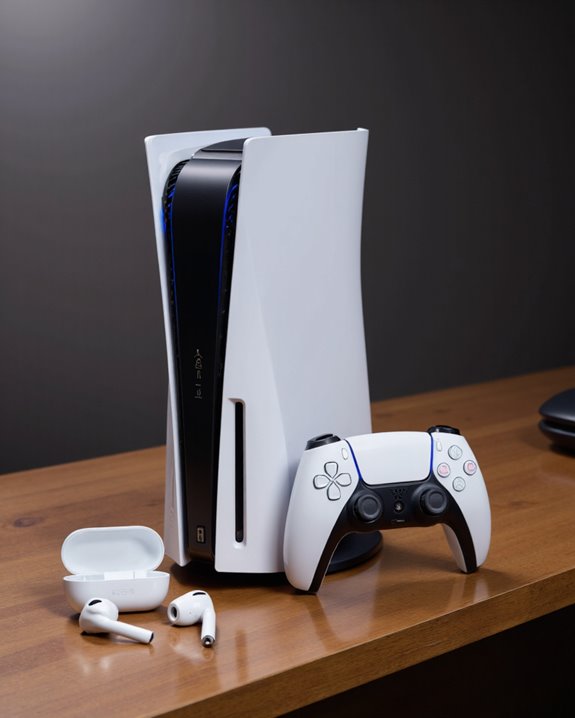
Do Apple Headphones Work on PS5?

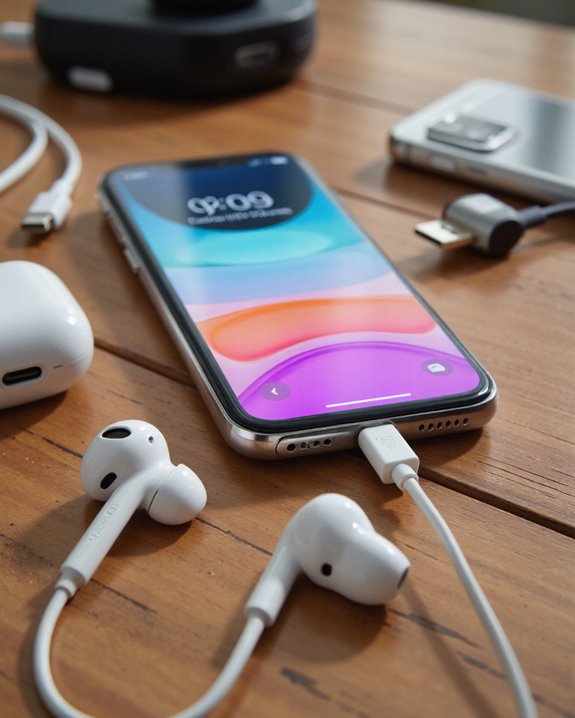
Apple headphones, such as wired EarPods, work with PS5 by plugging directly into the controller’s audio port, supporting in-line microphone and delivering reliable sound quality with minimal latency. Wireless options like AirPods require a USB Bluetooth adapter, as PS5 lacks native Bluetooth audio, resulting in possible 40–60ms latency and exclusion from PS5’s 3D audio features. Noise cancellation and advanced controls may be limited, so officially supported or wired headsets are generally recommended for peak performance. More connection tips and performance insights follow.
Key Takeaways
- Wired Apple headphones can connect directly to the PS5 controller’s audio jack for basic audio and microphone use.
- Wireless Apple headphones like AirPods require a USB Bluetooth adapter to work with the PS5, as native Bluetooth audio is unsupported.
- Audio quality and features, such as noise cancellation and 3D audio, are limited or unavailable when using Apple headphones on PS5.
- Bluetooth adapter connections often introduce noticeable audio latency, making them less ideal for gaming.
- For the best PS5 audio experience, officially supported or wired gaming headsets are strongly recommended over Apple headphones.
Compatibility of Apple Headphones With PS5
You may be interested
While Apple headphones—including AirPods and AirPods Max—are widely recognized for their seamless integration with Apple devices, their compatibility with the PlayStation 5 (PS5) is especially less straightforward. Unlike iOS or Mac systems, the PS5 does not natively support Apple headphone features such as automatic pairing or spatial audio. To achieve PS5 gaming compatibility, users must rely on a USB Bluetooth adapter that supports Bluetooth 5.0 or higher. This intermediary solution can introduce challenges, including potential audio latency, reduced sound quality, and occasional connection dropouts. Moreover, the gaming experience may be impacted, as latency can affect real-time audio cues in competitive scenarios. Compatibility also varies based on the Bluetooth adapter’s brand and model, making careful selection essential for best performance.
Wired Apple Headphones: Direct Connection to PS5
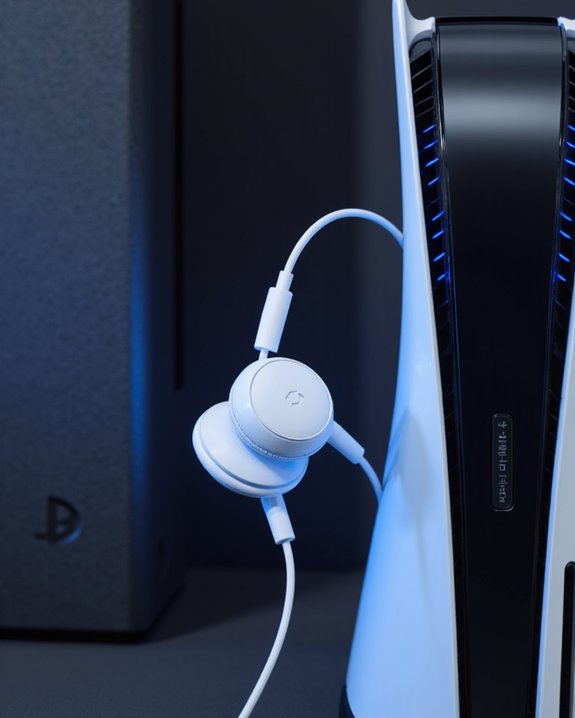
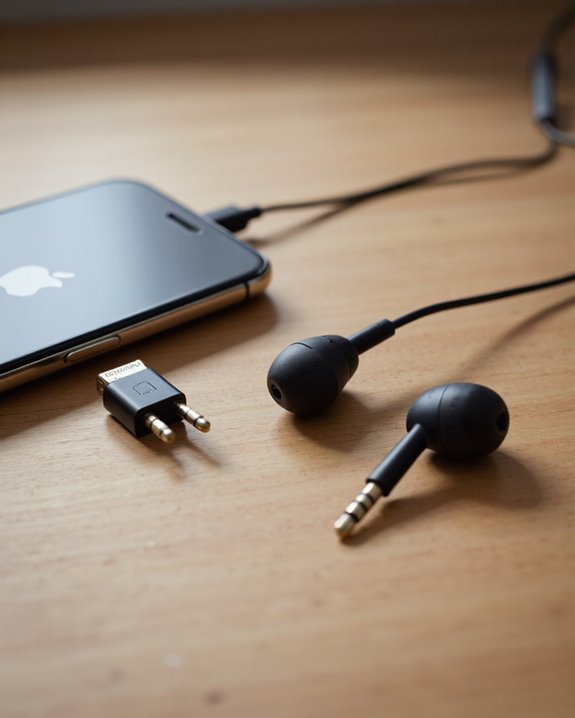
Wired Apple headphones, including those equipped with a 3.5mm jack such as the standard EarPods, can be connected directly to the PlayStation 5 controller’s integrated audio port. This direct connection supports wired audio without the need for additional adapters, ensuring straightforward setup and reliable performance. Users simply plug the headphones into the controller, access the PlayStation menu, and configure the sound settings to route audio through the controller. Wired audio offers notable advantages, including superior sound quality and negligible latency—critical for immersive gaming. The cable’s length should be considered for ideal gaming comfort, as shorter cables may restrict movement. Many models also support in-line microphones, enabling voice chat. Overall, wired Apple headphones offer a cost-effective, high-performance audio solution for PS5 gaming. For those seeking enhanced microphone clarity, headsets like the Logitech H390 feature a noise-canceling microphone that significantly improves voice communication.
Wireless Apple Headphones: The Bluetooth Limitation

Despite the widespread popularity of Apple’s wireless headphones, such as AirPods and AirPods Pro, PlayStation 5 users encounter a significant technical barrier: the console does not support native Bluetooth audio connectivity. This Bluetooth restriction is a deliberate design choice by Sony, primarily to prevent issues like audio latency and bandwidth congestion that could detract from the gaming experience. Since the PS5’s Bluetooth bandwidth is allocated mainly to its wireless controllers, introducing additional Bluetooth audio streams risks delays between in-game actions and sound output—an especially problematic scenario in competitive gaming. Furthermore, Bluetooth audio compression can further diminish sound fidelity. As a result, PS5 owners seeking seamless wireless audio with Apple headphones face unavoidable limitations, making Bluetooth-based solutions suboptimal regarding both reliability and performance.
Essential Accessories for Wireless Connectivity
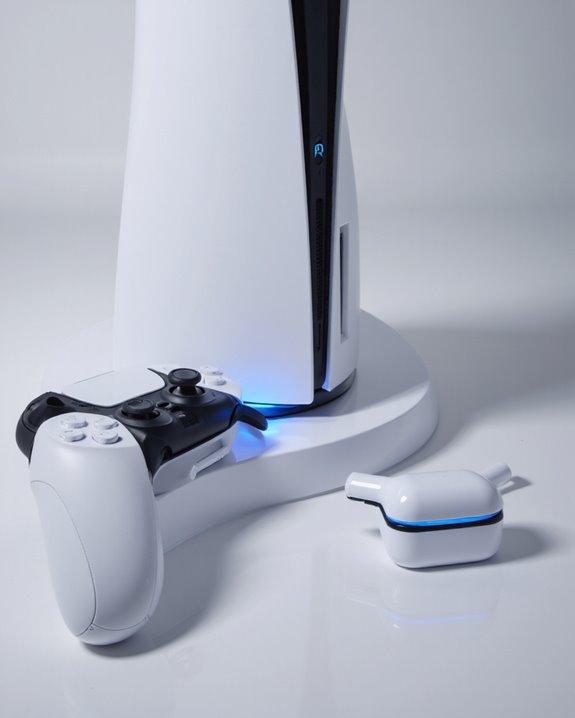
For PlayStation 5 users seeking to connect Apple headphones wirelessly, the absence of native Bluetooth audio support necessitates the use of specialized accessories. Bluetooth adapters and wireless dongles are the primary solutions, plugging into the PS5’s USB ports to facilitate wireless transmission. Audio transmitters, including models from Skull & Co. and Audio-Technica, offer additional features such as multi-device pairing and enhanced audio fidelity, though some may introduce minor latency (typically 40-60ms). Gaming adapters are tailored for consoles, often supporting voice chat and low-latency connections, which are essential for seamless gameplay. Compatibility hinges on Bluetooth 5.0 support for reliable pairing with Apple headphones. However, users should note potential trade-offs—such as reduced microphone functionality and limited wireless range—when opting for these third-party audio connectivity solutions.
Step-by-Step Guide: Connecting AirPods to PS5
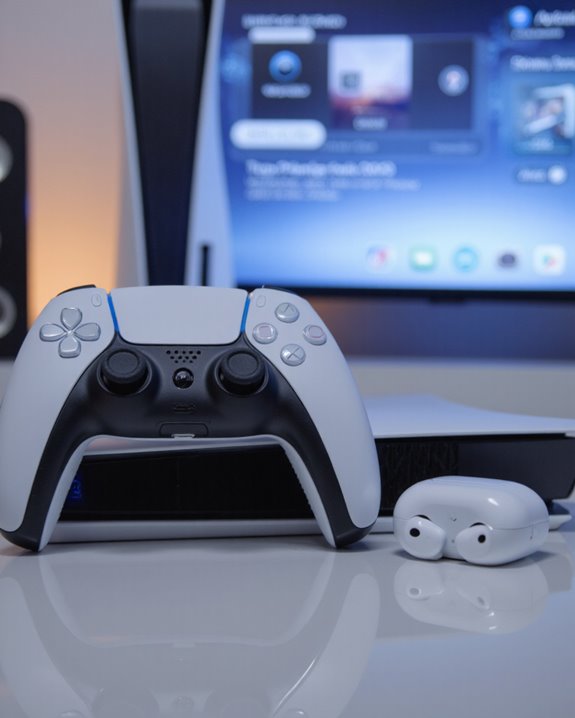
A significant number of PlayStation 5 users seek to integrate their Apple AirPods into their gaming setup, yet the PS5’s lack of native Bluetooth audio support necessitates a third-party solution. To connect AirPods, users must employ a Bluetooth adapter—preferably one supporting Bluetooth 5.0 or higher for ideal Bluetooth performance and reduced latency. Begin by plugging the adapter into any PS5 USB port. Activate pairing mode on the adapter, typically indicated by a flashing LED. Next, place the AirPods in pairing mode by pressing and holding the case’s sync button until the light flashes. The devices should connect automatically, with the adapter’s indicator confirming the connection. Users should remain aware of AirPods limitations, such as the absence of built-in mic support and potential compatibility constraints.
Audio Quality and Performance Expectations

While connecting Apple AirPods to the PlayStation 5 is possible through a Bluetooth adapter, users should calibrate their expectations regarding audio quality and performance. AirPods deliver basic stereo sound when paired this way, lacking the PS5’s advanced 3D audio capabilities, which can diminish immersion for those seeking a premium gaming experience. Audio performance is further affected by latency, with typical Bluetooth adapters introducing a 40–60ms delay—noticeable during fast-paced, timing-critical gameplay. The balanced sound signature of AirPods guarantees consistent frequency response, but active noise cancellation may not operate fully. Volume controls may also be limited, especially on AirPods Pro. Compared to PS5-certified gaming headsets, AirPods offer a less optimized audio experience, reduced wireless range, and lack customizable sound settings, making them a secondary choice for serious gamers.
Voice Chat and Microphone Functionality
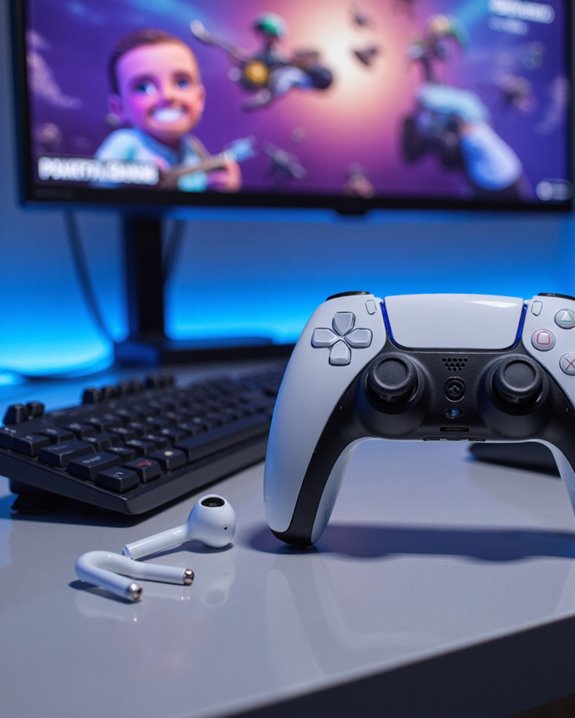
Many users seeking to utilize Apple headphones—such as AirPods—with the PlayStation 5 will encounter significant limitations regarding voice chat and microphone integration. The PS5 does not natively support Bluetooth audio, which restricts microphone compatibility and voice chat features when using AirPods. Most Bluetooth adapters only transmit audio output, not input, so the AirPods’ built-in microphone cannot be used for in-game communication. Although some specialized adapters, like the Skull & Co. adapter, claim to offer voice chat support, this is not a standard feature across all devices. As a workaround, the PlayStation App on a smartphone enables voice chat using the phone’s microphone, but game audio is not streamed to AirPods. For seamless integration, a PS5-compatible headset remains essential.
Latency Issues and How to Minimize Them
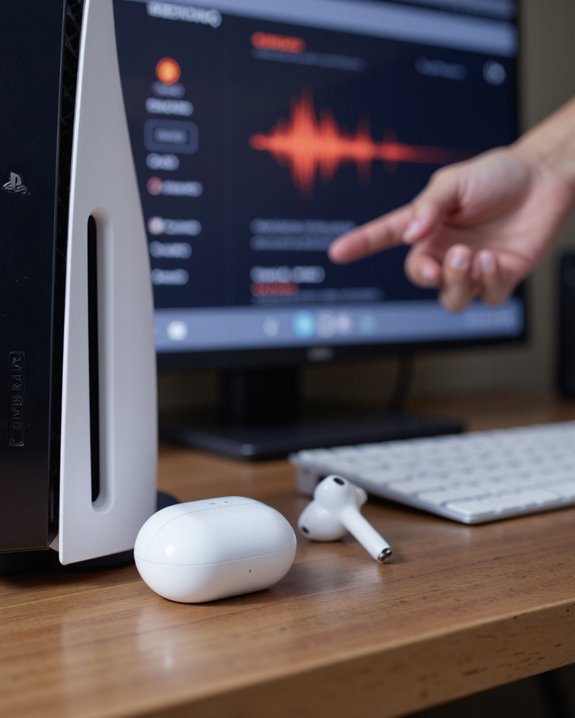
Given the PS5’s lack of native Bluetooth audio support, latency emerges as a central concern when attempting to use Apple headphones, particularly AirPods, for gaming. Bluetooth audio typically introduces latency in the range of 40-60ms, which can result in noticeable audio-video synchronization issues, especially in fast-paced titles. This delay is caused by Bluetooth technology limitations, processing overhead, and environmental interference. For those seeking latency reduction, ideal device placement—keeping headphones and adapters close to the PS5—can help. Additionally, adjusting audio settings, such as switching to linear PCM over Dolby or DTS, may further improve synchronization. While some third-party adapters claim reduced latency, wired connections or PS5-specific headsets consistently offer superior performance and minimal delay, making them preferable for an immersive gaming experience. Many gaming headsets, like those featuring 2.4GHz wireless connectivity, provide ultra-low latency solutions specifically designed for gaming environments.
Alternative Methods for Using Apple Headphones
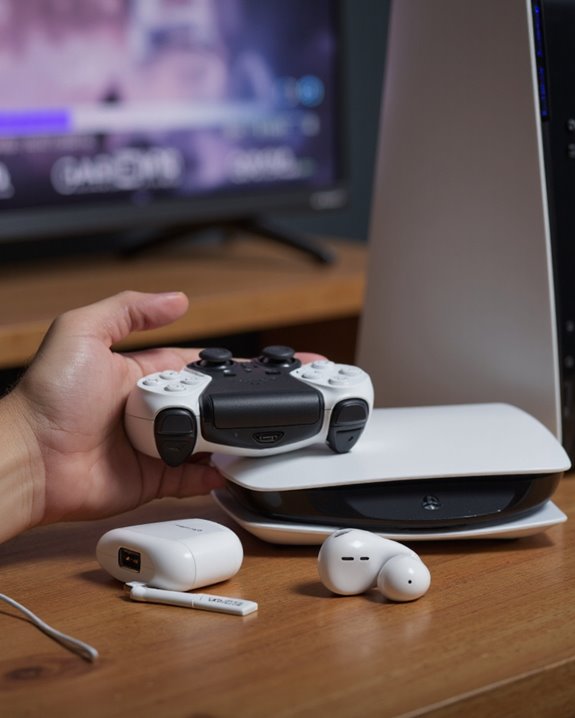
Despite the PS5’s lack of native Bluetooth audio support and the resulting latency challenges previously discussed, several practical workarounds allow users to connect Apple headphones—particularly AirPods—to the console. The most effective solution involves Bluetooth adapter options that plug directly into the PS5’s USB or USB-C ports. For ideal AirPods performance, adapters utilizing Bluetooth 5.0 or higher are recommended, as they offer improved stability and reduced audio lag. Brands like Skull & Co are highlighted for their compatibility and additional features, such as dual headphone support and voice chat. To set up, users simply insert the adapter, activate pairing mode on both devices, and verify close proximity during connection. This method supports all AirPods models and extends usability to other Bluetooth headphones, enabling practical cross-platform use. Using adapters with Bluetooth 5.3 connectivity ensures a more stable connection and longer range during gaming sessions.
User Experiences and Practical Recommendations
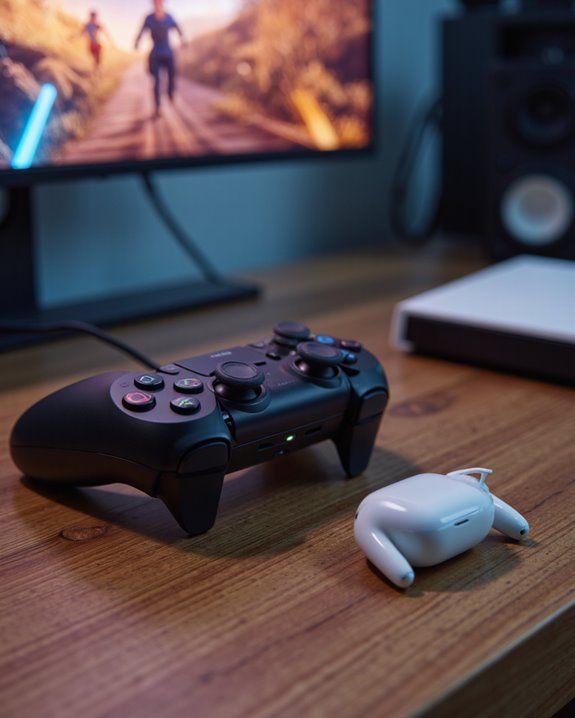
While Apple headphones offer impressive performance within the Apple ecosystem, their integration with the PlayStation 5 presents several notable challenges rooted in hardware and software limitations. User feedback consistently highlights compatibility issues—Apple headphones are not natively supported on the PS5 due to Bluetooth restrictions, leading many to rely on third-party adapters. However, such workarounds introduce audio latency, typically 40–60ms, and limit gaming performance, especially in rhythm or competitive genres. Advanced features like noise cancellation and 3D audio are generally unavailable, with audio output restricted to basic stereo sound. For ideal results, experts recommend officially supported or wired headsets, which eliminate latency and preserve advanced audio features. USB headsets and TV/home theater outputs are also viable alternatives, ensuring a more reliable gaming audio experience.
Frequently Asked Questions
Can Apple Headphones Control PS5 Volume Directly?
Like a conductor unable to sway an unfamiliar orchestra, Apple headphones lack direct volume control over the PS5. Volume control and headset compatibility are managed through the PS5 console or controller, not the Apple headset itself.
Do Airpods Pro Noise Cancellation Features Work on PS5?
AirPods compatibility with PS5 allows AirPods Pro noise cancellation features to function independently during gaming audio sessions. Noise cancellation operates as designed, unaffected by the console, though advanced PS5 audio features and direct integration remain unsupported.
Will Using Apple Headphones Void My PS5 Warranty?
Much like Odysseus traversing uncharted waters, users considering Apple headphone compatibility with PS5 face uncertain warranty implications. Generally, connecting third-party headphones does not void the warranty, unless physical damage occurs or terms specifically exclude such accessories.
Can I Update Airpods Firmware Using a PS5?
When considering AirPods compatibility with the PS5, it is important to note that a firmware update cannot be performed using the PS5. AirPods firmware updates require connection to an Apple device, not a PlayStation console.
Are There Exclusive PS5 Apps for Managing Apple Headphones?
There are no exclusive PS5 apps for managing Apple headphones. Apple headphone compatibility relies on basic PS5 audio settings or third-party adapters, as the PlayStation 5 does not natively support advanced management features for Apple devices.