As an Amazon Associate, we earn from qualifying purchases. Some links on this site are affiliate links at no extra cost to you. Our recommendations are based on thorough research and editorial judgment.

Do Sony Headphones Work With PS5?

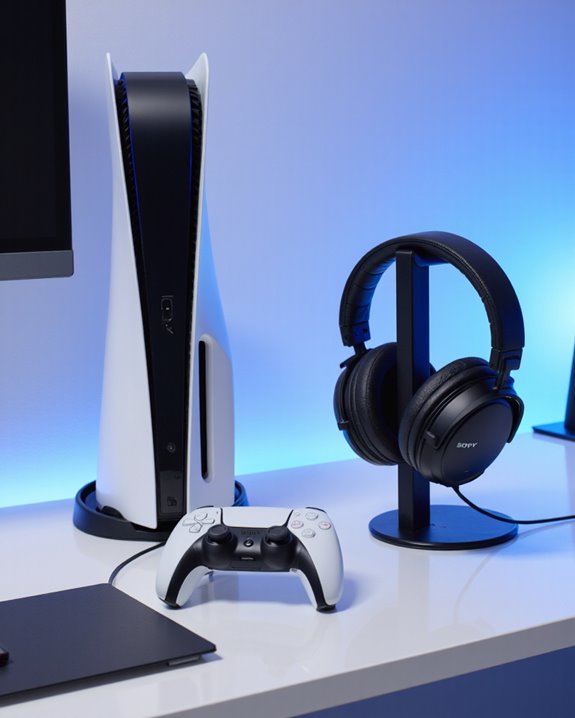
Sony headphones can work with PS5, but compatibility depends on the model and connection method. The Sony Pulse 3D and Pulse Elite wireless headsets connect seamlessly via a USB dongle, supporting Tempest 3D Audio and ultra-low latency. Standard Sony Bluetooth headphones are not natively supported for game audio, as PS5 restricts Bluetooth protocols to minimize latency and interference. Wired connections through the DualSense controller’s 3.5mm jack offer reliable sound. More on alternatives and ideal setups follows.
Key Takeaways
- Most regular Sony Bluetooth headphones cannot connect directly to PS5 for game audio due to unsupported Bluetooth protocols.
- Sony PULSE 3D and Pulse Elite headsets are fully compatible with PS5, offering wireless connection and Tempest 3D Audio support.
- Wired Sony headphones with a 3.5mm jack can connect to the PS5 via the DualSense controller for reliable audio.
- USB dongles or wireless adapters may allow some Sony headphones to work, but can introduce audio delay and reduced quality.
- For the best experience, use PlayStation-branded or officially supported headsets designed specifically for PS5.
Compatibility of Sony Headphones With PS5
You may be interested
Although the PlayStation 5 supports a variety of audio devices, the compatibility of Sony headphones with the PS5 depends on both the specific model and the connection method used. Officially, headsets like the Sony PULSE 3D Wireless Headset are enhanced for the console, leveraging Sony headphone features such as dual noise-cancelling microphones, built-in battery, and dedicated controls. This model connects wirelessly via a USB dongle, ensuring high gaming audio quality and seamless access to PS5’s 3D Audio. Regular Sony Bluetooth headphones, however, cannot connect directly for game audio due to unsupported Bluetooth audio protocols. Alternative methods include using a 3.5mm cable with the DualSense controller, or USB dongle-based wireless headsets, which preserve audio fidelity and low latency for an ideal gaming experience. Many top PS5 gaming headsets support the console’s advanced spatial audio through 40-50mm drivers, enhancing immersion and sound quality.
Technical Reasons Behind Bluetooth Limitations
The limited compatibility between standard Sony Bluetooth headphones and the PS5 is rooted in several technical constraints that impact both performance and user experience. Bluetooth performance on the PS5 is primarily optimized for controller connectivity, restricting available bandwidth for audio data transmission. This results in notable latency challenges—audio delay undermines the gaming experience, particularly where real-time sound cues are critical. Audio compression, necessary to fit Bluetooth’s limited bandwidth, often degrades sound fidelity, introducing artifacts and reducing immersion. Additionally, signal interference on the 2.4 GHz frequency band can cause dropouts or glitches, further impeding reliable playback. Bluetooth protocols used by most headphones conflict with the PS5’s prioritization of controller communication, compounding these issues and making Bluetooth headsets suboptimal for gaming audio needs.
Wired and Adapter-Based Alternatives
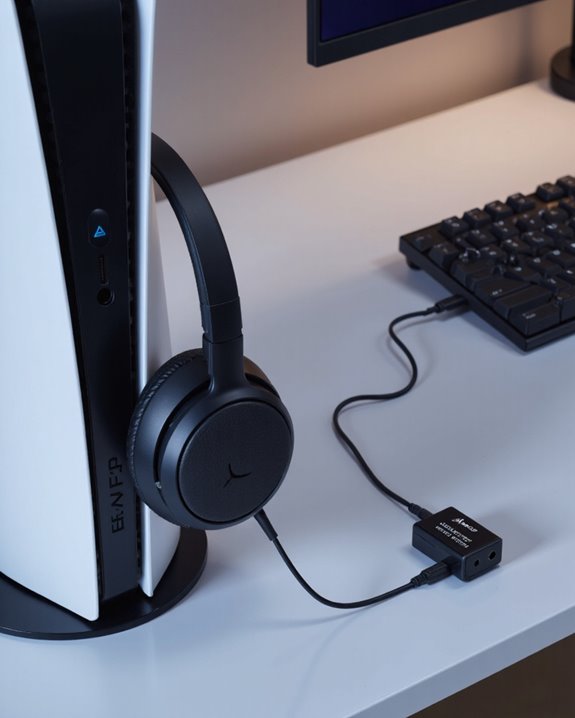
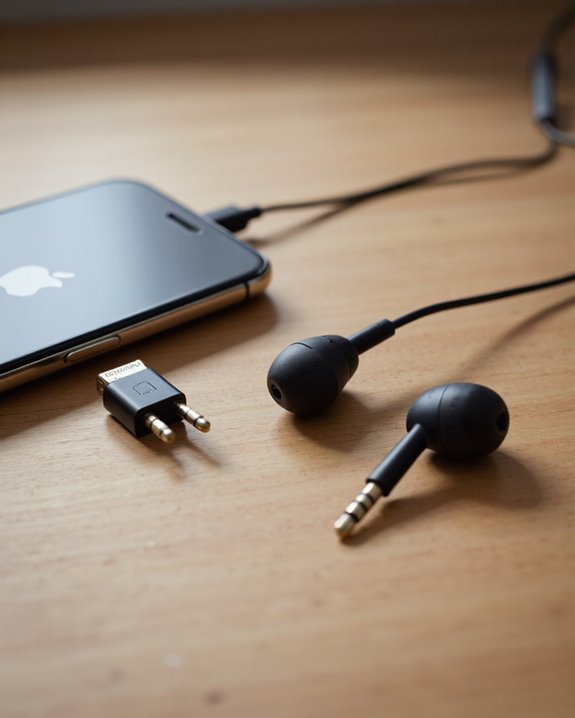
While native Bluetooth audio support is absent on the PS5, users seeking to connect Sony headphones have several practical alternatives that maintain audio fidelity and reliability. A wired connection via the DualSense controller’s 3.5mm audio jack guarantees audio reliability, eliminating latency and connectivity issues, while providing high-quality, plug-and-play sound. Most Sony headphones support this standard, but users should verify the presence of a 3.5mm input, as not all models include it. Wired setups may also allow microphone use, though compatibility varies. For those preferring wireless functionality, USB Bluetooth adapters provide an option, but may introduce audio delay and reduced quality, and compatibility is not guaranteed by Sony. To summarize, wired solutions remain the most stable and universally compatible for PS5 audio. Additionally, many gaming headsets feature low-latency wireless technology to minimize audio delay for a better gaming experience.
Official PlayStation Headset Options
Official PlayStation headset options present purpose-built solutions for users seeking optimized audio performance on the PS5 platform. The Pulse 3D Wireless Headset, engineered specifically for PS5, delivers Tempest 3D audio support, dual noise-cancelling microphones, and an ergonomic design with accessible controls. The Pulse Elite Wireless Headset advances these features by incorporating planar magnetic drivers for exceptional clarity and low distortion, Bluetooth connectivity, and dual device pairing. With up to 30 hours of battery life and USB Type-C charging, the Pulse Elite balances convenience with technical sophistication. Both models guarantee seamless compatibility with the PS5, while the Pulse Elite’s competitive $149.99 price point and enhanced sound quality distinguish it among high-end gaming headsets. Official support and multi-platform flexibility further strengthen their appeal. Many wireless gaming headsets now offer 7.1 surround sound and ultra-low latency features to enhance immersive gameplay on consoles like the PS5.
Consumer Experiences and Market Trends
User interactions with Sony headphones on the PS5 platform reveal a dynamic interplay between technical limitations and evolving consumer preferences. While standard Sony Bluetooth headphones cannot pair directly with the console—a notable restriction—many users circumvent this via USB dongles or 2.4GHz wireless adapters, which offer lower latency and more reliable audio quality. User preferences consistently favor wireless headsets for freedom of movement, with latency and immersive sound emerging as decisive factors. Dedicated PS5 headsets, such as the Pulse 3D and INZONE series, receive praise for clear audio and seamless integration with features like Tempest 3D Audio. The market reflects growing demand for lossless audio, virtual surround sound, and competitive pricing, with multiple brands competing to deliver enhanced gaming experiences that align with user expectations.
Potential Future Developments in Compatibility
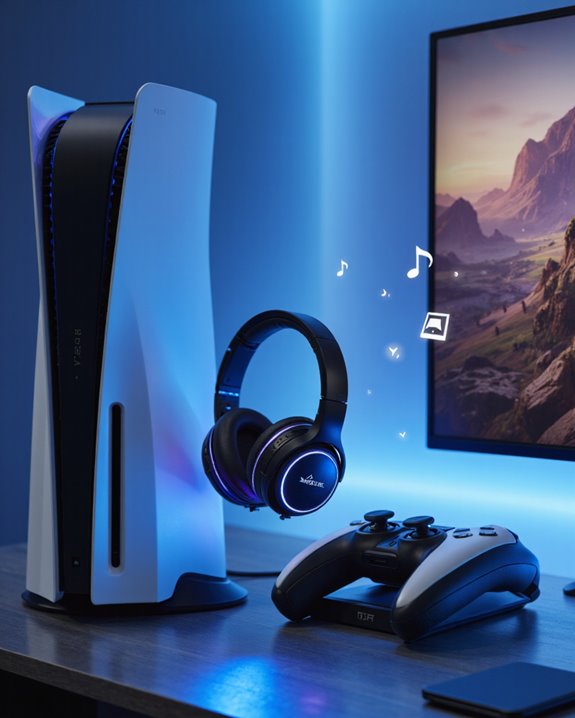
Anticipated advancements in Sony headphone compatibility with the PlayStation 5 ecosystem are set to redefine the user experience, leveraging both proprietary and industry-standard wireless technologies. Future developments are likely to focus on enhanced cross platform functionality, as evidenced by the Pulse Elite and Pulse Explore headsets, which already offer seamless switching among PS5, PlayStation Portal, PC, and Mac via PlayStation Link. Integration of USB-C and advanced wireless dongles is expected to further streamline multi-device connectivity, reducing latency and improving audio fidelity. Emerging features may include expanded Mono Audio support for accessibility, refined control schemes for ergonomic efficiency, and improved microphone arrays for clearer communication. Collaboration with audio specialists and developers suggests continual refinement in 3D audio, immersive sound, and device management through companion software.
Frequently Asked Questions
Can I Use the PS5 Microphone With My Sony Headphones?
Although some may worry about microphone compatibility, users can connect Sony headphones to the PS5 controller’s 3.5mm jack, allowing clear audio quality and microphone use. This wired method guarantees stable communication, overcoming wireless limitations for gamers.
Will Firmware Updates Enable Bluetooth Sony Headphone Compatibility?
The question concerns whether firmware improvements will enable Bluetooth connectivity for Sony headphones on PS5. Currently, no official announcements or evidence suggest future firmware updates will provide native Bluetooth audio support for third-party Sony headphones.
Do Sony Headphones Support PS5 3D Audio Features?
Is immersive sound the new frontier? Regarding headset compatibility, Sony’s PULSE 3D Wireless Headset is specifically designed for the PS5, fully supporting 3D audio features and delivering directional soundscapes for a heightened, enveloping gaming experience.
Are There Latency Differences Between PS5 Headsets and Sony Headphones?
Latency comparison reveals that PS5-specific headsets, such as the PULSE 3D, offer considerably lower latency and superior audio quality compared to regular Sony headphones, especially when using Bluetooth, which introduces higher audio delay and possible performance issues.
Can I Use Two Pairs of Sony Headphones Simultaneously on PS5?
Simultaneous headphone pairing of two Sony headphones on PS5 is not officially supported. Audio performance may be compromised with workarounds, such as splitters, which can degrade quality. Native PS5 functionality only allows audio output to one paired device at once.