As an Amazon Associate, we earn from qualifying purchases. Some links on this site are affiliate links at no extra cost to you. Our recommendations are based on thorough research and editorial judgment.

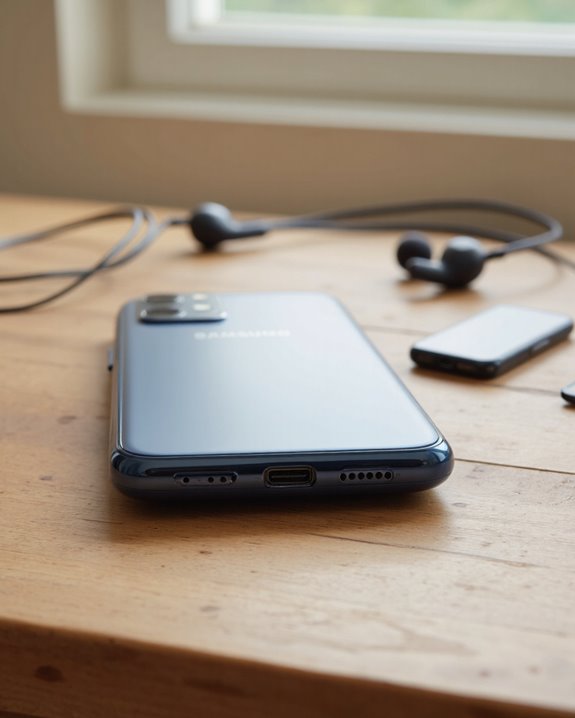
Does the Samsung A54 Have a Headphone Jack?

Short answer: no, the Samsung Galaxy A54 does not have a headphone jack. Samsung ditched the 3.5mm port on this one, just like it did on the flagship S-series, so you’re stuck with either the USB-C port or Bluetooth for getting sound out of the phone. I get why that stings if you’ve still got a favorite pair of wired headphones sitting in a drawer, but there’s a workaround: a cheap USB-C to 3.5mm adapter solves the problem in about five seconds. The stereo speakers are decent too, though don’t expect Dolby Atmos on the wired side. Below, I’ll walk through exactly what your options look like and how they stack up.
Key Takeaways
- No 3.5mm jack here – the Galaxy A54 dropped it, same as Samsung’s recent flagships.
- You’ll get audio out through the USB-C port or over Bluetooth, nothing else.
- A basic USB-C to 3.5mm adapter brings wired headphones back into the picture.
- Dual audio lets you pair two Bluetooth headsets at once, handy for splitting a movie with someone.
- This isn’t an A54-specific snub – it’s just where Samsung’s whole lineup has been heading for a few years now.
Does the Samsung A54 Have a Headphone Jack? Here’s the Real Story
You may be interested



If you’re coming from an older phone, this catches a lot of people off guard: the Galaxy A54 has no 3.5mm headphone jack at all. One USB-C port handles charging and, if you want it to, audio output too. Reactions to this are mixed, and honestly that tracks – I’ve talked to plenty of people who still miss plugging in a pair of wired cans without fuss, while others shrugged and moved to wireless years ago without looking back. What’s interesting is that Samsung hasn’t applied this across the board. The budget Galaxy A14, for instance, still keeps its headphone jack, so the A54 is really following the lead of the Galaxy S23 series rather than the entry-level tier. Part of the reasoning is just physics – losing that port lets Samsung shave the phone down to a slimmer, more compact build. Sound-wise, the stereo speakers hold their own in testing and land in solid mid-range territory. If you’re leaning wireless anyway, earbuds built around Bluetooth 5.2 connectivity tend to pair faster and hold a steadier connection.
Your Audio Options Since There’s No Headphone Jack
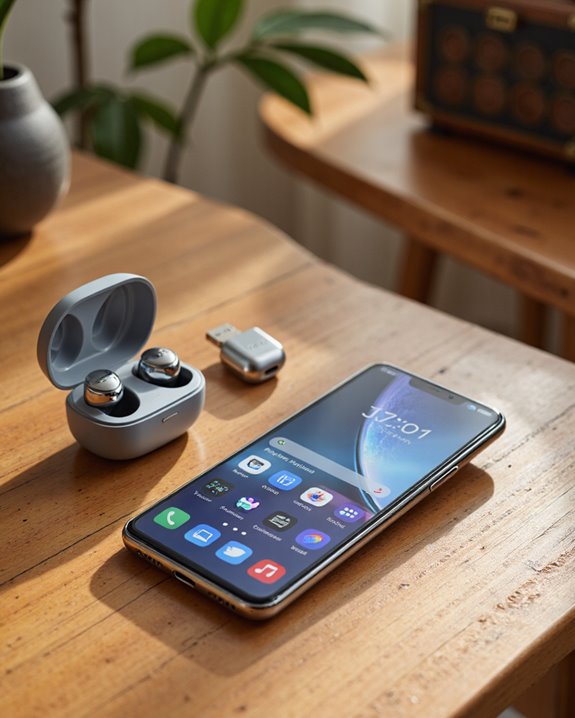
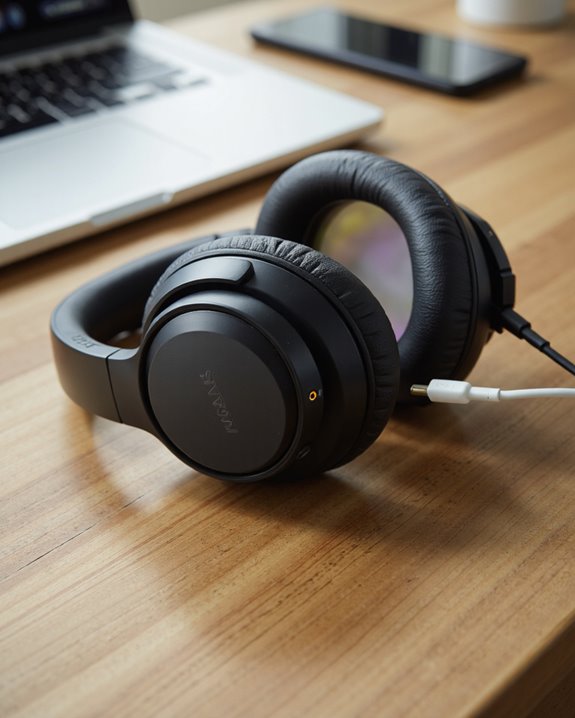
Once you accept that the 3.5mm jack isn’t coming back, the question becomes: what actually works? Bluetooth is the obvious answer and the one Samsung clearly designed around – it plays nicely with just about any headphone or speaker on the market. One feature worth knowing about is dual audio, which lets the A54 push sound to two Bluetooth headsets at the same time. That’s genuinely useful if you and someone else want to watch the same show without waking the house. Pairing itself is painless; dig into the settings menu and you’re connected within seconds for most devices. Still prefer a cable? A USB-C to 3.5mm adapter keeps your old wired headphones in the game, and it even unlocks Dolby Atmos effects and the UHQ upscaler for a noticeable bump in sound quality – you’ll just be juggling one more accessory in your pocket. If you do go wireless, look for headphones with Bluetooth 5.0-5.3 connectivity, since that range plays best with the A54’s hardware.
How Good Is the A54’s Sound Without a Jack?
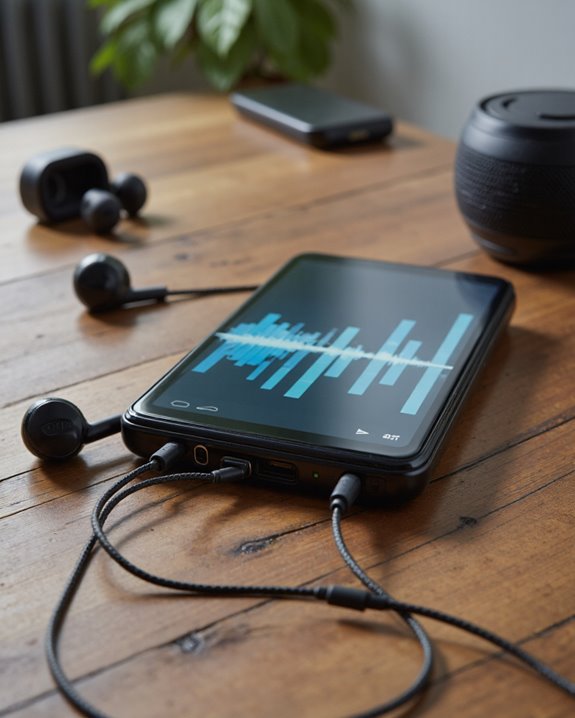
So how does the A54 actually sound once you factor out the missing port? Better than you’d expect for the price.
The dual stereo speaker setup produces sound with real width and balance – good enough for a podcast at breakfast, a match of Genshin Impact, or a Netflix binge before bed. In side-by-side testing against similarly priced phones, the A54’s speakers held their own, staying clear even at higher volumes without turning harsh. Sure, there’s no 3.5mm jack, but between USB-C adapters and wireless headphones you’re not exactly short on ways to plug in. Samsung hasn’t published detailed frequency response numbers, but the consistent feedback is that playback stays clean and consistent across genres. The one gap is Dolby Atmos support over wired connections – audiophiles chasing that last bit of polish might notice it, but for most everyday listening the A54 punches above its price tag.
Why Samsung Keeps Cutting the Headphone Jack
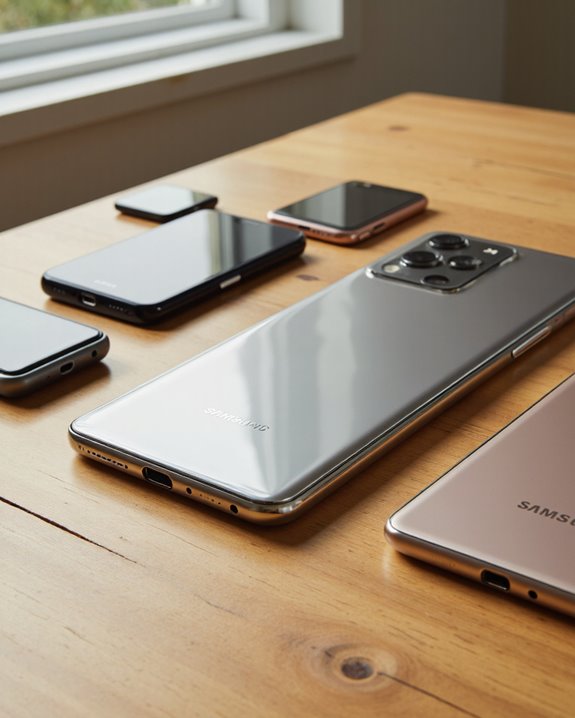
This isn’t a one-off decision – it’s part of a pattern that’s been building since Samsung pulled the jack from the Galaxy S20 back in 2020. From there it crept steadily down the lineup, and now most mid-range and budget phones, the A54 included, follow the same USB-C-only approach for charging, data transfer, and (via adapter) audio. Consumers have largely adjusted: wireless earbuds have gotten cheaper and better, Bluetooth chipsets have matured, and phone speakers themselves have improved enough to make the transition less painful. That said, a stubborn slice of users still wants a cable, which is exactly why USB-C adapters keep selling well years after the jack disappeared. Samsung isn’t an outlier here, either – this mirrors what Apple, Google, and most other manufacturers have already done, which only cements the jack-free design as the new normal rather than a temporary fad.
Living With It Day to Day
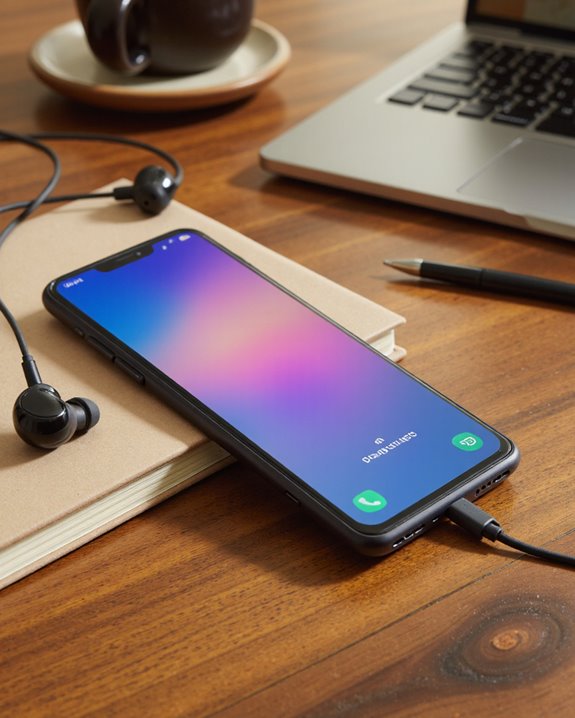
Once you actually own the A54, adjusting to life without a headphone jack comes down to picking the right setup for how you listen. No 3.5mm port means you’re choosing between USB-C audio output or Bluetooth for anything day-to-day. A USB-C to 3.5mm adapter is the simplest fix if you care about squeezing out every bit of fidelity from wired headphones – it’s a small, cheap piece of gear that solves a real problem. Go wireless instead and you get freedom from tangled cables, which matters more than people expect once you’re commuting or working out. The built-in stereo speakers cover casual listening surprisingly well, and battery life is solid enough that extended playback isn’t a worry. When you’re deciding between the two, weigh the adapter’s portability against the cost of decent Bluetooth gear, and make sure whatever you buy actually plays nicely with the A54’s Bluetooth version. Looking for something with better call quality on top of solid audio? Bluetooth earbuds with AI-powered dual microphones are worth a look.
Frequently Asked Questions
Is the Samsung A54 Water Resistant or Waterproof?
Yes, to a point. The A54 carries an official IP67 rating, meaning it can handle brief dips in shallow fresh water without drama. That’s not the same as fully waterproof, though – don’t go swimming with it or leave it submerged for any length of time.
Does the Galaxy A54 Support Expandable Storage via Microsd?
It does. Think of it like a backpack with a spare pocket – pop in a microSD card and you’ve got extra room for photos, videos, and apps, with no real hit to performance or design.
What Color Options Are Available for the Samsung A54?
Samsung offers the A54 in Fantastic Lime, Sensational Graphite, Awesome White, and Sensational Purple. It’s a decent spread for personalizing the phone, though keep in mind availability can shift depending on your region.
How Long Does the Battery Last on the Galaxy A54?
Expect all-day battery life under normal, moderate use – your mileage will vary with screen time and app habits, as always. Fast charging is on board too, so topping back up between uses doesn’t eat much of your day.
Does the Samsung A54 Have a Fingerprint Sensor?
It does, tucked under the display like a quiet gatekeeper for your phone. That in-display fingerprint sensor gives you a fast, convenient way to unlock the device, and you’ve still got PIN and password as backups.