As an Amazon Associate, we earn from qualifying purchases. Some links on this site are affiliate links at no extra cost to you. Our recommendations are based on thorough research and editorial judgment.

Do Tonies Headphones Work With Ipad?

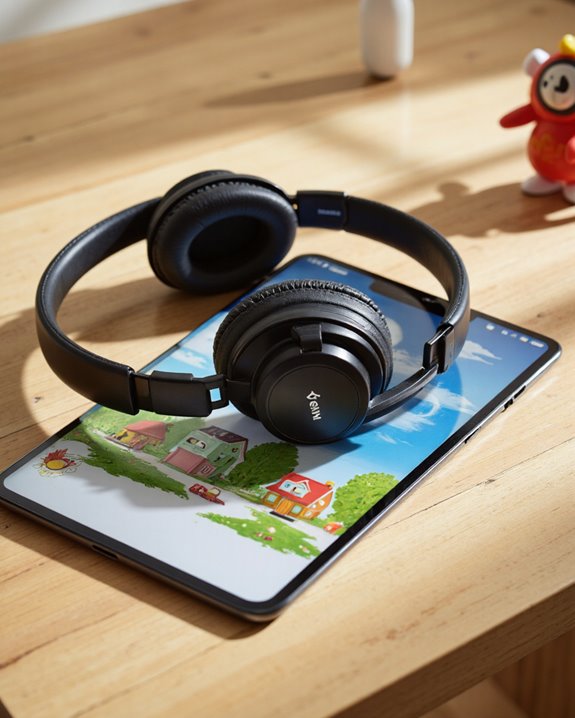
So do Tonies headphones work with iPad? Short answer: yes, but only over a wire. Plug them into an iPad that still has a 3.5mm headphone jack and you’re done. Own one of the newer, jack-less iPads? You’ll need a Lightning-to-3.5mm or USB-C-to-3.5mm adapter first. There’s no Bluetooth chip hiding in here — these are wired-only headphones, capped at an 85 dB volume limit for kids’ ears, and built with an adjustable, lightweight frame that actually stays comfortable through a long car ride or flight. That combination of simple wired compatibility, sensible safety limits, and a design that doesn’t pinch little heads is exactly why I keep recommending Tonies to parents shopping for their kid’s first iPad headphones. Let’s get into the specifics.
Key Takeaways
- Plug straight in on any older iPad with a headphone jack — the 3.5mm connector on Tonies headphones is standard, no fuss.
- Newer, jack-free iPads need a Lightning-to-3.5mm or USB-C-to-3.5mm adapter to make the connection.
- There’s no Bluetooth here at all, so every connection to an iPad runs through a cable.
- An 85 dB volume cap keeps listening levels in a safe range, which matters more than most parents realize.
- The padded, lightweight build holds up comfortably through hours of iPad time without leaving marks on tiny ears.
Which iPad Models Actually Work With Tonies Headphones
You may be interested

The real question isn’t whether Tonies headphones work with an iPad — it’s which iPad you own. These headphones use a plain old 3.5mm plug, so anything with a built-in headphone jack handles them without a second thought. The trouble starts with newer models. Apple dropped the headphone jack years ago on most current iPads in favor of Lightning or USB-C, and that means an adapter becomes non-negotiable — either Lightning-to-3.5mm or USB-C-to-3.5mm, depending on which port your tablet has. Since there’s no Bluetooth fallback here, compatibility really comes down to one thing: does a 3.5mm path exist between the headphones and the iPad, adapter or not? Worth checking your exact model before you buy, so you’re not caught without the right cable on day one.
How to Connect Tonies Headphones to an iPad
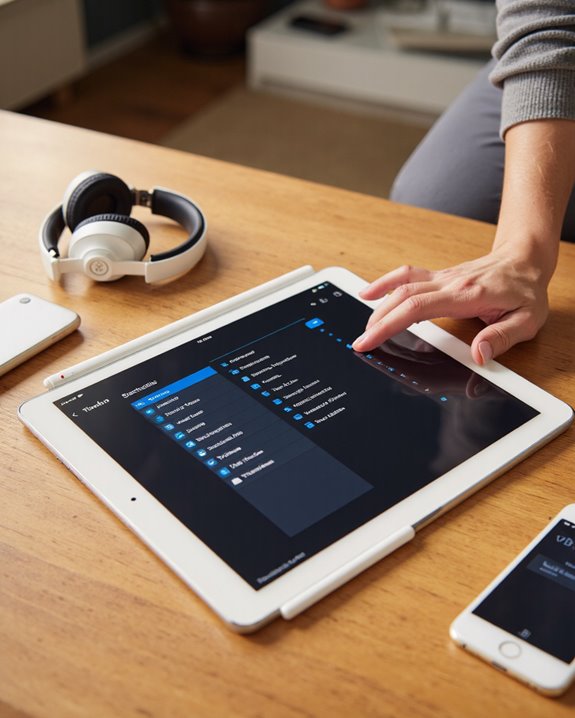
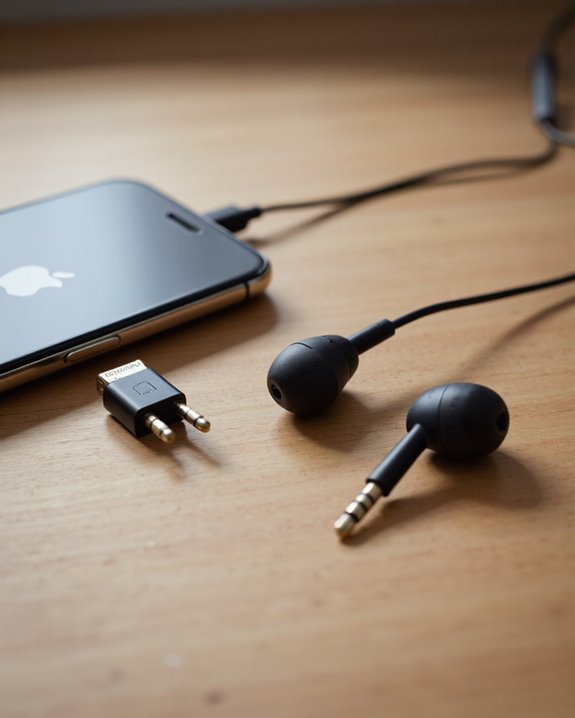
There’s no pairing menu to fumble through here — it’s a wired 3.5mm connection, full stop. Got a headphone jack on your iPad? Plug straight in. Stuck with Lightning or USB-C only? Connect a Lightning-to-3.5mm or USB-C-to-3.5mm adapter to the iPad first, then plug the headphones into that. If sound doesn’t come through, don’t panic — a few quick checks usually solve it: make sure the adapter is pushed all the way in, confirm the iPad’s volume is up and not muted, and if the connection still feels flaky, try a different adapter (they’re not all built the same). It’s about as plug-and-play as wired audio gets, no Bluetooth pairing dance required.
Adapters You’ll Need for Newer iPads
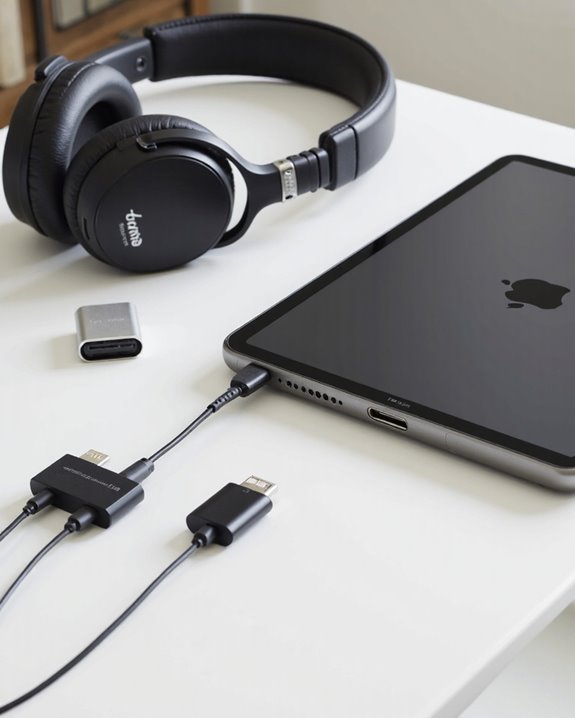
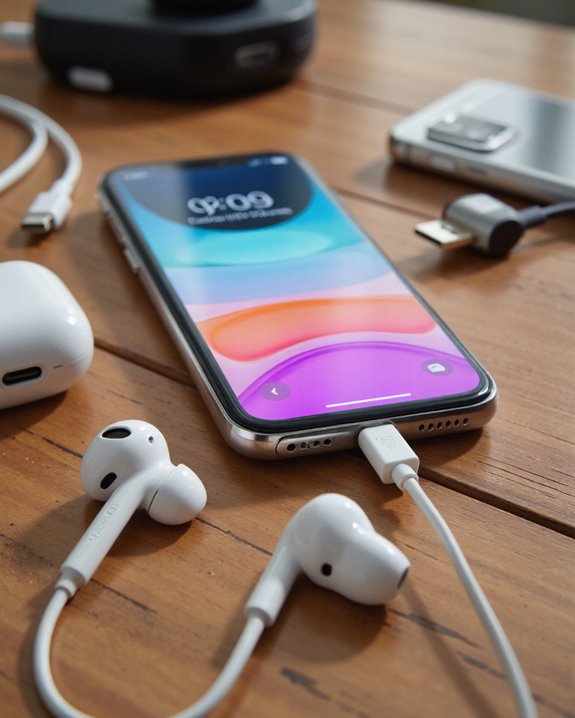
Since Tonies headphones only speak 3.5mm, and Apple keeps moving newer iPads further away from that port, an adapter is often the missing piece. iPads with a Lightning port need a Lightning-to-3.5mm adapter. iPad Air, Pro, and Mini models running USB-C need the USB-C-to-3.5mm version instead — don’t mix these up, they’re not interchangeable. Apple sells its own adapters, and there are plenty of decent third-party ones too, ranging quite a bit in build quality and price. I’d suggest double-checking compatibility before you buy, since some adapters are locked to specific device generations. Get the right one and the connection is instant and reliable every time.
Volume Limiting: The Feature That Actually Matters for Kids
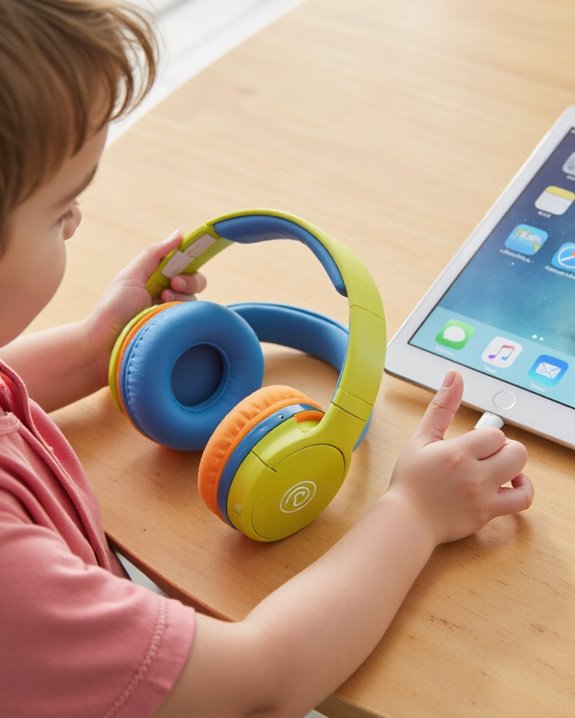
This is the feature I’d point to first if a parent asked me why Tonies headphones are worth considering: a hard 85 decibel cap (give or take 3 dB) built into the hardware itself, not left to a setting a curious kid could bump up. That ceiling lines up with recognized audio safety guidelines for protecting young ears from the kind of prolonged loud exposure that causes real damage over time. It doesn’t matter what device you pair them with — iPad included — the limit holds steady across every Tonies model. And it’s not a mushy, muffled cap either; the headphones still deliver a balanced frequency response (20-20,000 Hz) with 32 Ohm impedance, so sound quality doesn’t get sacrificed just to stay safe. That’s the kind of engineering choice that lets parents relax a little during screen time.
Comfort and Fit for Long iPad Sessions
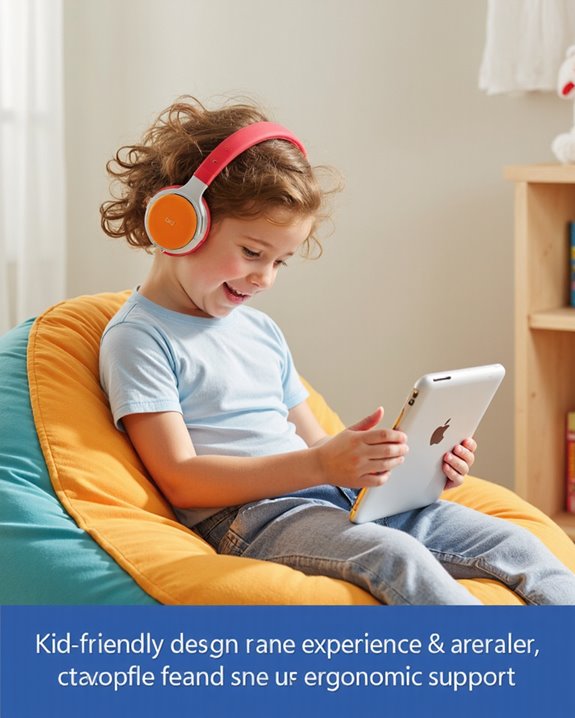
Safe volume levels only solve half the problem — comfort is the other half, and Tonies clearly put real thought into it. The adjustable, cushioned earpads and padded headband hold up through long stretches of use without digging in. At just 120g, they’re light enough that most kids forget they’re wearing them, and the allergen-safe materials and soft finish are a relief for anyone with sensitive skin. Add a foldable design for tossing in a bag, a sturdy build using sustainable fabric and PU leather, and an adjustable 1.2m cord for flexibility, and you’ve got a pair that’s built to survive actual kid use, not just look good in photos. They come in a handful of fun colors too, and the sizing has enough room to grow with a child rather than being outgrown in a year. Comparing them against other options? Our guide to the best kids headphones lines up several more models worth a look.
Traveling With Tonies Headphones and an iPad
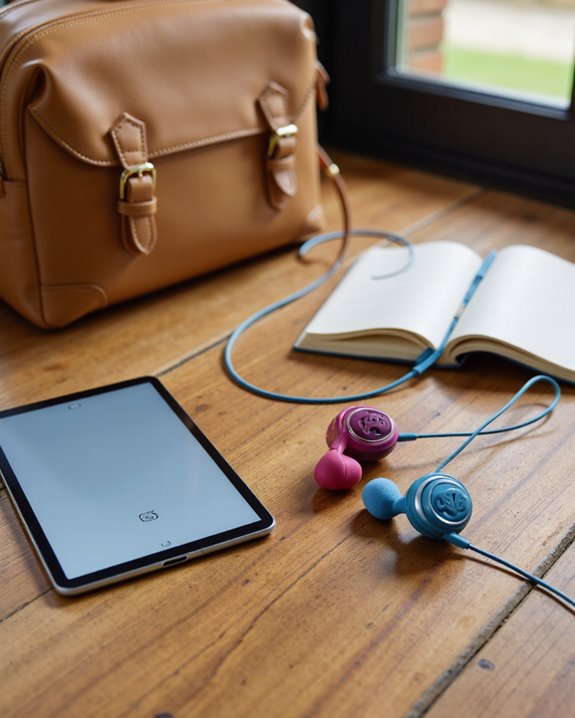
Packing for a trip with these? A little prep goes a long way. Check ahead of time whether your iPad has a 3.5mm jack or whether you need to toss a Lightning-to-3.5mm adapter into the bag — forgetting this one detail can mean a very long flight with a bored kid. The folding, lightweight design (just 4.2 oz) tucks easily into a small pouch or the front pocket of a carry-on, so it’s not taking up real estate you need for snacks and tablets. I’d also recommend detaching and storing the 3.9-foot cord separately so it doesn’t end up in a knot at the bottom of your bag, and giving the allergen-safe ear cushions a quick wipe-down every so often keeps them fresh. The 85 dB volume cap stays active no matter where you are, and the sustainable materials plus adjustable fit hold up well across a full day of travel. One more tip: download shows or audio ahead of time so spotty airport or in-flight Wi-Fi doesn’t ruin the trip. If you’d rather go cable-free for your own listening on the road, take a look at our roundup of the best wireless headphones.
Frequently Asked Questions
Can Tonies Headphones Be Used for Phone Calls on an iPad?
Not really — there’s no built-in microphone on these, so they can’t handle calls on an iPad. Tweaking the iPad’s audio settings won’t change that; these are strictly for listening, not talking.
Are Tonies Headphones Compatible With iPad Educational or Learning Apps?
Yes, and this is actually where they shine. Any app that plays audio through the iPad works fine with Tonies headphones, and the volume-limited output means kids can dig into interactive lessons or multimedia content without you worrying about the sound level creeping too high.
Do Tonies Headphones Work With iPad Cases That Cover the Headphone Port?
Depends entirely on the case. If the case design blocks access to the port, you’ll either need to pull the headphones’ plug free of the case opening, remove the case, or route through an adapter to get a solid connection.
Can Two Children Use Tonies Headphones Simultaneously With One iPad?
They can, with the help of a simple 3.5mm headphone splitter. Both kids hear the exact same audio at the same time, though there’s no way to give each child independent volume control — whatever level is set, both ears get it.
Are Tonies Headphones Washable or Easy to Clean After Use With an iPad?
Treat them gently — the sustainable fabric and PU leather aren’t meant for a washing machine. A soft cloth with a little mild soap and water is really all you need to keep them looking presentable after regular use.