As an Amazon Associate, we earn from qualifying purchases. Some links may be affiliate links at no extra cost to you. Although our opinions are based on curated research, we haven't used these products. Articles generated with AI.

Can You Connect Bluetooth Headphones to a Soundbar?

While most soundbars—including popular models from Samsung and LG—are designed to receive Bluetooth audio from smartphones or TVs, they rarely transmit Bluetooth to headphones. This receive-only limitation is standard, with exceptions limited to a few advanced or niche models. For wireless headphone listening, we typically recommend using a dedicated Bluetooth transmitter connected to your TV’s audio output. This guarantees better compatibility and low-latency performance. For those seeking the most effective solutions, we’ve outlined essential alternatives and troubleshooting tips next.
Key Takeaways
- Most soundbars only receive Bluetooth audio and cannot transmit sound to Bluetooth headphones.
- Direct connection of Bluetooth headphones to a soundbar is rarely supported and usually not possible.
- A Bluetooth transmitter connected to your TV’s audio output can send sound to Bluetooth headphones.
- Some advanced or rare soundbar models offer native Bluetooth output for headphones; check the user manual for compatibility.
- Using workarounds may cause audio lag or lip sync issues between the TV and headphones.
Understanding Bluetooth Capabilities in Soundbars
While many of us assume Bluetooth-equipped soundbars can easily pair with any wireless device, it’s important to recognize that most soundbars are engineered primarily as Bluetooth receivers, not transmitters. This means the majority function as Bluetooth speakers, designed to accept audio signals from a TV, smartphone, or tablet, but not to send audio out to Bluetooth headphones. Manufacturers typically specify this in user manuals, clarifying that Bluetooth functionality is receive-only. Models supporting Bluetooth transmission—enabling headphone connections—are relatively rare and often marketed as premium or specialized units. If our goal is to use Bluetooth headphones with a soundbar, we need to carefully review technical specifications and product details to identify transmit-capable models, as compatibility varies considerably across brands and product lines.
Challenges of Pairing Bluetooth Headphones With Soundbars
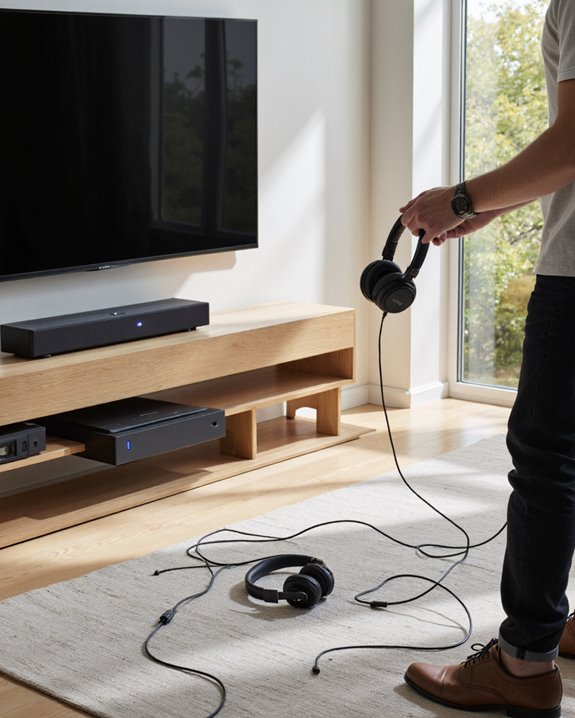
Despite the widespread presence of Bluetooth in modern soundbars, connecting Bluetooth headphones directly to these devices isn’t as straightforward as many expect. Most soundbars function as Bluetooth receivers, not transmitters. This means they’re designed to accept audio from sources like smartphones or tablets, but can’t send audio out to Bluetooth headphones. User manuals usually specify this receive-only limitation, making it clear that headphone pairing isn’t supported. Additionally, models that do support direct headphone connection are quite rare, so finding one to match our needs is challenging. Even when attempting workarounds, such as connecting a Bluetooth transmitter to another device’s headphone output, we often encounter lip sync issues, which degrade audio-visual alignment. Overall, these technical constraints limit the direct use of Bluetooth headphones with soundbars.
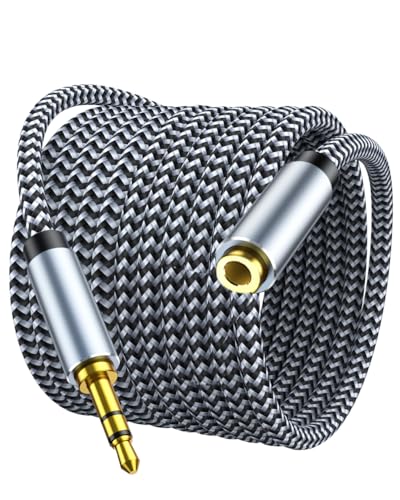
10ft Extra Reach & Freedom: Experience unrestricted movement with this ultra-long headphone extension cable. The 10ft length acts as a perfect headphone jack extender, allowing you to connect headphones to your TV from the couch or reach a PC tower under the desk. No more short cables limiting your comfort

90 degree RCA adapter connects a subwoofer cable, RCA audio cable or RCA component video cable to an A/V receiver, subwoofer, DVD player, soundbar, car stereo, desktop computer or TV
![Nulaxy 2-in-1 Bluetooth Transmitter Receiver with Screen [Shows Battery & Connected Devices] Airplane Adapter Pairs 2 AirPods/Headphones 3.5mm AUX for TV Car Treadmill, Qualcomm Chipset, 20H Playtime](https://m.media-amazon.com/images/I/3144VthqygL._SL500_.jpg)
2-in-1 Transmitter & Receiver Mode: 2-in-1 Bluetooth transmitter and receiver with TX and RX modes allows you to wirelessly stream audio from TVs or airplanes, or receive audio to speakers and car stereos using one single device.
Alternative Methods for Wireless Audio Connection
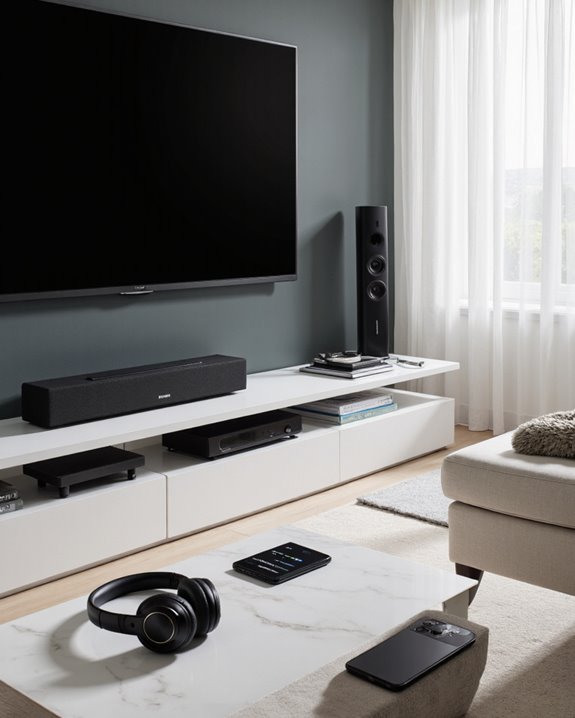
Although direct Bluetooth pairing between most soundbars and headphones isn’t typically possible, we have several reliable alternatives for achieving wireless audio connections. One widely used solution involves a Bluetooth transmitter. By connecting a transmitter to your TV’s optical or analog audio output, we can send sound directly to a Bluetooth headset, bypassing the need for the soundbar to handle transmission duties. Some transmitters support low-latency codecs, reducing audio lag—a critical feature for synchronizing dialogue with visuals. Alternatively, a few advanced soundbars, such as select Bluesound models, offer native Bluetooth output, though these remain rare. For broader compatibility, Bluetooth adapters attached to TV audio outputs present a versatile method to enjoy private listening through any Bluetooth headset, without replacing your existing soundbar or entertainment system. Many Bluetooth headsets now feature dual connectivity via Bluetooth 5.3 and USB dongles, enhancing their wireless range and device compatibility for seamless audio reception.

【𝐏𝐋𝐔𝐆 & 𝐏𝐋𝐀𝐘 - 𝐄𝐋𝐈𝐌𝐈𝐍𝐀𝐓𝐄 𝐒𝐄𝐓𝐔𝐏 𝐇𝐀𝐒𝐒𝐋𝐄】Stop struggling with complex Bluetooth pairing. Simply connect the transmitter dock to your TV's Optical, RCA, or 3.5mm port, power on, and the headphones auto-pair instantly. Perfect for seniors or non-technical users who want a frustration-free private listening experience.

【Portable Multi-Screen Streaming】Wireless HDMI G7R PRO Portable—delivers 165FT/50M long-range transmission for stable performance across various scenarios. Portable easy to carry, ideal for on-the-go mobile users or events, and fits effortlessly into any setup. Wirelessly stream business presentations, videos, and favorite movies to be multi-displayed anytime, anywhere. Suitable for both personal and professional setups. Recommended Up to 6 Screens: 4-RXs (Multiple TVs) + 2 Mobiles(Phone/Pad). Buy Extra RX at Asin: B0DPDBYNCQ.
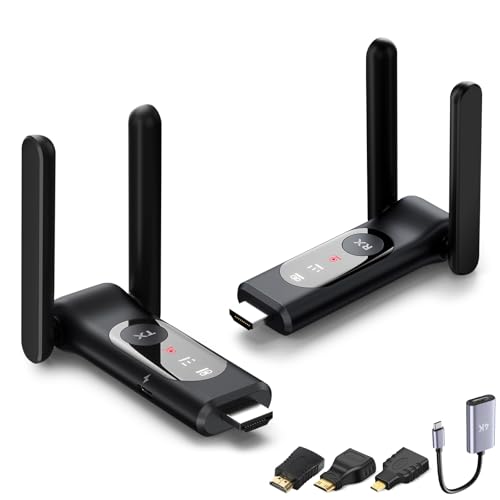
【Smart Thermal Control | Intelligent Heat Dissipation】 Wireless HDMI adapter experience uninterrupted performance with an advanced 5G chip cooling system that effectively dissipates heat and blocks interference from WiFi, Bluetooth, and microwaves. Say goodbye to lag and throttling—enjoy smooth multi-screen streaming, extended gaming, video conferences, and movie nights with rock-solid stability.
Choosing the Right Equipment for Your Setup
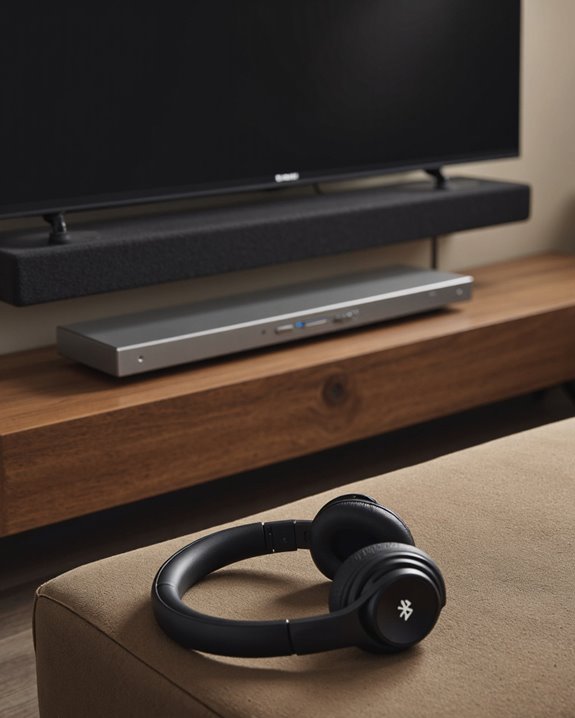
Selecting the ideal equipment for integrating Bluetooth headphones with a soundbar setup requires careful consideration of each device’s capabilities and connection protocols. Since most sound bars operate as Bluetooth receivers—primarily accepting audio from devices like TVs or smartphones—they typically do not support direct pairing with Bluetooth headphones. To determine compatibility, we should prioritize sound bar models that explicitly list Bluetooth output functionality in their specifications. Notable examples, such as the Hitachi AXS460BTU and select Samsung and LG sound bars, require close review of user manuals to verify this feature. For more flexible setups, incorporating a Bluetooth transmitter connected to the sound bar’s output can enable simultaneous streaming to both headphones and the sound bar. Always consult user reviews and technical documentation to confirm connection options and guarantee seamless integration.

Advanced Bluetooth 6.0 Dual-Mode Audio Freedom:In TX mode, use this bluetooth transmitter to connect to any AUX/RCA audio source—from TV as a bluetooth transmitter for TV, to airplane seatback as a bluetooth transmitter for airplane—pairing with headphones for clear, lag-free audio. In RX mode, receives wireless audio from a smartphone, tablet, or computer and plays it through audio systems that lack Bluetooth functionality.Hands-free calling via an integrated microphone.

Enjoy Wireless Audio on PS5 or PC: The UGREEN PS5 Bluetooth adapter is plug and play—no drivers required. Easily connect wireless headphones to PS5 or gaming consoles to enjoy high-quality game audio. This Bluetooth 6.0 adapter also allows PCs and iMac computers to add Bluetooth audio easily, providing a great listening experience.( Note: Supports Bluetooth audio devices only. Not compatible with mice, keyboards or other data devices.)
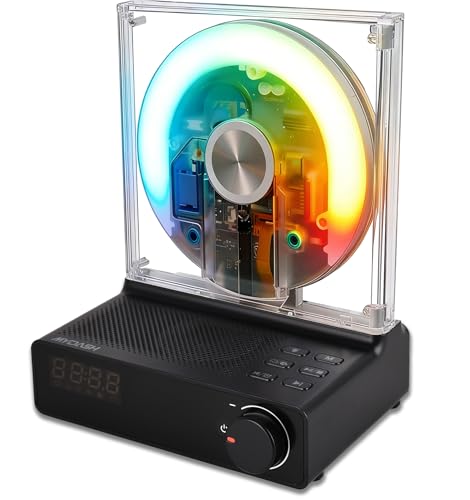
END BATTERY ANXIETY & DISC SKIPPING】 Say goodbye to fragile disc readers and the hassle of AA batteries. Our small CD player features an upgraded laser lens with advanced anti-skip technology for smooth, uninterrupted playback. Powered by a massive 4000mAh rechargeable lithium battery, it delivers 8 to 10 hours of playtime (at 70% volume) on a single 5-hour charge, making it the perfect audio companion for your living room, bedroom, or travels.
Troubleshooting Common Connectivity Issues
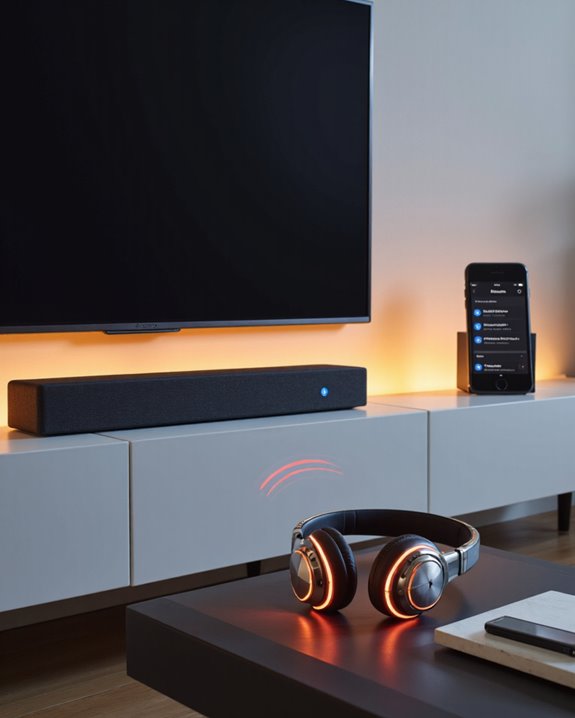
When trying to connect Bluetooth headphones to a soundbar, we often encounter connectivity challenges due to most soundbars acting as Bluetooth receivers, not transmitters. If you’re aiming for audio from both your soundbar and headphones, consider using an optical output splitter paired with a Bluetooth transmitter. This setup enables simultaneous audio delivery without sacrificing sound quality. Lip sync issues may arise when connecting transmitters to the TV’s headphone socket; adjusting audio delay settings or switching to an optical output can help. Additionally, disabling CEC (Consumer Electronics Control) on your TV prevents unwanted audio switching between devices, ensuring a stable connection. Regularly updating your TV and soundbar firmware can also resolve compatibility issues and improve Bluetooth connectivity, reducing common troubleshooting headaches.
Frequently Asked Questions
How Do I Pair My Bluetooth Headphones to My Soundbar?
Pairing Bluetooth headphones to a soundbar is like finding the right puzzle pieces—let’s do a Compatibility Check first. We’ll check your manual or settings, since most soundbars only receive, not transmit. An adapter may help.
Can You Plug Headphones Into a Sound Bar?
When considering headphone compatibility, we’ll find that most sound bars don’t support plugging headphones directly in, either via Bluetooth or a wired connection. Let’s check your sound bar’s manual, since features and ports can vary between models.
Can I Connect My Bluetooth Headphones to My Samsung Soundbar?
Did you know over 70% of wireless headphone users prioritize audio quality? While we can’t connect Bluetooth headphones directly to most Samsung soundbars, using an external Bluetooth transmitter guarantees we enjoy great audio quality for private listening.
Can You Connect a Soundbar With Bluetooth?
When we’re considering Bluetooth compatibility, it’s important to check if the soundbar supports connecting to other devices via Bluetooth. Most models let us pair with TVs or phones, but always confirm specs to verify seamless wireless audio connections.